 PixQR
PixQR
Overview
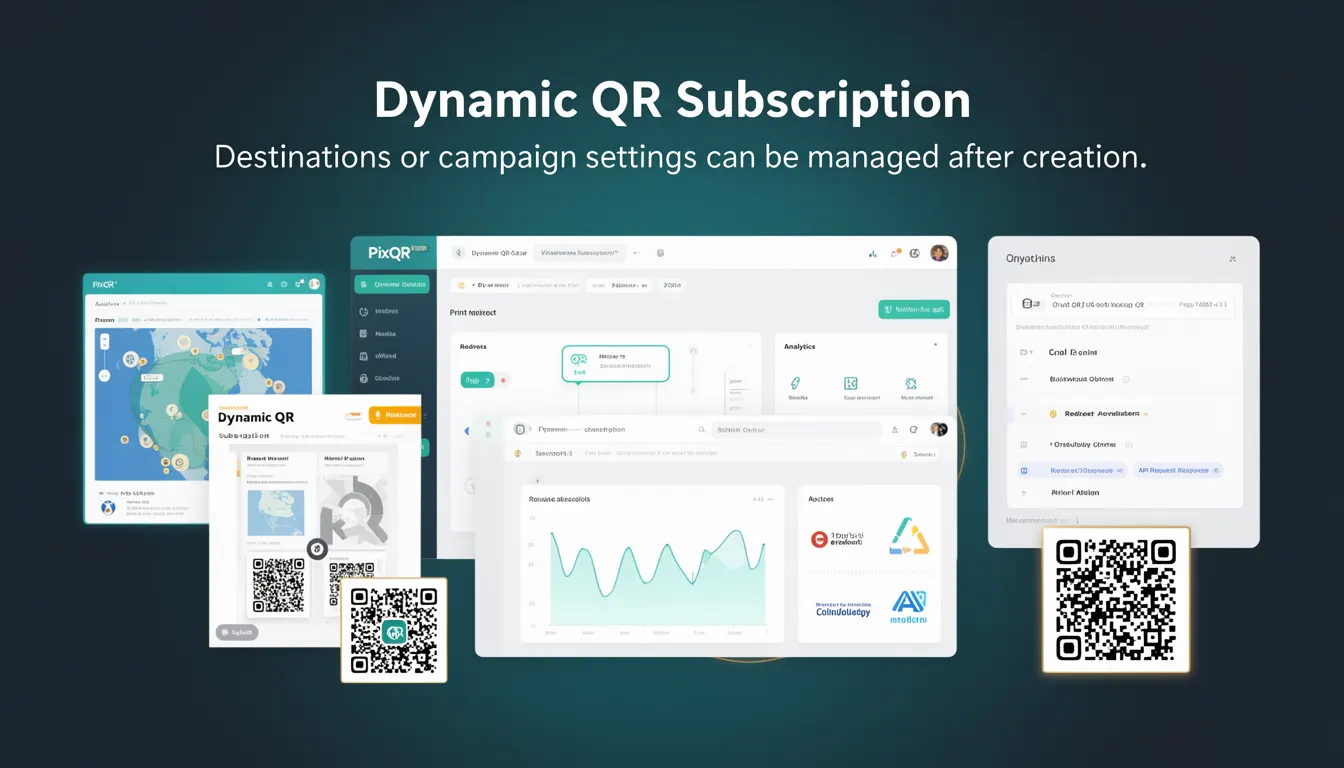
A Dynamic QR Subscription is a feature within PixQR that allows developers and marketers to manage the destination URL or campaign settings of a QR code after the code has been generated and deployed. Unlike static QR codes, which permanently encode a fixed URL, dynamic QR codes provide flexibility to update content, redirect paths, or campaign parameters without re-printing or re-generating the physical QR code.
This capability is especially useful in marketing campaigns, event management, and dynamic content delivery systems where the target URL might change based on time, user behavior, or campaign performance. It allows teams to maintain control over their QR code assets post-deployment, enabling real-time adjustments to redirects, analytics tracking, or content delivery.
Why It Matters
Dynamic QR Subscriptions are essential for modern digital marketing and operational workflows where agility is required. For instance, a campaign might need to redirect users to different landing pages based on geographic location, device type, or campaign stage. With a static QR code, such changes would require a new physical print or digital asset generation, which is inefficient and costly.
From a developer perspective, this feature reduces the operational overhead of managing QR code assets and supports scalable deployment of QR-based systems. It also enhances privacy and compliance by allowing temporary or conditional redirects, which can be useful for tracking or data minimization strategies.
For site operators, it improves user experience by enabling dynamic, context-aware redirects without requiring users to scan a new QR code. This is particularly important in environments where QR codes are printed on physical materials or used in public spaces, where updating the code manually is impractical.
How It Works
The Dynamic QR Subscription mechanism in PixQR is built on a backend system that stores QR code metadata, including the original URL, campaign settings, and redirect logic. Each dynamic QR code is associated with a unique identifier that allows the system to fetch updated settings at scan time.
- The QR code itself encodes a reference to a PixQR endpoint, not a direct URL, enabling dynamic resolution.
- Users can update destination URLs, tracking parameters, or campaign metadata through the PixQR dashboard or API.
- Each subscription can define multiple redirect rules, such as fallbacks, geo-based routing, or device-specific paths.
- Scan analytics are collected per subscription, enabling real-time performance tracking and A/B testing.
- Changes to a subscription take effect immediately for all scans, ensuring no delay in redirect updates.
Behind the scenes, PixQR uses a secure API endpoint to resolve the current destination URL for each scan. The system maintains logs of all changes and can audit or revert settings if needed. The subscription model also allows for granular access control, enabling different teams to manage specific QR codes or groups of codes.
Quick Reference
| Item | Purpose | Notes |
|---|---|---|
| Subscription ID | Uniquely identifies a QR code subscription | Used in API calls and dashboard access |
| Destination URL | Current redirect target for the QR code | Can be updated post-creation |
| Redirect Rules | Conditions that determine the redirect path | Supports geo, device, and time-based rules |
| Scan Analytics | Tracks usage and performance metrics | Provides real-time insights into campaign success |
| API Access | Enables programmatic updates and management | Requires valid authentication token |
Basic Example
PixQR Example QR
This QR links directly to this glossary page, so printed notes, onboarding docs, and support material can bring scanners back to the current reference.
/glossary/qr-code-dynamic/dynamic-qr-codes-dynamic-qr-subscription

The following example demonstrates how a developer might configure a basic dynamic QR subscription using the PixQR API:
curl -X POST https://api.pixqr.com/v1/subscriptions \
  -H "Authorization: Bearer <API_TOKEN>" \
  -H "Content-Type: application/json" \
  -d '{"destination": "https://example.com/campaign-1", "name": "Campaign A"}'
This command creates a new subscription with a destination URL and a name. The subscription ID returned by the API can be used to update the destination or retrieve analytics.
Production Example
In a production environment, a developer might use a more robust configuration to manage dynamic QR subscriptions with validation and error handling:
const createSubscription = async (destinationUrl, campaignName) => {
  const response = await fetch('https://api.pixqr.com/v1/subscriptions', {
    method: 'POST',
    headers: {
      'Authorization': 'Bearer ' + process.env.PIXQR_API_TOKEN,
      'Content-Type': 'application/json'
    },
    body: JSON.stringify({
      destination: destinationUrl,
      name: campaignName,
      redirect_rules: {
        fallback: 'https://example.com/default'
      }
    })
  });
  if (!response.ok) {
    throw new Error('Failed to create subscription');
  }
  return await response.json();
};
This version includes API token handling, request validation, and error management, making it suitable for production use in a larger system. It also includes redirect rules to ensure that scans always land on a valid page, even if the primary destination is temporarily unavailable.
Common Mistakes
- Not validating destination URLs before setting them, leading to broken redirects or phishing risks.
- Using hardcoded API tokens in client-side code, exposing credentials to attackers.
- Ignoring analytics or performance metrics, resulting in missed optimization opportunities.
- Not implementing fallback redirects, causing users to see error pages during outages.
- Overlooking access control or permissions, allowing unauthorized users to modify subscriptions.
Security And Production Notes
- All API calls must be authenticated using a valid token to prevent unauthorized access to subscriptions.
- Destination URLs should be validated against a whitelist or sanitized to prevent malicious redirects.
- Subscription metadata should be encrypted in transit and at rest to protect sensitive campaign data.
- Access logs should be maintained for audit purposes to track who made changes and when.
- Implement rate limiting to prevent abuse or denial-of-service attacks on the subscription API.
Related Concepts
Dynamic QR Subscriptions are closely related to several other QR code and marketing technologies:
- Static QR Codes are fixed and cannot be updated post-creation, making them less flexible for changing campaigns.
- QR Code Analytics provide insights into how users interact with QR codes, which is critical for campaign optimization.
- Dynamic Redirects are the core mechanism that allows URLs to be updated without changing the QR code itself.
- Link Management Systems are broader frameworks that manage multiple redirects, often including dynamic QR functionality.
- API Access Control ensures that only authorized users or systems can modify subscription settings, maintaining system integrity.