 PixQR
PixQR
Overview
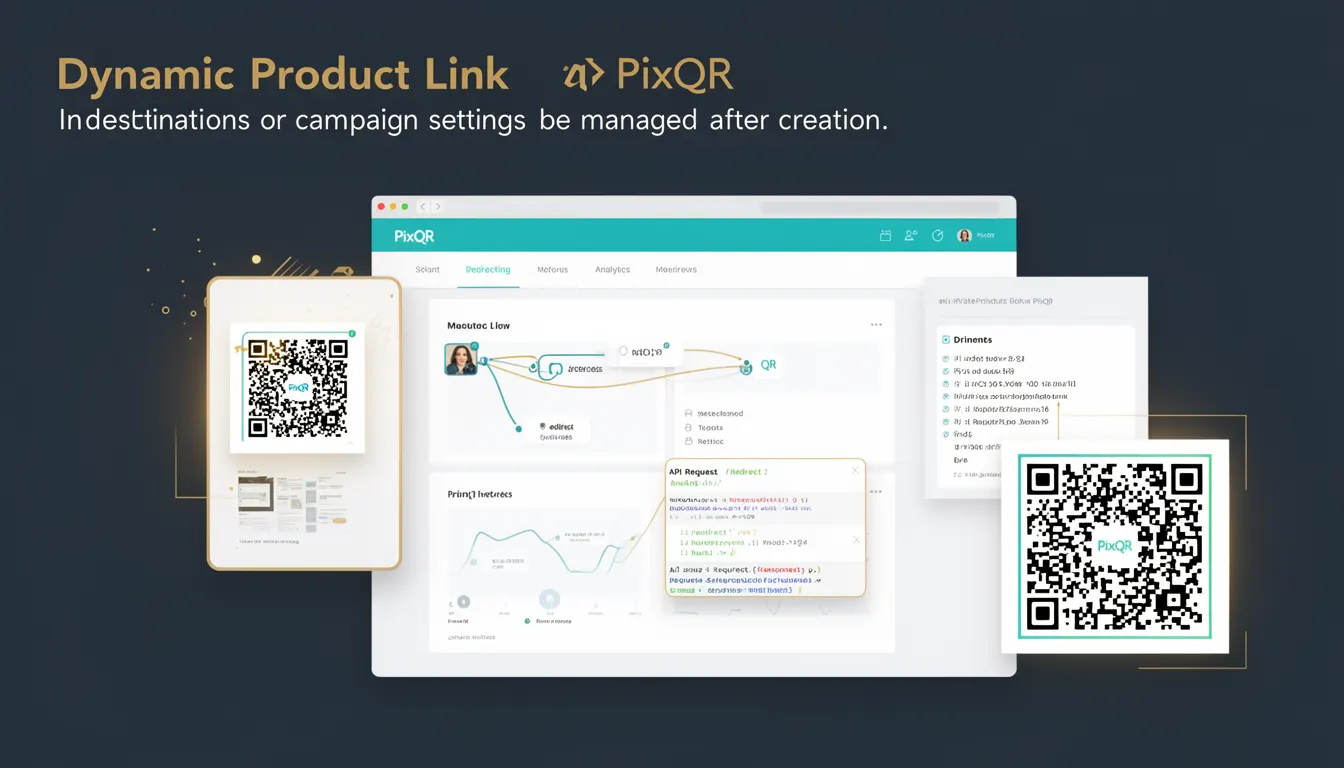
A Dynamic Product Link in the context of PixQR is a QR code destination that allows for post-creation modification of its target URL or associated campaign settings. Unlike static QR codes, which are fixed at creation, Dynamic Product Links provide flexibility to redirect users to different endpoints, update campaign parameters, or adjust analytics tracking without requiring a new QR code to be generated.
This capability is essential for marketers, developers, and product teams managing campaigns across multiple channels or platforms. For instance, a company may create a QR code for a promotional event but later decide to redirect to a different landing page or update the analytics parameters based on early campaign performance. Dynamic Product Links support these adjustments seamlessly.
Why It Matters
Dynamic Product Links address real-world operational needs in campaign management, where flexibility and responsiveness are critical. In production environments, campaigns often evolve rapidly based on user feedback, performance data, or strategic pivots. Without dynamic links, teams would need to regenerate and redeploy QR codes, which introduces delays and potential errors.
From a security standpoint, dynamic links allow for centralized control over redirects, reducing the risk of unauthorized or accidental changes to campaign destinations. In PixQR, these links are managed through secure APIs and access controls, ensuring that only authorized users can modify settings.
For developers, Dynamic Product Links simplify maintenance and reduce operational overhead. They enable automated workflows where campaign settings can be updated programmatically, improving scalability and reducing manual effort. Additionally, dynamic links support advanced analytics by allowing real-time adjustments to tracking parameters, such as UTM tags or custom event data.
How It Works
The core mechanism behind Dynamic Product Links involves a two-tiered system: a QR code that points to a PixQR-managed endpoint, and a backend service that resolves the actual destination URL or campaign settings at the time of a scan.
- The QR code itself contains a unique identifier (ID) that maps to a record in PixQR's database.
- When a user scans the QR code, the PixQR service resolves the ID to retrieve the current destination URL or campaign configuration.
- Updates to the destination or settings are made through the PixQR dashboard or API, and take effect immediately for all future scans.
- Each Dynamic Product Link supports a range of attributes including custom URL parameters, tracking tags, and expiration settings.
- Analytics and reporting are tied to the dynamic link, enabling real-time updates on scan behavior, click-through rates, and user engagement.
Quick Reference
| Item | Purpose | Notes |
|---|---|---|
| Link ID | Identifies the dynamic link in the PixQR system | Immutable after creation |
| Target URL | Destination to which the QR code redirects | Updated dynamically without new QR code generation |
| Campaign Parameters | UTM tags, tracking IDs, or custom metadata | Configurable via dashboard or API |
| Expiration Date | Optional date after which the link becomes inactive | Can be set or modified post-creation |
| Analytics Settings | Tracking and reporting options | Updated in real time with no scan delay |
Basic Example
PixQR Example QR
This QR links directly to this glossary page, so printed notes, onboarding docs, and support material can bring scanners back to the current reference.
/glossary/qr-code-dynamic/dynamic-qr-codes-dynamic-product-link

This basic example demonstrates how to create a Dynamic Product Link using the PixQR API. It illustrates the structure of the request and the expected response.
{
  "name": "Promo Campaign 2025",
  "target_url": "https://example.com/promo",
  "campaign_parameters": {
    "utm_source": "qr",
    "utm_medium": "print"
  }
}
The target_url field specifies the initial destination. The campaign_parameters object allows for custom tracking tags. The response from the API includes a unique link_id that identifies this Dynamic Product Link.
Production Example
This example shows a production-ready implementation for updating a Dynamic Product Link. It includes validation, error handling, and secure configuration to ensure robustness and maintainability.
const updateLink = async (linkId, updates) => {
  const response = await fetch(`https://api.pixqr.com/v1/links/${linkId}`, {
    method: 'PUT',
    headers: {
      'Authorization': 'Bearer ' + process.env.PIXQR_API_TOKEN,
      'Content-Type': 'application/json'
    },
    body: JSON.stringify(updates)
  });

  if (!response.ok) {
    throw new Error('Failed to update link');
  }

  return await response.json();
};

updateLink('abc123', {
  target_url: 'https://example.com/new-landing',
  expiration_date: '2025-12-31'
});
This version includes API token handling, structured error management, and ensures updates are applied securely. It supports both URL changes and metadata updates, making it suitable for real-world campaign management.
Common Mistakes
- Modifying a Dynamic Product Link without validating the new URL, leading to broken redirects or unintended behavior.
- Using hardcoded API tokens or credentials in client-side code, which can expose the system to unauthorized access.
- Not implementing error handling for API requests, causing silent failures in campaign updates.
- Updating campaign parameters without considering UTM tag consistency, which affects analytics accuracy.
- Ignoring expiration date settings, resulting in outdated links that may redirect to irrelevant or expired content.
Security And Production Notes
- Ensure all API requests to update Dynamic Product Links are authenticated using secure tokens and not exposed in client-side code.
- Validate all URL inputs to prevent open redirects or malicious link injection attacks.
- Implement logging for all link updates to track changes and detect unauthorized modifications.
- Use HTTPS for all API endpoints to prevent man-in-the-middle attacks and data interception.
- Limit access to Dynamic Product Link management to authorized personnel only, using role-based permissions.
Related Concepts
Dynamic Product Links are closely related to several core concepts in QR code management and campaign tracking:
Static QR Code – A fixed QR code with an unchangeable destination. Dynamic Product Links provide the flexibility to modify destinations post-creation.
Redirect Management – The process of directing users from a QR code to a specific URL. Dynamic links streamline this by allowing changes without regenerating the QR code.
Analytics and Tracking – Dynamic links support real-time updates to tracking parameters, enabling more accurate and responsive campaign analytics.
API Access Control – Secure access to Dynamic Product Link management is essential for preventing unauthorized changes or data breaches.
Link Expiration – Dynamic links can be configured with expiration dates, allowing for time-bound campaigns and reducing the risk of stale links.