 PixQR
PixQR
Overview
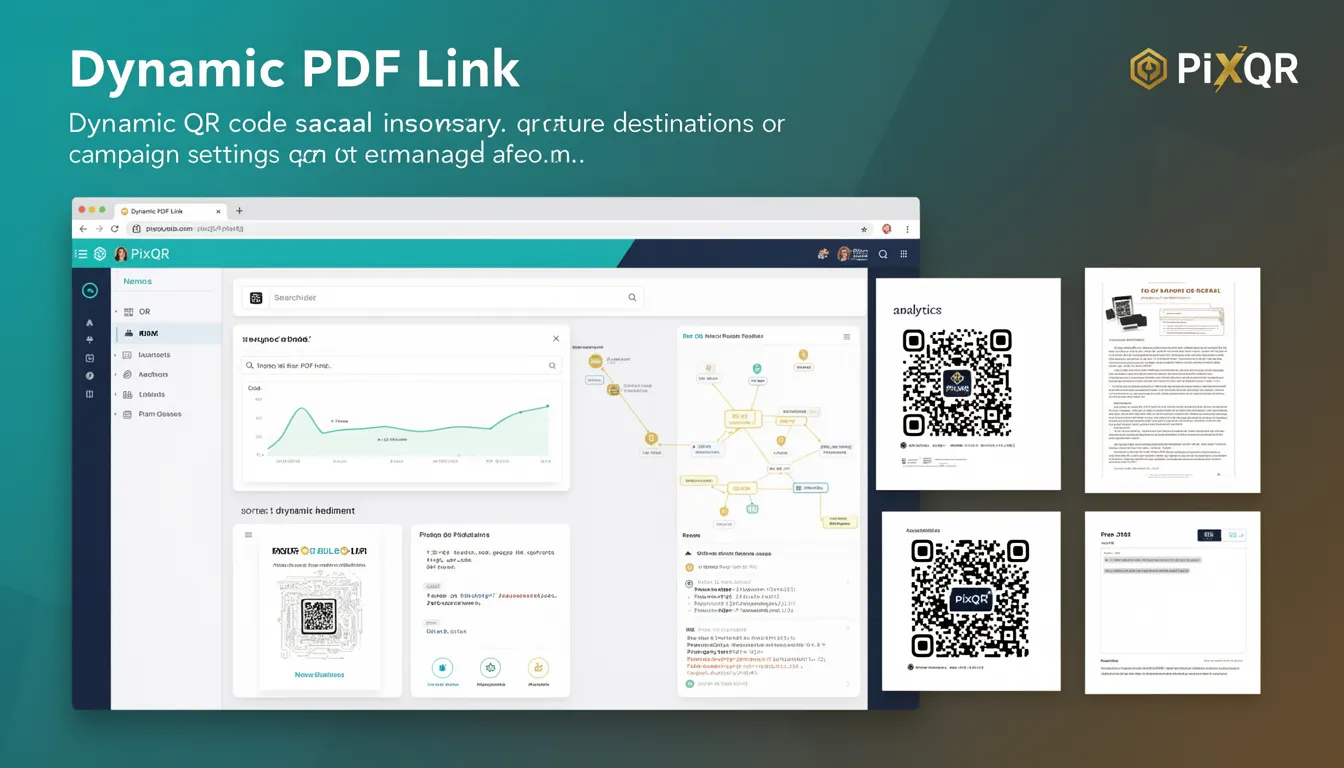
A Dynamic PDF Link in the context of PixQR refers to a QR code configuration where the destination URL or campaign settings can be modified post-creation. This capability enables users to update or redirect a QR code's target without needing to regenerate or re-print the physical code.
Such functionality is particularly useful in marketing, event management, and content distribution where campaign URLs may change frequently or where analytics data needs to be updated in real time. The dynamic nature of these links allows for centralized management of QR code destinations, improving operational flexibility and reducing maintenance overhead.
Why It Matters
Dynamic PDF Links are crucial for developers and operations teams managing high-volume QR code deployments. They allow for real-time campaign adjustments, such as redirecting to updated landing pages, updating promotional content, or changing analytics tracking parameters.
From a security standpoint, this feature enables administrators to revoke or update access to content without replacing QR codes, which is vital in scenarios involving sensitive or time-sensitive materials. For user experience, dynamic links ensure that scans always lead to the most current content, avoiding outdated or broken URLs.
In terms of performance, dynamic links reduce the need for physical QR code regeneration and re-printing, which can be costly and logistically complex in large-scale deployments. This also supports compliance with accessibility standards by ensuring consistent and reliable scan outcomes.
How It Works
When a Dynamic PDF Link is created in PixQR, the system generates a QR code that points to an intermediary tracking or routing endpoint. This endpoint is configured to redirect users to a destination URL that can be modified at any time.
- The initial QR code is generated with a static identifier or token that maps to a backend database entry.
- Updates to the destination URL or campaign parameters are handled through the PixQR dashboard or API.
- Each scan triggers a lookup in the system to retrieve the current destination, ensuring the most up-to-date link is used.
- Tracking and analytics data are collected at the intermediate endpoint, providing insights into scan behavior and campaign performance.
- The system supports fallback mechanisms to prevent broken links if a destination is temporarily unavailable.
Dynamic PDF Links are typically managed through an API or web interface, where users can update the destination URL, set time-based redirects, or apply conditional logic for different scan contexts. The system ensures that these updates are propagated immediately to all scans, maintaining consistency across deployments.
Quick Reference
| Item | Purpose | Notes |
|---|---|---|
| Destination URL | Points to the current PDF or content | Can be updated post-creation |
| Tracking Endpoint | Routes scans to updated destinations | Used for analytics and redirects |
| Token Identifier | Maps QR code to backend configuration | Static for QR code lifetime |
| Redirect Logic | Applies conditional rules to destinations | Supports time-based or user-specific logic |
| Fallback URL | Ensures scan reliability | Prevents broken link errors |
Basic Example
PixQR Example QR
This QR links directly to this glossary page, so printed notes, onboarding docs, and support material can bring scanners back to the current reference.

The following example shows a basic PixQR API call to create a dynamic PDF link with an initial destination URL.
{
  "qr_code": {
    "type": "dynamic",
    "target_url": "https://example.com/initial.pdf",
    "campaign": "summer_promo"
  }
}
This JSON payload defines a dynamic QR code pointing to an initial PDF. The type field specifies that the link is dynamic, allowing for future updates. The target_url is the initial destination, and the campaign field helps organize and track the QR code under a specific marketing effort.
Production Example
In a production environment, a dynamic PDF link might be configured with additional security and tracking parameters.
{
  "qr_code": {
    "type": "dynamic",
    "target_url": "https://secure.example.com/campaigns/summer_promo.pdf",
    "campaign": "summer_promo",
    "redirect_rules": {
      "fallback_url": "https://example.com/error_page.html",
      "time_based": {
        "start": "2025-06-01T00:00:00Z",
        "end": "2025-08-31T23:59:59Z"
      }
    },
    "analytics": {
      "track_scans": true,
      "track_location": false
    }
  }
}
This example includes a fallback URL to handle scan errors, time-based redirect rules to ensure the link is only active during a specified period, and analytics settings to track scans without collecting location data. This configuration ensures robustness and compliance with operational and privacy requirements.
Common Mistakes
- Not validating the destination URL before setting it, leading to broken links or failed redirects.
- Using dynamic links in environments where scan reliability is critical, without implementing fallbacks or monitoring.
- Updating the destination URL without testing the new target, which may cause user confusion or loss of content.
- Overlooking analytics settings, which can result in data loss or unintended tracking behavior.
- Not securing the API endpoints used to update dynamic QR code configurations, exposing them to unauthorized changes.
- Ignoring the lifecycle of time-based redirects, which can lead to expired links becoming inaccessible.
Security And Production Notes
- Always validate destination URLs to prevent phishing or malicious content redirection.
- Implement access controls for API endpoints that manage dynamic QR code configurations.
- Use HTTPS for all destination URLs to ensure secure transmission and prevent man-in-the-middle attacks.
- Regularly audit QR code configurations to detect unauthorized or outdated changes.
- Ensure that fallback URLs are also secure and appropriate for the intended audience.
- Monitor scan data to identify unusual traffic patterns or potential misuse of dynamic links.
Related Concepts
Dynamic PDF Links are closely related to several other QR code and link management concepts:
- Static QR Codes are fixed and cannot be updated post-creation, contrasting with dynamic links.
- Redirect Management is the broader category that includes dynamic links, allowing for flexible routing of user traffic.
- Scan Analytics provides insights into how dynamic links are used, enabling optimization of campaigns.
- Link Shortening is a related concept where URLs are shortened for ease of use, though it does not inherently support updates.
- QR Code Campaigns often rely on dynamic links to support real-time updates and performance tracking.