 PixQR
PixQR
Overview
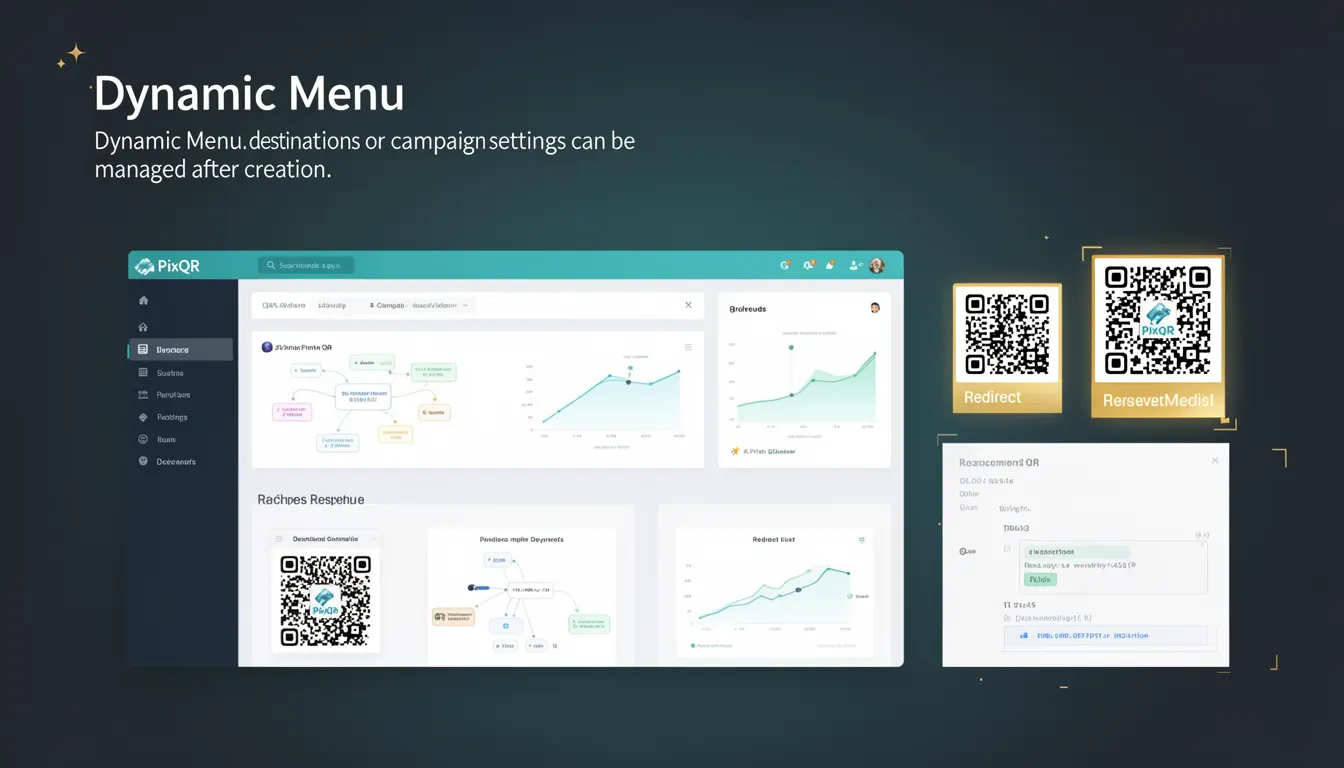
A Dynamic Menu in the context of PixQR refers to a QR code configuration where the destination or campaign settings can be updated post-creation. This capability allows developers and marketers to modify content, redirects, or analytics parameters without re-generating the QR code itself. It is a key feature for managing dynamic content, A/B testing, or updating links in real time.
This functionality is particularly useful in scenarios where the target URL or content may change frequently, such as during promotional campaigns, event updates, or marketing experiments. The ability to adjust the QR code's behavior after deployment enhances flexibility and reduces operational overhead.
Why It Matters
Dynamic Menus provide developers with a powerful mechanism to maintain control over QR code behavior without requiring physical reprints or re-deployments. This is especially important in environments where frequent updates are necessary, such as in marketing, retail, or event management. For example, a QR code for a product promotion can be updated to point to a new landing page without changing the physical code.
From a security perspective, dynamic menus help mitigate risks associated with outdated links or content. They also support better analytics by allowing real-time adjustments to tracking parameters. In terms of accessibility and user experience, dynamic QR codes ensure users always access the most current content, reducing confusion or outdated information.
How It Works
The Dynamic Menu mechanism in PixQR operates by storing metadata or configuration settings on a central server, which the QR code points to. When a user scans the QR code, the system fetches the latest settings from the server and redirects or renders content accordingly. This approach decouples the QR code's physical representation from its runtime behavior.
- Each dynamic menu is associated with a unique identifier or token that allows the system to retrieve its configuration.
- Settings can include URL destinations, campaign parameters, analytics tags, or custom metadata.
- Updates to the menu are propagated immediately to all scans, ensuring real-time consistency.
- Access controls and permissions are applied to restrict who can modify the menu configuration.
- Dynamic menus support versioning, allowing developers to roll back to previous configurations if needed.
Quick Reference
| Item | Purpose | Notes |
|---|---|---|
| Menu ID | Identifies the dynamic configuration | Required for server lookups |
| Destination URL | Target location after scan | Can be updated without regenerating QR code |
| Analytics Tags | Tracking parameters | Updated in real time |
| Access Permissions | Controls who can edit | Role-based access supported |
| Version History | Tracks changes to configuration | Rollback capability available |
Basic Example
PixQR Example QR
This QR links directly to this glossary page, so printed notes, onboarding docs, and support material can bring scanners back to the current reference.

This basic example demonstrates how a dynamic menu can be initialized with a default URL and updated later.
{
  "menu_id": "d123456789",
  "destination": "https://example.com/default",
  "analytics": {
    "campaign": "summer_sale"
  }
}
The menu_id uniquely identifies the configuration. The destination field specifies the initial URL. The analytics object can be modified to track different campaigns or parameters.
Production Example
This production-ready example includes validation, access control, and version tracking for a dynamic menu.
{
  "menu_id": "d987654321",
  "destination": "https://example.com/updated-content",
  "analytics": {
    "campaign": "new_product_launch",
    "source": "email_campaign"
  },
  "permissions": {
    "read": ["admin", "marketing"],
    "write": ["admin"]
  },
  "version": "2.1",
  "last_updated": "2024-04-01T10:00:00Z"
}
This version includes permissions to control access, a version number for tracking changes, and a timestamp to log updates. It ensures secure and maintainable management of the dynamic menu.
Common Mistakes
- Not validating updates to the menu configuration, leading to broken links or unexpected redirects.
- Using weak access controls, which can allow unauthorized modifications to critical QR code settings.
- Ignoring version history, making it difficult to roll back to a previous configuration if needed.
- Hardcoding menu identifiers in client-side code, which exposes them to potential misuse.
- Not updating analytics tags in real time, resulting in inaccurate or outdated tracking data.
Security And Production Notes
- Always validate and sanitize menu configuration updates to prevent injection or redirection attacks.
- Use secure tokens or identifiers to prevent unauthorized access to dynamic menu endpoints.
- Implement role-based access controls to restrict who can modify menu settings.
- Log all configuration changes for audit and rollback purposes.
- Ensure that analytics and tracking parameters are updated securely and consistently across all instances.
Related Concepts
Dynamic Menu is closely related to several core QR code and link management concepts. Dynamic QR Codes provide the foundational infrastructure for dynamic content, while Redirect Management governs how links are routed. Analytics and Tracking leverage dynamic menus to collect real-time data, and Content Delivery Networks (CDNs) may be used to optimize the delivery of updated content. Access Control Lists (ACLs) ensure that only authorized users can modify the menu, enhancing security and operational integrity.