 PixQR
PixQR
Overview
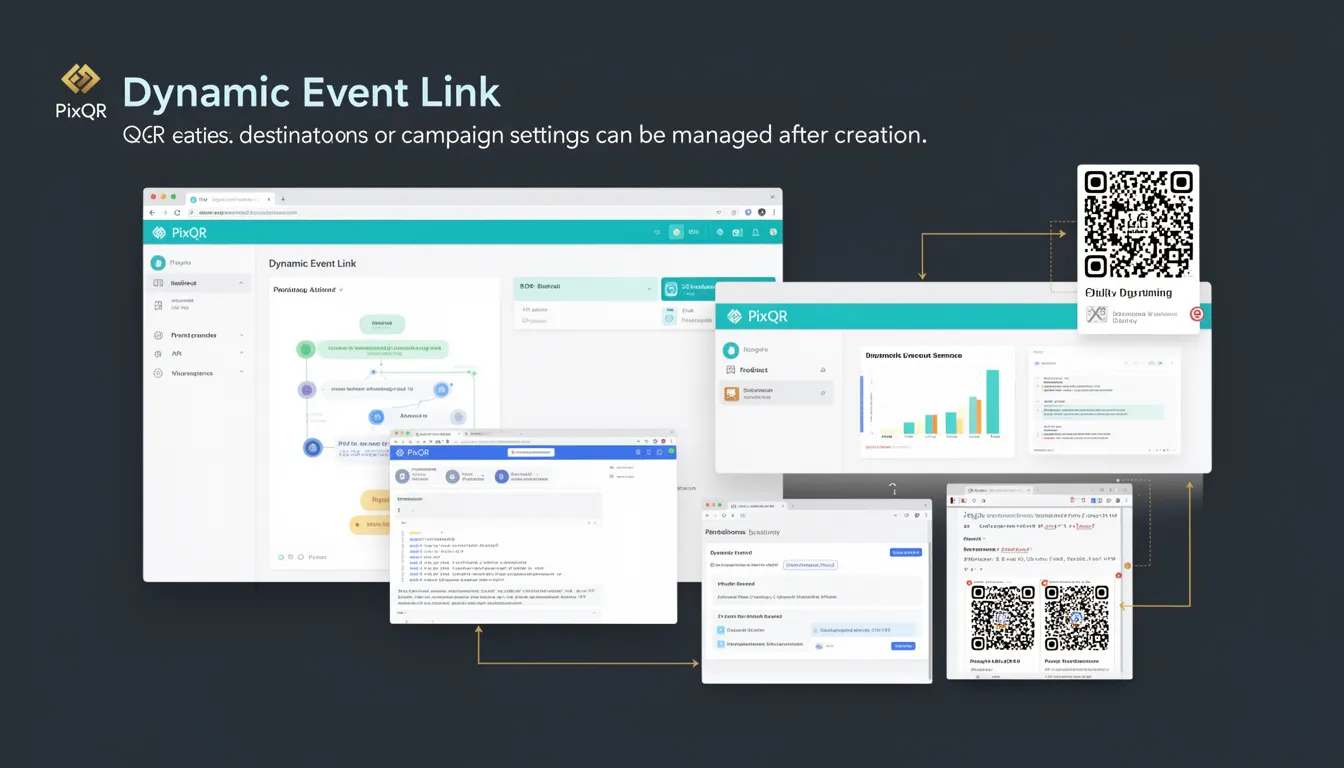
A Dynamic Event Link (DEL) is a specific type of dynamic QR code used in PixQR that allows campaign managers to modify destination URLs, redirect behavior, or other campaign settings after the QR code has been generated and deployed. This capability is essential for scenarios where content or landing pages may change after the initial deployment, such as event promotions, time-sensitive offers, or campaigns that require real-time updates.
Unlike static QR codes, which encode a fixed URL at the time of creation, a Dynamic Event Link operates through a backend redirection mechanism. The QR code itself encodes a unique identifier or token that the PixQR platform uses to retrieve the current destination at the time of scan. This allows for real-time updates without requiring physical re-printing or re-generation of the QR code.
Why It Matters
For developers and marketers using PixQR, Dynamic Event Links provide operational flexibility that is critical in fast-moving environments. Consider a scenario where a company deploys QR codes for a product launch event. If the event date or location changes, a static QR code would require a new print run, but a Dynamic Event Link allows the destination to be updated immediately through the PixQR dashboard or API.
Security and privacy are also enhanced with Dynamic Event Links. By managing destinations through a centralized system, PixQR can implement access controls, track scans, and ensure that only authorized users can modify campaign settings. This centralized control also supports audit trails, which are essential for compliance in regulated industries.
Performance benefits include reduced overhead for campaign updates, as no new QR codes need to be generated or distributed. This also supports scalability, allowing teams to manage hundreds or thousands of QR codes with centralized control over their behavior.
How It Works
Dynamic Event Links function through a backend redirection system. When a user scans a Dynamic Event Link QR code, the PixQR platform uses the encoded identifier to query a database or API endpoint that returns the current destination URL. This process is transparent to the end user, who sees only a seamless redirect.
- The QR code encodes a unique identifier or token, typically a UUID or similar stable reference.
- The PixQR backend system maps this identifier to a current destination URL or campaign configuration.
- Each scan triggers a lookup operation that retrieves the most up-to-date redirect information.
- Administrative settings can be modified through the PixQR dashboard or via API, updating the destination without changing the QR code itself.
- Analytics and tracking data are collected at the platform level, providing insights into scan behavior and campaign performance.
Dynamic Event Links are typically configured with a set of campaign parameters that include destination URLs, expiration times, and optional metadata. These parameters are stored in PixQR’s database and are retrieved during the redirect process. The system supports both HTTP and HTTPS destinations, with optional fallbacks for handling cases where the primary destination is unavailable.
Quick Reference
| Item | Purpose | Notes |
|---|---|---|
| Dynamic Event Link ID | Unique identifier for a dynamic QR code | Used to retrieve current destination |
| Destination URL | Target URL for redirect | Updated in real-time via API or dashboard |
| Expiration time | Time after which link becomes inactive | Configurable in campaign settings |
| Scan analytics | Tracking of QR code scans | Provides usage insights and performance metrics |
| Redirect behavior | How the redirect is handled (e.g., 301, 302) | Set during campaign configuration |
Basic Example
PixQR Example QR
This QR links directly to this glossary page, so printed notes, onboarding docs, and support material can bring scanners back to the current reference.
/glossary/qr-code-dynamic/dynamic-qr-codes-dynamic-event-link

This basic example demonstrates how a Dynamic Event Link is structured in a PixQR API call. It shows the essential parameters needed to create a new dynamic QR code with a changeable destination.
{
  "type": "dynamic_event_link",
  "destination": "https://example.com/event-2025",
  "expires_at": "2025-12-31T23:59:59Z",
  "campaign_name": "Annual Conference 2025"
}
The key fields here are the type, which specifies that this is a Dynamic Event Link, the destination which sets the initial target URL, and expires_at, which defines when the link becomes inactive. The campaign_name is used for internal tracking and reporting.
Production Example
This production-ready example shows how a Dynamic Event Link might be integrated into a larger system, including validation, error handling, and configuration for scalability. It assumes a backend service that manages multiple campaigns and integrates with the PixQR API.
{
  "type": "dynamic_event_link",
  "destination": "https://event.example.com/register",
  "expires_at": "2025-12-31T23:59:59Z",
  "campaign_name": "Summer Festival 2025",
  "redirect_type": "302",
  "tags": ["festival", "2025", "registration"],
  "analytics_enabled": true,
  "fallback_url": "https://example.com/error"
}
This version includes additional fields such as redirect_type, which allows developers to specify the HTTP status code for the redirect, and tags, which provide metadata for filtering and categorizing campaigns. The analytics_enabled flag ensures that scan tracking is active, and fallback_url provides a safety net in case the primary destination is unreachable.
Common Mistakes
- Not validating destination URLs before deployment can lead to broken links and poor user experience.
- Using expired or malformed identifiers in QR code generation causes runtime errors and scan failures.
- Ignoring analytics settings can prevent teams from tracking campaign performance or identifying issues.
- Setting incorrect redirect types can affect SEO, browser behavior, or tracking systems.
- Not implementing fallback behavior for destinations that are temporarily unavailable leads to poor user experience.
- Failure to monitor expiration times can result in continued access to outdated content or invalid links.
Security And Production Notes
- Always validate URLs to prevent open redirect vulnerabilities or malicious destination redirection.
- Implement access controls to ensure only authorized users can modify campaign settings.
- Use HTTPS for all destination URLs to ensure secure data transmission and prevent man-in-the-middle attacks.
- Monitor scan analytics to detect unusual behavior or potential misuse of QR codes.
- Implement logging and audit trails for all changes to campaign configurations.
- Regularly review and rotate Dynamic Event Link IDs to reduce the risk of unauthorized access.
Related Concepts
Dynamic Event Links are closely related to several other QR code and campaign management concepts. Dynamic QR codes provide the foundational technology, while redirect management governs how destinations are resolved. Scan analytics provide insights into how QR codes are used, and campaign orchestration ensures that multiple QR codes work together to support a larger marketing effort. Finally, brand-safe design ensures that QR code content aligns with brand guidelines and security policies.