 PixQR
PixQR
Overview
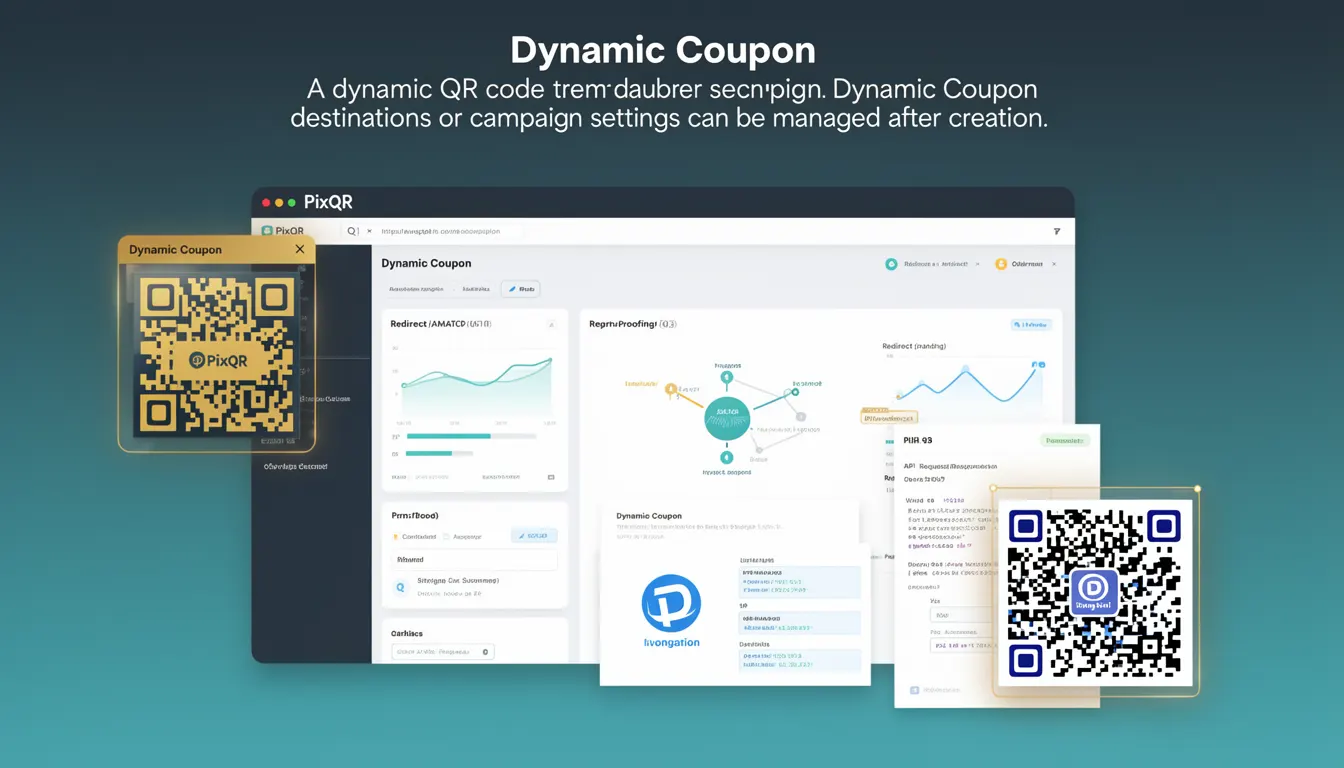
A Dynamic Coupon in the context of PixQR refers to a QR code that can be modified after its creation, enabling updates to the destination URL, campaign settings, or content without requiring a new QR code generation. This functionality is essential for marketing and promotional campaigns where changes may be needed post-deployment, such as updating discount values, redirecting to new landing pages, or adjusting analytics tracking.
Dynamic Coupons are particularly valuable in environments where campaigns must be adjusted quickly in response to market conditions, user feedback, or internal coordination. They allow teams to maintain control over campaign parameters without needing to regenerate and re-distribute QR codes, reducing operational overhead and minimizing errors associated with manual updates.
Why It Matters
For developers and operations teams, Dynamic Coupons provide a flexible mechanism to manage campaign lifecycles. They reduce the need for physical or digital reprints, which is critical for cost efficiency and environmental impact. From a security standpoint, the ability to update a QR code's destination without changing the physical code itself helps prevent fraud and ensures campaigns remain aligned with business objectives.
Additionally, Dynamic Coupons support better analytics tracking by allowing campaign data to be updated in real time. This real-time adaptability is essential for A/B testing, dynamic promotions, and responsive marketing strategies. Without this flexibility, teams would be limited to static QR codes, which are inflexible and often require significant coordination to update.
How It Works
Dynamic Coupons function by storing a reference to a backend configuration rather than a fixed URL. When a user scans the QR code, the PixQR platform resolves the reference to fetch the current destination or settings. This process enables real-time updates to campaign parameters.
- The QR code itself contains a unique identifier that maps to a backend record in the PixQR system.
- Each Dynamic Coupon record can have attributes such as a destination URL, expiration date, campaign tags, and redirect behavior.
- Changes to these attributes are immediately reflected in the QR code's behavior upon scanning, without requiring a new code generation.
- The system maintains logs of all updates to ensure traceability and compliance.
- Dynamic Coupons can be configured to support multiple redirect types, such as HTTP 301 or 302, or to append UTM parameters to the destination URL.
Quick Reference
| Item | Purpose | Notes |
|---|---|---|
| Dynamic Coupon ID | Uniquely identifies the coupon record | Used in QR code payload and API calls |
| Destination URL | Target page for the scan | Can be updated without re-generating QR code |
| Expiration Date | Defines validity period | Can be extended or modified |
| Redirect Type | HTTP redirect behavior | Supports 301, 302, and custom logic |
| Campaign Tags | Metadata for analytics | Used to group and filter campaign data |
Basic Example
PixQR Example QR
This QR links directly to this glossary page, so printed notes, onboarding docs, and support material can bring scanners back to the current reference.

This example demonstrates the basic structure of a Dynamic Coupon configuration in PixQR. It shows how a QR code can be associated with a backend record that stores the campaign's destination and other parameters.
{
  "coupon_id": "dc-123456",
  "destination_url": "https://example.com/promo",
  "expiration_date": "2025-06-30",
  "redirect_type": "302",
  "tags": ["summer-sale", "mobile"]
}
The coupon_id uniquely identifies the record in the PixQR system. The destination_url is the page the user is redirected to. The expiration_date controls how long the coupon is active. The redirect_type defines how the redirect is handled, and tags are used for filtering and reporting.
Production Example
This example illustrates a production-ready Dynamic Coupon configuration that includes validation, error handling, and operational clarity. It ensures that updates are safe, logs are maintained, and campaign data is consistent.
{
  "coupon_id": "dc-789012",
  "destination_url": "https://shop.example.com/offer?promo=summer2025",
  "expiration_date": "2025-08-15",
  "redirect_type": "301",
  "tags": ["summer2025", "mobile", "retargeting"],
  "created_at": "2025-06-01T00:00:00Z",
  "updated_at": "2025-06-10T12:00:00Z",
  "is_active": true
}
This version includes metadata such as created_at and updated_at for audit trails, and is_active to control whether the coupon is currently in use. It ensures that the campaign is fully traceable and manageable in a production environment.
Common Mistakes
- Not updating the
updated_attimestamp when modifying a coupon, leading to inaccurate audit trails. - Using a
destination_urlthat is not HTTPS, which can cause security warnings or redirect failures. - Setting an
expiration_datein the past, causing the coupon to be immediately invalid. - Overlooking the impact of redirect types on SEO or analytics, such as using 301 redirects for temporary promotions.
- Not validating campaign tags or metadata before saving, resulting in inconsistent or invalid data in reports.
Security And Production Notes
- All Dynamic Coupon updates must be authenticated and logged to prevent unauthorized changes.
- Ensure that
destination_urlvalues are validated to prevent open redirects or malicious links. - Use HTTPS for all destination URLs to maintain security and comply with modern browser policies.
- Implement rate limiting on coupon update APIs to prevent abuse or accidental overwrites.
- Store sensitive metadata in encrypted fields or separate secure tables to avoid exposure in logs or reports.
Related Concepts
Dynamic Coupons are closely related to several core PixQR features and concepts. A Dynamic QR Code is the broader term that includes all dynamic functionality, while a Static QR Code is the opposite, where the destination is fixed. Redirect Management refers to how destinations are handled, which is central to Dynamic Coupons. Analytics and Campaign Tracking depend on consistent tagging and metadata. Finally, API Access Control ensures that only authorized users can modify Dynamic Coupons.