 PixQR
PixQR
Overview
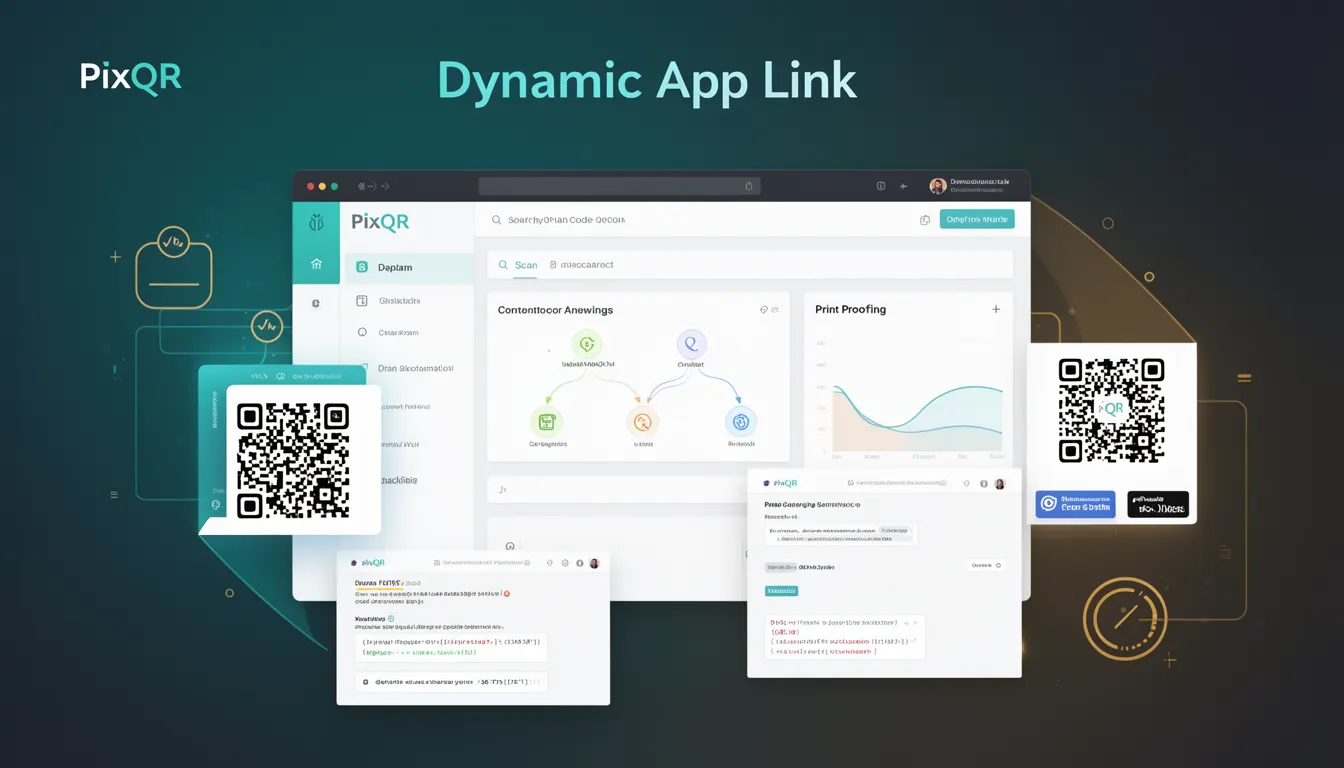
A Dynamic App Link in the context of PixQR refers to a QR code configuration that allows the destination or campaign settings to be modified after the code is generated and deployed. Unlike static QR codes, which encode a fixed URL, Dynamic App Links point to a managed endpoint that can redirect to different destinations based on rules, user segments, or time-based triggers.
This capability is particularly useful in marketing campaigns, app onboarding flows, and scenarios where content or destination URLs need to be updated without re-printing or re-generating physical QR codes. It supports real-time campaign management, A/B testing, and dynamic content delivery.
Why It Matters
Dynamic App Links provide flexibility and control over campaign outcomes, especially in environments where rapid iteration is required. For developers, this feature enables integration with analytics, attribution systems, and backend services that may need to adjust behavior or destination URLs in real time.
From a security standpoint, it ensures that campaigns can be safely updated or terminated if vulnerabilities are discovered, without requiring physical code replacement. For product teams, it allows for rapid response to market changes or campaign performance adjustments, which is essential for optimizing return on investment (ROI).
How It Works
The mechanism behind a Dynamic App Link involves a PixQR backend that stores a mapping between a QR code identifier and a set of dynamic routing rules. When a user scans the code, the PixQR system resolves the identifier and applies the configured logic to determine the final destination URL or action.
- The QR code itself encodes a unique identifier, not a direct URL.
- The identifier resolves to a dynamic routing rule stored in PixQR's database.
- Routing rules can include conditional logic based on user agent, geographic location, time of day, or campaign parameters.
- Destination URLs can be updated in real time through the PixQR dashboard or API.
- Each scan can be tracked and logged for analytics, ensuring visibility into campaign performance.
Quick Reference
| Item | Purpose | Notes |
|---|---|---|
| Dynamic identifier | Encodes a unique code reference | Used to resolve routing rules |
| Routing rules | Define how to resolve the identifier | Supports conditional logic |
| Destination URL | Final endpoint for the scan | Can be updated post-creation |
| Scan tracking | Logs each QR code scan | Used for analytics and performance |
| API access | Enables programmatic updates | Supports automation and integrations |
Basic Example
PixQR Example QR
This QR links directly to this glossary page, so printed notes, onboarding docs, and support material can bring scanners back to the current reference.

The following example shows how a basic dynamic app link is defined using PixQR’s API. It demonstrates the creation of a QR code that resolves to a URL based on a campaign rule.
{
  "qr_code": {
    "identifier": "campaign_001",
    "type": "dynamic_app_link",
    "destination": "https://example.com/app-download",
    "rules": [
      {
        "condition": "user_agent",
        "value": "mobile",
        "redirect_to": "https://example.com/mobile-app"
      }
    ]
  }
}
This example defines a QR code with an identifier campaign_001. It specifies a default destination URL and a rule that redirects mobile users to a dedicated mobile app page.
Production Example
In a production environment, dynamic app links are configured with more robust validation, error handling, and logging. The following example includes additional fields and safety mechanisms.
{
  "qr_code": {
    "identifier": "promo_2025_q1",
    "type": "dynamic_app_link",
    "destination": "https://example.com/promo",
    "rules": [
      {
        "condition": "location",
        "value": "US",
        "redirect_to": "https://example.com/us-promo"
      },
      {
        "condition": "time",
        "value": "2025-01-01T00:00:00Z",
        "redirect_to": "https://example.com/new-year-promo"
      }
    ],
    "tracking": {
      "enabled": true,
      "analytics": ["google", "facebook"]
    },
    "validity": {
      "start": "2025-01-01T00:00:00Z",
      "end": "2025-03-31T23:59:59Z"
    }
  }
}
This version includes time-based routing, location-specific redirects, analytics tracking, and a validity window. It is suitable for production because it supports monitoring, control, and safety checks.
Common Mistakes
- Not validating the identifier before creation, leading to collisions or misconfigurations.
- Using overly broad conditional rules that cause unexpected redirects.
- Ignoring scan tracking or analytics, which reduces campaign effectiveness.
- Not setting a validity window, causing outdated links to remain active.
- Hardcoding destinations in the rule set instead of using dynamic variables, limiting flexibility.
Security And Production Notes
- Always validate and sanitize all identifiers and rule parameters to avoid injection attacks.
- Use HTTPS for all destination URLs to ensure secure redirection.
- Implement rate limiting on API endpoints to prevent abuse.
- Log all scan events for compliance and fraud detection.
- Set up monitoring for rule changes to detect unauthorized or malicious updates.
Related Concepts
Dynamic App Links are closely related to several core QR code and campaign management concepts:
- Static QR Codes – Fixed URL encoding, no post-creation updates.
- Redirect Management – Core functionality that allows dynamic destination changes.
- Scan Analytics – Tracking and reporting on QR code usage and performance.
- Dynamic Campaigns – Campaigns that evolve in real time based on data or conditions.
- API-Driven QR Code Management – Using programmatic interfaces to control QR code behavior.