 PixQR
PixQR
Overview
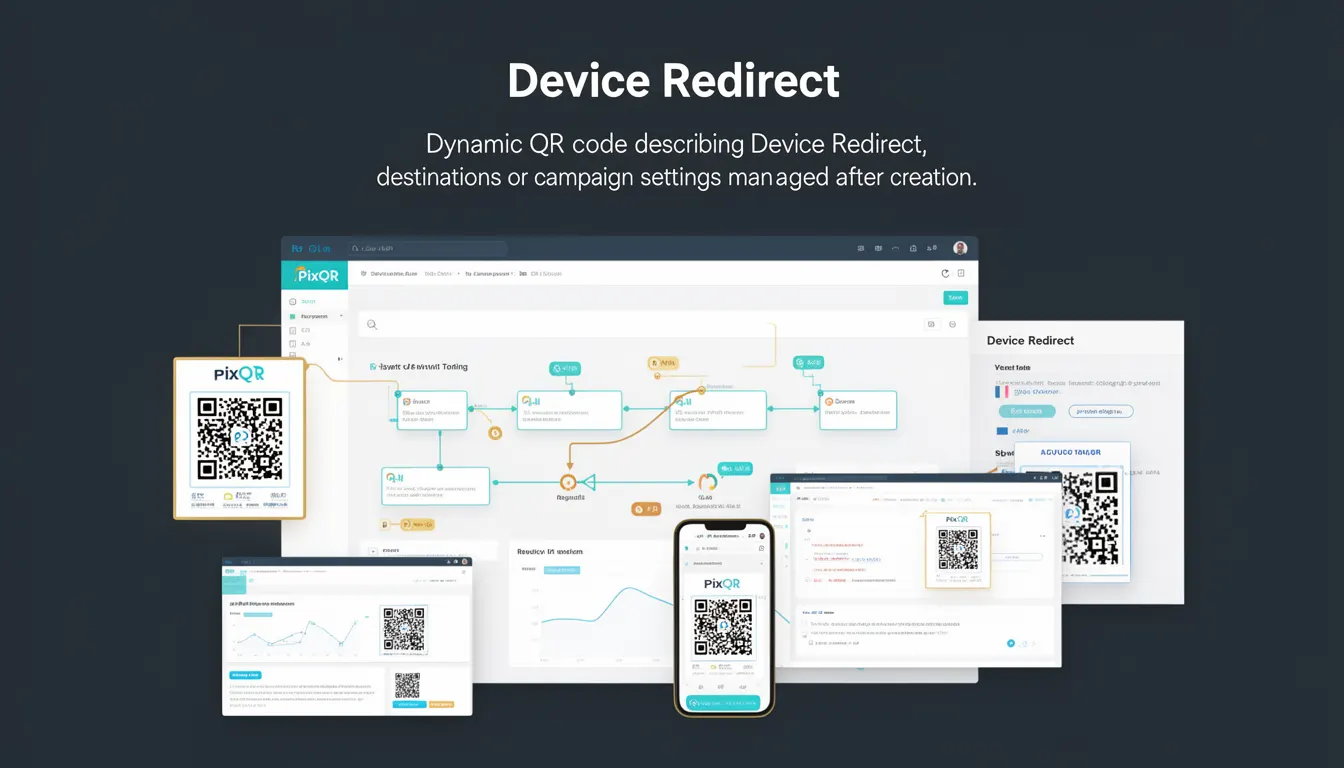
Device Redirect is a dynamic QR code feature within PixQR that allows creators to define or modify destination URLs or campaign settings after the QR code has been generated and deployed. This functionality is especially useful for managing campaigns that need to adapt to changing conditions, such as seasonal promotions, temporary redirects, or A/B testing of landing pages.
Unlike static QR codes, which permanently link to a fixed URL, Device Redirect enables dynamic updates to the target destination without requiring a new QR code to be printed or reissued. This is particularly valuable in environments where physical QR code assets are used for long-term campaigns, such as in marketing, retail, or event management.
Why It Matters
Device Redirect enhances operational flexibility by allowing real-time updates to campaign destinations. This is critical for reducing downtime, improving response to market changes, and minimizing the logistical effort required to maintain or update physical QR code assets. For example, a retailer might update a QR code's destination to redirect to a new product page or promotional offer without reprinting physical materials.
From a developer perspective, Device Redirect supports scalable and maintainable workflows by enabling centralized control over QR code destinations. It also enhances analytics capabilities, as campaign data can be updated to reflect new goals or metrics without losing historical tracking. This dynamic behavior reduces the need for manual QR code replacement and improves the responsiveness of marketing and operational systems.
How It Works
Device Redirect is implemented through a backend system that manages QR code metadata and allows updates to the target URL or campaign configuration. The system typically stores a reference to a destination URL or a campaign identifier, which can be modified at any time. When a QR code is scanned, the system resolves the current destination before redirecting the user.
- The QR code itself contains a reference identifier, such as a UUID or campaign ID, rather than a direct URL.
- Backend systems resolve this identifier to a current destination at the time of the scan.
- Updates to the destination are immediately reflected in all scans, provided the system supports real-time resolution.
- Support for device-specific redirects allows targeting different URLs based on the scanning device or platform (e.g., mobile vs. desktop).
- Analytics and tracking data can be preserved or updated to reflect changes in the redirect destination.
Quick Reference
| Item | Purpose | Notes |
|---|---|---|
| Reference Identifier | Uniquely identifies a QR code for dynamic resolution | Must be stable and globally unique |
| Destination URL | Target page or resource after scan | Can be updated post-creation |
| Device-Specific Redirect | Allows targeting based on scanning device | Supports mobile vs. desktop targeting |
| Analytics Tracking | Preserves or updates tracking data | Must be configured to support updates |
| Update Frequency | How often destination can be changed | Typically supports real-time updates |
Basic Example
PixQR Example QR
This QR links directly to this glossary page, so printed notes, onboarding docs, and support material can bring scanners back to the current reference.

This example demonstrates how a QR code might be configured with a Device Redirect using a reference identifier. The system resolves the identifier to a URL at the time of scan.
{
  "qr_code_id": "abc123xyz",
  "destination": "https://example.com/redirect",
  "device_redirect": true
}
The qr_code_id is used to identify the QR code internally. The destination is the URL the user will be redirected to. The device_redirect flag enables device-specific behavior.
Production Example
In a production environment, a QR code system might use a more structured approach with validation, logging, and error handling. This example shows how a system might update a QR code's destination while preserving analytics and ensuring safe redirects.
{
  "qr_code_id": "e5f6a7b8c9d0",
  "destination": "https://campaign.example.com/seasonal-offer",
  "device_redirect": true,
  "analytics": {
    "enabled": true,
    "tracking_id": "GA-123456789"
  },
  "security": {
    "validate_url": true,
    "allowed_domains": ["example.com", "campaign.example.com"]
  }
}
This version includes validation for the URL, tracking configuration, and domain restrictions to prevent unsafe redirects. It is suitable for production workflows where security and auditability are required.
Common Mistakes
- Updating the destination without validating the new URL, leading to potential phishing or malware redirections.
- Using non-unique identifiers for QR codes, which can cause conflicts or incorrect resolution.
- Not accounting for device-specific redirects, resulting in inconsistent user experience across platforms.
- Disabling analytics tracking during updates, losing valuable campaign data.
- Allowing redirects to external domains without domain restrictions, increasing the risk of fraud or abuse.
- Ignoring the performance impact of real-time resolution, especially in high-volume scanning environments.
Security And Production Notes
- Always validate URLs before updating a redirect to prevent unsafe or malicious destinations.
- Use unique identifiers for each QR code to avoid conflicts in the resolution system.
- Implement domain whitelisting to restrict where QR codes can redirect, mitigating abuse risks.
- Log all updates to QR code destinations for audit and compliance purposes.
- Consider caching strategies for redirect resolution to balance performance and real-time updates.
Related Concepts
Device Redirect is closely related to several other QR code and dynamic link management concepts:
- Dynamic QR Codes – QR codes that can be modified after creation, enabling flexible campaign management.
- URL Shortening – A technique used to create compact links, often implemented with similar backend mechanisms.
- Redirect Analytics – Tracking and reporting on redirection events to measure campaign effectiveness.
- Device Detection – The ability to tailor content or behavior based on the scanning device or platform.
- Link Management – The broader practice of organizing, updating, and monitoring links for digital campaigns.