 PixQR
PixQR
Overview
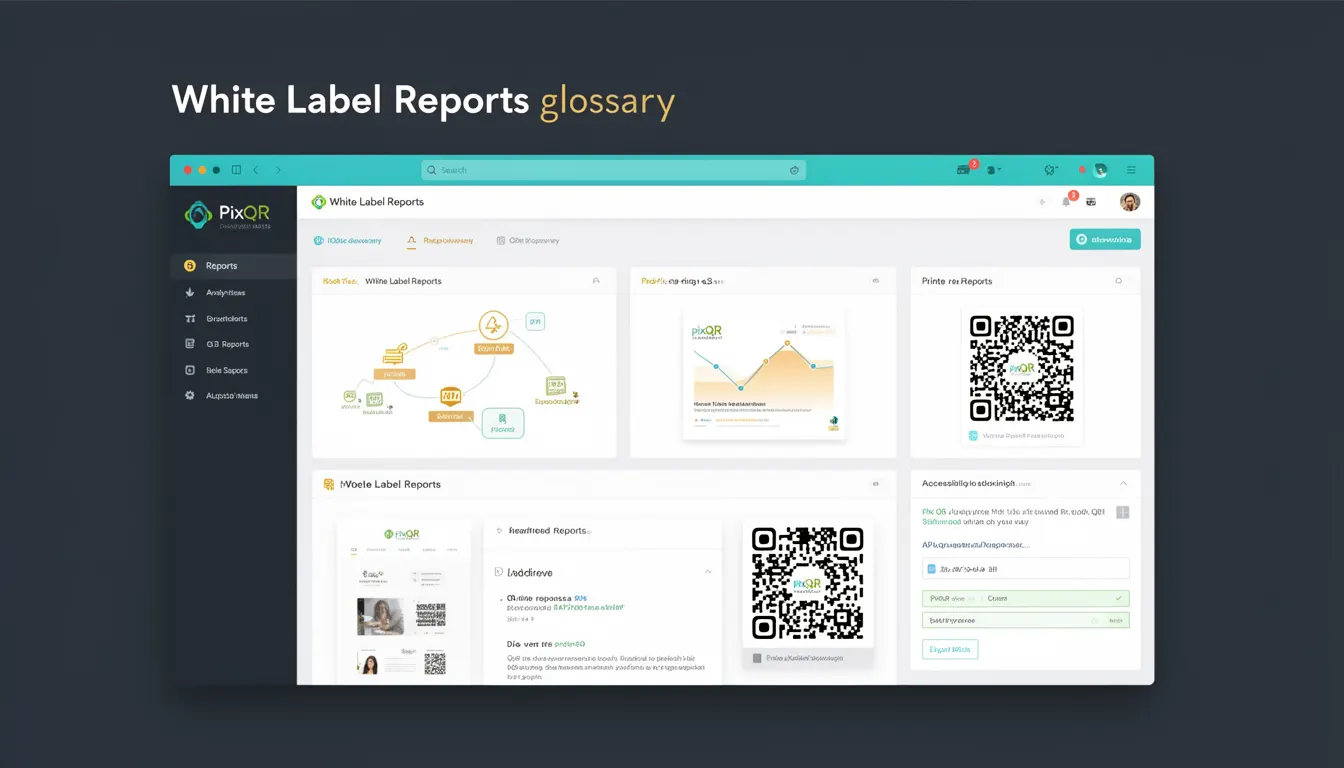
White Label Reports in the context of PixQR refer to a feature that allows customers to generate and view analytics data directly within their own branded environment, without exposure to PixQR's native interface or branding. This capability is essential for enterprise customers who require full control over their data presentation and user experience.
For developers working with PixQR, White Label Reports provide a mechanism to integrate QR analytics into existing dashboards, internal systems, or customer-facing portals. The reports can include metrics such as scan counts, geographic distribution, device types, time-based activity, and custom event tracking, all rendered under the customer's brand identity.
Why It Matters
White Label Reports are critical for maintaining brand consistency and customer trust in enterprise environments. When a customer's internal team accesses analytics, they expect a seamless, branded experience that aligns with their corporate identity. This is especially important for organizations that manage multiple QR code campaigns across departments or brands.
From a developer perspective, implementing White Label Reports reduces friction in user onboarding and data consumption. It allows for deeper integration with existing business intelligence tools and internal dashboards, avoiding the need for separate login flows or external data exports. This approach also supports compliance requirements by centralizing access and reducing the number of entry points to sensitive data.
How It Works
The White Label Reports functionality in PixQR is enabled through a secure API endpoint that returns structured data in a format compatible with common analytics libraries and dashboard frameworks. The system authenticates access using a customer-specific API key and optional token-based authentication.
- Reports are generated for specific QR codes or campaigns, identified by unique identifiers or tags.
- Data is returned in JSON format with standardized fields for metrics, timestamps, and metadata.
- Time ranges can be specified using Unix timestamps or ISO 8601 date strings, allowing for flexible historical analysis.
- Geographic data is provided in a structured format, including country, region, and city-level granularity.
- Custom events can be tracked and included in reports, enabling customers to monitor specific user behaviors or business KPIs.
Quick Reference
| Item | Purpose | Notes |
|---|---|---|
| report_id | Identifies a specific analytics report | Required for fetching report data |
| start_time | Beginning of the report time range | Unix timestamp or ISO 8601 string |
| end_time | End of the report time range | Unix timestamp or ISO 8601 string |
| qr_code_id | Target QR code identifier | Optional, filters data by QR |
| include_custom_events | Flag to include custom event tracking | Boolean, defaults to false |
Basic Example
PixQR Example QR
This QR links directly to this glossary page, so printed notes, onboarding docs, and support material can bring scanners back to the current reference.
/glossary/qr-code-tracking-and-analytics/qr-code-tracking-and-analytics-white-label-reports

This example demonstrates a minimal API call to fetch a White Label Report for a specific QR code.
const response = await fetch('https://api.pixqr.com/v1/reports/white-label', {
  method: 'POST',
  headers: {
    'Authorization': 'Bearer YOUR_API_KEY',
    'Content-Type': 'application/json'
  },
  body: JSON.stringify({
    report_id: 'report-12345',
    start_time: '2024-01-01T00:00:00Z',
    end_time: '2024-01-31T23:59:59Z',
    qr_code_id: 'qr-abcde'
  })
});
The example uses a POST request to the White Label Reports endpoint with a required authorization header and a body containing report parameters. The response includes structured data that can be rendered in a custom dashboard.
Production Example
This example includes error handling, validation, and configuration for a production-ready implementation of White Label Reports.
async function fetchWhiteLabelReport(reportConfig) {
  const { report_id, start_time, end_time, qr_code_id, include_custom_events } = reportConfig;

  if (!report_id || !start_time || !end_time) {
    throw new Error('Missing required report parameters');
  }

  const url = 'https://api.pixqr.com/v1/reports/white-label';
  const response = await fetch(url, {
    method: 'POST',
    headers: {
      'Authorization': `Bearer ${process.env.PIXQR_API_KEY}`,
      'Content-Type': 'application/json'
    },
    body: JSON.stringify({
      report_id,
      start_time,
      end_time,
      qr_code_id,
      include_custom_events: include_custom_events || false
    })
  });

  if (!response.ok) {
    throw new Error(`HTTP error! status: ${response.status}`);
  }

  return await response.json();
}
This version includes input validation, environment variable usage for API keys, and proper error handling. It is suitable for integration into enterprise applications where security and reliability are paramount.
Common Mistakes
- Using hardcoded API keys in client-side code exposes credentials to attackers and violates security best practices.
- Ignoring time zone handling in date parameters can lead to incorrect data aggregation and reporting errors.
- Failing to validate report parameters can cause API errors or unexpected behavior in dashboards.
- Not implementing retry logic for API calls can result in failed report fetches during temporary service outages.
- Overlooking the performance impact of fetching large time ranges without pagination can slow down dashboard rendering.
Security And Production Notes
- API keys must be stored in environment variables or secure credential management systems, never in client-side code.
- White Label Reports should be filtered by user permissions to prevent unauthorized access to data.
- Implement rate limiting on report requests to protect against abuse and ensure fair resource usage.
- Validate all input parameters to prevent injection attacks or malformed data in responses.
- Use HTTPS exclusively for all API communications to protect data in transit.
Related Concepts
White Label Reports are closely related to several key concepts in QR analytics and enterprise systems. Campaign Analytics provides the underlying data structure and metrics that are aggregated into White Label Reports. API Authentication ensures secure access to report data, while Dashboard Integration allows for visualization and consumption of the data within branded environments. Data Privacy Compliance governs how the analytics data is handled and stored, and QR Code Lifecycle Management ensures that reports are generated for valid, active QR codes.