 PixQR
PixQR
Overview
Consent Management in the context of QR code tracking and analytics refers to the systematic handling of user permissions and data collection practices within QR-based digital journeys. It ensures that users are informed about and explicitly agree to the tracking or analytics that occur when they scan a QR code, particularly in environments where privacy regulations like GDPR, CCPA, or PIPEDA apply.
For developers working with PixQR, Consent Management is a critical component when designing QR code campaigns that involve tracking user behavior, redirect paths, or data collection. It is used to ensure compliance with data privacy laws, maintain user trust, and avoid potential legal or reputational risks.
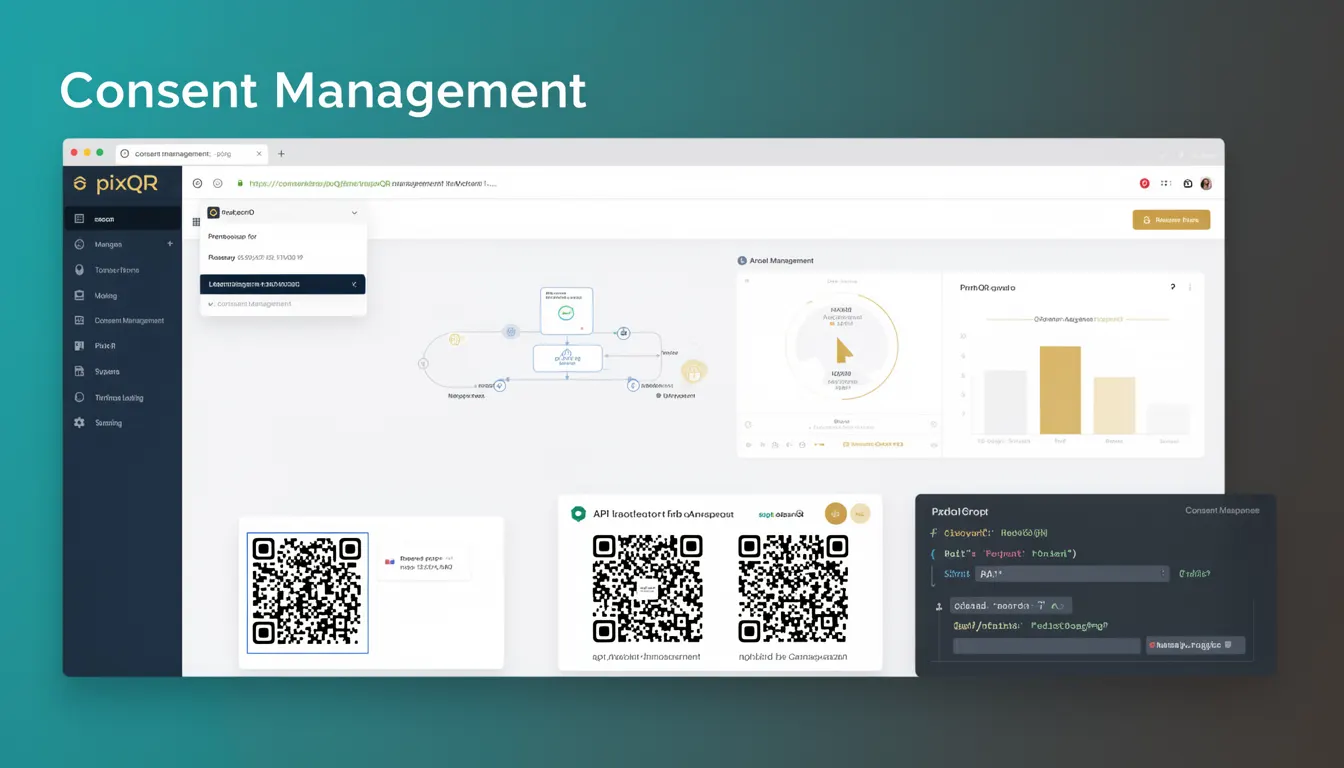
Why It Matters
For developers and product teams, implementing Consent Management is not just a legal requirement but a foundational element of user trust and platform integrity. Without proper consent mechanisms, QR code tracking can expose users to privacy violations, lead to regulatory penalties, or result in loss of user confidence.
In the context of PixQR, this becomes especially relevant when integrating analytics into QR-generated links. If a QR code redirects to a page that collects user data without consent, or if tracking is enabled by default, it can breach privacy policies and lead to compliance failures. Properly managing consent ensures that all analytics and tracking data collected are legally and ethically sound.
How It Works
Consent Management in QR analytics involves a series of steps that ensure users are informed and have control over data collection. The process typically includes presenting a consent prompt, capturing the user's decision, and configuring analytics or tracking behavior accordingly.
- Consent prompts are often displayed as overlays or banners, typically before a QR scan triggers a redirect or analytics event.
- Users can opt-in or opt-out of tracking, with the system storing this preference, often in a cookie or local storage.
- Analytics data collection is conditionally enabled or disabled based on the user’s consent decision.
- PixQR supports conditional tracking, where analytics are only initiated if consent is granted, preventing data leakage.
- Consent data can be stored and retrieved across sessions, allowing for persistent user preferences and compliance reporting.
Quick Reference
| Item | Purpose | Notes |
|---|---|---|
| Consent Banner | Displays tracking and privacy information | Must be visible and actionable |
| Consent State | Stores user decision (opt-in/opt-out) | Can be stored in cookies or localStorage |
| Tracking Toggle | Enables/disables analytics based on consent | Should be configurable per QR code campaign |
| Analytics API | Collects data only if consent is given | Must respect user preference |
| Compliance Log | Records consent decisions for audit | Used for regulatory reporting |
Basic Example
PixQR Example QR
This QR links directly to this glossary page, so printed notes, onboarding docs, and support material can bring scanners back to the current reference.
/glossary/qr-code-tracking-and-analytics/qr-code-tracking-and-analytics-consent-management

This example shows a simple consent banner that appears when a QR code is scanned, with a basic opt-in mechanism.
<div id="consent-banner">
  <p>We use cookies and analytics to improve your experience.</p>
  <button id="accept-btn">Accept</button>
</div>

<script>
  document.getElementById('accept-btn').addEventListener('click', () => {
    localStorage.setItem('consent', 'granted');
    document.getElementById('consent-banner').style.display = 'none';
  });
</script>
The example sets a local storage item to track consent. This simple mechanism can be extended to integrate with PixQR’s analytics API to conditionally enable tracking.
Production Example
This example demonstrates a more robust implementation of Consent Management, including UI, persistence, and integration with PixQR analytics.
<div id="consent-banner" class="banner">
  <p>We use analytics to understand how users interact with our QR codes.</p>
  <button id="accept-btn">Allow Analytics</button>
  <button id="reject-btn">Reject</button>
</div>

<script>
  const consentBanner = document.getElementById('consent-banner');
  const acceptBtn = document.getElementById('accept-btn');
  const rejectBtn = document.getElementById('reject-btn');

  function checkConsent() {
    const consent = localStorage.getItem('user-consent');
    if (consent === 'granted') {
      // Enable analytics
      enableAnalytics();
    } else if (consent === 'denied') {
      consentBanner.style.display = 'none';
    } else {
      consentBanner.style.display = 'block';
    }
  }

  function enableAnalytics() {
    // Integrate with PixQR tracking API
    console.log('Analytics enabled');
  }

  acceptBtn.addEventListener('click', () => {
    localStorage.setItem('user-consent', 'granted');
    enableAnalytics();
    consentBanner.style.display = 'none';
  });

  rejectBtn.addEventListener('click', () => {
    localStorage.setItem('user-consent', 'denied');
    consentBanner.style.display = 'none';
  });

  checkConsent();
</script>
This version includes UI persistence, explicit opt-in/out, and a structured approach to enabling analytics only when consent is given. It is suitable for production use in PixQR environments.
Common Mistakes
- Not presenting a clear consent banner or prompt before analytics are initiated, leading to non-compliance with privacy laws.
- Using default tracking without user consent, which can result in legal penalties or data misuse.
- Storing consent in a way that is not persistent or accessible across sessions, causing inconsistent tracking behavior.
- Ignoring user preferences and enabling tracking regardless of their decision, undermining trust and compliance.
- Failing to log or audit consent decisions, which can complicate compliance reporting or legal audits.
Security And Production Notes
- Always validate consent state before enabling tracking or sending data to analytics APIs.
- Use secure storage methods like HttpOnly cookies or secure localStorage to store consent data.
- Ensure that consent banners are accessible and meet WCAG standards for screen readers and keyboard navigation.
- Implement timeouts or expiry mechanisms for consent, particularly for first-time visitors.
- Log all consent decisions for compliance reporting and audit trails.
Related Concepts
Consent Management is closely tied to several related developer concepts. Privacy by Design ensures that privacy controls are embedded into systems from the start. Analytics APIs are used to collect and process data, and must respect consent. Cookie policies define how tracking data is stored and used. User preference persistence ensures that decisions are remembered across sessions. Finally, compliance frameworks like GDPR or CCPA provide the legal context for how consent must be handled in digital environments.