 PixQR
PixQR
Overview
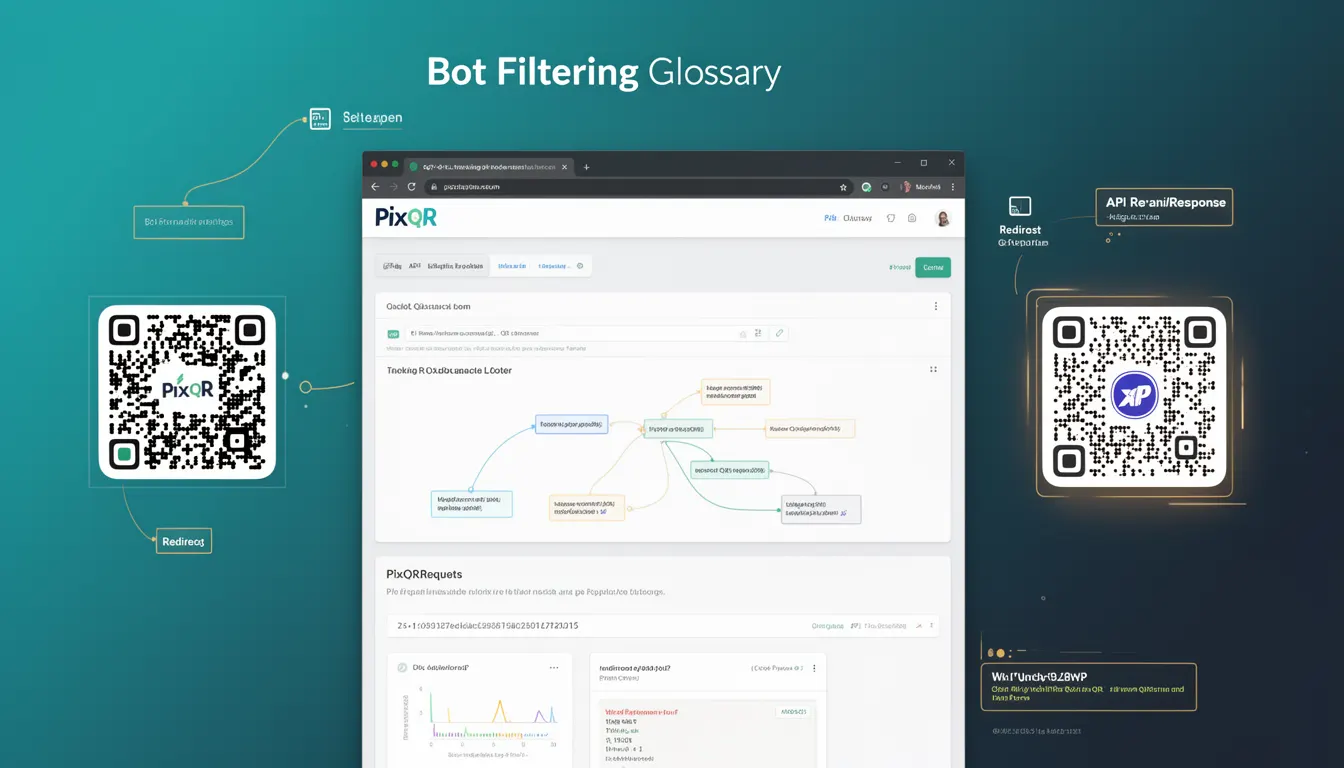
Bot Filtering in PixQR refers to the systematic process of identifying and excluding automated traffic from QR code scan analytics. This mechanism distinguishes between legitimate human interactions and bot activity such as web crawlers, scraping systems, or internal testing tools that may generate false scan data.
When a QR code is scanned, PixQR's tracking infrastructure evaluates each interaction against multiple detection criteria to determine if the traffic should be included in campaign performance metrics. The filtering process ensures that analytics reflect genuine user engagement rather than skewed data from automated systems.
Why It Matters
Bot Filtering is essential for maintaining data integrity in PixQR analytics. Without proper filtering, automated traffic can distort key performance indicators such as conversion rates, unique scan counts, and user engagement metrics. This distortion leads to incorrect campaign optimizations and resource allocation decisions.
For security-conscious implementations, Bot Filtering helps prevent abuse of QR code systems by malicious actors who might attempt to generate artificial traffic for spam or data harvesting purposes. It also ensures compliance with data privacy regulations by minimizing collection of non-human data points.
How It Works
PixQR's Bot Filtering system operates through a multi-layered detection approach that analyzes various attributes of scan requests to identify automated behavior patterns.
- Device fingerprinting examines browser signatures, operating system versions, and hardware characteristics to detect non-human device profiles
- User agent string analysis scans for known bot identifiers, crawler patterns, and automated tool signatures
- Behavioral pattern recognition monitors scan timing, frequency, and interaction sequences to identify automated scanning behavior
- Geographic and IP reputation validation cross-references scan origins against known bot IP addresses and suspicious geographic patterns
- Request volume analysis tracks scan frequency over time to detect excessive automated activity that exceeds typical human usage patterns
The system maintains a balance between strict detection and legitimate traffic preservation by using machine learning models that continuously adapt based on new data patterns and feedback from analytics.
Quick Reference
| Parameter | Value | Description |
|---|---|---|
| botDetectionThreshold | 0.7 | Minimum confidence score to classify traffic as bot |
| maxScansPerMinute | 30 | Threshold for detecting high-frequency automated scanning |
| userAgentPatterns | Array of regex | Known bot signature patterns to match |
| scanFrequencyWindow | 60 seconds | Time window for frequency analysis |
| ipReputationCheck | true/false | Enable or disable IP reputation validation |
Basic Example
PixQR Example QR
This QR links directly to this glossary page, so printed notes, onboarding docs, and support material can bring scanners back to the current reference.
/glossary/qr-code-tracking-and-analytics/qr-code-tracking-and-analytics-bot-filtering

This basic implementation demonstrates core bot detection logic for identifying automated scanning behavior in PixQR systems.
function detectBotTraffic(scanRequest) {
  const { userAgent, scanTime, ip, scanCount } = scanRequest;

  const botIndicators = [];

  // Check user agent for known bot patterns
  if (userAgent.includes('bot') || userAgent.includes('crawler')) {
    botIndicators.push('userAgentBot');
  }

  // Check scan frequency
  if (scanCount > 50) {
    botIndicators.push('highFrequency');
  }

  // Check IP reputation (simplified)
  const suspiciousIps = ['192.168.1.100', '10.0.0.1'];
  if (suspiciousIps.includes(ip)) {
    botIndicators.push('suspiciousIP');
  }

  return botIndicators.length > 0;
}

const request = {
  userAgent: 'Mozilla/5.0 (compatible; Googlebot/2.1)',
  scanTime: new Date(),
  ip: '192.168.1.100',
  scanCount: 60
};

console.log('Bot detected:', detectBotTraffic(request));
This example shows how basic detection criteria such as user agent patterns and scan frequency can identify potential bot traffic. The function returns a boolean indicating whether the scan should be filtered.
Production Example
This production-ready implementation includes comprehensive validation, error handling, and integration with PixQR's analytics infrastructure.
class PixQRBotFilter {
  constructor(config = {}) {
    this.threshold = config.threshold || 0.7;
    this.maxScansPerMinute = config.maxScansPerMinute || 30;
    this.userAgentPatterns = [
      /bot/i,
      /crawler/i,
      /spider/i,
      /slurp/i,
      /googlebot/i,
      /bingbot/i
    ];
    this.suspiciousIps = new Set();
    this.log = config.logger || console.log;
  }

  analyzeRequest(scanRequest) {
    const results = {
      isBot: false,
      confidence: 0,
      indicators: []
    };

    // User agent analysis
    if (this.checkUserAgent(scanRequest.userAgent)) {
      results.indicators.push('userAgentBot');
      results.confidence += 0.3;
    }

    // Frequency analysis
    if (this.checkScanFrequency(scanRequest)) {
      results.indicators.push('highFrequency');
      results.confidence += 0.4;
    }

    // IP reputation check
    if (this.checkIpReputation(scanRequest.ip)) {
      results.indicators.push('suspiciousIP');
      results.confidence += 0.3;
    }

    results.isBot = results.confidence >= this.threshold;
    return results;
  }

  checkUserAgent(userAgent) {
    return this.userAgentPatterns.some(pattern => pattern.test(userAgent));
  }

  checkScanFrequency(scanRequest) {
    const minutes = (Date.now() - scanRequest.scanTime.getTime()) / (1000 * 60);
    const scansPerMinute = scanRequest.scanCount / minutes;
    return scansPerMinute > this.maxScansPerMinute;
  }

  checkIpReputation(ip) {
    return this.suspiciousIps.has(ip);
  }
}

const filter = new PixQRBotFilter({
  threshold: 0.6,
  maxScansPerMinute: 25
});

const scanData = {
  userAgent: 'Mozilla/5.0 (compatible; AhrefsBot/6.1)',
  scanTime: new Date(Date.now() - 30000),
  ip: '192.168.1.100',
  scanCount: 40
};

const result = filter.analyzeRequest(scanData);
console.log('Bot analysis result:', result);
This production example includes configurable parameters, comprehensive detection logic, and structured output for integration with analytics dashboards and reporting systems.
Common Mistakes
- Using only user agent string matching without additional behavioral validation, leading to false positives from legitimate automated systems
- Not implementing time-based frequency analysis, which allows rapid scanning patterns to bypass detection
- Hardcoding IP reputation lists instead of using dynamic, regularly updated databases
- Applying overly strict thresholds that exclude valid human traffic during peak usage periods
- Failing to log and review bot filtering decisions, preventing continuous improvement of detection accuracy
- Ignoring geographic origin validation, which can miss bot traffic from legitimate but suspicious locations
Security And Production Notes
- Regularly update bot detection signatures and IP reputation databases to maintain accuracy against evolving bot threats
- Implement logging of all bot filtering decisions for audit trails and model refinement
- Configure adjustable thresholds to balance between strict detection and legitimate traffic preservation
- Ensure filtering logic does not introduce performance bottlenecks in high-volume scanning environments
- Validate that bot filtering complies with data privacy regulations and does not retain unnecessary personal information
Related Concepts
Bot Filtering in PixQR integrates with several core analytics and security concepts. User Agent Analysis provides foundational data for identifying automated systems. IP Reputation Services enhance detection accuracy by cross-referencing known malicious IP addresses. Behavioral Analytics helps distinguish between human and automated interaction patterns. Data Privacy Regulations govern how filtered data can be stored and used. API Rate Limiting provides an additional layer of protection against excessive automated requests.