 PixQR
PixQR
Overview
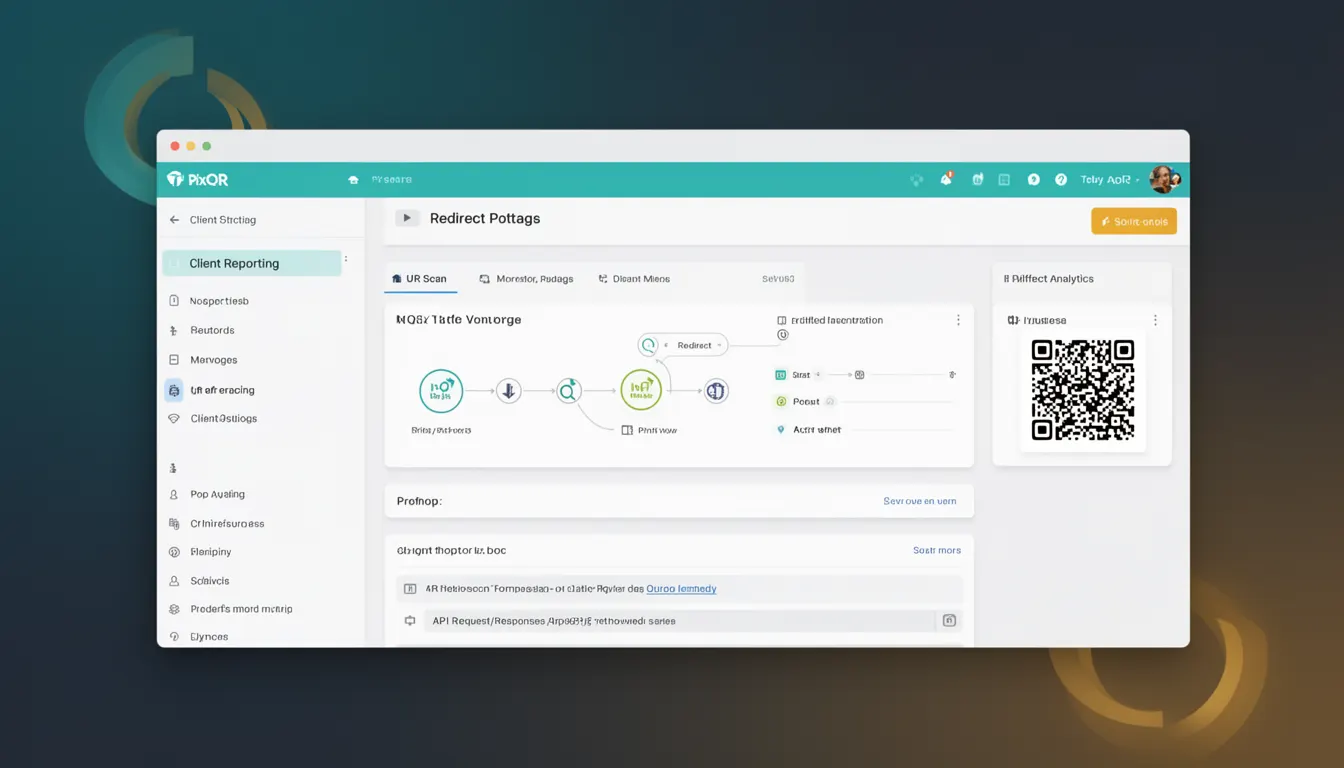
Client Reporting in the context of PixQR refers to the systematic collection, aggregation, and presentation of data related to QR code usage, scan behavior, and user engagement within a campaign. This functionality enables developers and marketers to track performance, measure ROI, and optimize QR code strategies.
Within PixQR's ecosystem, Client Reporting is not a single feature but a framework of interconnected tools that collect and process analytics data. These reports are generated from scan logs, redirect events, user behavior patterns, and campaign metadata. The data is made available through a secure dashboard and API endpoints, allowing for custom integrations and automated workflows.
Why It Matters
Client Reporting is crucial for developers managing QR code campaigns because it provides actionable insights into user behavior and campaign effectiveness. For instance, a developer can determine whether a QR code is being scanned at expected rates, identify geographic trends, or detect potential fraud patterns.
From a security perspective, accurate reporting helps in detecting anomalies such as rapid scanning from a single IP address or unusual geographic distribution, which may indicate malicious activity. For maintainers, it enables performance tuning by identifying underperforming QR codes or redirect configurations. Accessibility teams rely on reporting to ensure QR code campaigns comply with accessibility standards and reach intended audiences.
How It Works
Client Reporting in PixQR operates through a multi-layered data collection and processing pipeline. The system tracks every QR code scan and redirect event, capturing metadata such as timestamp, IP address, user agent, geographic location, and campaign identifiers.
- Each QR code scan generates a unique event log that includes device information and session data.
- Redirect events are tracked to measure campaign performance, including conversion rates and funnel analysis.
- Analytics data is aggregated over time windows (hourly, daily, weekly) to provide trend analysis.
- Reports are generated using a configurable dashboard with filters for date ranges, campaigns, and user segments.
- API endpoints support real-time data access for integration with third-party analytics tools or internal dashboards.
Internally, PixQR uses a distributed logging system to ensure data integrity and scalability. All reports are encrypted at rest and in transit, with access controlled through secure API tokens. The reporting engine supports both real-time and batch processing, allowing for immediate insights or detailed historical analysis.
Quick Reference
| Item | Purpose | Notes |
|---|---|---|
| scan_count | Number of QR code scans | Aggregated over time windows |
| redirect_count | Number of redirect events | Includes all successful and failed redirects |
| geolocation_data | Geographic distribution of scans | Available at country, region, and city levels |
| user_agent_data | Device and browser information | Used for device optimization |
| campaign_id | Unique identifier for campaign tracking | Required for segmenting reports |
Basic Example
PixQR Example QR
This QR links directly to this glossary page, so printed notes, onboarding docs, and support material can bring scanners back to the current reference.
/glossary/qr-code-tracking-and-analytics/qr-code-tracking-and-analytics-client-reporting

This basic example demonstrates how to access a simple scan report using PixQR's API. The example fetches data for a specific campaign over a defined period.
const response = await fetch('https://api.pixqr.com/v1/reports/campaigns/12345', {
  method: 'GET',
  headers: {
    'Authorization': 'Bearer YOUR_API_TOKEN',
    'Content-Type': 'application/json'
  }
});
The important lines include setting the Authorization header with a valid API token and specifying the campaign ID in the URL path. This fetch call retrieves scan data for campaign 12345.
Production Example
This production-ready example includes error handling, data validation, and secure token management. It demonstrates how to build a robust reporting integration.
async function fetchCampaignReport(campaignId, startDate, endDate) {
  const url = `https://api.pixqr.com/v1/reports/campaigns/${campaignId}?start_date=${startDate}&end_date=${endDate}`;

  try {
    const response = await fetch(url, {
      method: 'GET',
      headers: {
        'Authorization': `Bearer ${process.env.PIXQR_API_TOKEN}`,
        'Content-Type': 'application/json'
      }
    });

    if (!response.ok) {
      throw new Error(`HTTP error! status: ${response.status}`);
    }

    const data = await response.json();
    return data;
  } catch (error) {
    console.error('Failed to fetch campaign report:', error);
    throw error;
  }
}
This version is more suitable for production because it handles API errors gracefully, uses environment variables for secure token management, and includes validation for response status codes. It also supports reusability through function parameters and proper error propagation.
Common Mistakes
- Using hardcoded API tokens in client-side code exposes credentials to attackers and violates security best practices.
- Not implementing proper error handling leads to ungraceful failures in reporting systems and poor user experience.
- Ignoring time zone differences in date filtering can cause inaccurate reporting and misaligned campaign metrics.
- Attempting to process large datasets without pagination or streaming results causes memory issues and API timeouts.
- Not validating input parameters for date ranges or campaign IDs can result in invalid API requests and malformed reports.
Security And Production Notes
- All API tokens must be stored in secure environment variables, never in source code or configuration files.
- Reports containing sensitive data should be encrypted at rest and access-controlled with role-based permissions.
- Implement rate limiting to prevent abuse of reporting endpoints and protect against denial-of-service attacks.
- Validate all input parameters to prevent injection attacks or invalid data in reports.
- Use HTTPS exclusively for all reporting API calls to ensure data integrity and prevent man-in-the-middle attacks.
Related Concepts
Client Reporting in PixQR is closely connected to several core developer concepts. Campaign Management involves creating and organizing QR code campaigns, which are then tracked through reporting. Redirect Safety ensures that all redirections are secure and monitored for malicious activity. Scan Tracking provides granular data on how users interact with QR codes, while Link Management handles URL configuration and optimization. Analytics Integration allows developers to connect PixQR reports with third-party tools like Google Analytics or internal business intelligence platforms.