 PixQR
PixQR
Overview
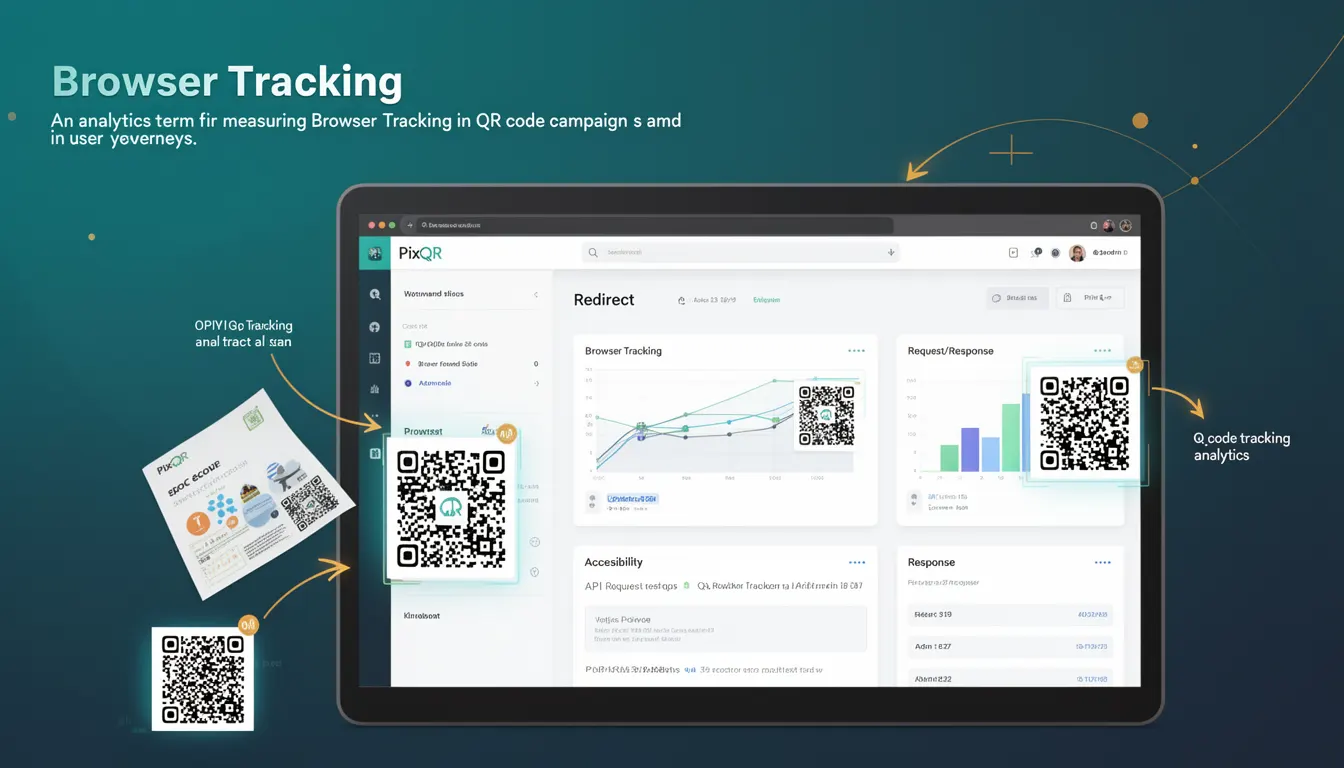
Browser Tracking, in the context of QR code analytics, refers to the process of collecting data about user interactions with QR codes through browser-based scanning and redirection. It involves monitoring how users interact with a QR code, including the device type, browser, operating system, and geographic location, among other metrics.
For PixQR, Browser Tracking is a key component of campaign analytics, enabling users to understand how their QR codes are being scanned and used across different platforms and devices. This data is crucial for optimizing QR code performance, improving user experience, and ensuring campaign effectiveness.
Why It Matters
Browser Tracking provides actionable insights for developers and marketers using PixQR to enhance campaign outcomes. It allows them to identify which browsers or platforms are most effective at scanning QR codes, enabling better optimization of link redirection strategies.
From a privacy perspective, understanding browser usage patterns helps in ensuring compliance with regulations like GDPR or CCPA. It also enables developers to tailor user experiences for different browser environments, improving accessibility and performance. For example, if a significant portion of scans come from older browsers, developers can ensure backward compatibility in their QR redirect implementations.
How It Works
Browser Tracking in PixQR is implemented through a combination of server-side analytics and client-side tracking mechanisms. When a user scans a QR code, the system logs the browser information and other relevant metadata. This data is then aggregated and made available through PixQR’s analytics dashboard.
- The tracking mechanism relies on HTTP headers sent by the browser during the QR scan process, including User-Agent strings, which identify the browser and operating system.
- PixQR captures and stores browser-specific data such as browser name, version, and platform to enable detailed analytics.
- Tracking is typically enabled by default in PixQR campaigns, but can be configured or disabled via API settings or dashboard controls.
- Browser data is used to compute metrics like scan success rates, user engagement, and device compatibility.
- Results are accessible through PixQR’s API and dashboard, with options to filter by browser, operating system, or geographic region.
Quick Reference
| Item | Purpose | Notes |
|---|---|---|
| Browser Name | Identifies the browser used to scan the QR code | Used for analytics and compatibility optimization |
| Browser Version | Tracks the version of the browser | Helps identify outdated or unsupported browsers |
| Platform | Identifies the operating system | Used for OS-specific optimizations |
| User-Agent String | Raw browser identification data | Source for parsing browser and OS information |
| Scan Timestamp | Records when the scan occurred | Used for time-series analytics |
Basic Example
PixQR Example QR
This QR links directly to this glossary page, so printed notes, onboarding docs, and support material can bring scanners back to the current reference.
/glossary/qr-code-tracking-and-analytics/qr-code-tracking-and-analytics-browser-tracking

This example demonstrates how browser tracking data might be captured and logged when a QR code is scanned:
const browserData = {
  name: "Chrome",
  version: "115.0.5790.170",
  platform: "Windows",
  userAgent: "Mozilla/5.0 (Windows NT 10.0; Win64; x64) AppleWebKit/537.36"
};

console.log("Scanned with browser:", browserData.name);
The example shows how browser information is captured and logged. The userAgent string is used to extract browser details, and the name and version fields are used for analytics.
Production Example
In a production environment, browser tracking is more robust and includes error handling and validation:
function trackBrowser(scanId, userAgent) {
  try {
    const browserInfo = parseUserAgent(userAgent);
    const trackingData = {
      scanId: scanId,
      browser: browserInfo.name,
      version: browserInfo.version,
      platform: browserInfo.platform,
      timestamp: new Date().toISOString()
    };

    // Send data to PixQR analytics endpoint
    fetch('/api/analytics/track', {
      method: 'POST',
      headers: { 'Content-Type': 'application/json' },
      body: JSON.stringify(trackingData)
    });

  } catch (error) {
    console.error("Failed to track browser:", error);
  }
}

function parseUserAgent(userAgent) {
  // Simplified parsing logic for demonstration
  const match = userAgent.match(/(Chrome|Firefox|Safari|Edge)\/(\d+)/);
  return {
    name: match ? match[1] : "Unknown",
    version: match ? match[2] : "0",
    platform: userAgent.includes("Windows") ? "Windows" : "Other"
  };
}
This version is more suitable for production because it includes error handling, uses a structured approach to parse browser data, and sends data securely to PixQR’s analytics endpoint. It also ensures that tracking data is validated and timestamped before being logged.
Common Mistakes
- Not validating browser data before logging it, leading to inconsistent or malformed analytics entries.
- Ignoring browser compatibility when designing QR code redirects, resulting in broken user experiences.
- Using outdated or unreliable User-Agent parsing libraries that fail to identify newer browsers.
- Not implementing secure data transmission, exposing browser tracking data to interception or misuse.
- Overlooking privacy compliance by collecting browser data without user consent or clear disclosure.
Security And Production Notes
- Ensure that browser tracking data is encrypted during transmission using HTTPS to prevent interception.
- Validate all incoming browser data to prevent injection attacks or malformed entries.
- Comply with privacy regulations by clearly disclosing tracking practices and providing opt-out mechanisms.
- Implement rate limiting on tracking endpoints to prevent abuse or data flooding.
- Use secure headers and CORS policies to prevent unauthorized access to tracking data.
Related Concepts
Browser Tracking is closely related to several other analytics and development concepts:
- Analytics API: Provides the backend infrastructure for collecting and reporting browser tracking data.
- User-Agent Parsing: The technique used to extract browser and platform information from HTTP headers.
- QR Code Redirection: The process of directing users to a specific URL after scanning a QR code, often influenced by browser tracking data.
- Device Fingerprinting: A related technique used to identify devices based on browser and hardware characteristics.
- Privacy Compliance: Ensuring that browser tracking aligns with regulations like GDPR and CCPA.