 PixQR
PixQR
Overview
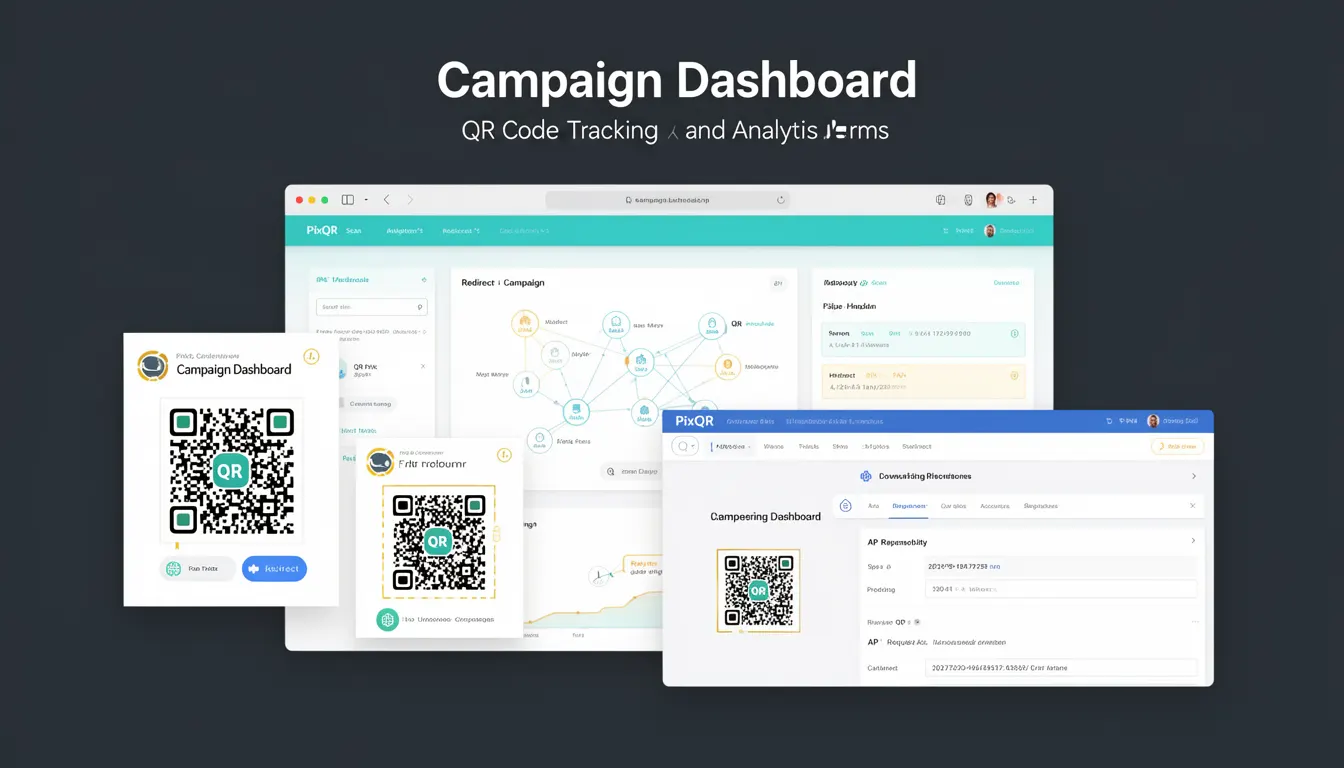
The Campaign Dashboard in PixQR is a centralized analytics interface that enables developers and marketers to monitor, analyze, and optimize QR code campaigns in real time. It aggregates data from various sources, including scan counts, geographic distribution, device types, time-based trends, and user behavior patterns, to provide actionable insights.
Developers use the Campaign Dashboard to evaluate campaign performance, troubleshoot issues, and make data-driven decisions for future QR code deployments. The dashboard is accessible through PixQR's API and admin panel, offering both real-time and historical views of QR code interactions.
Why It Matters
For developers, the Campaign Dashboard is a critical tool for understanding how QR codes are performing in the field. It directly impacts decision-making around campaign optimization, user experience enhancements, and fraud detection. For example, if scans are disproportionately coming from a specific geographic region or device type, developers can adjust targeting or content delivery accordingly.
From a security standpoint, the dashboard helps identify unusual scan patterns that may indicate fraudulent activity or system abuse. It also supports compliance with privacy regulations by providing visibility into data collection practices and user tracking.
How It Works
The Campaign Dashboard operates by collecting and aggregating data from QR code scans, which are tracked via PixQR's backend infrastructure. Each scan generates metadata, including timestamp, device information, IP address, and geographic location. This data is processed in real time and stored in a structured format for analysis.
- Real-time scan tracking ensures immediate visibility into campaign engagement.
- Geolocation data is derived from IP addresses, with optional integration with GPS for enhanced accuracy.
- Device and browser detection is performed using User-Agent headers and JavaScript-based identification.
- Custom parameters passed in QR code URLs are parsed and indexed for segmentation.
- Analytics data is cached and refreshed at configurable intervals to balance performance and accuracy.
Quick Reference
| Item | Purpose | Notes |
|---|---|---|
| Scan Count | Tracks total QR code interactions | Includes unique and total scans |
| Geolocation | Identifies scan origin | Uses IP geolocation with optional GPS |
| Device Type | Classifies scanning device | Includes mobile, tablet, desktop |
| Time-Based Trends | Shows scan activity over time | Supports hourly, daily, weekly views |
| Custom Parameters | Enables segmentation | Passed in QR code URLs |
Basic Example
PixQR Example QR
This QR links directly to this glossary page, so printed notes, onboarding docs, and support material can bring scanners back to the current reference.
/glossary/qr-code-tracking-and-analytics/qr-code-tracking-and-analytics-campaign-dashboard

This example demonstrates how a developer might initialize a QR code with tracking parameters that feed into the Campaign Dashboard.
const qrCode = new PixQR({
  url: "https://example.com/landing-page",
  params: {
    campaign: "summer-sale",
    source: "email-newsletter"
  }
});
The params object allows developers to tag QR codes with campaign-specific metadata, which is then used to segment analytics data in the Campaign Dashboard.
Production Example
In a production environment, developers use structured QR code configurations to ensure consistent data collection and prevent tracking errors.
const campaignConfig = {
  id: "campaign-123",
  name: "Summer Promotion",
  redirectUrl: "https://example.com/summer-sale",
  trackingParams: {
    utm_source: "qr-code",
    utm_medium: "print",
    campaign_id: "summer-2024"
  },
  enabled: true
};

const qrCode = PixQR.create(campaignConfig);
This configuration ensures that all scans are tagged consistently, making it easier to filter and analyze data within the Campaign Dashboard. It also includes validation and error handling for production-grade reliability.
Common Mistakes
- Using generic campaign names like "campaign1" instead of descriptive identifiers, which makes data analysis difficult.
- Forgetting to sanitize or validate custom parameters, leading to inconsistent data or tracking errors.
- Not enabling real-time tracking, which delays insights and reduces responsiveness to campaign issues.
- Overlooking geographic or device filtering, resulting in unactionable data.
- Ignoring error handling for failed QR code creation or tracking, which can lead to silent failures.
Security And Production Notes
- Always validate custom parameters to prevent injection or misclassification of scan data.
- Use HTTPS for all QR code redirect URLs to ensure secure data transmission.
- Implement rate limiting to prevent abuse or overloading of tracking infrastructure.
- Regularly audit access to the Campaign Dashboard to maintain compliance and prevent unauthorized changes.
- Ensure that sensitive or personal data is not exposed in tracking parameters or dashboard views.
Related Concepts
Several closely related developer concepts are integral to understanding the Campaign Dashboard. These include QR code tracking, data segmentation, real-time analytics, API integration, and user journey mapping. Each concept contributes to the overall functionality and utility of the dashboard, allowing developers to build comprehensive, data-driven campaigns.