 PixQR
PixQR
Overview
City Tracking is a form of geographic analytics used in QR code campaigns to measure and map user behavior by city or metropolitan area. It enables developers and marketers to understand where their QR code scans originate, allowing for targeted content delivery, localized campaigns, and performance analysis.
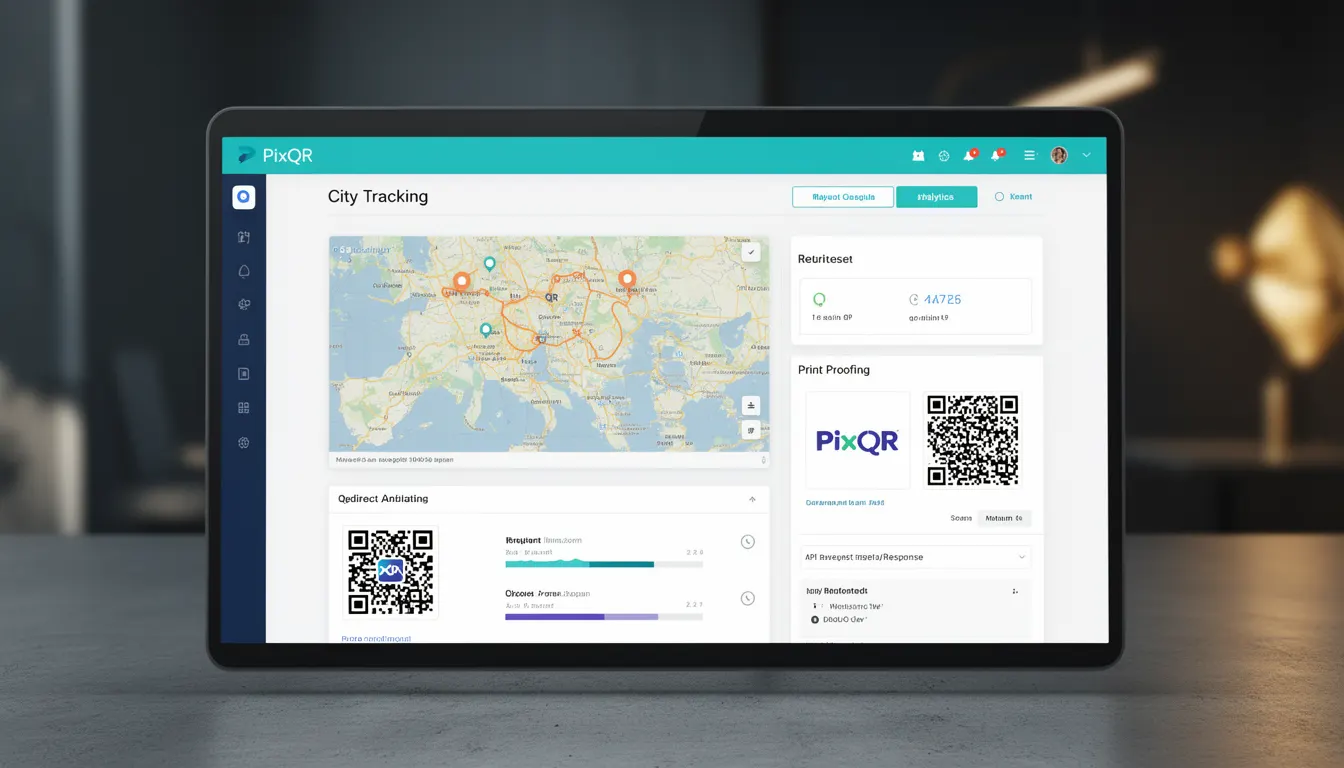
In the context of PixQR, City Tracking is enabled through integration with geolocation services that map IP addresses or device location data to specific cities. This data is then aggregated and visualized in PixQR's analytics dashboard, helping users optimize their QR code strategies based on geographic performance.
Why It Matters
For developers working with PixQR, City Tracking is crucial for understanding user behavior and optimizing campaign effectiveness. It allows for data-driven decisions such as adjusting content for regional preferences, identifying high-performing markets, and detecting potential fraud or unusual scanning patterns.
From a security perspective, City Tracking can help detect anomalous scanning behavior that might indicate misuse or spoofing. For example, if a QR code intended for a local campaign suddenly sees a high volume of scans from an unexpected city, it could be a sign of fraudulent activity or a misconfigured redirect.
Performance-wise, knowing the geographic distribution of scans can guide caching strategies and content delivery network (CDN) optimization, particularly for campaigns that serve localized content or require compliance with regional data regulations.
How It Works
City Tracking in PixQR relies on a combination of IP geolocation and optional device-based location services. The system maps incoming scan requests to cities using these data sources and logs this information for analytics.
- IP geolocation services resolve the IP address of the scanning device to a city or region.
- Optional device-based location data can be used if the scanning device supports location APIs and permissions are granted.
- Scans are timestamped and associated with the resolved city data.
- Analytics are aggregated and displayed in PixQR's dashboard, allowing filtering by city, region, or country.
- City Tracking data can be exported for further analysis or integration with third-party tools.
When a QR code is scanned, PixQR's backend receives the request and initiates geolocation resolution. This process typically involves querying a geolocation database or API to determine the city of origin. The result is then stored alongside other scan metadata for reporting and analytics.
Quick Reference
| Item | Purpose | Notes |
|---|---|---|
| Geolocation resolution | Maps IP or device location to city | Uses IP geolocation or device APIs |
| Scan metadata | Stores city data with scan logs | Includes timestamp and city |
| Analytics dashboard | Visualizes city-based scan data | Supports filtering and export |
| Export functionality | Provides raw city tracking data | Supports CSV and API export |
| Fraud detection | Flags unusual geographic patterns | Alerts on unexpected city activity |
Basic Example
PixQR Example QR
This QR links directly to this glossary page, so printed notes, onboarding docs, and support material can bring scanners back to the current reference.
/glossary/qr-code-tracking-and-analytics/qr-code-tracking-and-analytics-city-tracking

A basic example of City Tracking in action involves creating a QR code that logs the city of each scan. This data is then used to generate a simple report showing geographic distribution.
const qrCode = {
  id: "qr-12345",
  url: "https://pixqr.com/redirect/abc123",
  tracking: {
    city: true,
    country: false,
    deviceLocation: false
  }
};
This configuration enables city tracking for the QR code. The tracking.city flag tells PixQR to resolve and log the city of each scan. The deviceLocation flag, when enabled, would use the device's location API for more accurate results.
Production Example
A production-ready implementation of City Tracking involves validating data sources, handling errors gracefully, and ensuring compliance with privacy regulations.
const pixqrConfig = {
  apiEndpoint: "https://api.pixqr.com/v1",
  apiKey: "your-api-key-here",
  qrCode: {
    id: "campaign-geo-001",
    redirectUrl: "https://example.com/product",
    analytics: {
      cityTracking: true,
      countryTracking: true,
      deviceLocation: false,
      privacyCompliance: true
    }
  }
};

// Validate and set up tracking
if (pixqrConfig.qrCode.analytics.cityTracking) {
  console.log("City tracking enabled for campaign");
}

// Handle errors and fallbacks
try {
  const response = await fetch(pixqrConfig.apiEndpoint + '/qr/' + pixqrConfig.qrCode.id, {
    method: 'POST',
    headers: {
      'Authorization': 'Bearer ' + pixqrConfig.apiKey,
      'Content-Type': 'application/json'
    },
    body: JSON.stringify(pixqrConfig.qrCode)
  });
} catch (error) {
  console.error("Failed to configure QR code with city tracking:", error);
}
This version includes error handling, API key management, and privacy compliance checks. It ensures that city tracking is enabled only when appropriate and handles potential failures in geolocation resolution or API calls.
Common Mistakes
- Enabling city tracking without considering privacy compliance or data retention policies, which can lead to regulatory violations.
- Assuming IP geolocation accuracy is sufficient for all use cases, which can lead to incorrect analytics and poor campaign decisions.
- Not implementing fallback mechanisms when geolocation services are unavailable or fail, causing scan data loss.
- Ignoring device-based location permissions, which can result in incomplete or inconsistent tracking data.
- Using city tracking data for personalization without proper consent or anonymization, which can raise privacy concerns.
Security And Production Notes
- Ensure that geolocation data is handled securely and not exposed in logs or API responses without proper access controls.
- Implement rate limiting on geolocation resolution requests to prevent abuse or excessive API usage.
- Validate and sanitize all incoming IP addresses to prevent injection attacks or spoofing.
- Use HTTPS for all API communications to protect sensitive tracking data in transit.
- Regularly audit and update geolocation databases to ensure accuracy and prevent outdated data from skewing analytics.
Related Concepts
City Tracking is closely related to several other tracking and analytics concepts:
Geolocation APIs provide the underlying mechanism for determining a user's location, whether through IP address or device sensors.
IP Address Resolution is the process of mapping an IP address to a geographic location, which forms the basis of city tracking.
Analytics Dashboards visualize and present tracking data, making it actionable for marketers and developers.
Privacy Compliance regulations such as GDPR or CCPA affect how tracking data can be collected, stored, and used.
Fraud Detection systems can use geographic data to identify suspicious or anomalous scanning behavior.