 PixQR
PixQR
Overview
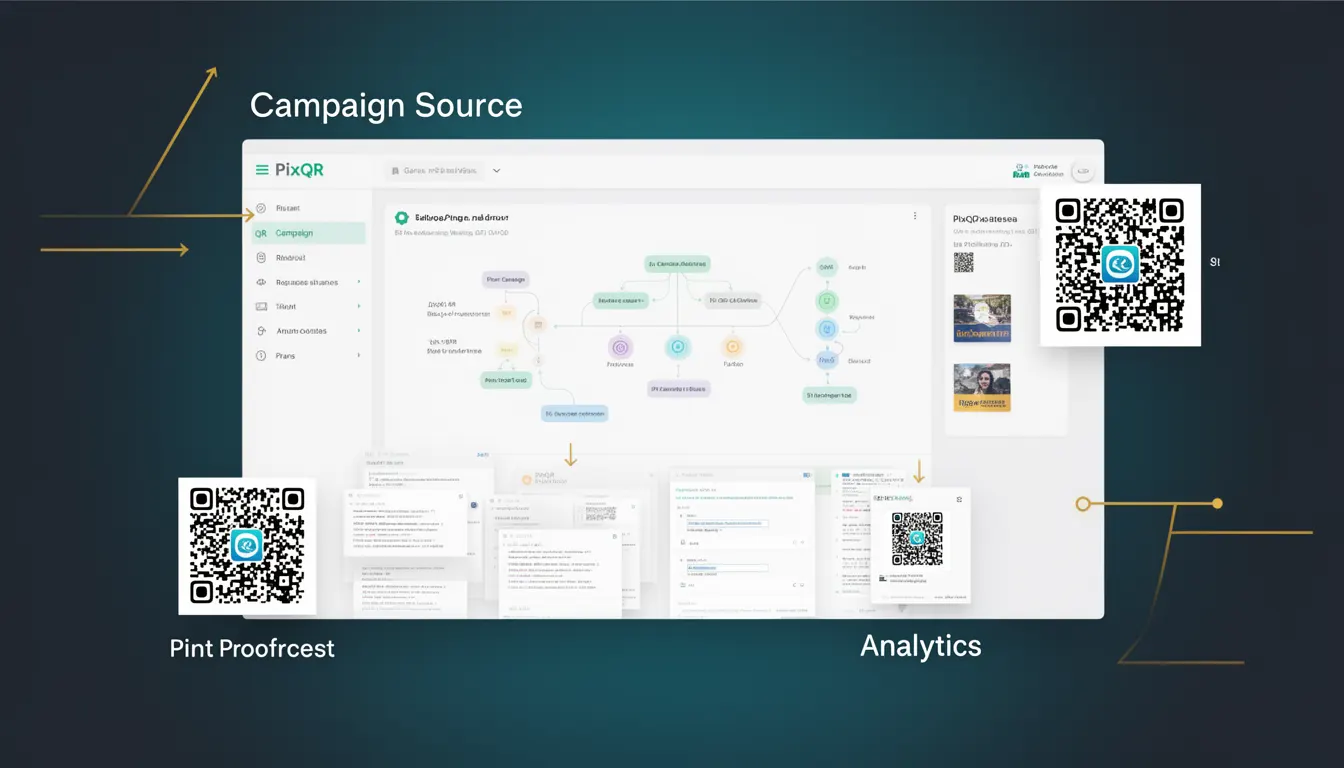
A Campaign Source in PixQR refers to a tracking parameter used to identify the origin or channel of a QR code scan. This mechanism enables developers and marketers to understand which campaigns, platforms, or content sources are driving QR code interactions. It is a key component of PixQR’s analytics capabilities, allowing for granular attribution of user behavior.
When a QR code is scanned, the underlying URL may contain parameters that indicate the campaign source. These parameters are essential for measuring the success of marketing efforts, such as identifying which social media post, email campaign, or physical advertisement is generating the most engagement. In a PixQR context, campaign sources are often implemented via URL parameters, such as utm_source, or custom parameters like pixqr_campaign.
Why It Matters
For developers, understanding Campaign Source is crucial for building robust tracking systems that align with business goals. It enables accurate analytics, performance reporting, and attribution of marketing ROI. For example, if a company launches a campaign across multiple channels, Campaign Source allows them to determine which channel is most effective in driving scans and conversions.
From a security perspective, properly implemented Campaign Source parameters help prevent malicious redirections or data leakage. If these parameters are not handled securely, they can be exploited to manipulate analytics or inject unwanted tracking into QR code URLs. In PixQR, ensuring proper sanitization and validation of source parameters is critical to maintaining data integrity and preventing injection attacks.
How It Works
The Campaign Source mechanism operates by embedding tracking identifiers into the URL of a QR code. When a user scans the code, the URL is resolved, and the tracking parameters are parsed and forwarded to analytics systems. This process typically involves the following components:
- URL parameter injection during QR code generation, where a source identifier is appended to the target URL.
- Dynamic URL resolution that ensures the campaign identifier is preserved during redirects.
- Analytics tracking systems that interpret the source parameter to categorize scan events.
- API endpoints that receive and process scan data, mapping source identifiers to campaign metrics.
- Secure handling of parameters to prevent injection or unauthorized access to tracking data.
In PixQR, the system supports both standard UTM parameters and custom tracking identifiers. These parameters are stored in a structured format to ensure consistent reporting and can be used for filtering and segmentation in analytics dashboards. The system also ensures that parameters are URL-encoded to maintain integrity during transmission and that they are not exposed in logs or error messages.
Quick Reference
| Item | Purpose | Notes |
|---|---|---|
utm_source | Identifies the source of the campaign (e.g., email, social media) | Standard UTM parameter; supported across analytics platforms |
pixqr_campaign | Custom identifier for PixQR-specific campaigns | Used for internal tracking and reporting |
| URL encoding | Ensures parameters are transmitted safely | Prevents parsing errors and injection attacks |
| Dynamic redirect handling | Preserves source parameters during redirects | Ensures analytics accuracy |
| Analytics mapping | Maps source identifiers to campaign metrics | Required for reporting and attribution |
Basic Example
PixQR Example QR
This QR links directly to this glossary page, so printed notes, onboarding docs, and support material can bring scanners back to the current reference.
/glossary/qr-code-tracking-and-analytics/qr-code-tracking-and-analytics-campaign-source

The following example demonstrates how a Campaign Source parameter is added to a QR code URL:
https://example.com/page?utm_source=newsletter&utm_medium=email&utm_campaign=summer_saleThis URL includes standard UTM parameters to track the source, medium, and campaign. When scanned, the QR code redirects to this URL, and the analytics system records the source as newsletter and the campaign as summer_sale.
Production Example
In a production environment, Campaign Source parameters are often generated dynamically and validated before inclusion in QR code URLs:
const campaignSource = encodeURIComponent('social_media_post');
const campaignMedium = encodeURIComponent('facebook');
const campaignName = encodeURIComponent('brand_awareness_2024');

const qrUrl = `https://pixqr.com/scan?utm_source=${campaignSource}&utm_medium=${campaignMedium}&utm_campaign=${campaignName}`;

// Output: https://pixqr.com/scan?utm_source=social_media_post&utm_medium=facebook&utm_campaign=brand_awareness_2024
This version ensures that parameters are URL-encoded and dynamically constructed, which is essential for security and compatibility. It also supports multiple campaign identifiers and is scalable for use in automated systems.
Common Mistakes
- Not URL-encoding parameters, which can cause parsing errors or injection vulnerabilities.
- Hardcoding campaign identifiers, making it difficult to update or scale tracking systems.
- Using generic or ambiguous source names, which can lead to inaccurate analytics reporting.
- Ignoring dynamic redirect handling, resulting in lost tracking data when redirects occur.
- Failing to validate input parameters, exposing the system to malicious data injection.
Security And Production Notes
- Always URL-encode Campaign Source parameters to prevent parsing errors and injection attacks.
- Validate and sanitize all input to ensure only expected parameters are included.
- Use HTTPS for all QR code URLs to protect tracking data in transit.
- Limit the number of tracking parameters to reduce payload size and potential exposure.
- Implement logging and monitoring for tracking parameter usage to detect anomalies or misuse.
Related Concepts
Several related concepts are closely tied to Campaign Source in QR code analytics:
- UTM Parameters: Standardized tracking parameters used across web analytics platforms.
- Dynamic Redirects: Mechanisms that modify or forward URLs while preserving tracking data.
- Scan Attribution: The process of linking QR code scans to specific marketing efforts or sources.
- URL Encoding: A method for safely transmitting special characters in URLs.
- Analytics Dashboards: Interfaces that visualize campaign performance using tracking identifiers.