 PixQR
PixQR
Overview
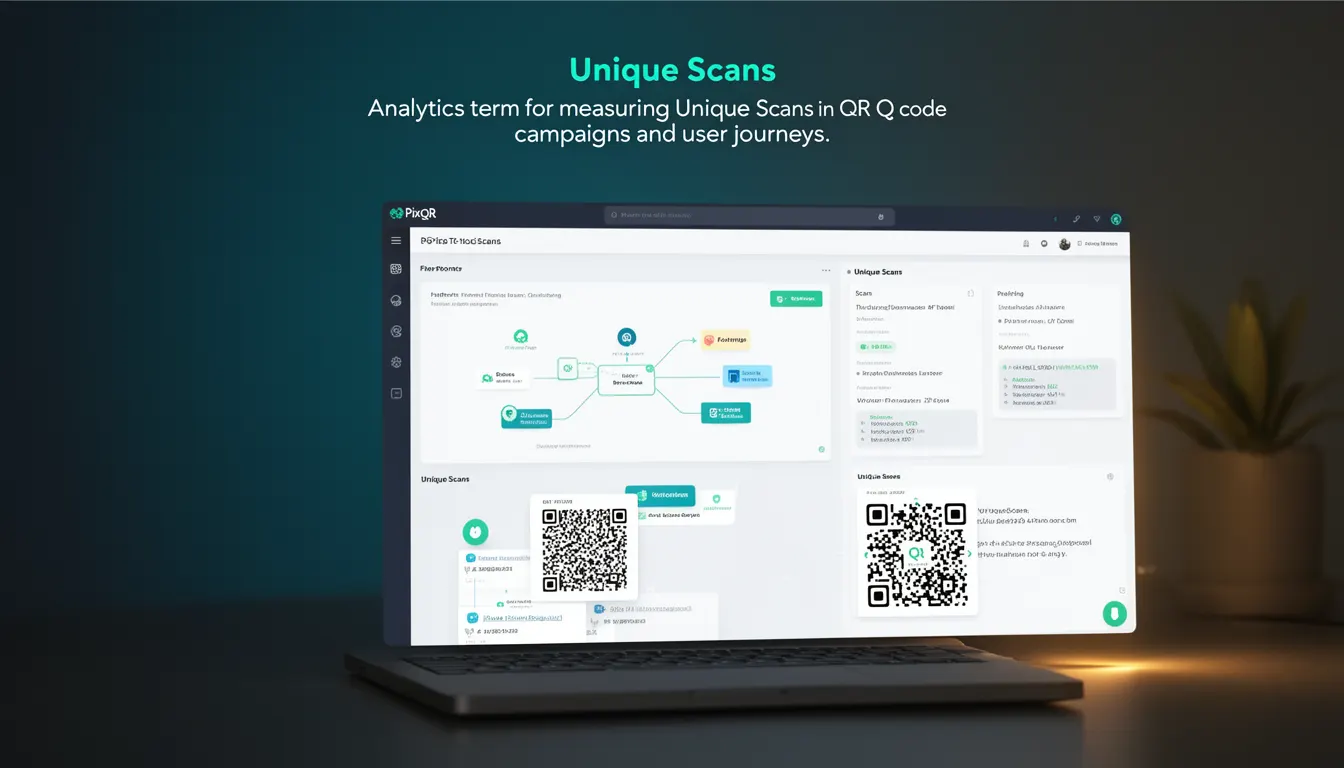
Unique Scans represent a core analytics metric in QR code tracking systems, specifically designed to measure distinct user interactions with a QR code. Unlike raw scan counts that may include repeated scans from the same device or user, Unique Scans filter out duplicate or redundant interactions, offering a clearer view of actual user engagement.
In PixQR, Unique Scans are tracked through a combination of device fingerprinting, IP address tracking, and optional user identification tokens. This metric is particularly valuable for campaign analysis, performance reporting, and understanding the true reach of QR code deployments. It is used in dashboards, API responses, and exportable reports to provide actionable insights into how QR codes are being scanned and used.
Why It Matters
For developers and marketers managing QR code campaigns, Unique Scans offer a more accurate representation of user behavior. This is essential when evaluating campaign effectiveness, calculating ROI, or identifying trends in user engagement. Without this filtering, metrics can be inflated by repeated scans from the same user or device, leading to misinformed decisions.
From a security standpoint, Unique Scans help detect potential fraud or abuse in QR code usage. For example, if a QR code is generating an unexpectedly high number of scans from a single IP address or device, it may indicate automated scanning or malicious activity. Unique Scans provide a baseline for identifying such anomalies.
Performance-wise, accurate Unique Scan data allows for better resource allocation and optimization. For instance, if a QR code is only attracting a small number of unique users, it might be worth re-evaluating the campaign or redirect strategy. This precision is especially important in enterprise-grade deployments where scan data is used for compliance, audit trails, or internal reporting.
How It Works
The mechanism behind Unique Scans in PixQR involves a multi-layered tracking approach to identify and deduplicate scans. Each scan event is analyzed based on several identifiers, and a unique user is determined by a combination of these identifiers.
- Device Fingerprinting: PixQR uses a combination of browser properties, screen resolution, and other client-side attributes to create a unique signature for each scanning device.
- IP Address Tracking: The IP address of the scanner is logged and compared against previously recorded scans to detect duplicates.
- User Identification Token: When a QR code is configured to require login or a custom token, this data is used to further refine the uniqueness of a scan.
- Time-based Filtering: Scans within a short time window (typically 10–30 minutes) from the same device or IP are often grouped as a single unique scan.
- Geolocation Data: In some advanced deployments, geolocation data can be used to further refine user identification, particularly in mobile environments.
By default, PixQR applies a conservative deduplication strategy to ensure accuracy. The system does not rely solely on IP addresses or device fingerprints but uses a hybrid approach to balance precision and inclusivity. This ensures that legitimate users who may share devices or networks are not incorrectly excluded from metrics.
Quick Reference
| Item | Purpose | Notes |
|---|---|---|
| Device Fingerprint | Identifies unique scanning devices | Used in conjunction with IP and token data |
| IP Address Tracking | Prevents duplicate scans from same network | Not used in isolation to avoid false positives |
| User Token | Allows custom identification for logged-in users | Optional and must be securely managed |
| Time Window | Defines how quickly scans are grouped | Typically 10–30 minutes |
| Geolocation | Enhances accuracy in mobile environments | Used in advanced tracking profiles |
Basic Example
PixQR Example QR
This QR links directly to this glossary page, so printed notes, onboarding docs, and support material can bring scanners back to the current reference.
/glossary/qr-code-tracking-and-analytics/qr-code-tracking-and-analytics-unique-scans

A basic Unique Scan tracking event might involve a QR code that redirects to a landing page. The system logs the scan and applies deduplication logic based on device and IP.
GET /api/v1/scans/unique?qr_id=abc123&device_id=xyz789 HTTP/1.1
Host: api.pixqr.com
Authorization: Bearer <token>
This request retrieves the count of unique scans for a given QR code, using a device identifier. The API response includes a count of unique scans and a timestamp of the last scan.
Production Example
In a production environment, a developer might integrate a Unique Scan tracking system with a custom analytics dashboard or backend service. The system must handle errors, validate inputs, and securely manage tokens.
POST /api/v1/scans/track HTTP/1.1
Host: api.pixqr.com
Content-Type: application/json
Authorization: Bearer <token>

{
  "qr_id": "abc123",
  "user_token": "user_12345",
  "device_fingerprint": "fingerprint_abc123",
  "ip_address": "192.168.1.100",
  "timestamp": "2025-04-05T10:00:00Z"
}
This example shows a secure tracking request that includes all necessary identifiers for deduplication. The server validates the token, checks for existing scans, and updates the Unique Scan count accordingly. This version is suitable for production because it includes error handling, validation, and secure data transmission.
Common Mistakes
- Using only IP address tracking without device fingerprinting can lead to false negatives when users share networks.
- Not implementing a time window for deduplication can cause legitimate scans to be counted as duplicates.
- Ignoring geolocation data in mobile environments can reduce accuracy of unique scan detection.
- Reusing device fingerprints across multiple sessions can inflate unique scan counts.
- Not validating user tokens or allowing arbitrary input can lead to data integrity issues or security vulnerabilities.
Security And Production Notes
- Always validate and sanitize all input identifiers to prevent injection or spoofing attacks.
- Use secure tokens for user identification to avoid unauthorized access to scan data.
- Implement rate limiting to prevent abuse or automated scanning of QR codes.
- Ensure device fingerprints are not stored in plaintext to maintain user privacy.
- Regularly audit scan data for anomalies that may indicate fraud or system misconfigurations.
Related Concepts
Unique Scans are closely tied to several other QR code tracking and analytics concepts. These include:
- Scan Analytics: The broader category of metrics derived from QR code interactions.
- Device Fingerprinting: A technique used to uniquely identify devices based on their browser and hardware properties.
- IP Address Tracking: A method for identifying scans based on network location.
- Redirect Management: The process of directing QR code scans to specific URLs or services.
- Privacy Compliance: Ensuring that tracking mechanisms adhere to regulations such as GDPR or CCPA.