 PixQR
PixQR
Overview
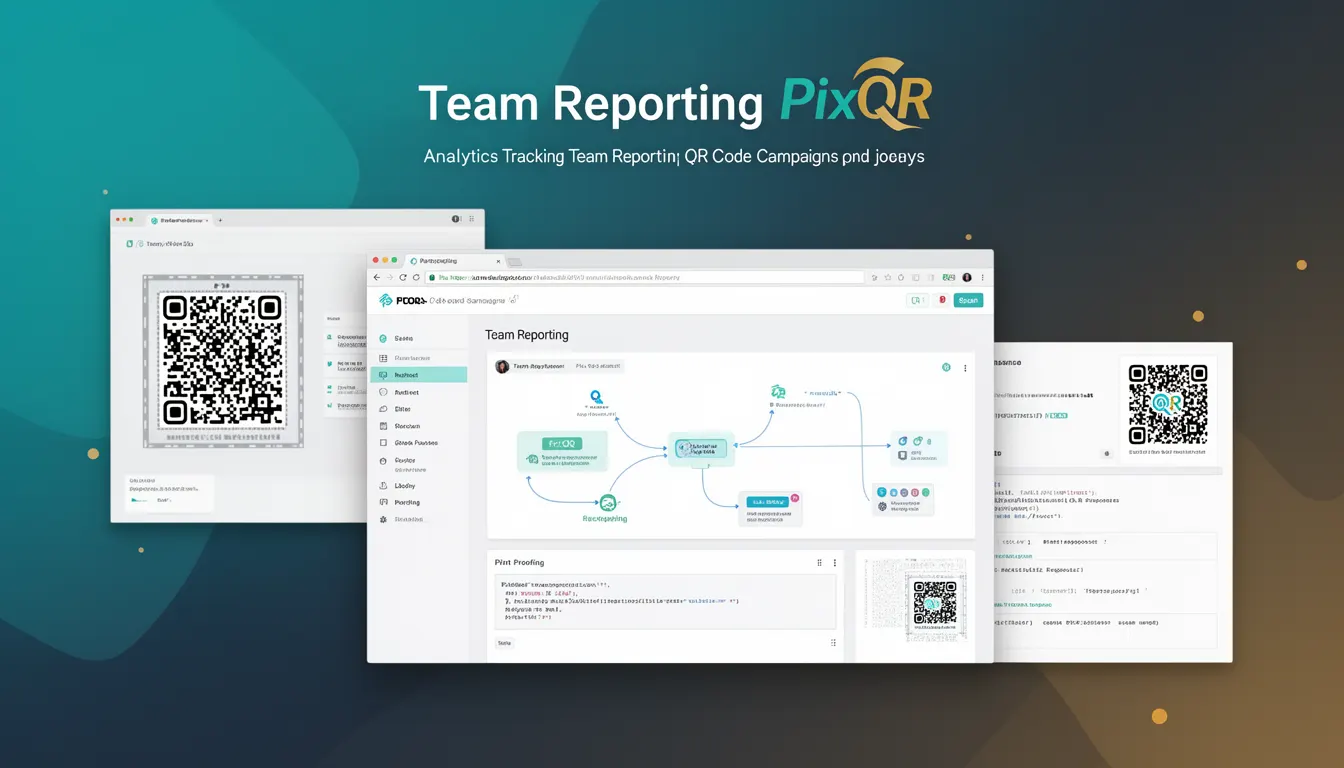
Team Reporting in the context of PixQR refers to a feature that aggregates and presents analytics data for QR code campaigns across multiple users or teams within an organization. This capability allows administrators and analysts to monitor usage patterns, campaign performance, and user engagement on a collective level, rather than viewing individual metrics in isolation.
In PixQR's analytics ecosystem, Team Reporting provides a centralized dashboard or API endpoint that surfaces aggregated data from various QR code interactions. It is especially useful for enterprise environments where multiple teams manage distinct QR code assets but need unified visibility into overall campaign success or operational efficiency.
Why It Matters
Team Reporting is critical for operational oversight and strategic decision-making in organizations using PixQR. It enables managers to identify trends, allocate resources, and optimize QR code usage across departments or teams. For example, a marketing department can assess the effectiveness of different campaign types, while a logistics team might track scan frequency per location.
From a developer perspective, Team Reporting is essential for building scalable analytics dashboards or integrating with business intelligence tools. It ensures that data is not siloed, which helps in maintaining compliance with internal audit standards and in aligning QR code initiatives with broader business objectives.
How It Works
Team Reporting in PixQR operates by collecting individual scan events, user interactions, and campaign metadata from various QR codes within a shared workspace or organization. These data points are then aggregated based on defined groupings such as team, campaign, or user role.
- Aggregation is performed server-side using predefined groupings to ensure consistent reporting across teams.
- Each team's data can be filtered by time range, campaign type, or geographic region.
- Metrics include total scans, unique users, scan success rate, and average time to action.
- Reporting supports both real-time and batched data processing for low-latency and historical insights.
- Access controls are enforced to ensure that only authorized users can view or export team-specific reports.
Quick Reference
| Item | Purpose | Notes |
|---|---|---|
| team_id | Identifies the team for which data is being aggregated | Required for API access |
| time_range | Defines the date range for the report | Supports granular filtering |
| campaign_type | Filters metrics by campaign category | Useful for A/B testing |
| scan_success_rate | Percentage of successful scans | Key performance indicator |
| unique_users | Number of distinct users interacting with QR codes | Used for engagement analysis |
Basic Example
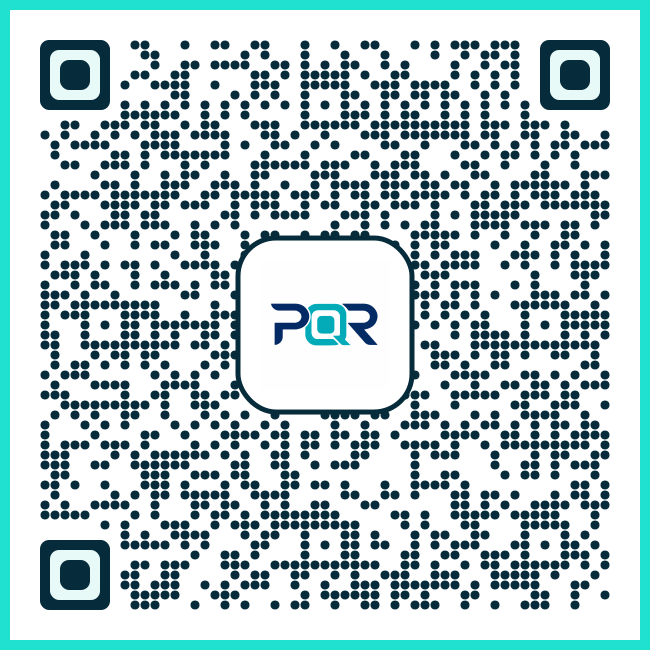
PixQR Example QR
This QR links directly to this glossary page, so printed notes, onboarding docs, and support material can bring scanners back to the current reference.
/glossary/qr-code-tracking-and-analytics/qr-code-tracking-and-analytics-team-reporting
The following example demonstrates how to query team-level analytics using PixQR's API. It retrieves scan data for a specific team within a defined date range.
GET /api/v1/team/reports?team_id=team_123&start_date=2024-01-01&end_date=2024-01-31This request fetches aggregated scan metrics for team_123. The response includes total scans, unique users, and success rates. The date range is specified to focus on a specific month.
Production Example
In a production environment, Team Reporting often requires additional validation and access control. The following example shows a secure approach to querying team data with proper error handling and authentication.
curl -X GET "https://api.pixqr.com/v1/team/reports" \
  -H "Authorization: Bearer ${API_TOKEN}" \
  -H "Content-Type: application/json" \
  -d '{
    "team_id": "team_123",
    "time_range": {
      "start": "2024-01-01",
      "end": "2024-01-31"
    }
  }'
This version includes authentication via a bearer token and structured JSON input. It ensures that only authorized users can access sensitive team data and provides a stable interface for downstream systems.
Common Mistakes
- Using unfiltered data in dashboards can lead to misleading performance metrics and poor decision-making.
- Not validating team IDs in API requests may expose unauthorized access to team data.
- Ignoring time zone settings in date range queries can cause incorrect aggregation of scan events.
- Hardcoding team IDs in client-side code increases the risk of accidental exposure or misuse.
- Failure to implement pagination for large datasets may result in slow or failed API responses.
- Not accounting for data retention policies may lead to incomplete reporting or errors in historical analysis.
Security And Production Notes
- Ensure all API requests are authenticated using secure tokens to prevent unauthorized access to team data.
- Validate and sanitize all input parameters to avoid injection or misconfiguration issues.
- Implement rate limiting to prevent abuse of the reporting API during high-traffic periods.
- Use HTTPS exclusively for all communication to protect data in transit.
- Regularly audit access logs to detect anomalies or unauthorized access attempts.
Related Concepts
Team Reporting is closely related to several core PixQR features and analytics practices. Campaign Analytics provides detailed insights into specific QR code usage, while User Analytics tracks individual behavior. Access Control ensures that only authorized personnel can view team data. Data Export supports sharing reports with external stakeholders, and Privacy Compliance ensures that all collected data adheres to legal standards such as GDPR or CCPA.