 PixQR
PixQR
Overview
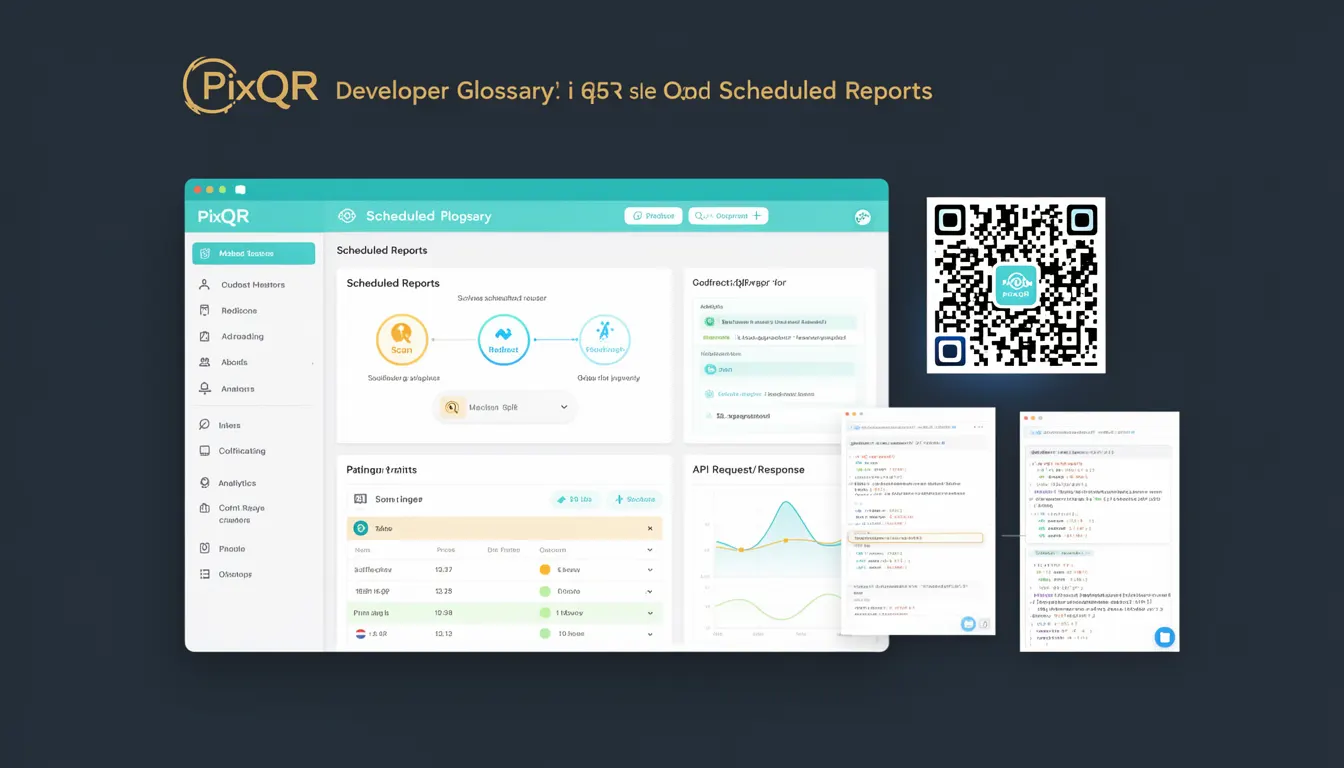
Scheduled Reports in PixQR refer to automated analytics outputs that are generated and delivered at predetermined intervals for QR code campaigns. These reports provide insights into campaign performance, user engagement, and scan trends without requiring manual intervention. They are part of the broader tracking and analytics capabilities that enable developers and marketers to monitor the success of QR-based initiatives.
Developers use Scheduled Reports to build dashboards, trigger alerts, or integrate with external systems. They are particularly valuable for campaigns that require ongoing monitoring, such as promotional events, product launches, or location-based services. The reports are typically generated in formats like CSV, JSON, or PDF and can be configured to include specific metrics such as scan volume, geographic distribution, or time-based trends.
Why It Matters
For developers, Scheduled Reports automate the process of data collection and analysis, reducing manual effort and potential for human error. This automation is critical in high-volume environments where real-time insights are needed to make rapid decisions. In the context of PixQR, Scheduled Reports enhance operational workflows by ensuring that campaign data is consistently available, even when not actively monitored.
From a security standpoint, Scheduled Reports are often generated using secure API endpoints and may be delivered via encrypted channels. This ensures that sensitive campaign data is not exposed during transmission. For accessibility, developers must ensure that reports are structured to support screen readers and other assistive technologies, especially when they are used in automated systems or dashboards.
Performance-wise, Scheduled Reports are typically batch-processed and cached to reduce load on backend systems. This is especially important when handling large datasets or multiple concurrent reports. For user experience, the reports must be delivered in a timely and consistent manner, with clear formatting and structured data to support integration with other tools.
How It Works
Scheduled Reports in PixQR are configured through an API or dashboard interface, where users define parameters such as report frequency, data range, and output format. The system then schedules these reports to be generated at specified intervals, such as daily, weekly, or monthly. The reports are built using historical data collected from QR code scans and user interactions.
- Reports are generated based on a defined schedule, typically using cron-like mechanisms or internal task queues.
- Data is aggregated from scan logs, user engagement metrics, and campaign metadata.
- Output formats are customizable, supporting JSON, CSV, and PDF for integration with external systems.
- Reports can be configured to include filters such as geographic regions, time periods, or campaign IDs.
- Delivery methods include email, webhook, or direct API access, with options for encryption and authentication.
Quick Reference
| Item | Purpose | Notes |
|---|---|---|
| Schedule Frequency | Controls how often reports are generated | Options include daily, weekly, monthly, or custom intervals |
| Report Format | Determines the output type of the report | Supports JSON, CSV, and PDF formats |
| Data Filters | Allows narrowing report scope by parameters | Includes campaign ID, region, time range, and scan type |
| Delivery Method | Specifies how the report is sent to the user | Supports email, webhook, and API access |
| Security Settings | Ensures secure access and transmission of reports | Includes encryption, authentication, and access control |
Basic Example
PixQR Example QR
This QR links directly to this glossary page, so printed notes, onboarding docs, and support material can bring scanners back to the current reference.
/glossary/qr-code-tracking-and-analytics/qr-code-tracking-and-analytics-scheduled-reports
This example shows a basic API call to schedule a daily report for a specific campaign. The example includes minimal configuration and assumes standard defaults for output format and delivery.
curl -X POST https://api.pixqr.com/reports/schedule \
  -H "Authorization: Bearer <API_TOKEN>" \
  -H "Content-Type: application/json" \
  -d '{
    "campaign_id": "12345",
    "frequency": "daily",
    "format": "json",
    "delivery": "email"
  }'
The key elements are the campaign ID, which identifies the data source, the frequency setting that determines how often the report is generated, and the delivery method, which specifies where the report is sent.
Production Example
This example demonstrates a more robust configuration that includes validation, error handling, and secure delivery settings. It uses a structured approach to ensure that reports are reliable and accessible in production environments.
curl -X POST https://api.pixqr.com/reports/schedule \
  -H "Authorization: Bearer <API_TOKEN>" \
  -H "Content-Type: application/json" \
  -d '{
    "campaign_id": "12345",
    "frequency": "weekly",
    "format": "csv",
    "delivery": {
      "method": "webhook",
      "url": "https://example.com/receive-report",
      "auth": {
        "type": "bearer",
        "token": "webhook-secret-token"
      }
    },
    "filters": {
      "region": "US",
      "time_range": {
        "start": "2023-01-01",
        "end": "2023-12-31"
      }
    },
    "security": {
      "encryption": "aes-256",
      "access_control": "restricted"
    }
  }'
This version includes additional security settings, webhook delivery with authentication, and specific filters to tailor the report data. It is more suitable for production environments where data integrity and access control are critical.
Common Mistakes
- Using default delivery settings without configuring authentication or encryption, leading to potential data exposure.
- Setting incorrect time ranges or filters that result in incomplete or irrelevant data in reports.
- Not validating campaign IDs or report parameters, causing API errors or failed report generation.
- Ignoring format compatibility when integrating reports with external systems, leading to parsing issues.
- Overlooking access control for scheduled reports, allowing unauthorized users to retrieve sensitive data.
- Not accounting for time zone differences in report scheduling, which may cause delays or missed intervals.
Security And Production Notes
- Always use secure tokens and authentication methods for API access to Scheduled Reports.
- Validate and sanitize all input parameters to prevent injection or misconfiguration issues.
- Encrypt report data during transmission and storage to protect sensitive campaign information.
- Implement access control lists to restrict who can schedule, view, or modify reports.
- Ensure that delivery methods, such as webhooks, use HTTPS and include authentication to prevent unauthorized access.
Related Concepts
Several related concepts are essential for understanding and implementing Scheduled Reports effectively:
- QR Code Analytics: The core data source for Scheduled Reports, providing scan volume, user behavior, and campaign metrics.
- API Endpoints: The interface through which Scheduled Reports are configured and retrieved, requiring secure and well-documented access.
- Automated Workflows: The systems that trigger report generation, often integrated with task schedulers or cron jobs.
- Data Filtering and Aggregation: The mechanisms used to process raw scan logs into meaningful report data.
- Report Delivery Channels: The methods through which reports are sent, including email, webhook, or direct API access.