 PixQR
PixQR
Overview
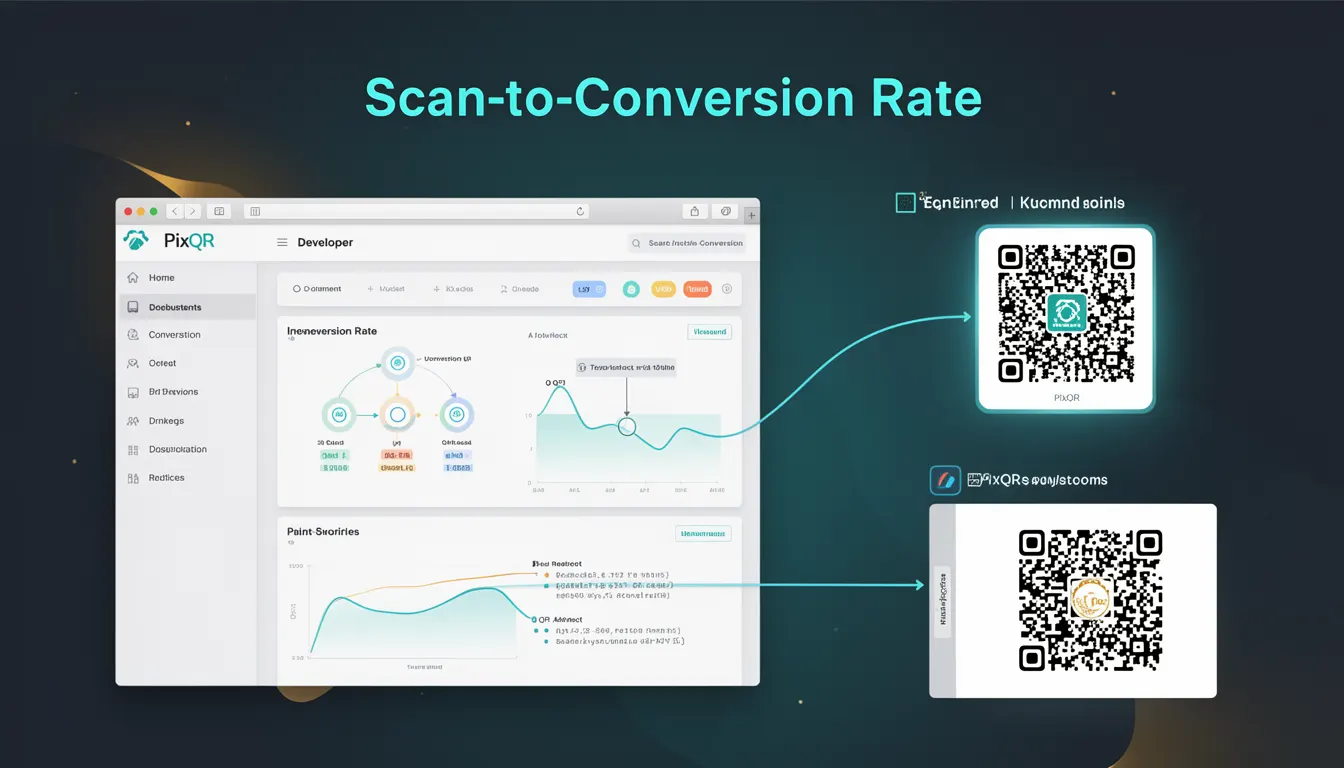
Scan-to-Conversion Rate (SCR) is a performance metric used in QR code analytics to measure the percentage of users who scan a QR code and then complete a desired action, such as making a purchase, signing up for a newsletter, or visiting a landing page. This metric is essential for understanding how effectively QR codes are driving user engagement and business outcomes.
Developers and marketers rely on this metric to evaluate campaign effectiveness, optimize QR code placement, and improve conversion funnels. In PixQR, the Scan-to-Conversion Rate is tracked through integration with analytics platforms, event logging, and user journey tracking. It allows teams to assess how many scans translate into meaningful business actions.
Why It Matters
For developers working with QR code platforms like PixQR, understanding the Scan-to-Conversion Rate is crucial for optimizing user experience and campaign performance. It directly impacts decisions on QR code design, placement, and redirect strategies. A low conversion rate may indicate issues with the landing page, user journey, or QR code usability, all of which require technical intervention.
From a security perspective, a high conversion rate can be an indicator of a well-designed, safe, and trustworthy QR code experience. It helps identify potential fraudulent or malicious redirects that could harm users or compromise brand integrity. Additionally, accurate tracking of this metric supports data-driven decision-making, ensuring that marketing resources are efficiently allocated.
How It Works
The Scan-to-Conversion Rate is calculated by dividing the number of users who complete a desired action after scanning a QR code by the total number of scans. This process involves several key technical components and steps:
- Each QR code scan triggers an event that is logged by the platform, typically including timestamp, device information, and user context.
- Conversion events are defined by specific actions such as completing a form, making a purchase, or visiting a specific URL.
- Tracking is performed through a combination of server-side logging and client-side analytics, ensuring that data is captured accurately and securely.
- Analytics dashboards in PixQR aggregate this data to compute the rate, often with filters for time ranges, geographic regions, or campaign variations.
- Conversion tracking relies on proper event attribution, which requires unique identifiers or tokens embedded in QR code redirects to link scans to specific user actions.
Quick Reference
| Item | Purpose | Notes |
|---|---|---|
| Scan event | Triggers tracking when a QR code is scanned | Must include timestamp and device context |
| Conversion event | Tracks when a user completes a desired action | Must be linked to a unique scan identifier |
| Conversion rate formula | Measures success of a QR code campaign | Calculated as (Conversions / Scans) * 100 |
| Attribution token | Links scan to conversion for accurate tracking | Should be unique per QR code or campaign |
| Analytics dashboard | Displays conversion metrics and trends | Supports filtering by campaign, date, or region |
Basic Example
PixQR Example QR
This QR links directly to this glossary page, so printed notes, onboarding docs, and support material can bring scanners back to the current reference.
/glossary/qr-code-tracking-and-analytics/qr-code-tracking-and-analytics-scan-to-conversion-rate

This example demonstrates how a basic scan-to-conversion rate calculation might be performed in a backend system. It uses a simplified model to show how data is processed and how the rate is derived.
const scans = 1000;
const conversions = 150;
const conversionRate = (conversions / scans) * 100;
console.log(`Scan-to-Conversion Rate: ${conversionRate.toFixed(2)}%`);
The example shows a basic calculation where 150 out of 1000 scans resulted in conversions. The conversionRate variable stores the percentage, which is then logged to the console. This simple structure can be expanded to include more complex data handling and logging.
Production Example
In a production environment, the implementation of Scan-to-Conversion Rate tracking requires more robust handling of data, including event validation, error logging, and secure attribution. This example illustrates a more structured approach to tracking.
function trackConversion(scanId, action) {
  if (!scanId || !action) {
    console.error('Invalid scan ID or action');
    return;
  }
  const event = {
    scanId: scanId,
    action: action,
    timestamp: Date.now()
  };
  // Send event to analytics platform
  sendToAnalytics(event);
  console.log(`Conversion tracked for scan ${scanId} with action ${action}`);
}

function calculateConversionRate(scans, conversions) {
  if (scans === 0) return 0;
  return ((conversions / scans) * 100).toFixed(2);
}
This version includes validation to ensure that required parameters are present, error handling for invalid inputs, and a structured approach to sending events to an analytics platform. The calculateConversionRate function ensures that division by zero is avoided and that results are formatted correctly for display.
Common Mistakes
- Not using unique identifiers for scans can lead to inaccurate conversion tracking, as multiple scans might be misattributed to a single conversion.
- Ignoring device or browser context can prevent developers from identifying usability issues or platform-specific problems.
- Using static conversion rates without considering time-based trends can mislead campaign optimization decisions.
- Failing to implement proper error handling when logging events can cause data loss or silent failures in tracking.
- Not validating the action or event type before logging can result in invalid or misleading data in analytics dashboards.
Security And Production Notes
- Ensure that scan identifiers are unique and cryptographically secure to prevent duplicate or malicious tracking.
- Validate all incoming data to avoid injection or spoofing attacks that could manipulate conversion metrics.
- Implement access controls for analytics dashboards to prevent unauthorized users from viewing or altering conversion data.
- Use HTTPS for all tracking endpoints to ensure data integrity and prevent interception.
- Regularly audit tracking code and event logs to identify and correct discrepancies or anomalies.
Related Concepts
Scan-to-Conversion Rate is closely related to several other analytics and marketing concepts:
- Click-Through Rate (CTR) is a similar metric used in digital advertising, but applied to web clicks rather than QR code scans.
- Attribution refers to the process of identifying which touchpoints in a user journey led to a conversion, which is critical for accurate conversion tracking.
- Conversion Funnel describes the sequence of steps a user takes before completing a desired action, which Scan-to-Conversion Rate helps evaluate.
- Event Tracking is the broader practice of capturing and analyzing user interactions, including QR code scans.
- Analytics Dashboard is the interface used to visualize and interpret conversion metrics, including Scan-to-Conversion Rate.