 PixQR
PixQR
Overview
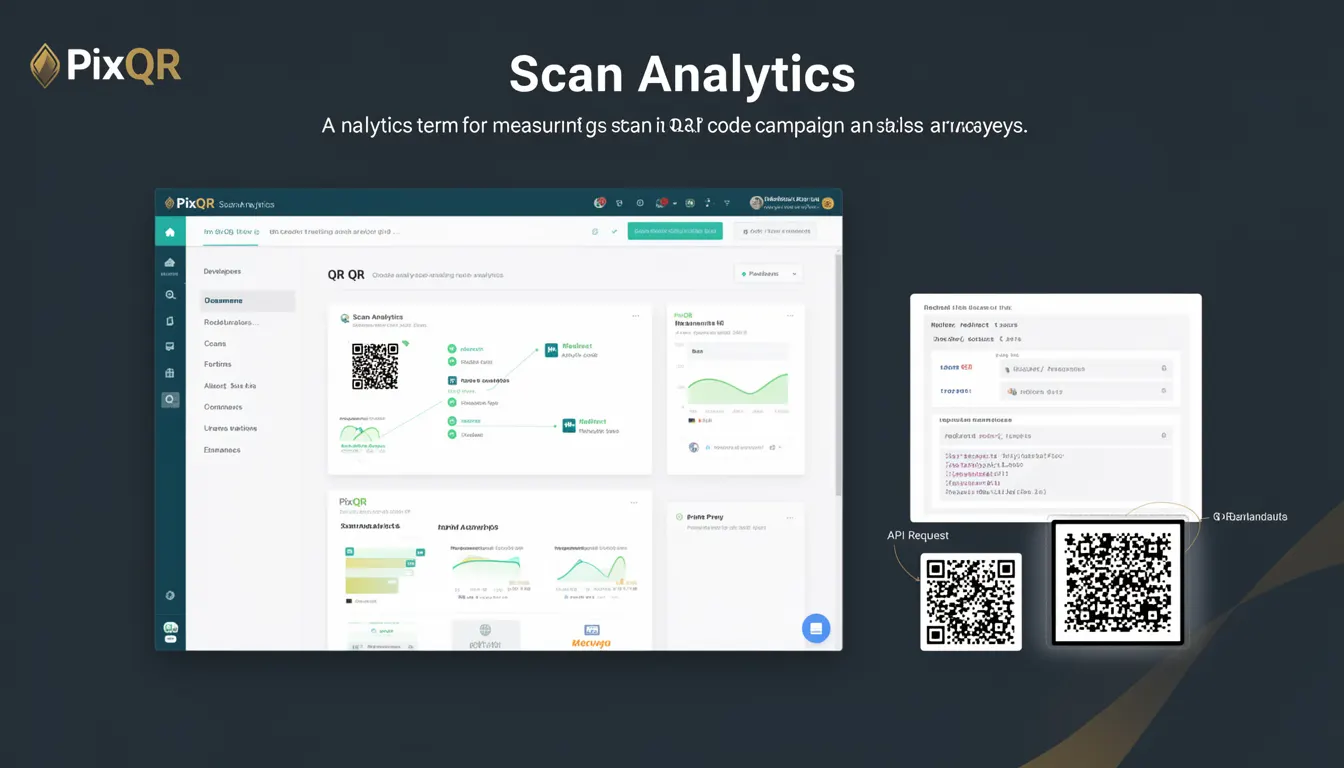
Scan Analytics refers to the process of collecting, measuring, and analyzing data about QR code scans within a campaign or user journey. This data includes metrics such as scan frequency, geographic location, device type, time of interaction, and conversion tracking. In the context of PixQR, Scan Analytics is used to help content creators, marketers, and developers understand how QR codes are being used in the real world and how effective they are at driving engagement or conversions.
Developers using PixQR platforms typically access Scan Analytics through dashboard interfaces or API endpoints to evaluate campaign performance, optimize QR code placement, or adjust redirects. The data can be used to improve marketing strategies, understand user behavior, and ensure QR codes are functioning as intended. For example, a developer may use Scan Analytics to determine whether a QR code placed on a poster is receiving more scans than one on a digital ad, or whether scans are predominantly occurring during specific hours or days.
Why It Matters
For developers, Scan Analytics is a core component of performance monitoring and user journey optimization. Without meaningful data, it's difficult to know if a QR code is being scanned, how often, or by whom. This can lead to wasted resources, ineffective campaigns, or poor user experience. In PixQR, accurate Scan Analytics ensures that redirects are working as intended and that the QR code's purpose—whether it's driving traffic, collecting leads, or providing information—is being met.
From a security standpoint, Scan Analytics can help identify unusual patterns that may indicate fraudulent use or system abuse. For example, a sudden spike in scans from a single IP address or device could signal an attack or misconfiguration. In a production environment, developers rely on these analytics to validate that QR codes are not being misused and to maintain system integrity.
How It Works
Scan Analytics in PixQR operates by capturing data each time a QR code is successfully scanned and the user is redirected. The system logs various metadata associated with the scan, such as timestamp, device type, geographic coordinates, and browser information. This data is then aggregated and made available through an analytics dashboard or API endpoint.
- Each QR code scan generates a unique tracking event that includes timestamp, IP address, and device fingerprint.
- Geolocation data is derived from the IP address of the scanning device, with accuracy varying by network provider.
- Device information is captured via browser headers, including operating system and browser version.
- Scan events are stored in a secure, encrypted database to ensure compliance with privacy regulations.
- Analytics are available in real-time or via batch reports, depending on the user’s plan and configuration.
Quick Reference
| Item | Purpose | Notes |
|---|---|---|
| Scan timestamp | Tracks when a QR code was scanned | Used for time-based analysis and campaign optimization |
| Geolocation data | Identifies scan location | Derived from IP address; accuracy varies |
| Device type | Identifies scanning device | Includes OS and browser info |
| Redirect URL | Tracks where the scan led | Used to verify redirect integrity |
| Scan frequency | Measures how often a QR code is scanned | Used for performance and campaign effectiveness |
Basic Example
PixQR Example QR
This QR links directly to this glossary page, so printed notes, onboarding docs, and support material can bring scanners back to the current reference.
/glossary/qr-code-tracking-and-analytics/qr-code-tracking-and-analytics-scan-analytics

This example shows a simplified data structure returned by a Scan Analytics API endpoint for a single QR code.
{
  "qr_code_id": "abc123",
  "scans": [
    {
      "timestamp": "2024-05-01T10:00:00Z",
      "ip_address": "192.168.1.1",
      "location": {
        "latitude": 40.7128,
        "longitude": -74.0060
      },
      "device": {
        "os": "iOS",
        "browser": "Safari"
      }
    }
  ]
}
This structure demonstrates how a scan event is logged with metadata. The timestamp and location help in understanding user behavior, while device information can be used to optimize for specific platforms.
Production Example
In a production environment, Scan Analytics data is typically structured for scalability and security. This example shows how a developer might retrieve and validate scan data from a PixQR API endpoint.
const response = await fetch('https://api.pixqr.com/v1/analytics/scans/abc123', {
  method: 'GET',
  headers: {
    'Authorization': 'Bearer your_api_token',
    'Content-Type': 'application/json'
  }
});

const analytics = await response.json();

if (analytics.scans.length > 0) {
  const latestScan = analytics.scans[0];
  console.log(`Scan occurred at ${latestScan.timestamp}`);
  console.log(`Location: ${latestScan.location.latitude}, ${latestScan.location.longitude}`);
}
This version includes proper error handling, API token authentication, and structured data access. It is suitable for production use because it validates the API response and handles potential errors gracefully.
Common Mistakes
- Not validating IP addresses or device fingerprints, leading to inaccurate location data or false positives in fraud detection.
- Ignoring scan frequency metrics, which can result in underperforming campaigns or missed optimization opportunities.
- Using outdated API tokens or failing to refresh them, causing authentication failures and data access issues.
- Not implementing proper error handling when querying the analytics API, leading to unhandled exceptions in production code.
- Storing or logging raw scan data without encryption, exposing sensitive user information and violating privacy regulations.
Security And Production Notes
- All scan data is encrypted at rest and in transit using industry-standard TLS protocols.
- Access to analytics data requires valid API tokens with appropriate permissions, preventing unauthorized access.
- Scan data is anonymized where possible to protect user privacy and comply with GDPR and CCPA regulations.
- API endpoints enforce rate limiting to prevent abuse and ensure system stability.
- Scan timestamps are validated to prevent replay attacks or tampering with historical data.
Related Concepts
Scan Analytics is closely related to several other tracking and analytics concepts:
- QR Code Generation: The process of creating QR codes, which is the foundation for tracking scans.
- Dynamic Redirects: The ability to change where a QR code leads, which must be tracked to measure effectiveness.
- Conversion Tracking: Measuring whether QR code scans lead to desired actions like form submissions or purchases.
- Geolocation Tracking: Using scan data to determine where users are interacting with QR codes.
- Device Fingerprinting: Identifying unique devices to improve scan accuracy and prevent fraud.