 PixQR
PixQR
Overview
ROI Measurement in the context of QR code campaigns refers to the process of quantifying the return on investment for marketing efforts that utilize QR codes. This involves tracking and analyzing user interactions with QR codes to determine the effectiveness of a campaign and the financial benefit derived from it.
For developers working with PixQR, ROI Measurement is a core component of analytics and reporting systems. It enables teams to understand which QR codes drive the most traffic, convert the best, and generate the highest revenue. It is used across digital marketing, print advertising, event management, and product labeling to assess campaign success.
Why It Matters
ROI Measurement is critical for developers because it directly impacts how marketing and product teams allocate resources. For PixQR, accurate ROI tracking ensures that customers can make informed decisions about where to invest in QR code campaigns. Poorly implemented tracking can lead to inaccurate data, resulting in wasted budgets and missed opportunities.
From a technical standpoint, ROI Measurement requires integration with analytics platforms, conversion tracking, and data logging. It affects performance and data privacy considerations, especially when dealing with user-level data. Developers must ensure that tracking mechanisms are efficient, secure, and compliant with regulations like GDPR and CCPA.
How It Works
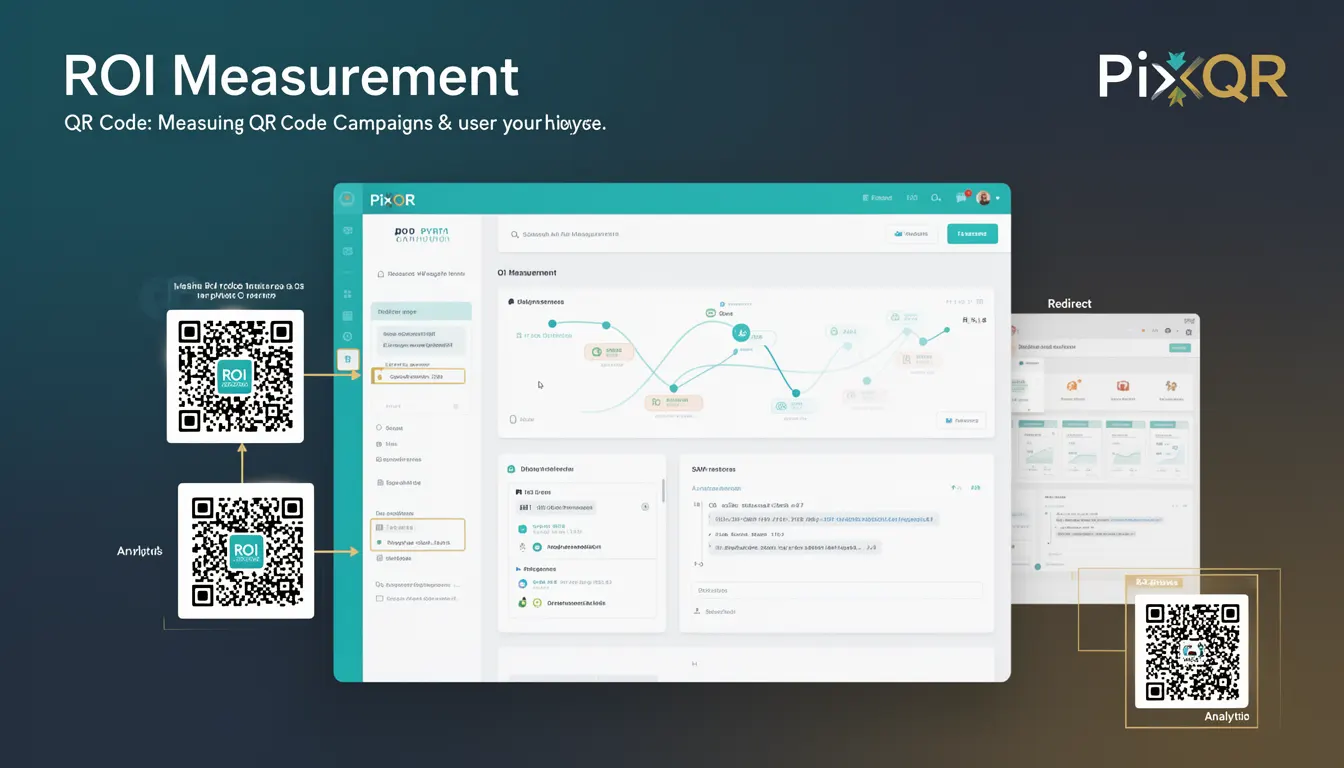
ROI Measurement in QR code campaigns is built on tracking user behavior from QR code scan to conversion. The process begins with generating a unique identifier for each QR code, which is embedded in the redirect URL. When a user scans the QR code, their interaction is logged, and the system tracks the user journey through various stages.
- Each QR code has a unique identifier that links to a tracking endpoint.
- Upon scan, the system records the timestamp, device type, IP address, and geographic location.
- Conversion tracking is enabled by embedding tracking parameters in the destination URL.
- Data is aggregated and analyzed to compute metrics like click-through rate, conversion rate, and revenue per QR code.
- Analytics dashboards display ROI in real-time or at scheduled intervals.
Quick Reference
| Item | Purpose | Notes |
|---|---|---|
| Unique QR Code ID | Tracks individual QR code performance | Essential for accurate analytics |
| Tracking Parameters | Embeds campaign data in redirect URL | Used to correlate scans with conversions |
| Conversion Event | Records user actions after QR scan | Triggers ROI calculation |
| Analytics Dashboard | Visualizes ROI metrics | Provides actionable insights |
| Data Aggregation | Processes scan and conversion logs | Enables accurate ROI computation |
Basic Example
PixQR Example QR
This QR links directly to this glossary page, so printed notes, onboarding docs, and support material can bring scanners back to the current reference.
/glossary/qr-code-tracking-and-analytics/qr-code-tracking-and-analytics-roi-measurement

This basic example shows how a QR code can be configured to track a campaign with a unique identifier. It demonstrates the initial setup required to enable ROI tracking.
const qrConfig = {
  id: 'campaign-123',
  url: 'https://example.com/landing?utm_source=qr&utm_campaign=campaign-123',
  analytics: true
};

const qrCode = PixQR.generate(qrConfig);
The example sets up a QR code with a unique ID and a URL that includes tracking parameters. This configuration enables the system to distinguish this QR code from others and associate scans with a specific campaign.
Production Example
This example demonstrates a production-ready implementation of ROI Measurement that includes tracking, conversion logging, and analytics aggregation. It ensures secure and efficient data handling.
const campaignId = 'campaign-456';
const trackingUrl = `https://example.com/landing?utm_source=qr&utm_campaign=${campaignId}&utm_medium=print`;

const qrConfig = {
  id: campaignId,
  url: trackingUrl,
  analytics: {
    enabled: true,
    events: ['scan', 'conversion'],
    dataRetention: '30d'
  }
};

const qrCode = PixQR.generate(qrConfig);

// Log scan event
PixQR.track('scan', {
  qrId: campaignId,
  timestamp: Date.now(),
  userAgent: navigator.userAgent
});

// Log conversion event
PixQR.track('conversion', {
  qrId: campaignId,
  revenue: 29.99,
  timestamp: Date.now()
});
This version includes robust event logging, data retention policies, and secure handling of user agent information. It is suitable for production environments and ensures compliance with privacy regulations.
Common Mistakes
- Not using unique identifiers for QR codes, leading to data overlap and incorrect ROI calculations.
- Forgetting to implement conversion tracking, resulting in incomplete ROI metrics.
- Hardcoding tracking parameters instead of dynamically generating them, which limits scalability.
- Not validating or sanitizing tracking data, increasing the risk of data corruption or injection attacks.
- Ignoring data privacy regulations, which can lead to legal penalties and loss of user trust.
Security And Production Notes
- Always sanitize tracking parameters to prevent injection attacks and ensure data integrity.
- Implement secure logging practices to protect user privacy and comply with data regulations.
- Use HTTPS for all tracking endpoints to prevent man-in-the-middle attacks.
- Validate QR code identifiers to ensure they are not manipulated or duplicated.
- Regularly audit analytics data to detect anomalies or potential misuse.
Related Concepts
ROI Measurement is closely connected to several other developer and marketing concepts:
- Analytics - Provides the data layer for tracking and reporting.
- Conversion Tracking - Measures the effectiveness of user actions after QR scan.
- Attribution - Assigns credit to specific QR codes or campaigns for conversions.
- Utm Parameters - Used to tag and track QR code campaigns in URLs.
- Privacy Compliance - Ensures tracking meets regulations like GDPR and CCPA.