 PixQR
PixQR
Overview
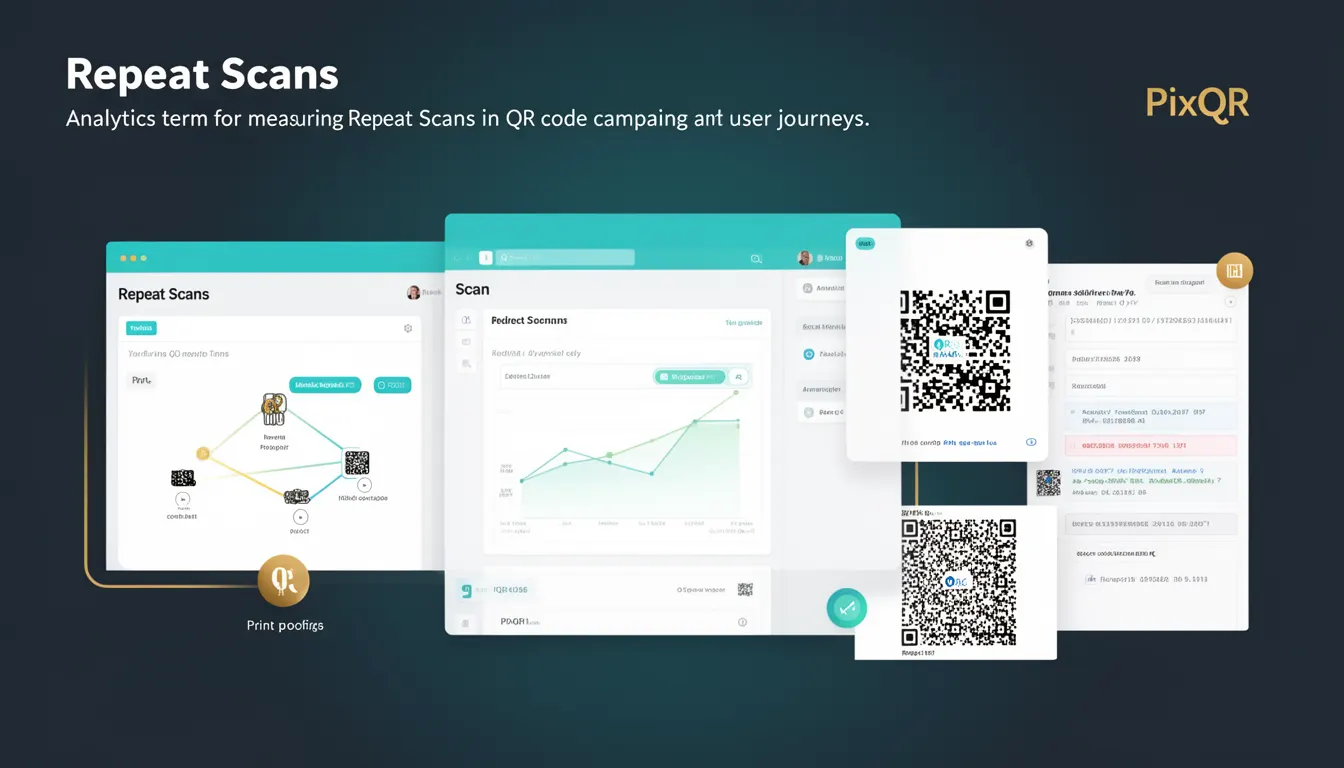
Repeat Scans refer to the analytics metric that tracks how often a QR code is scanned multiple times by the same user or device within a defined time window. In the context of PixQR, this metric helps identify user engagement patterns, campaign effectiveness, and potential issues with QR code reliability or design.
Developers and product teams use Repeat Scans to understand whether users are interacting with a QR code more than once, which may indicate confusion, curiosity, or an issue with the destination link. This data is particularly valuable in campaign analytics, especially for campaigns that rely on multiple scans to complete a user journey or for tracking whether users are retrying failed scans.
Why It Matters
For developers and analysts, Repeat Scans provide insight into user behavior that can affect campaign success. A high number of repeat scans may suggest a poor user experience, such as unclear instructions, an unreliable QR code, or a broken redirect. For example, if a user scans a QR code and gets an error, they may retry scanning, leading to multiple scans.
From a security perspective, Repeat Scans can help detect fraudulent or suspicious activity, such as repeated scanning of a code to test its behavior or to exploit a vulnerability. PixQR's analytics platform allows developers to set thresholds and alerts for repeat scans, enabling proactive monitoring and response to anomalous behavior.
Performance-wise, understanding Repeat Scans helps optimize QR code design and redirect logic. If a code consistently results in repeated scans, it may indicate a need to improve the clarity of the prompt or the reliability of the destination URL.
How It Works
Repeat Scans are tracked through PixQR's analytics infrastructure, which records each scan event with metadata such as device fingerprint, timestamp, and location. The system aggregates this data to identify instances where the same device or user scans the same QR code more than once.
- Each scan is assigned a unique identifier, typically based on device fingerprinting or IP address, to distinguish between different users.
- Scan events are timestamped, allowing for temporal analysis of repeat behavior within a defined window, such as 24 hours or 7 days.
- Repeat Scan detection is based on comparing identifiers across scans and identifying duplicates within the specified time frame.
- Analytics dashboards in PixQR display Repeat Scan data as a percentage or count of total scans for a given QR code or campaign.
- Repeat Scan data can be filtered by user segment, device type, or geographic region to uncover trends and anomalies.
Quick Reference
| Item | Purpose | Notes |
|---|---|---|
| Device Fingerprint | Identifies unique users or devices | Used to detect repeat scans |
| Scan Timestamp | Records when a scan occurred | Used to define repeat window |
| Repeat Scan Threshold | Defines minimum scans to qualify as repeat | Typically 2 or more scans |
| Time Window | Period for detecting repeat behavior | Defaults to 24 hours |
| Analytics Dashboard | Visualizes repeat scan metrics | Includes filters and alerts |
Basic Example
PixQR Example QR
This QR links directly to this glossary page, so printed notes, onboarding docs, and support material can bring scanners back to the current reference.
/glossary/qr-code-tracking-and-analytics/qr-code-tracking-and-analytics-repeat-scans

This example demonstrates how a basic Repeat Scan metric might be computed in a simplified analytics system. It shows the logic for identifying if a user has scanned a QR code more than once within a 24-hour window.
const scanHistory = [
  { id: 'user1', timestamp: '2023-05-01T10:00:00Z' },
  { id: 'user1', timestamp: '2023-05-01T11:00:00Z' },
  { id: 'user2', timestamp: '2023-05-01T12:00:00Z' }
];

function isRepeatScan(scans, windowHours = 24) {
  const now = new Date();
  const windowMs = windowHours * 60 * 60 * 1000;
  const recentScans = scans.filter(scan => {
    const scanTime = new Date(scan.timestamp);
    return (now - scanTime) < windowMs;
  });
  return recentScans.length > 1;
}

console.log(isRepeatScan(scanHistory)); // true
The example shows how a scan history array is filtered to find recent scans within a 24-hour window. If more than one scan is found for a given user, the function returns true, indicating a repeat scan.
Production Example
In a production environment, Repeat Scans are often tracked with more sophisticated logic to ensure accuracy and avoid false positives. This example shows how a system might implement repeat scan detection using device fingerprints and a time-based filter.
class ScanTracker {
  constructor() {
    this.scans = new Map();
  }

  addScan(userId, fingerprint, timestamp) {
    const key = `${userId}-${fingerprint}`;
    if (!this.scans.has(key)) {
      this.scans.set(key, []);
    }
    this.scans.get(key).push(timestamp);
  }

  getRepeatScans(windowHours = 24) {
    const now = Date.now();
    const windowMs = windowHours * 60 * 60 * 1000;
    const repeats = [];

    for (const [key, timestamps] of this.scans.entries()) {
      const recent = timestamps.filter(ts => now - new Date(ts) < windowMs);
      if (recent.length > 1) {
        repeats.push({ key, count: recent.length });
      }
    }

    return repeats;
  }
}

const tracker = new ScanTracker();
tracker.addScan('user123', 'fingerprint123', '2023-05-01T10:00:00Z');
tracker.addScan('user123', 'fingerprint123', '2023-05-01T11:00:00Z');
console.log(tracker.getRepeatScans()); // [{ key: 'user123-fingerprint123', count: 2 }]
This production example uses a Map to store scan events by user and device fingerprint, allowing for efficient repeat scan detection. It avoids false positives by grouping scans by device and filtering by a configurable time window.
Common Mistakes
- Using IP addresses instead of device fingerprints to identify users can lead to false positives, especially in shared networks or mobile environments.
- Ignoring time windows when detecting repeats can incorrectly flag single scans that occur far apart as repeat scans.
- Not accounting for different QR codes with the same identifier can cause false repeat detection across unrelated campaigns.
- Applying repeat scan thresholds too aggressively may flag legitimate multiple scans as anomalies, skewing analytics.
- Not logging scan metadata such as location or device type can make it difficult to investigate repeat scan patterns or identify fraud.
Security And Production Notes
- Device fingerprints should be hashed or anonymized to protect user privacy and comply with data protection regulations.
- Repeat Scan thresholds should be configurable to allow for different campaign behaviors or user segments.
- Analytics systems must validate scan data to prevent injection or spoofing of scan events.
- Implementing alerts for sudden spikes in repeat scans can help detect potential fraud or system issues.
- Time windows for repeat detection should be flexible to account for varying user behavior across different regions or time zones.
Related Concepts
Repeat Scans are closely related to several core analytics and tracking concepts in QR code systems:
Scan Frequency measures how often a QR code is scanned, which can include both unique and repeat scans. This is foundational to understanding overall engagement.
Device Fingerprinting is the method used to identify unique users or devices, which is essential for accurate repeat scan detection.
Redirect Analytics tracks the success and behavior of QR code destinations, which can include repeat scan data to improve link reliability.
User Journey Mapping involves tracking the sequence of scans and actions, where repeat scans may indicate a point of friction or confusion.
Fraud Detection uses repeat scan data to identify suspicious behavior, such as multiple scans from the same device or IP address, to prevent abuse.