 PixQR
PixQR
Overview
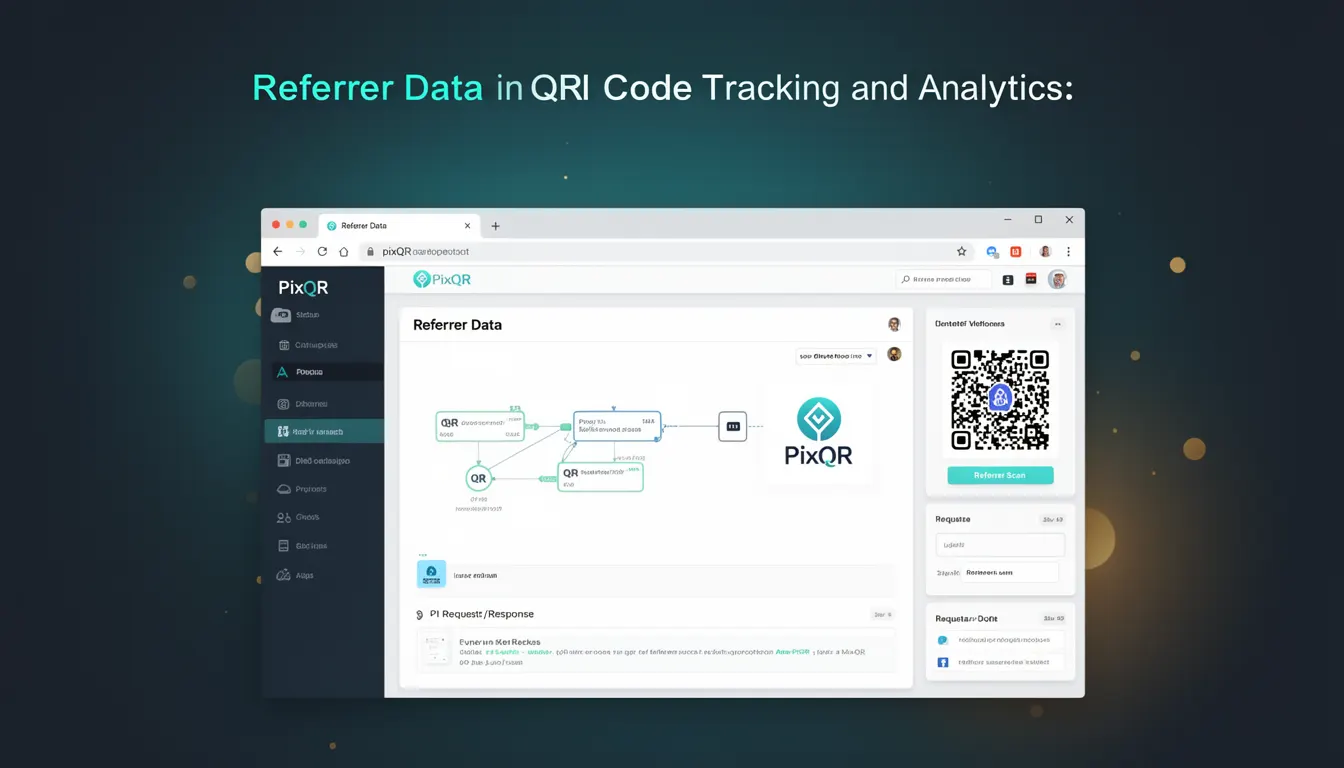
Referrer Data in the context of PixQR refers to the information collected when a user scans a QR code and is redirected to a destination URL. This data includes the originating source of the scan, such as the website, app, or platform that generated the QR code. Referrer Data is used for tracking and analytics purposes, enabling developers and marketers to understand user behavior, campaign performance, and the effectiveness of various QR code placements.
For developers working with PixQR, Referrer Data is a critical component of campaign analytics and user journey mapping. It allows for precise attribution of traffic sources, helping optimize marketing strategies and improve QR code engagement. The data is typically transmitted via HTTP headers, specifically the Referer header, during the redirect process from the QR code to the final destination URL.
Why It Matters
Referrer Data is essential for developers and marketers to understand how users interact with QR codes. It provides insight into the effectiveness of different platforms, campaigns, or placements. For example, if a QR code is used in a print advertisement, the referrer data can reveal that users are coming from a specific magazine or publication. This information is crucial for optimizing future campaigns and allocating marketing budgets more effectively.
From a technical standpoint, Referrer Data helps in debugging and monitoring redirect flows within PixQR. It ensures that users are correctly routed from the QR code to the intended destination and can be used to detect anomalies or failures in the redirect process. Additionally, for security-conscious developers, understanding the referrer source helps in identifying potential misuse or spoofing attempts in QR code redirections.
How It Works
The mechanism of Referrer Data in PixQR involves several steps. When a user scans a QR code, the PixQR system records the referrer information from the HTTP request and stores it for analytics purposes. The referrer data is then used to build campaign reports, track user journeys, and provide attribution insights.
- Referrer Data is collected via the HTTP
Refererheader sent by the browser or app scanning the QR code. - PixQR systems store this information in a structured format for reporting and analytics.
- Referrer data is linked to the specific QR code and campaign identifiers, enabling detailed tracking.
- For privacy compliance, PixQR allows developers to configure whether to collect or anonymize referrer data.
- Referrer Data can be used to build segmentation rules for targeted content or dynamic redirects.
Quick Reference
| Item | Purpose | Notes |
|---|---|---|
| Referer header | Transmits source of the scan | Standard HTTP header |
| Referrer tracking | Records source for analytics | Enabled by default in PixQR |
| Analytics dashboard | Displays referrer insights | Includes source, campaign, and URL data |
| Data retention | Controls how long data is stored | Configurable in PixQR settings |
| Privacy controls | Allows anonymization of referrer data | Supports GDPR and CCPA compliance |
Basic Example
PixQR Example QR
This QR links directly to this glossary page, so printed notes, onboarding docs, and support material can bring scanners back to the current reference.
/glossary/qr-code-tracking-and-analytics/qr-code-tracking-and-analytics-referrer-data

A basic example of how Referrer Data is used in a PixQR analytics setup involves a QR code that redirects to a landing page. When a user scans the code, the browser sends a Referer header that PixQR captures and stores for reporting.
GET /redirect/abc123 HTTP/1.1
Host: pixqr.example.com
Referer: https://www.example.com/advertisement
User-Agent: Mozilla/5.0...
The Referer header contains the URL of the page that initiated the QR scan. PixQR uses this to attribute the traffic to the specific advertisement or platform.
Production Example
In a production environment, PixQR integrates Referrer Data with a more robust tracking system that includes validation, error handling, and privacy controls. The system captures referrer information, validates it, and stores it securely for analytics.
const referrer = request.headers.referer || 'unknown';
const campaignId = request.params.campaignId;
const qrCodeId = request.params.qrCodeId;

if (referrer && isValidUrl(referrer)) {
  analytics.logReferrer(campaignId, qrCodeId, referrer);
} else {
  analytics.logReferrer(campaignId, qrCodeId, 'invalid');
}
This example demonstrates how a PixQR system can validate and log referrer data. It ensures that only valid referrer URLs are recorded, improving data integrity and reducing noise in analytics reports.
Common Mistakes
- Ignoring the
Refererheader entirely, leading to incomplete analytics. - Not validating referrer URLs, which can introduce security vulnerabilities or data inconsistencies.
- Assuming that all referrer data is accurate, without accounting for privacy tools or browser settings.
- Storing referrer data without considering privacy compliance, such as GDPR or CCPA.
- Using referrer data for attribution without proper segmentation or filtering, resulting in misleading reports.
Security And Production Notes
- Always validate referrer URLs to prevent injection or spoofing attacks.
- Implement privacy controls to allow users to opt out of referrer tracking, especially for compliance with data protection laws.
- Use HTTPS to ensure that referrer data is transmitted securely.
- Consider anonymizing or hashing referrer data to protect user privacy.
- Regularly audit referrer data logs to detect anomalies or potential misuse.
Related Concepts
Referrer Data is closely connected to several other tracking and analytics concepts. Campaign Attribution involves using referrer data to assign credit to specific marketing channels or placements. User Journey Mapping relies on referrer data to trace how users move from QR code scans to final destinations. Analytics Dashboards aggregate referrer data to provide actionable insights. Privacy Controls govern how referrer data is collected, stored, and used, particularly in compliance with regulations. Finally, Redirect Management ensures that referrer data is preserved during the redirect process, maintaining data integrity.