 PixQR
PixQR
Overview
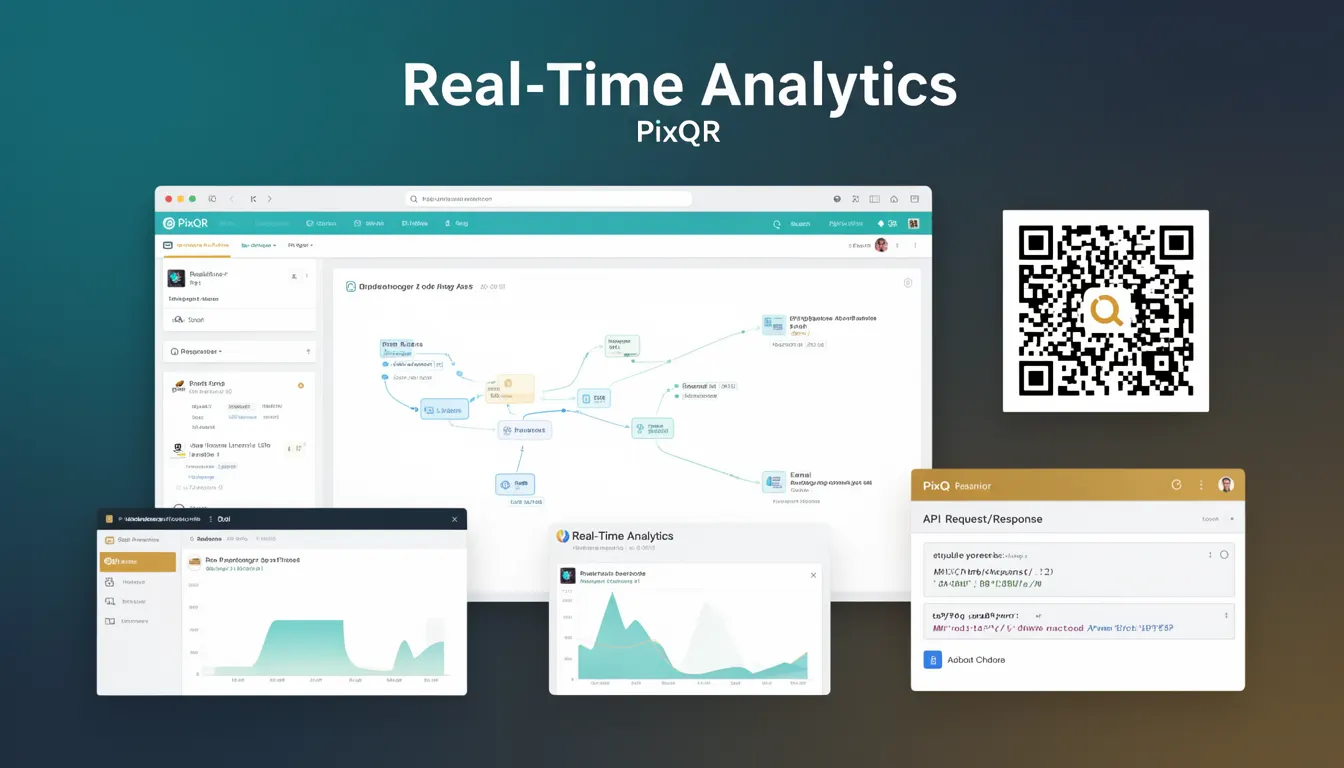
Real-Time Analytics refers to the capability of monitoring and reporting QR code scan events, user journeys, and campaign performance as they occur, rather than relying on batched or delayed reporting. In the context of PixQR, this feature allows developers and marketers to track how users interact with generated QR codes, including scan frequency, geographic location, device types, and redirect success rates.
Developers using PixQR's API or dashboard may leverage real-time analytics to make immediate decisions about campaign adjustments, identify issues in redirect chains, or detect anomalies in user behavior. For example, if a QR code used for a product promotion suddenly shows a spike in scans from a specific region, this could indicate a targeted marketing campaign or a potential security issue.
Why It Matters
Real-Time Analytics is critical for responsive campaign management, especially in high-traffic or time-sensitive scenarios. For instance, a live event QR code used for ticketing or access control must immediately alert administrators to failures or unusual patterns in scans. This capability also supports fraud detection by identifying unexpected geographic or temporal scan behaviors.
From a performance perspective, real-time data allows developers to optimize redirect chains and reduce latency. For example, if scans are failing in a specific region, developers can quickly reroute traffic or update the QR code's target URL to maintain reliability. For privacy-conscious deployments, real-time analytics must be implemented with data retention policies and access controls to comply with regulations like GDPR or CCPA.
How It Works
Real-Time Analytics in PixQR is implemented through a combination of tracking pixels, event logging, and backend processing. When a user scans a QR code, a tracking event is triggered that captures metadata such as timestamp, IP address, device type, and geographic location. This data is then aggregated and made available for real-time visualization or API access.
- Each scan event is timestamped and stored in a distributed database to ensure low-latency access.
- Analytics are segmented by campaign, QR code ID, and user journey to support detailed reporting.
- Real-time dashboards in the PixQR platform update every few seconds to reflect new scan activity.
- API endpoints provide access to raw event streams, allowing custom dashboards or third-party integrations.
- Filters for location, time range, and device type can be applied to narrow down analytics data.
Quick Reference
| Item | Purpose | Notes |
|---|---|---|
| Scan Event | Records a QR code scan with metadata | Timestamp, IP, location, device |
| Analytics API | Provides real-time scan data via HTTP | JSON response, rate-limited |
| Dashboard | Visualizes real-time scan trends | Updates every 5 seconds |
| Filtering | Narrows scan data by criteria | Location, time, device type |
| Event Stream | Continuous data feed for custom integrations | WebSocket or HTTP polling |
Basic Example
PixQR Example QR
This QR links directly to this glossary page, so printed notes, onboarding docs, and support material can bring scanners back to the current reference.
/glossary/qr-code-tracking-and-analytics/qr-code-tracking-and-analytics-real-time-analytics

This basic example demonstrates how a developer might query the PixQR Analytics API for real-time scan data for a specific QR code ID.
fetch('https://api.pixqr.com/v1/analytics/scan?qr_id=abc123')
  .then(response => response.json())
  .then(data => console.log(data))
  .catch(error => console.error('Error:', error));
The example fetches scan events for QR code ID abc123 and logs the response. It assumes a valid API token is included in the request headers.
Production Example
This example shows how a production system might integrate real-time analytics with a custom dashboard, including error handling and rate-limiting considerations.
const fetchAnalytics = async (qrId, token) => {
  const url = `https://api.pixqr.com/v1/analytics/scan?qr_id=${qrId}`;
  const headers = { 'Authorization': `Bearer ${token}` };
  try {
    const response = await fetch(url, { headers });
    if (!response.ok) throw new Error('Network response was not ok');
    const data = await response.json();
    return data;
  } catch (error) {
    console.error('Analytics fetch failed:', error);
    return null;
  }
};
This version includes proper error handling, token-based authentication, and a structured approach to API consumption, making it suitable for production systems with high reliability and maintainability requirements.
Common Mistakes
- Not implementing authentication or access controls, leading to unauthorized data access.
- Using hardcoded API keys in client-side code, exposing credentials to attackers.
- Ignoring rate limits, which can cause API throttling or service disruption.
- Overlooking privacy implications, such as collecting geolocation data without consent.
- Not handling API errors gracefully, resulting in unresponsive dashboards or crash logs.
Security And Production Notes
- Ensure all API requests use HTTPS to protect data in transit.
- Validate and sanitize all input parameters to prevent injection attacks.
- Implement rate-limiting on client-side to avoid hitting API quotas.
- Use short-lived tokens and refresh mechanisms to reduce credential exposure.
- Comply with data privacy laws when collecting or storing scan metadata.
Related Concepts
Real-Time Analytics in PixQR is closely related to several core concepts in QR code systems:
- QR Code Generation: The foundation of analytics, as each QR code must be uniquely trackable.
- Dynamic Redirects: Analytics often track redirect success rates and performance.
- Scan Tracking: The mechanism by which scans are logged and associated with user journeys.
- API Access Control: Ensures only authorized users can access real-time data.
- Event Logging: The backend process that stores and processes scan events for analytics.