 PixQR
PixQR
Overview
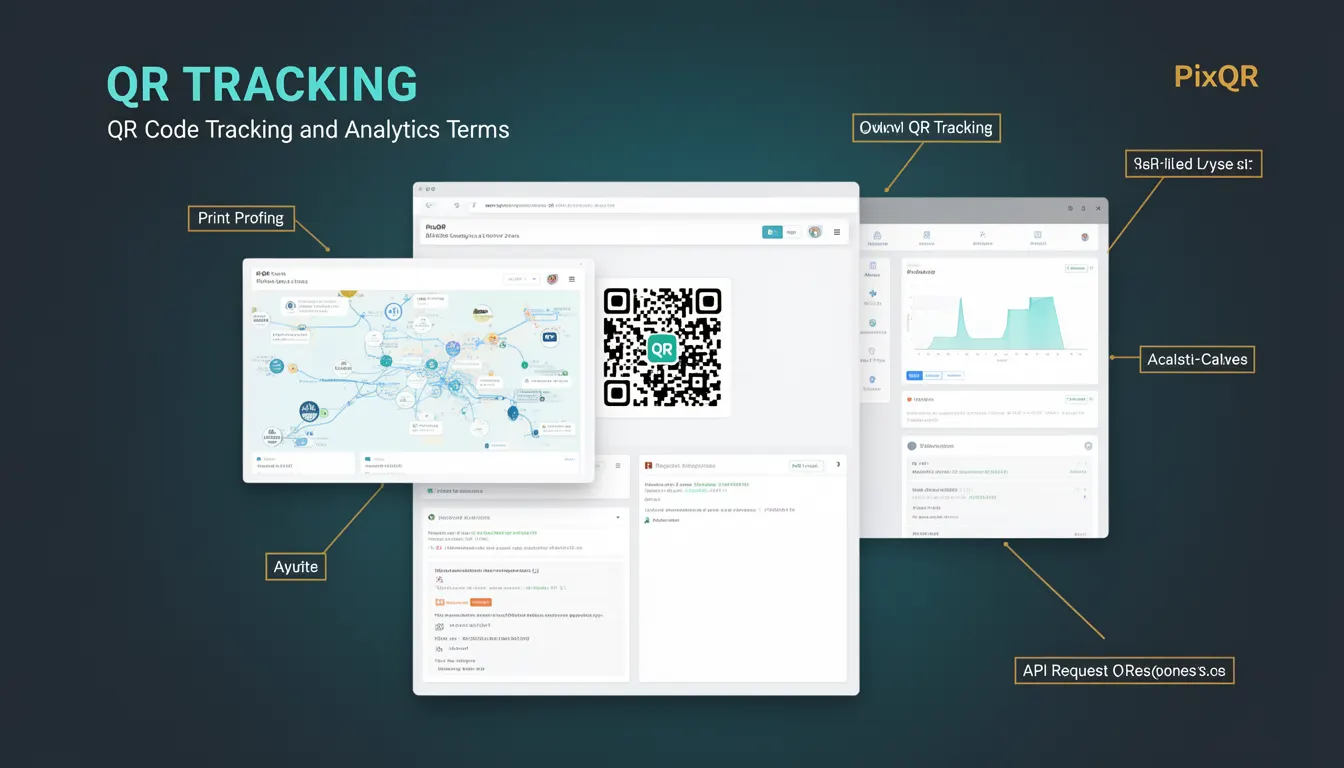
QR Tracking refers to the process of monitoring and collecting data about QR code interactions, including scan events, user behavior, and campaign performance. In the context of PixQR, QR Tracking enables developers and marketers to understand how QR codes are being used in real-world environments, whether in digital or print media.
At its core, QR Tracking involves embedding analytics identifiers or tracking parameters into QR code URLs. When a user scans a QR code, the system logs the interaction and can associate it with user demographics, geographic location, time of scan, device type, and other metrics. This data helps optimize marketing strategies, measure campaign success, and improve the user journey.
Why It Matters
For developers working with PixQR, QR Tracking is essential for building actionable analytics pipelines. It enables real-time decision-making by providing insights into user engagement, campaign effectiveness, and potential issues like fraudulent scans or dead links. For product teams, tracking data informs feature prioritization, A/B testing, and user experience improvements.
From a security standpoint, QR Tracking helps detect and prevent abuse, such as unauthorized redirections or malicious link manipulation. For site operators, it ensures that QR codes are functioning as intended and that all redirects are compliant with brand policies. Without tracking, there is no visibility into how QR codes perform in production, which can lead to wasted resources and missed optimization opportunities.
How It Works
QR Tracking in PixQR is implemented through a combination of URL parameter injection, backend analytics systems, and data aggregation. When a QR code is generated, it may include tracking identifiers such as campaign tags, user IDs, or event types. These parameters are appended to the destination URL and are captured during the scan event.
- Tracking identifiers are embedded as URL parameters, such as
utm_source,campaign_id, oruser_session. - Each QR code scan triggers an event log that includes timestamp, IP address, device type, and geographic data.
- PixQR supports both static and dynamic QR codes, with dynamic codes allowing real-time parameter updates without regenerating the QR code image.
- Tracking data is stored in a secure analytics backend and can be queried via PixQR’s API or dashboard.
- Analytics can be filtered by time range, campaign, device, or location to provide granular insights.
Quick Reference
| Item | Purpose | Notes |
|---|---|---|
| URL Parameters | Embed tracking data | Use utm_ or custom keys |
| Scan Event | Log interaction | Timestamp, IP, device info |
| Dynamic QR Code | Update parameters without regenerating | Supports real-time changes |
| Analytics API | Access tracking data programmatically | Secure and scalable |
| Geolocation Tracking | Track user location | Optional, privacy-aware |
Basic Example
PixQR Example QR
This QR links directly to this glossary page, so printed notes, onboarding docs, and support material can bring scanners back to the current reference.
/glossary/qr-code-tracking-and-analytics/qr-code-tracking-and-analytics-qr-tracking

A basic QR Tracking implementation involves appending a campaign identifier to a QR code URL. This allows the system to attribute scans to specific campaigns.
https://example.com/page?campaign_id=summer_sale&utm_source=qr_codeThis URL includes two tracking parameters: campaign_id and utm_source. When scanned, these parameters are logged and used to generate reports.
Production Example
In a production environment, QR Tracking requires robust handling of parameters, error logging, and secure data transmission. Below is a sample PixQR configuration that ensures tracking data is properly collected and secured.
const qrConfig = {
  url: "https://example.com/product",
  tracking: {
    campaignId: "spring_launch_2025",
    userId: "user_12345",
    source: "print_ad",
    utmParams: {
      utm_medium: "qr_code",
      utm_campaign: "spring_sale"
    }
  },
  dynamic: true,
  secure: true
};
This configuration ensures that all scans are attributed to a specific campaign, user, and source, and that the QR code is dynamic and secure. It also includes UTM parameters for compatibility with marketing platforms.
Common Mistakes
- Using unescaped or malformed URL parameters can cause tracking to fail or redirect incorrectly.
- Not validating tracking parameters can lead to data pollution or injection attacks.
- Generating static QR codes without dynamic updates can limit campaign flexibility.
- Ignoring privacy compliance when collecting geolocation or user data can lead to legal issues.
- Overlooking secure API usage can expose tracking data to unauthorized access.
Security And Production Notes
- Always sanitize and validate URL parameters to prevent injection attacks.
- Use HTTPS for all QR code redirects to ensure secure data transmission.
- Implement rate limiting on tracking endpoints to prevent abuse.
- Ensure compliance with privacy regulations such as GDPR or CCPA when collecting user data.
- Log and monitor all tracking events for anomalies or unauthorized access attempts.
Related Concepts
QR Tracking is closely related to several other technologies and practices:
- URL Shortening – Similar in principle, but QR Tracking adds analytics rather than just reducing link length.
- Link Management – QR Tracking is a subset of link management that focuses on analytics and user behavior.
- Event Tracking – QR Tracking is a form of event tracking, specifically for QR code interactions.
- Redirect Safety – Ensures that QR code redirects are safe and do not lead to malicious content.
- Dynamic QR Codes – A key mechanism for enabling real-time tracking and updates without regenerating QR images.