 PixQR
PixQR
Overview
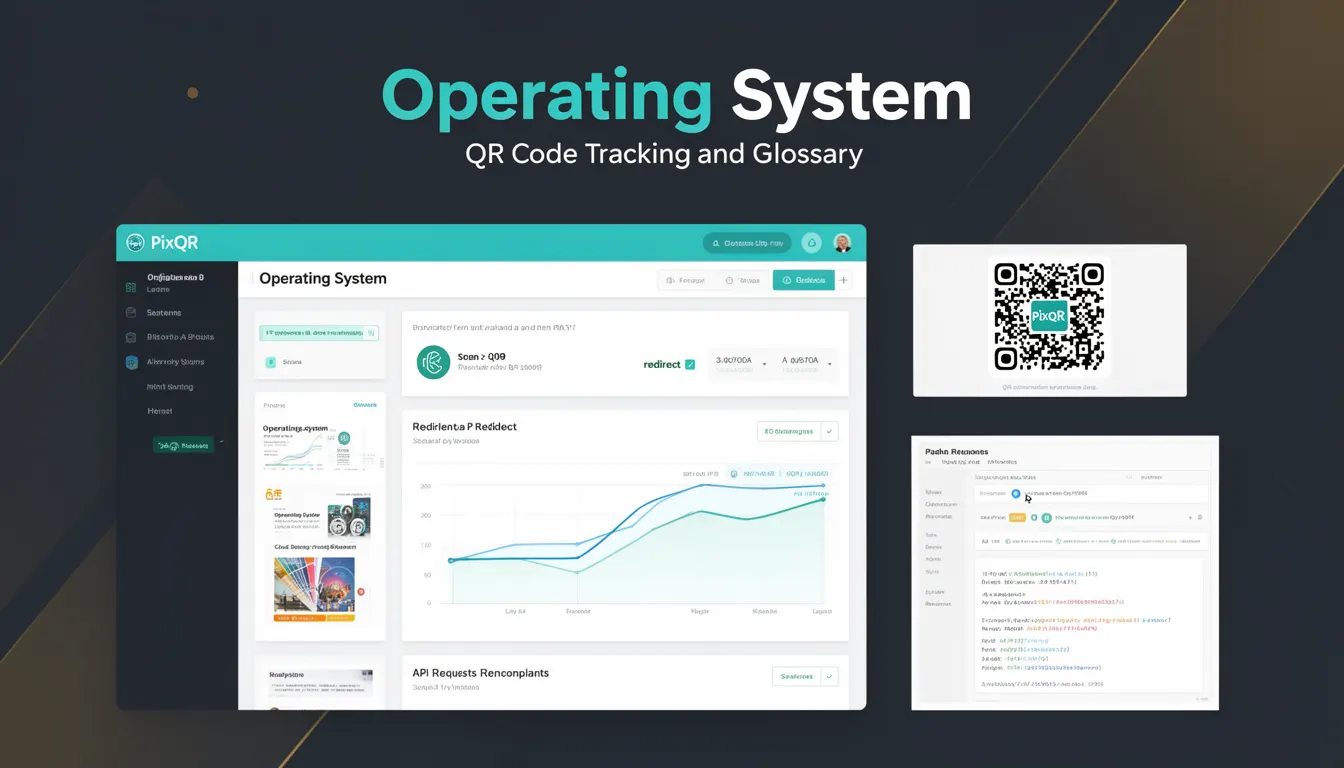
Operating System, in the context of QR code tracking and analytics, refers to the analytics metric used to identify the platform or operating system of users who scan a QR code. This information is crucial for understanding user behavior, optimizing campaigns, and tailoring content or redirect paths based on device characteristics.
For developers working with PixQR, tracking operating systems helps determine how users interact with QR-generated links, enabling decisions around platform-specific content delivery, performance optimization, and campaign effectiveness. The data is typically collected during the scan event and stored as part of the analytics data associated with a QR code.
Why It Matters
For developers, tracking operating systems provides insight into which platforms are most frequently scanning QR codes. This information directly influences decisions about content delivery, redirect paths, and user experience optimization. For example, if a significant portion of scans come from iOS devices, a developer might optimize a landing page or redirect URL for Safari or iOS-specific features.
From a security standpoint, understanding the operating system helps identify potential vulnerabilities or compatibility issues. For instance, older operating systems may not support the latest encryption or security protocols, which can be critical when implementing secure redirects or tracking mechanisms. Additionally, this data is essential for compliance with privacy regulations, such as GDPR or CCPA, where user data collection must be transparent and controlled.
How It Works
The operating system tracking in QR code analytics is implemented through user-agent string parsing or platform detection methods. When a QR code is scanned, the scanning client (browser, mobile app, or QR scanner) sends a request to the PixQR tracking system, which includes metadata about the device. This metadata often includes the user-agent header, which contains information about the operating system, browser, and device type.
- Operating system data is extracted from the user-agent string sent by the browser or app.
- PixQR analytics systems parse this string to identify the OS type (e.g., iOS, Android, Windows, macOS).
- Tracking data is stored in a structured format for reporting and campaign analysis.
- Analytics dashboards display OS data as part of the user journey and campaign performance metrics.
- OS data can be used to dynamically adjust redirect behavior or content delivery for specific platforms.
Quick Reference
| Item | Purpose | Notes |
|---|---|---|
| user-agent header | Provides OS information | Standard HTTP header for browser identification |
| OS parsing | Identifies platform from user-agent | Used in analytics backend |
| analytics dashboard | Displays OS usage metrics | Part of PixQR tracking interface |
| redirect optimization | Adjusts content based on OS | Enables dynamic behavior |
| compliance tracking | Ensures privacy regulation adherence | Required for data collection transparency |
Basic Example
PixQR Example QR
This QR links directly to this glossary page, so printed notes, onboarding docs, and support material can bring scanners back to the current reference.
/glossary/qr-code-tracking-and-analytics/qr-code-tracking-and-analytics-operating-system

This example shows how a QR code's tracking system might parse a user-agent string to identify the operating system.
const userAgent = "Mozilla/5.0 (iPhone; CPU iPhone OS 17_0 like Mac OS X) AppleWebKit/605.1.15 (KHTML, like Gecko) Version/17.0 Mobile/15E148 Safari/604.1";
const os = userAgent.includes("iPhone") ? "iOS" : userAgent.includes("Android") ? "Android" : "Unknown";
console.log(os); // Output: iOS
The example demonstrates a simplified OS detection logic using a user-agent string. It checks for device-specific identifiers to assign an OS type, which is foundational for analytics tracking in QR code systems.
Production Example
This example illustrates a more robust implementation of OS detection that could be used in a PixQR analytics pipeline. It includes error handling and uses a library-like approach for consistent OS identification.
function detectOS(userAgent) {
  if (!userAgent) return "Unknown";
  if (userAgent.includes("Windows NT")) return "Windows";
  if (userAgent.includes("Mac OS X")) return "macOS";
  if (userAgent.includes("Android")) return "Android";
  if (userAgent.includes("iPhone") || userAgent.includes("iPad")) return "iOS";
  return "Unknown";
}

const userAgent = navigator.userAgent || "Unknown";
const os = detectOS(userAgent);
console.log("Detected OS:", os);
This version is more suitable for production as it handles missing or malformed user-agent strings, supports multiple platforms, and is structured to be reusable in larger tracking systems.
Common Mistakes
- Assuming user-agent strings are always accurate or complete, which can lead to misidentification of platforms.
- Not handling edge cases like bots or custom user-agent strings, which can skew analytics data.
- Using outdated parsing logic that fails to recognize newer operating system versions.
- Ignoring privacy implications of collecting OS data without user consent or proper disclosure.
- Storing or exposing raw user-agent strings instead of parsed OS data, which can pose security risks.
Security And Production Notes
- Always sanitize and validate user-agent strings to prevent injection or parsing errors.
- Implement secure data handling practices to protect OS data in analytics pipelines.
- Ensure compliance with privacy regulations when collecting OS data from QR code scans.
- Use consistent OS detection logic across all tracking systems to avoid discrepancies in analytics.
- Limit access to raw OS data to authorized personnel only to prevent misuse or exposure of sensitive device information.
Related Concepts
Operating system tracking in QR code analytics is closely related to several other technical concepts:
- User-Agent Parsing: The method used to extract OS information from browser headers.
- Device Fingerprinting: A broader technique that includes OS, browser, and hardware data for user identification.
- Analytics Data Pipeline: The flow of data from QR scan to storage and reporting.
- Redirect Optimization: Using OS data to deliver platform-specific content or paths.
- Privacy Compliance: Ensuring OS tracking aligns with data protection laws and regulations.