 PixQR
PixQR
Overview
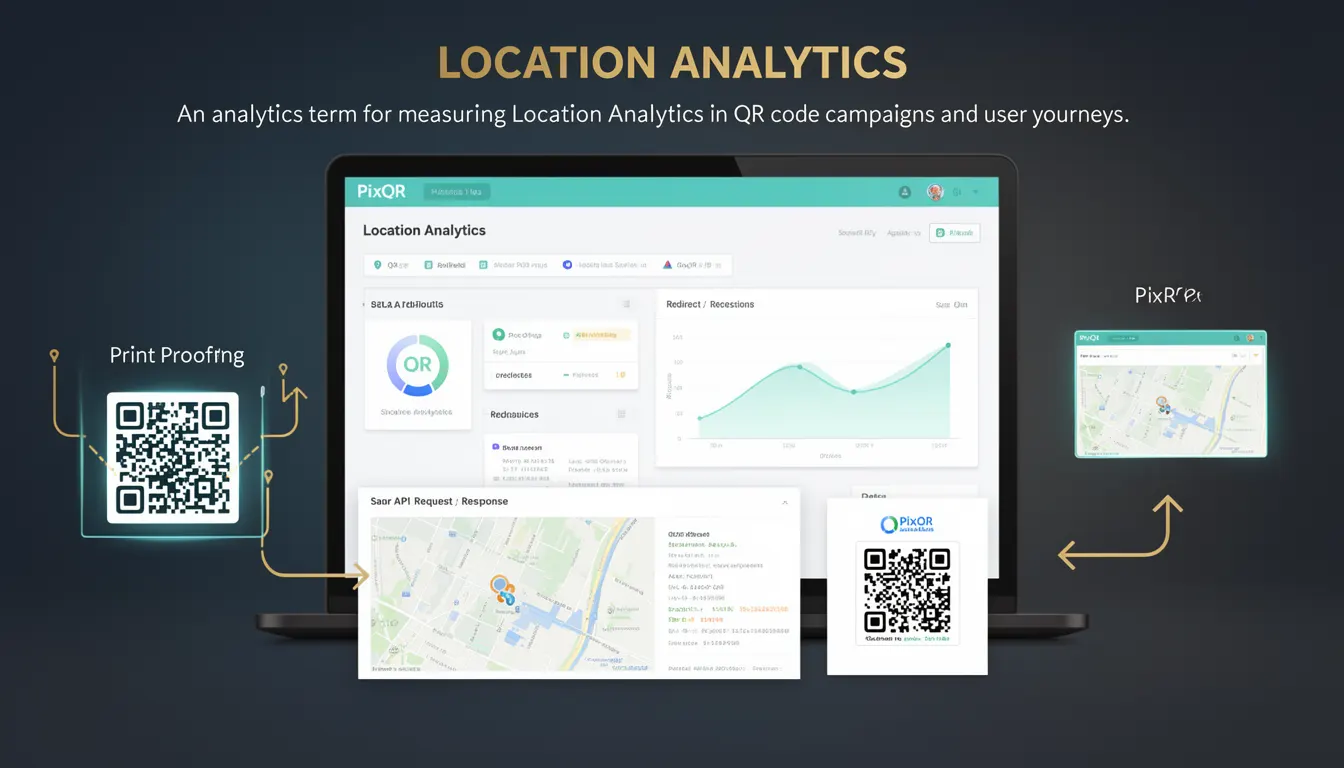
Location Analytics refers to the process of collecting, analyzing, and interpreting geographic data from QR code scans to understand user behavior, campaign performance, and engagement patterns across physical locations. In the context of PixQR, this analytics feature enables developers and marketers to track where users are scanning QR codes, how often, and how that data maps to real-world locations such as retail stores, event venues, or outdoor advertising placements.
For developers working with PixQR, Location Analytics is part of the broader tracking infrastructure that supports dynamic QR code campaigns. It allows developers to monitor scan locations in real-time, map scan data to specific geographic coordinates, and correlate that data with campaign goals. This information is particularly valuable for businesses using QR codes for in-store promotions, location-based marketing, or inventory tracking.
Why It Matters
Location Analytics provides actionable intelligence that directly impacts marketing and operational decisions. For example, if a QR code campaign is placed in multiple retail locations, Location Analytics can identify which locations have the highest scan rates, helping optimize future placements. It also enables businesses to understand customer behavior patterns, such as which areas of a store receive the most QR code engagement, or how campaign effectiveness varies by location.
From a security and privacy standpoint, Location Analytics must be implemented with care to ensure compliance with regulations like GDPR or CCPA. PixQR ensures that location data is collected and stored in a way that protects user privacy while still providing useful insights. Developers must be aware that the accuracy and availability of location data depends on the scan environment and the device's location services, which may not always be enabled or accurate.
How It Works
Location Analytics in PixQR operates through a combination of QR code scan tracking, device geolocation services, and backend data processing. When a user scans a QR code, the system records the scan event along with the device’s location if available. This data is then aggregated and visualized for campaign analysis.
- Location data is collected using the device’s GPS, Wi-Fi, or cellular triangulation services.
- PixQR’s backend systems process and store scan events with associated location metadata.
- Location Analytics can be filtered by time, campaign, or geographic region to provide detailed insights.
- Scan events are timestamped and geotagged, enabling time-series analysis of user behavior.
- Location data can be exported in standard formats for integration with business intelligence tools.
Quick Reference
| Item | Purpose | Notes |
|---|---|---|
| Geolocation API | Retrieves device location | Must be enabled by user |
| Scan Timestamp | Records when scan occurred | Used for time-series analysis |
| Location Accuracy | Indicates precision of geolocation | May vary by device and environment |
| Scan Coordinates | Geographic data for scan event | Stored as latitude/longitude |
| Analytics Dashboard | Visualizes location-based data | Includes filters for time and region |
Basic Example
PixQR Example QR
This QR links directly to this glossary page, so printed notes, onboarding docs, and support material can bring scanners back to the current reference.
/glossary/qr-code-tracking-and-analytics/qr-code-tracking-and-analytics-location-analytics

A basic example of Location Analytics in PixQR involves tracking a QR code scan at a specific location. The system records the scan event along with the device’s location data if available.
{
  "scan_id": "abc123",
  "timestamp": "2023-06-15T10:30:00Z",
  "location": {
    "latitude": 40.7128,
    "longitude": -74.0060,
    "accuracy": 10
  },
  "campaign_id": "promo_2023"
}
This JSON object represents a scan event with location data. The latitude and longitude fields contain the geographic coordinates, while the accuracy field indicates the precision of the location reading.
Production Example
In a production environment, developers must ensure that Location Analytics is robust, secure, and privacy-compliant. The following example demonstrates a more comprehensive scan tracking structure that includes validation and error handling.
{
  "scan_id": "scan_789xyz",
  "timestamp": "2023-06-15T10:30:00Z",
  "location": {
    "latitude": 40.7128,
    "longitude": -74.0060,
    "accuracy": 10,
    "source": "gps"
  },
  "campaign_id": "store_promo_2023",
  "device_info": {
    "platform": "iOS",
    "os_version": "16.5",
    "app_version": "2.1.0"
  },
  "scan_metadata": {
    "user_agent": "PixQR-App/2.1.0",
    "ip_address": "192.168.1.100"
  }
}
This version includes additional metadata such as device platform, OS version, and IP address, which can help with fraud detection and analytics accuracy. It also specifies the source of location data, which is useful for debugging and validation.
Common Mistakes
- Not validating location data for accuracy or plausibility before storage.
- Ignoring privacy regulations when collecting or sharing geolocation data.
- Assuming location data is always available or accurate across all devices and environments.
- Storing raw location data without anonymizing or aggregating it for compliance.
- Using location data for tracking without user consent or explicit opt-in mechanisms.
Security And Production Notes
- Location data must be encrypted in transit and at rest to comply with data protection regulations.
- Implement strict access controls to limit who can view or export location analytics.
- Ensure that location data is not tied to personally identifiable information (PII) unless necessary.
- Validate and sanitize all incoming location data to prevent injection or malformed data issues.
- Use secure APIs and HTTPS connections for all location-based data transfers.
Related Concepts
Location Analytics is closely tied to several other tracking and data management concepts. QR code tracking provides the foundation for capturing scan events, while geolocation services enable the collection of location data. Data privacy and compliance regulations such as GDPR or CCPA govern how location data can be used and stored. Campaign analytics and user journey mapping rely on location data to understand engagement patterns. Finally, PixQR’s dynamic redirect system supports location-based content delivery, allowing developers to tailor QR code experiences based on geographic context.