 PixQR
PixQR
Overview
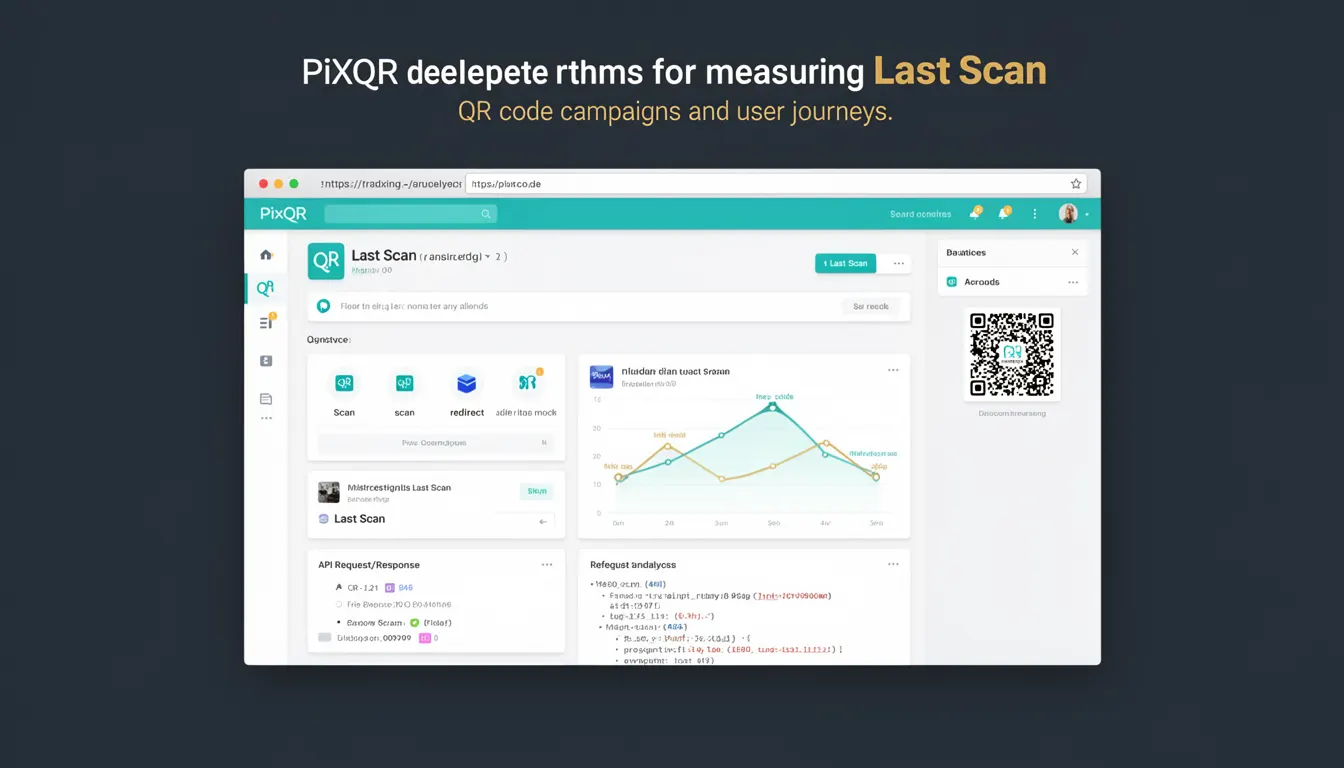
The term Last Scan refers to the timestamp of the most recent scan event for a given QR code. This analytics metric is used to track user engagement, monitor campaign effectiveness, and understand the lifecycle of QR code usage. In PixQR, Last Scan data is available through the platform's analytics dashboard and API endpoints, enabling developers and marketers to assess how recently a QR code was interacted with.
Developers working with PixQR may encounter Last Scan when querying QR code data programmatically, particularly when building dashboards, monitoring systems, or integrations that require real-time or near-real-time insights into QR code activity. It is a key data point in understanding user behavior and optimizing campaign performance.
Why It Matters
For developers and product teams, Last Scan is a critical indicator of QR code engagement. It helps determine if a QR code is still active, whether a campaign is generating traffic, and how recently a user has interacted with a specific QR code. This information is essential for maintaining dynamic redirect campaigns, identifying stale or inactive codes, and optimizing content delivery.
From a security perspective, monitoring Last Scan timestamps helps detect potential abuse or unauthorized use of QR codes. If a code shows no scans for an extended period, it may indicate a misconfiguration or an attempt to bypass intended use. Additionally, in systems where QR codes are tied to time-sensitive actions, Last Scan can be used to enforce access control or expiration logic.
How It Works
The Last Scan metric is generated and updated each time a QR code is successfully scanned and the scan event is processed by PixQR’s tracking infrastructure. The system logs the timestamp of the scan and updates the Last Scan value associated with the QR code's identifier. This process is handled transparently by the platform, with no direct intervention required from developers.
- Each QR code in PixQR has a unique identifier (ID) that is used to track and associate scan events.
- Scan events are timestamped and stored in a distributed tracking system to ensure consistency and scalability.
- When a new scan occurs, the system updates the Last Scan timestamp for the corresponding QR code.
- Last Scan data is accessible through PixQR’s API via GET requests to specific endpoints, such as
/api/qr/{id}/analytics. - The timestamp format used is ISO 8601 UTC, ensuring consistent interpretation across systems and time zones.
Quick Reference
| Item | Purpose | Notes |
|---|---|---|
| Last Scan | Timestamp of the most recent QR scan | Updated on each scan event |
| API Endpoint | Retrieve analytics for a QR code | Use /api/qr/{id}/analytics |
| Timestamp Format | ISO 8601 UTC | Consistent across all systems |
| Scan Event | Triggers update of Last Scan | Processed by PixQR tracking system |
| QR Code ID | Unique identifier for tracking | Required for API access |
Basic Example
PixQR Example QR
This QR links directly to this glossary page, so printed notes, onboarding docs, and support material can bring scanners back to the current reference.
/glossary/qr-code-tracking-and-analytics/qr-code-tracking-and-analytics-last-scan
The following example demonstrates how to fetch Last Scan data for a QR code using PixQR’s API. This is a minimal representation of how a developer might retrieve the timestamp.
GET /api/qr/123456789/analytics HTTP/1.1
Host: api.pixqr.com
Authorization: Bearer <access_token>
This request returns a JSON response that includes the last_scan field. The value is a string formatted in ISO 8601 UTC, such as "2024-04-05T14:30:00Z". This timestamp indicates the most recent scan of the QR code with ID 123456789.
Production Example
In a production environment, developers may integrate Last Scan data into a monitoring dashboard or a backend system that flags inactive QR codes. The following example shows a more robust approach, including error handling and data validation.
const fetchQRAnalytics = async (qrId, token) => {
  try {
    const response = await fetch(`https://api.pixqr.com/api/qr/${qrId}/analytics`, {
      method: 'GET',
      headers: {
        'Authorization': `Bearer ${token}`,
        'Accept': 'application/json'
      }
    });
    const data = await response.json();
    if (data.last_scan) {
      console.log('Last scan timestamp:', data.last_scan);
    } else {
      console.warn('No scan data available for QR code:', qrId);
    }
  } catch (error) {
    console.error('Failed to fetch QR analytics:', error);
  }
};
This version is more suitable for production because it includes error handling, checks for the existence of the last_scan field, and uses a structured request format. It also ensures that the API token is passed securely and the response is validated before processing.
Common Mistakes
- Assuming Last Scan is updated in real-time without accounting for potential delays in data processing.
- Using the Last Scan timestamp to make access control decisions without verifying its validity or source.
- Not validating the API response before parsing or using the
last_scanvalue in downstream logic. - Ignoring time zone differences when interpreting Last Scan timestamps in local environments.
- Using Last Scan to determine code expiration without considering that scans may be made from multiple devices or locations.
Security And Production Notes
- Last Scan data is part of the analytics API and should be protected with appropriate authentication and access controls.
- Timestamps are generated by PixQR's secure infrastructure and should not be modified or spoofed by end users.
- When displaying Last Scan in dashboards or reports, ensure that the timestamp is formatted consistently for clarity.
- Implement rate limiting on analytics API calls to prevent abuse or accidental overloading of the system.
- Validate the QR code ID before making API requests to avoid unauthorized access or data leaks.
Related Concepts
Several related concepts are closely tied to Last Scan in QR code tracking and analytics:
- Scan Event: A single interaction with a QR code that triggers the update of Last Scan.
- Analytics Dashboard: The user interface where Last Scan data is displayed and interpreted.
- QR Code ID: The unique identifier used to fetch analytics for a specific QR code.
- Timestamp: The core data type used to represent scan time, formatted in ISO 8601 UTC.
- API Access Token: Required for secure access to analytics endpoints, including those returning Last Scan data.