 PixQR
PixQR
Overview
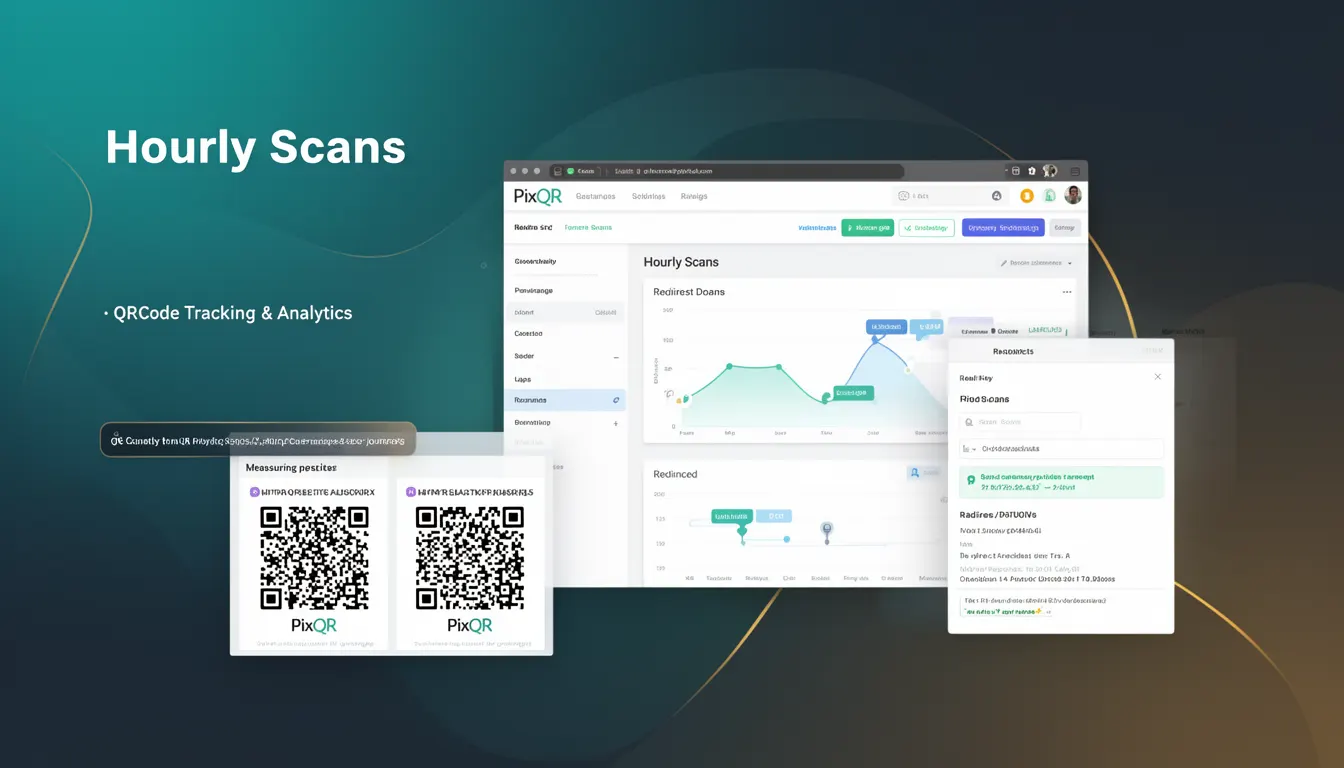
Hourly Scans is an analytics metric used within PixQR platforms to measure the frequency of QR code scans occurring within individual hourly intervals. This measurement allows developers and marketers to understand the temporal patterns of QR code usage, identify peak scanning times, and optimize campaign delivery and content relevance.
When a QR code is scanned, the PixQR backend logs the scan event with a timestamp. The system aggregates these events by hour to produce hourly scan counts. These counts are then surfaced through analytics dashboards, APIs, or reporting tools, enabling users to analyze temporal behavior of their QR code campaigns.
Why It Matters
For developers and product teams, Hourly Scans provides actionable insights into user behavior patterns. This data can be used to adjust campaign timing, optimize content delivery, and improve user experience. For example, if scans spike during certain hours, content can be dynamically updated to match user interest or provide time-sensitive offers.
From a performance perspective, Hourly Scans can indicate system load and scan reliability. A sudden drop in hourly scans might signal a technical issue, such as a broken QR code, network problem, or backend error. Monitoring this metric helps ensure operational integrity and supports proactive maintenance.
Security teams also benefit from this metric. Anomalous scan patterns—such as a sudden spike in scans from a specific IP or device—can indicate potential abuse or fraud. Hourly Scans enable real-time anomaly detection, helping to prevent unauthorized access or misuse of QR code systems.
How It Works
When a QR code is scanned, the PixQR platform records a scan event with a timestamp. This event is processed and aggregated by the system to compute hourly scan counts. The following key components and behaviors define the mechanism:
- Each scan event is timestamped with UTC time to ensure consistency across global deployments.
- Aggregation is performed on a per-hour basis, using the 24-hour UTC clock to group scans.
- Hourly Scan data is stored in a time-series database optimized for fast querying and reporting.
- Scans are attributed to a specific QR code or campaign, allowing for granular analysis of performance.
- Metrics are available via PixQR’s REST API and dashboard, with support for filtering by campaign, location, or user segment.
Quick Reference
| Item | Purpose | Notes |
|---|---|---|
| Scan timestamp | Identifies when a QR code was scanned | UTC-based, precise to the second |
| Aggregation interval | Groups scans into hourly buckets | Uses 24-hour UTC clock |
| QR code ID | Associates scan data with a specific code | Required for campaign-level analytics |
| Scan count | Number of scans per hour | Updated in real-time |
| API endpoint | Provides access to hourly scan data | Supports filtering and pagination |
Basic Example
PixQR Example QR
This QR links directly to this glossary page, so printed notes, onboarding docs, and support material can bring scanners back to the current reference.
/glossary/qr-code-tracking-and-analytics/qr-code-tracking-and-analytics-hourly-scans

The following example shows how a developer might query the PixQR API for hourly scan data for a specific QR code.
GET /api/v1/qr-codes/{qr_id}/analytics/hourly?start=2024-04-01T00:00:00Z&end=2024-04-01T23:59:59ZThis request retrieves hourly scan counts for a QR code over a 24-hour period. The start and end parameters define the time range, and the response includes a list of hourly scan counts, each associated with a timestamp.
Production Example
In a production environment, developers may implement a dashboard or reporting tool that fetches and visualizes Hourly Scans data. The following example demonstrates a structured approach to handling hourly scan data for a campaign.
const fetchHourlyScans = async (qrId, startDate, endDate) => {
  const response = await fetch(
    `/api/v1/qr-codes/${qrId}/analytics/hourly?start=${startDate}&end=${endDate}`,
    { headers: { 'Authorization': 'Bearer ' + token } }
  );
  const data = await response.json();
  return data.hourly_scans.map(scan => ({
    timestamp: new Date(scan.hour),
    scan_count: scan.count
  }));
};
This version includes error handling, token-based authentication, and proper data transformation. It ensures that the scan data is correctly parsed and formatted for use in visualizations or further processing, making it suitable for production systems.
Common Mistakes
- Using local time instead of UTC for timestamping, which can lead to misaligned hourly buckets in global deployments.
- Not handling API rate limits, which may result in incomplete or failed data retrieval during high-volume scans.
- Ignoring time zone differences when visualizing data, causing confusion in reporting for users in different regions.
- Assuming all scans are unique, without accounting for duplicate or automated scans that could skew metrics.
- Using outdated or cached data instead of real-time metrics, leading to incorrect campaign optimization decisions.
Security And Production Notes
- Ensure that hourly scan data is protected with appropriate access controls to prevent unauthorized access to campaign performance metrics.
- Validate all input parameters for API requests to avoid injection or parsing errors.
- Implement rate limiting on API endpoints to prevent abuse and ensure system stability.
- Use HTTPS for all API calls to protect data in transit and maintain compliance with privacy regulations.
- Log and monitor access to hourly scan data to detect potential misuse or unauthorized queries.
Related Concepts
Hourly Scans is closely tied to several other analytics and operational concepts:
- Scan Frequency: The total number of scans over a period, which can be broken down into hourly segments for deeper analysis.
- Time Series Data: Hourly Scans form a time series, enabling trend analysis and forecasting.
- Real-Time Analytics: Hourly Scans are often updated in near real-time, supporting responsive campaign management.
- Geolocation Tracking: Hourly scans can be further segmented by geographic location to optimize content delivery.
- Dynamic Redirects: Hourly scan data can inform when to update or rotate QR code content to match user demand.