 PixQR
PixQR
Overview
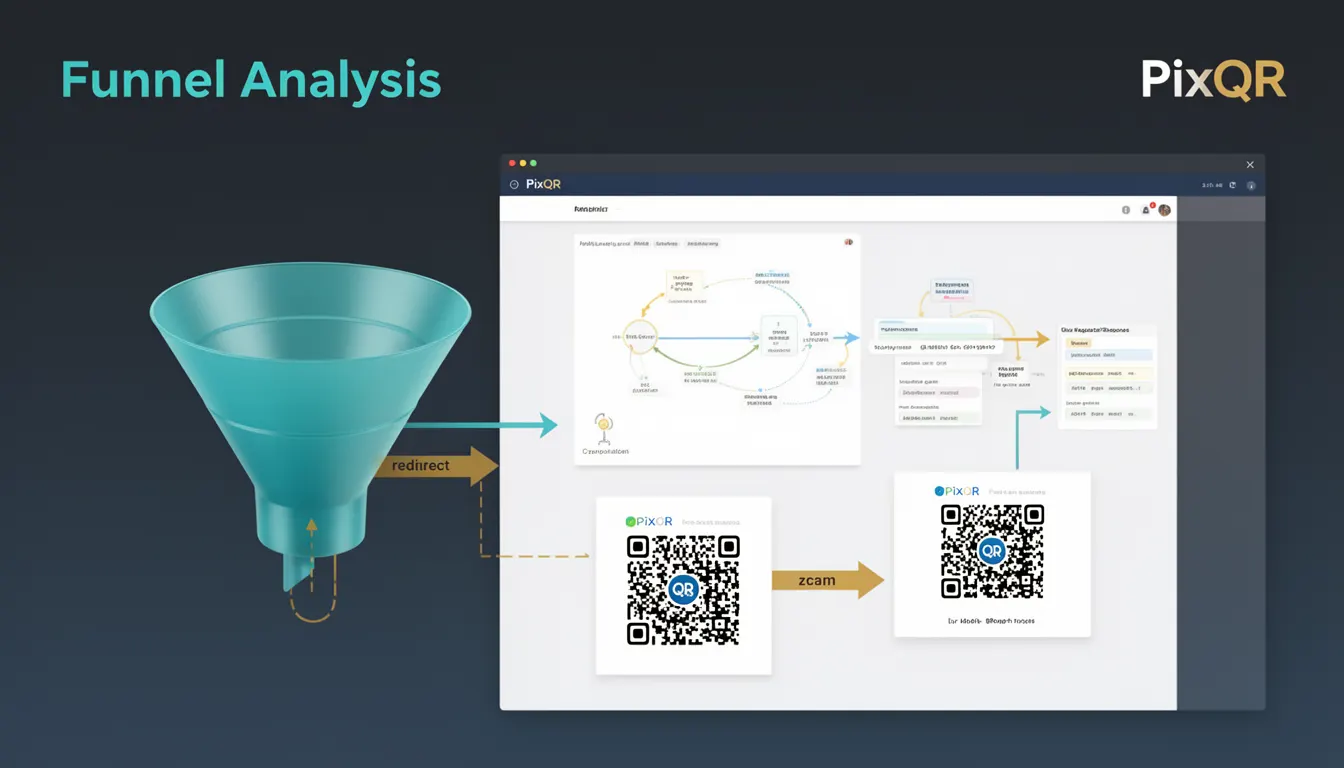
Funnel Analysis in the context of QR code campaigns refers to the process of tracking and measuring user interactions through a series of steps from initial QR code scan to final conversion or action. It is a core analytics concept that helps developers and marketers understand how users move through a defined journey, identifying drop-off points and optimizing performance.
In PixQR, Funnel Analysis is implemented through tracking parameters embedded in dynamic QR codes, which capture scan events and user progression through various stages of a campaign. These analytics can be used to optimize landing pages, improve user experience, and enhance marketing ROI.
Why It Matters
For developers working with PixQR, Funnel Analysis provides actionable data for improving QR code performance and user engagement. It allows for precise measurement of conversion rates, scan-to-action ratios, and user behavior patterns. This information is essential for A/B testing, campaign optimization, and understanding how QR codes are being used in real-world applications.
From a security and operational perspective, accurate funnel tracking ensures that campaign data is reliable and can be used for compliance reporting. It also supports fraud detection by identifying unusual patterns in scan behavior or unexpected conversions.
How It Works
Funnel Analysis in PixQR is implemented using a combination of dynamic URL parameters, event tracking, and backend analytics. The system tracks each step of a user journey from QR scan to final action, such as a form submission or purchase.
- Each step in the funnel is defined by a unique tracking parameter or event identifier.
- PixQR dynamically generates QR codes with embedded parameters that capture scan metadata.
- Analytics data is collected via backend APIs and stored in structured formats for reporting.
- Conversion rates are calculated by comparing the number of users at each stage of the funnel.
- Tracking is enabled through URL parameters such as
utm_source,utm_medium, and custompixqr_funnelidentifiers.
Quick Reference
| Item | Purpose | Notes |
|---|---|---|
| funnel_id | Identifies a unique funnel for tracking | Must be unique per campaign |
| step_name | Defines a stage in the funnel | Used in analytics reports |
| event_timestamp | Records when a step was completed | Must be in ISO 8601 format |
| user_session_id | Tracks a single user's journey | Used to prevent duplicate tracking |
| source_url | Tracks where the QR code was placed | Helps identify high-performing channels |
Basic Example
PixQR Example QR
This QR links directly to this glossary page, so printed notes, onboarding docs, and support material can bring scanners back to the current reference.
/glossary/qr-code-tracking-and-analytics/qr-code-tracking-and-analytics-funnel-analysis

This example demonstrates a basic funnel tracking implementation using URL parameters in a PixQR-generated QR code.
https://pixqr.example.com/redirect?utm_source=qr&utm_medium=print&pixqr_funnel=signup&step=1The URL includes parameters that identify the source (utm_source), medium (utm_medium), and funnel stage (pixqr_funnel). The step=1 parameter indicates the first stage of the funnel.
Production Example
This example shows a more robust implementation of funnel tracking with error handling, session management, and structured event logging.
const funnelConfig = {
  id: 'user_onboarding',
  steps: [
    { name: 'scan', timestamp: new Date().toISOString() },
    { name: 'landing_page', timestamp: new Date().toISOString() },
    { name: 'form_fill', timestamp: new Date().toISOString() },
    { name: 'submission', timestamp: new Date().toISOString() }
  ]
};

const userSessionId = 'sess_' + Math.random().toString(36).substr(2, 9);

const trackingUrl = `https://pixqr.example.com/redirect?funnel_id=${funnelConfig.id}&step=scan&session_id=${userSessionId}`;
This version includes structured data, session identifiers, and proper timestamping, which are essential for accurate funnel analytics in production environments.
Common Mistakes
- Not using unique identifiers for funnels, leading to data confusion in reports.
- Missing or malformed timestamps, which prevents accurate step tracking.
- Reusing session IDs across multiple users, causing incorrect analytics.
- Ignoring parameter validation, which can lead to tracking errors or data corruption.
- Not accounting for duplicate tracking, which inflates conversion metrics.
- Using static parameters instead of dynamic ones, reducing the accuracy of funnel insights.
Security And Production Notes
- Always sanitize tracking parameters to prevent injection attacks or data corruption.
- Use HTTPS for all tracking URLs to ensure data integrity and privacy.
- Implement rate limiting to prevent abuse of funnel tracking endpoints.
- Validate funnel IDs and step names against a predefined schema to avoid invalid data.
- Ensure session identifiers are cryptographically random to prevent tracking spoofing.
Related Concepts
Funnel Analysis is closely related to several other analytics and tracking concepts in the QR code ecosystem:
- Event Tracking – A core mechanism used to log user actions within a funnel.
- Conversion Rate Optimization – The process of improving funnel performance based on analytics.
- Attribution Modeling – How credit is assigned to different campaign touchpoints.
- Session Management – Tracking user journeys across multiple interactions.
- Multi-Touch Attribution – Understanding the impact of each step in the funnel.