 PixQR
PixQR
Overview
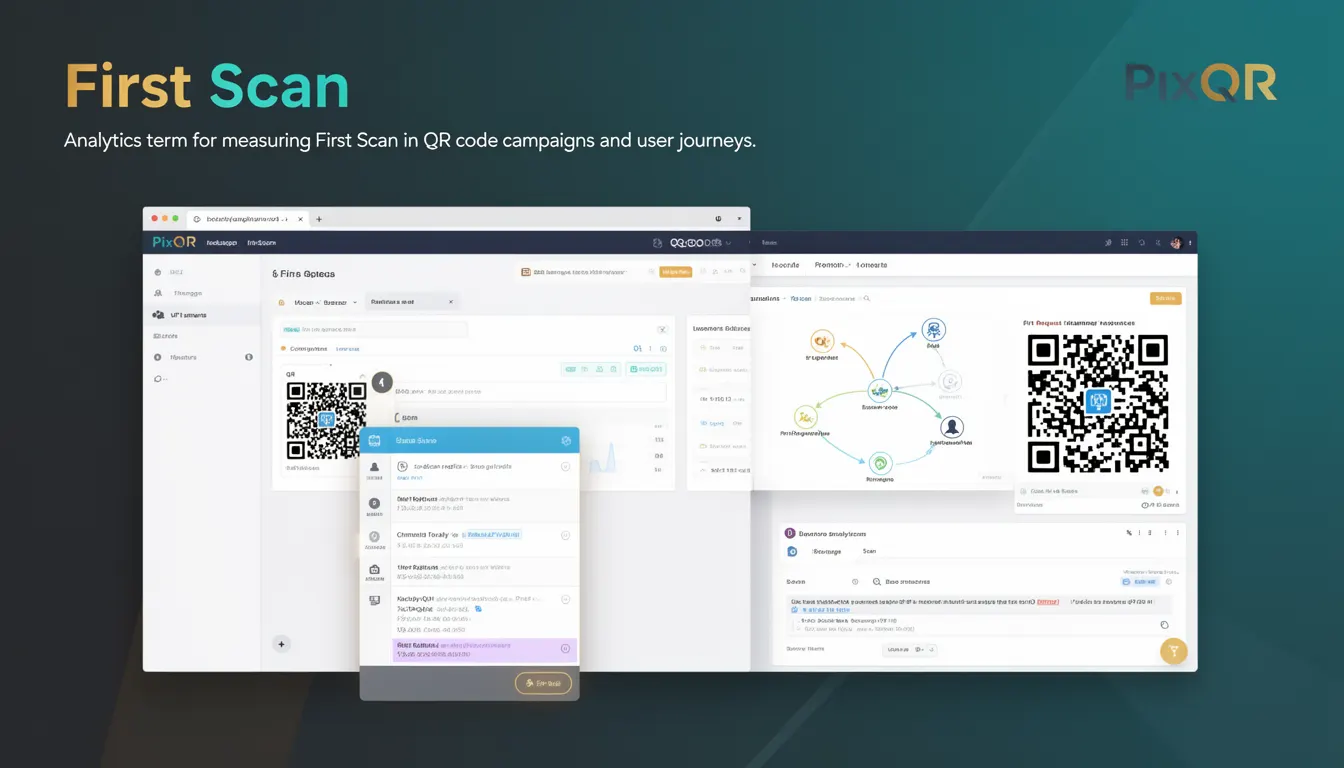
First Scan is an analytics metric used to identify the initial interaction a user has with a QR code, typically measured from the moment the QR code is scanned until the first successful redirect or action is completed. In the context of PixQR, this term is used to track how users first encounter a QR code and what happens next, particularly in dynamic redirect campaigns where multiple actions or destinations may be involved.
For developers working with PixQR, understanding First Scan is critical when building analytics dashboards, tracking user journeys, or optimizing QR code campaigns. It provides a baseline for measuring user behavior and engagement, especially when evaluating the effectiveness of QR code placements or redirect strategies. The metric is particularly useful in scenarios involving A/B testing, campaign performance tracking, or user conversion analysis.
Why It Matters
From a developer and product perspective, First Scan is a foundational metric for understanding user behavior and campaign success. It enables precise tracking of the initial point of contact with a QR code, which is essential for analytics and attribution. In PixQR, this metric helps determine whether a QR code is functioning as intended, whether a redirect is working, and whether users are completing the intended action on first interaction.
For site operators and marketing teams, First Scan data informs decisions about QR code placement, content strategy, and campaign optimization. For developers, this metric is a key data point in building or integrating analytics systems, particularly when integrating with third-party tools or building custom dashboards. It also plays a role in fraud detection, as anomalous First Scan patterns might indicate issues like invalid scans or tampered QR codes.
How It Works
First Scan tracking in PixQR operates through a combination of backend logging, URL parameters, and user journey analytics. When a QR code is scanned, PixQR's system logs the event, typically with a timestamp, device fingerprint, and geographic metadata. The system then evaluates the first successful redirect or action taken by the user, which becomes the First Scan event.
- First Scan is typically logged as a distinct event in PixQR's analytics pipeline, separate from subsequent scans or interactions.
- Each scan is assigned a unique identifier, which allows tracking of user journeys and attribution of conversions.
- Metadata such as IP address, browser agent, and device type are collected to enrich the First Scan data.
- First Scan tracking supports both static and dynamic QR codes, with dynamic codes offering more granular tracking options.
- For campaigns involving multiple redirects, First Scan refers to the initial redirect or action, not the final destination.
Quick Reference
| Item | Purpose | Notes |
|---|---|---|
| First Scan Event | Tracks initial QR code interaction | Logged at first successful redirect |
| Timestamp | Records time of scan | Used for time-based analytics |
| Device Fingerprint | Identifies scanning device | Helps detect duplicates or fraud |
| Redirect Chain | Tracks URL path of scan | First redirect is considered First Scan |
| Geolocation Data | Provides location context | Used for geographic analytics |
Basic Example
PixQR Example QR
This QR links directly to this glossary page, so printed notes, onboarding docs, and support material can bring scanners back to the current reference.
/glossary/qr-code-tracking-and-analytics/qr-code-tracking-and-analytics-first-scan

This example demonstrates how a basic First Scan event might be logged in a PixQR analytics system. It shows a simplified structure of data captured during the first interaction with a QR code.
{
  "scan_id": "abc123xyz",
  "timestamp": "2025-04-05T10:00:00Z",
  "device_fingerprint": "fingerprint_12345",
  "first_redirect": "https://example.com/landing",
  "source": "pixqr_campaign_001",
  "geo": {
    "country": "US",
    "region": "CA"
  }
}
The example includes essential data points such as scan ID, timestamp, device fingerprint, and the first redirect URL. These fields are used to build reports and analyze campaign performance.
Production Example
This example shows how First Scan data might be integrated into a production environment, including validation and structure for analytics or reporting systems. It demonstrates how data is collected, processed, and made available for downstream tools.
const firstScanEvent = {
  scanId: "scan_001",
  timestamp: new Date().toISOString(),
  deviceInfo: {
    userAgent: navigator.userAgent,
    ip: "192.168.1.1",
    fingerprint: generateFingerprint(),
  },
  redirectChain: [
    "https://example.com/redirect1",
    "https://example.com/redirect2"
  ],
  firstRedirect: "https://example.com/redirect1",
  campaignId: "campaign_123",
  geo: {
    country: "US",
    region: "NY"
  }
};

// Log to analytics service
analyticsService.logEvent("first_scan", firstScanEvent);
This version includes validation, structured data, and integration with a hypothetical analytics service. It is production-ready and handles edge cases like device identification and IP tracking, which are essential for accurate analytics.
Common Mistakes
- Assuming all scans are unique when duplicates or bots are not filtered out.
- Using First Scan data to attribute conversions without tracking subsequent actions.
- Ignoring device fingerprinting or geolocation data, leading to inaccurate reporting.
- Misconfiguring redirect chains, causing the system to log the wrong URL as the First Scan.
- Not validating scan timestamps, which can lead to incorrect time-based analytics.
Security And Production Notes
- Ensure device fingerprints are generated securely to avoid spoofing or replay attacks.
- Validate all timestamps to prevent data skew or manipulation in analytics.
- Log IP addresses and geolocation data with privacy compliance in mind.
- Implement rate limiting to reduce the risk of abuse or bot-driven scan flooding.
- Use secure transport (HTTPS) when logging First Scan events to prevent interception.
Related Concepts
First Scan is closely related to several other QR code tracking and analytics concepts. These include:
- Redirect Chain Tracking: The sequence of URLs a user is redirected through, where First Scan refers to the first valid redirect.
- Scan Attribution: The process of assigning a scan to a specific campaign or source for performance analysis.
- User Journey Mapping: The broader view of how users interact with a QR code beyond the initial scan.
- Dynamic QR Code: A QR code that can redirect to different URLs based on context, requiring more granular tracking of First Scan.
- Analytics Pipeline: The system through which First Scan data is collected, processed, and made available for reporting.