 PixQR
PixQR
Overview
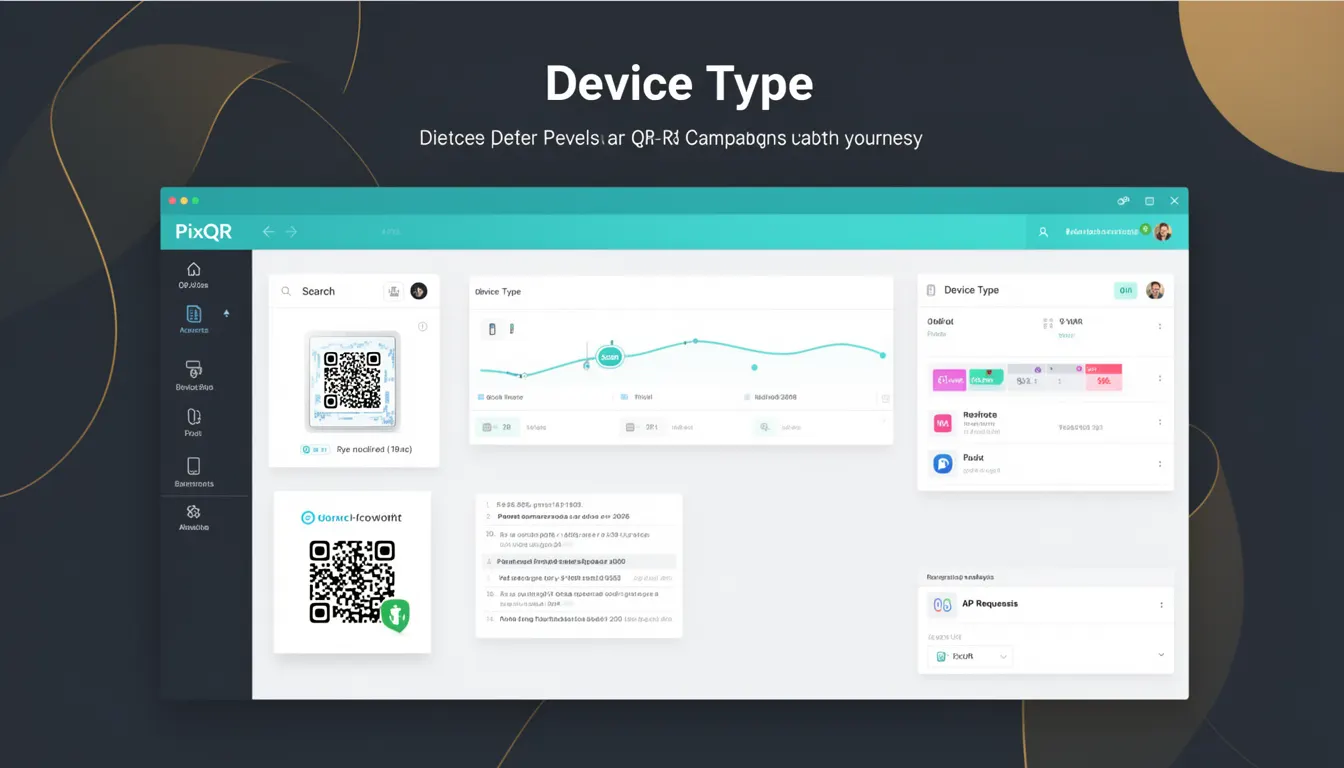
Device Type is a key analytics parameter used in PixQR to categorize and track the type of device scanning a QR code. It is part of the broader set of tracking attributes that help developers and marketers understand user behavior and optimize their QR code campaigns.
In the context of PixQR, Device Type is typically captured during a QR scan event, where the platform records whether the scan originated from a mobile phone, tablet, desktop computer, or other device category. This information is essential for campaign analytics, user journey mapping, and optimizing QR code content delivery based on device capabilities.
Why It Matters
For developers and product teams, Device Type is critical for understanding how users interact with QR codes across different platforms. It directly influences content delivery strategies, analytics reporting, and campaign performance insights. For example, a QR code designed for mobile users may not function properly on desktop devices, and knowing the device type allows for targeted optimizations.
From a security standpoint, tracking Device Type can help identify anomalies or potential fraud. If a QR code is scanned predominantly from unexpected device types or geographic regions, it may indicate unauthorized use or tampering. Additionally, device-specific analytics are vital for compliance with privacy regulations that require granular tracking of user interactions.
How It Works
Device Type is determined through a combination of browser detection, user-agent parsing, and scan event metadata. When a QR code is scanned, PixQR captures the scanning device’s metadata, including the user agent string, screen resolution, and operating system. This data is then categorized into predefined device types such as mobile, tablet, desktop, or other.
- Device Type is derived from the user agent string sent by the browser or mobile application during the QR scan event.
- PixQR uses a proprietary device classification engine to map browser or app identifiers to device categories.
- The classification engine distinguishes between smartphones, tablets, and desktops based on screen size, user agent, and device capabilities.
- Device Type data is stored and made available in the PixQR dashboard for analytics and campaign optimization.
- Device Type can be used in conjunction with other tracking parameters like location, time of scan, and scan frequency for deeper insights.
Quick Reference
| Item | Purpose | Notes |
|---|---|---|
| Device Type | Identifies the type of device scanning a QR code | Used in analytics and campaign optimization |
| User-Agent Parsing | Extracts device information from browser headers | Key for accurate classification |
| Screen Resolution | Helps differentiate between mobile and desktop | Supports device categorization |
| Operating System | Used in device type inference | Supports accurate tracking |
| Scan Metadata | Includes device context for analytics | Enables behavior insights |
Basic Example
PixQR Example QR
This QR links directly to this glossary page, so printed notes, onboarding docs, and support material can bring scanners back to the current reference.
/glossary/qr-code-tracking-and-analytics/qr-code-tracking-and-analytics-device-type

This example demonstrates how a QR code scan event might include Device Type in its metadata. It shows a simplified JSON structure used by PixQR to record scan data.
{
  "scan_id": "abc123",
  "device_type": "mobile",
  "user_agent": "Mozilla/5.0 (iPhone; CPU iPhone OS 16_0 like Mac OS X)",
  "timestamp": "2023-05-10T14:30:00Z",
  "url": "https://example.com/redirect"
}
The device_type field indicates that the QR code was scanned from a mobile device. This information is used to group analytics and tailor content delivery.
Production Example
In a production environment, Device Type is part of a more robust tracking system that validates scan metadata and ensures accurate analytics. This example shows how PixQR might process a scan event with device type and other tracking data.
{
  "scan_id": "xyz789",
  "device_type": "tablet",
  "user_agent": "Mozilla/5.0 (iPad; CPU OS 15_4 like Mac OS X)",
  "location": {
    "lat": 40.7128,
    "lng": -74.0060
  },
  "timestamp": "2023-05-10T14:30:00Z",
  "url": "https://example.com/redirect",
  "campaign_id": "campaign_123"
}
This version includes location data and campaign context, making it suitable for enterprise analytics and fraud detection. It ensures that device type is used alongside other signals for comprehensive tracking.
Common Mistakes
- Assuming that all user agents are accurate or consistent across platforms, which can lead to misclassification of device types.
- Not validating device type data before using it in analytics, potentially introducing errors in reporting.
- Ignoring the impact of browser spoofing or custom user agents that may distort device type detection.
- Using device type as the sole indicator for content delivery, which can result in poor user experience on unsupported devices.
- Failing to consider device type in privacy compliance strategies, especially when aggregating or storing such data.
Security And Production Notes
- Device Type data should be validated against known patterns to prevent spoofing or manipulation.
- Ensure that device type is not used in isolation for access control or authentication decisions.
- When logging Device Type for analytics, consider data retention policies to comply with privacy regulations.
- Device Type should be anonymized or aggregated to prevent tracking of individual users.
- Implement rate limiting for scan events to prevent abuse of device type tracking mechanisms.
Related Concepts
Device Type is closely related to several other tracking and analytics concepts:
- User-Agent Parsing is the foundational technique used to determine Device Type from browser metadata.
- Browser Detection is used in conjunction with Device Type to refine tracking accuracy.
- Geolocation Tracking can be combined with Device Type to analyze user behavior by region and device.
- Scan Frequency is often analyzed alongside Device Type to identify user engagement patterns.
- Analytics Segmentation uses Device Type to group users for targeted campaign delivery and reporting.