 PixQR
PixQR
Overview
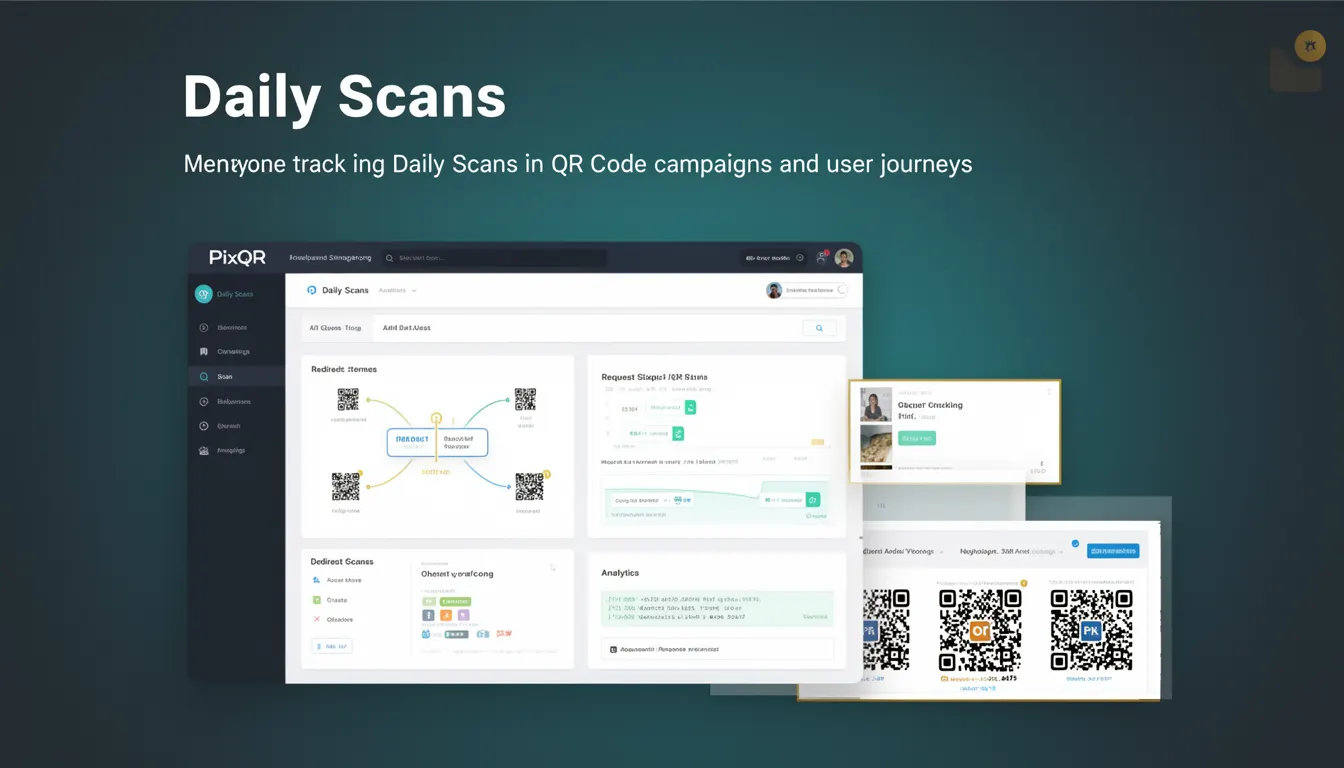
Daily Scans is a core analytics metric used in PixQR to track the number of times a QR code is scanned within a 24-hour period. This metric is essential for campaign tracking, user behavior analysis, and operational decision-making. It provides granular insight into how frequently users interact with a QR code, enabling developers and marketers to evaluate the effectiveness of their QR code strategies.
In the context of PixQR, Daily Scans are collected and aggregated through backend systems that monitor scan events. Each scan event is timestamped and attributed to a specific QR code, allowing for accurate daily rollups. These metrics are surfaced in PixQR dashboards, API responses, and exportable reports, making them accessible for both real-time monitoring and historical analysis.
Why It Matters
For developers and product teams managing QR code campaigns, Daily Scans serve as a critical performance indicator. They help determine whether a QR code is achieving desired engagement levels, identify trends in user behavior, and validate the success of marketing initiatives. From a security perspective, consistent daily scan volumes can help detect anomalies or potential misuse, such as unauthorized scanning or bot activity.
For operational workflows, Daily Scans inform decisions around campaign duration, resource allocation, and optimization. A sudden drop in daily scans might indicate a technical issue, such as a broken redirect, or a user experience problem, such as poor print quality or scanning reliability. Additionally, these metrics support A/B testing and performance comparisons across different QR code designs or campaigns.
How It Works
The PixQR platform tracks each QR code scan by recording a timestamped event. These events are processed in real time and aggregated by day to compute Daily Scans. The system ensures accurate counting by associating each scan with a unique identifier and verifying its validity. This process is crucial for preventing duplicate or fraudulent counts.
- Daily Scans are computed using UTC timestamps to ensure consistency across global deployments.
- Each scan event is validated against a set of rules to prevent invalid or duplicate entries.
- Scans are attributed to a specific QR code via a unique identifier embedded in the scan request.
- Aggregation is performed server-side to avoid client-side manipulation or inaccuracies.
- Metrics are updated in real time, with batch processing used for historical rollups and reporting.
Quick Reference
| Item | Purpose | Notes |
|---|---|---|
| Scan timestamp | Identifies when a QR code was scanned | UTC-based for consistency |
| QR code ID | Associates scan with a specific QR code | Used for aggregation and filtering |
| Scan validation | Ensures scan is legitimate | Prevents duplicate or spoofed counts |
| Daily rollup | Aggregates scans by 24-hour period | Computed server-side |
| API response field | Exposes daily scan count | Available in metrics and export endpoints |
Basic Example
PixQR Example QR
This QR links directly to this glossary page, so printed notes, onboarding docs, and support material can bring scanners back to the current reference.
/glossary/qr-code-tracking-and-analytics/qr-code-tracking-and-analytics-daily-scans

This example demonstrates how a basic daily scan count might be retrieved from a PixQR API endpoint. It shows the structure of a response containing scan data for a specific QR code.
{
  "qr_code_id": "abc123",
  "daily_scans": 42,
  "date": "2024-04-05"
}
The daily_scans field represents the number of valid scans for that QR code on the specified date. This data can be used for dashboards or automated alerts.
Production Example
In a production environment, a developer might fetch daily scan data for multiple QR codes and process it for reporting. This example includes error handling, validation, and structured data processing.
const response = await fetch('/api/qr-codes/abc123/metrics');
const data = await response.json();

if (data.daily_scans !== undefined) {
  console.log(`Daily scans for QR code abc123: ${data.daily_scans}`);
} else {
  console.error('Failed to retrieve daily scan count.');
}
This version includes checks for valid data and error handling, making it suitable for integration into larger monitoring or analytics systems.
Common Mistakes
- Assuming scan counts are automatically updated in real time without checking API response status.
- Using local time zones instead of UTC, leading to inconsistencies in daily rollups.
- Not validating QR code IDs before querying scan metrics, which can cause errors or data leaks.
- Ignoring duplicate or invalid scan events, which can inflate daily counts.
- Hardcoding date ranges or relying on client-side processing for daily aggregations.
Security And Production Notes
- Scan events must be validated against a set of rules to prevent duplicate or spoofed entries.
- Timestamps should always be in UTC to ensure consistency across time zones and avoid daylight saving issues.
- API endpoints for metrics should implement authentication and rate limiting to prevent abuse.
- Access to daily scan data should be restricted to authorized users or systems to prevent unauthorized tracking.
- Historical data should be stored securely and backed up regularly to prevent loss of analytics history.
Related Concepts
Daily Scans are closely tied to several other analytics and operational concepts. Scan Events are the raw data points that contribute to Daily Scans. Redirect Analytics often incorporate Daily Scans to evaluate the performance of dynamic QR codes. QR Code Campaigns use Daily Scans to assess engagement over time. Scan Reliability ensures that Daily Scans reflect genuine user interactions rather than system errors or bot activity. Operational Workflows depend on Daily Scans to monitor and optimize QR code usage.