 PixQR
PixQR
Overview
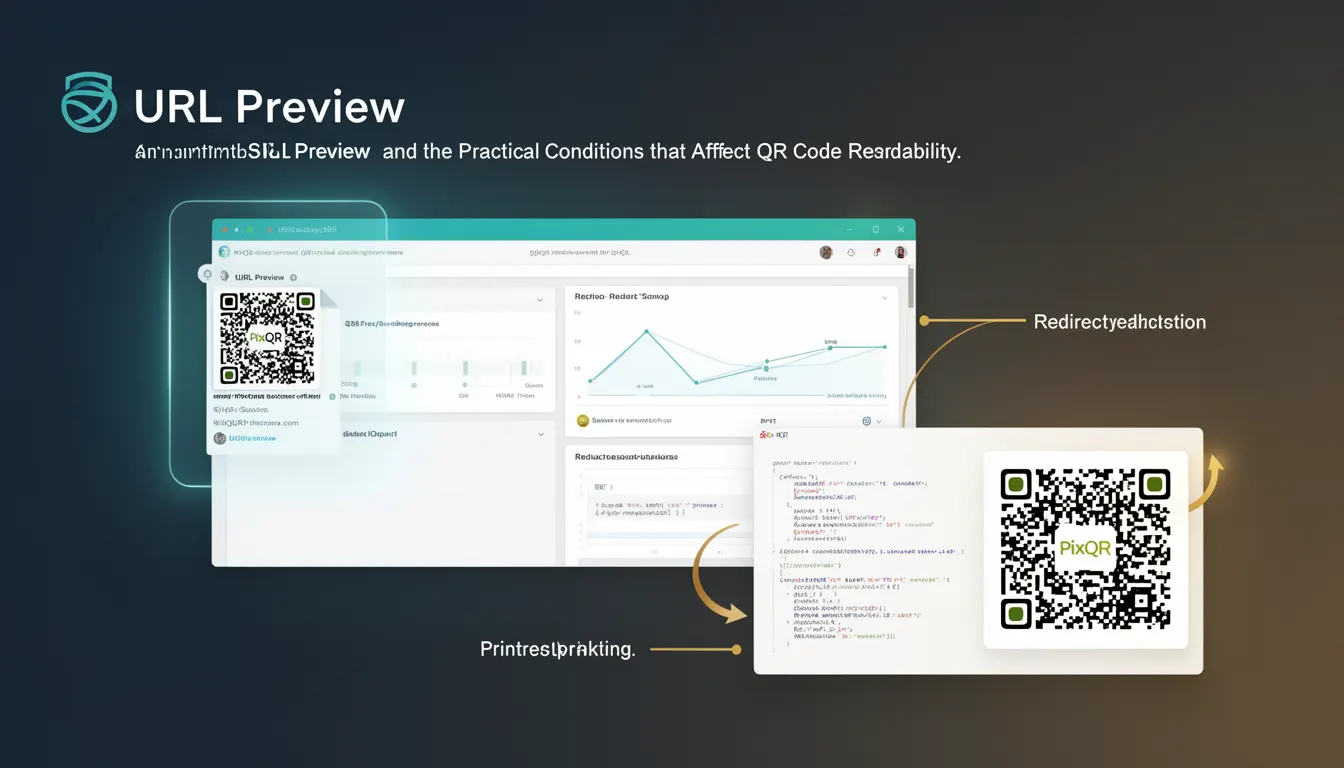
URL Preview is a scanning term used in the context of QR code generation and redirection, particularly when evaluating the target URL of a QR code before or during the scanning process. It refers to the ability to fetch and display metadata or a preview of a URL’s destination content, often to ensure the destination is safe, appropriate, and aligned with intended branding or user experience.
In PixQR’s platform, URL Preview functionality is part of the broader set of tools that ensure reliable, secure, and brand-safe QR code usage. When a QR code is generated, it often points to a dynamic URL that redirects to a final destination. URL Preview allows developers and operators to inspect or validate that destination prior to deployment or scanning, improving trust, reducing fraud risks, and enhancing user experience.
Why It Matters
For developers working with QR codes, especially in production environments, URL Preview is a critical safety and usability mechanism. It helps prevent malicious redirects, ensures brand alignment, and supports analytics by allowing visibility into the destination before a scan occurs. In the context of PixQR, this feature is essential for maintaining secure operational workflows, particularly when managing high-volume QR code deployments.
From a user experience perspective, URL Preview allows users to understand where a QR code leads before scanning. This is especially important in public or untrusted environments where users may be hesitant to scan unknown QR codes. For platform maintainers, it offers a way to detect and flag potentially harmful links, improving overall platform security and compliance.
How It Works
URL Preview operates by making an HTTP request to the target URL of a QR code and extracting metadata or rendering a preview of the destination page. This process involves several key steps and components:
- When a QR code is generated or updated, the system fetches the URL from the redirect target.
- It performs a HEAD or GET request to the URL to retrieve headers and metadata without downloading the full content.
- Metadata such as title, description, favicon, and content type are parsed and stored.
- The preview data is cached to improve performance and reduce redundant requests.
- For enhanced security, the system may validate the URL against known safe domains or blacklists.
URL Preview can be enabled or disabled via API or dashboard configuration. It typically integrates with PixQR's analytics and redirect management systems to provide real-time insights into link behavior and safety.
Quick Reference
| Item | Purpose | Notes |
|---|---|---|
| URL Preview | Displays metadata of target URL | Enabled via API or dashboard |
| Preview Cache | Stores fetched preview data | Reduces redundant HTTP requests |
| Metadata Fields | Includes title, description, favicon | Used for UI display |
| Security Validation | Checks destination against safe lists | Prevents malicious redirects |
| Request Method | Uses HEAD or GET | Optimized for speed and minimal data |
Basic Example
PixQR Example QR
This QR links directly to this glossary page, so printed notes, onboarding docs, and support material can bring scanners back to the current reference.
This example demonstrates how a basic URL Preview might be triggered in a PixQR API call, returning metadata for a destination URL.
curl -X GET "https://api.pixqr.com/v1/preview?url=https://example.com" \
  -H "Authorization: Bearer YOUR_API_TOKEN"
The command fetches preview data for the URL https://example.com. The response includes fields like title, description, and favicon. This is useful for validating a destination before deploying a QR code.
Production Example
In a production environment, a developer might integrate URL Preview into a QR code generation workflow, ensuring that all destinations are validated before deployment.
const preview = await pixqr.preview({
  url: 'https://example.com',
  validate: true,
  cache: true
});

if (preview.safe && preview.title) {
  console.log('Preview validated:', preview.title);
  // Proceed with QR generation
} else {
  console.error('Invalid or unsafe preview');
}
This version includes validation and caching, making it suitable for high-volume or security-sensitive deployments. It prevents unsafe or unapproved URLs from being used in QR codes.
Common Mistakes
- Not validating URL Preview results before generating QR codes, leading to unsafe or unintended redirects.
- Disabling caching in high-volume environments, causing performance degradation and API throttling.
- Ignoring preview metadata like title or description, which can lead to poor user experience.
- Using HEAD requests without fallback to GET, which may fail on certain servers or redirect chains.
- Not implementing timeouts for preview requests, which can block the QR generation pipeline.
Security And Production Notes
- Always validate URL Preview data against internal or external blacklists to prevent malicious links.
- Use HTTPS for all preview requests to ensure secure communication and prevent man-in-the-middle attacks.
- Implement request timeouts to avoid hanging or blocking the QR generation process.
- Cache preview data with appropriate TTL to balance performance and freshness.
- Sanitize preview metadata to prevent XSS or other injection attacks in UI rendering.
Related Concepts
URL Preview is closely related to several key concepts in QR code management and web security:
- Dynamic Redirects: QR codes often point to dynamic URLs that may change or redirect. URL Preview helps validate these dynamic endpoints.
- Link Safety: Ensures that QR code destinations are safe and align with brand or policy standards.
- Scan Tracking: Preview data can be used to enrich analytics and provide insights into user behavior.
- Brand Compliance: Preview metadata helps maintain brand consistency by ensuring content aligns with intended branding.
- Privacy Controls: Preview functionality must comply with privacy regulations by avoiding exposure of sensitive data.