 PixQR
PixQR
Overview
Contact Scan refers to the process by which a QR code reader identifies and interprets the contact information embedded in a QR code. This term is used in the context of QR code generation and scanning systems, particularly when the QR code contains structured data such as a vCard, which is a standard format for contact information.
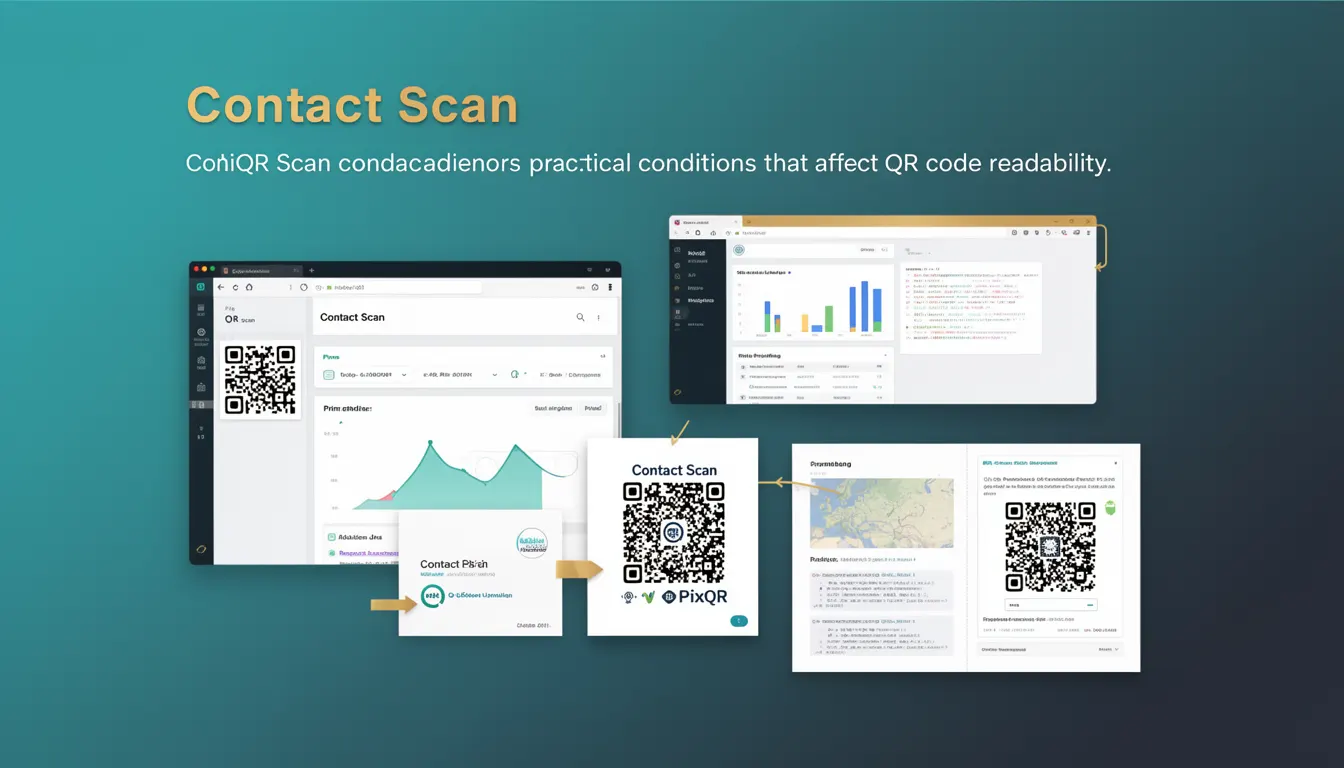
In PixQR, Contact Scan is a key scanning term that encompasses not only the act of scanning but also the practical conditions that influence the readability and reliability of QR codes, especially when they are intended to carry contact details. This includes factors like image resolution, lighting, QR code design, and device capabilities.
Why It Matters
For developers working with PixQR, understanding Contact Scan is crucial for ensuring that QR codes are not only generated correctly but also reliably scanned by end users. In practical applications, a misconfigured or poorly designed QR code can lead to failed scans, incorrect data interpretation, or user frustration.
From a security standpoint, proper handling of Contact Scan data helps prevent data injection or misrepresentation, which is especially important when QR codes are used in marketing, business card applications, or contact sharing systems. Ensuring that the scanning environment supports reliable detection and interpretation of contact data is essential for maintaining the integrity of the information exchanged.
How It Works
Contact Scan operates through a series of steps involving QR code decoding, data parsing, and validation. The process begins with the scanning device capturing the QR code image, which is then processed to extract the encoded data. In the case of contact information, this data is typically in vCard format.
- The QR code image must be sufficiently clear and have appropriate contrast to be detected by scanning algorithms.
- Scanning software must support vCard parsing to correctly interpret the data structure.
- Pixel density and resolution of the QR code image play a significant role in scan success, especially on mobile devices.
- Lighting conditions and device camera quality can significantly affect the ability to scan a QR code accurately.
- For PixQR, the system must validate that the generated QR code contains valid and properly formatted contact data before rendering it for user scanning.
Quick Reference
| Item | Purpose | Notes |
|---|---|---|
| vCard Format | Encodes contact information | Standardized for interoperability |
| Scan Resolution | Determines QR code readability | Higher resolution improves reliability |
| Lighting Conditions | Affects scanning success | Good lighting reduces error rate |
| Device Camera | Impacts scanning quality | Mobile camera capabilities vary |
| QR Code Design | Ensures scan compatibility | Must follow standards for compatibility |
Basic Example
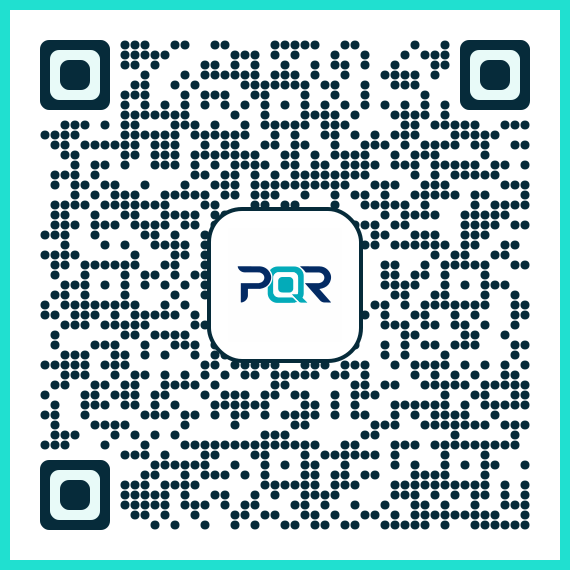
PixQR Example QR
This QR links directly to this glossary page, so printed notes, onboarding docs, and support material can bring scanners back to the current reference.
The following example demonstrates a basic QR code generation for a contact using a vCard. This example assumes a simple contact entry.
const contactVCard = `BEGIN:VCARD
VERSION:3.0
FN:John Doe
N:Doe;John;;;
EMAIL:john.doe@example.com
END:VCARD`;

const qrCodeData = `data:text/vcard;charset=utf-8,${encodeURIComponent(contactVCard)}`;
console.log(qrCodeData);
This example creates a vCard string, encodes it, and formats it for use in a QR code. The resulting string can be used as the payload for a QR code generator to produce a scannable contact entry.
Production Example
In a production environment, the QR code generation must be robust and include validation to ensure the contact data is correctly formatted and the QR code is optimized for scanning.
function generateContactQRCode(contact) {
  const vCard = `BEGIN:VCARD
VERSION:3.0
FN:${contact.name}
N:${contact.name.split(' ').slice(1).join(';')};${contact.name.split(' ')[0]};;;
EMAIL:${contact.email}
END:VCARD`;

  const encodedData = encodeURIComponent(vCard);
  const qrCodeUrl = `data:text/vcard;charset=utf-8,${encodedData}`;
  return qrCodeUrl;
}

const contactInfo = {
  name: "Jane Smith",
  email: "jane.smith@example.com"
};

const qrUrl = generateContactQRCode(contactInfo);
console.log(qrUrl);
This version includes more structured handling of contact data, ensuring that the vCard format is correctly constructed and encoded. It is suitable for production use as it handles potential issues with data formatting and ensures compatibility with standard scanning tools.
Common Mistakes
- Using invalid vCard format or missing required fields can cause scanning errors or data misinterpretation.
- Not encoding special characters in contact data can lead to malformed QR codes or scanning failures.
- Generating QR codes with low resolution or poor contrast can result in failed scans, especially on mobile devices.
- Ignoring device-specific scanning capabilities or camera limitations can lead to inconsistent user experiences.
- Not validating the QR code content before deployment can introduce data integrity issues in the scanning process.
Security And Production Notes
- Always validate and sanitize contact data before generating QR codes to prevent injection attacks or malformed entries.
- Ensure that the QR code image meets resolution standards for reliable scanning across different devices and lighting conditions.
- Implement proper error handling to manage cases where scanning fails due to poor image quality or device incompatibility.
- Use HTTPS and secure protocols for generating and distributing QR codes to avoid man-in-the-middle attacks.
- Consider accessibility by ensuring QR codes are scannable with a variety of devices and assistive technologies.
Related Concepts
Contact Scan is closely related to several other QR code scanning and generation concepts. These include:
- QR Code Generation: The process of creating QR codes from structured data, including contact information.
- Dynamic Redirects: The ability to update QR code content without regenerating the code, which can be useful for contact data.
- Scan Analytics: Tracking how often and under what conditions QR codes are scanned, which is relevant for understanding Contact Scan usage.
- Privacy Controls: Ensuring that contact data is handled securely and in compliance with privacy regulations.
- Print Reliability: Ensuring that QR codes remain scannable when printed on various materials and under different lighting conditions.