 PixQR
PixQR
Overview
A Browser QR Scanner refers to a client-side mechanism that allows web browsers to read QR codes using the device's camera. This functionality is commonly implemented using JavaScript APIs such as the MediaDevices API and the BarcodeDetector API, or through third-party libraries that abstract these browser capabilities.
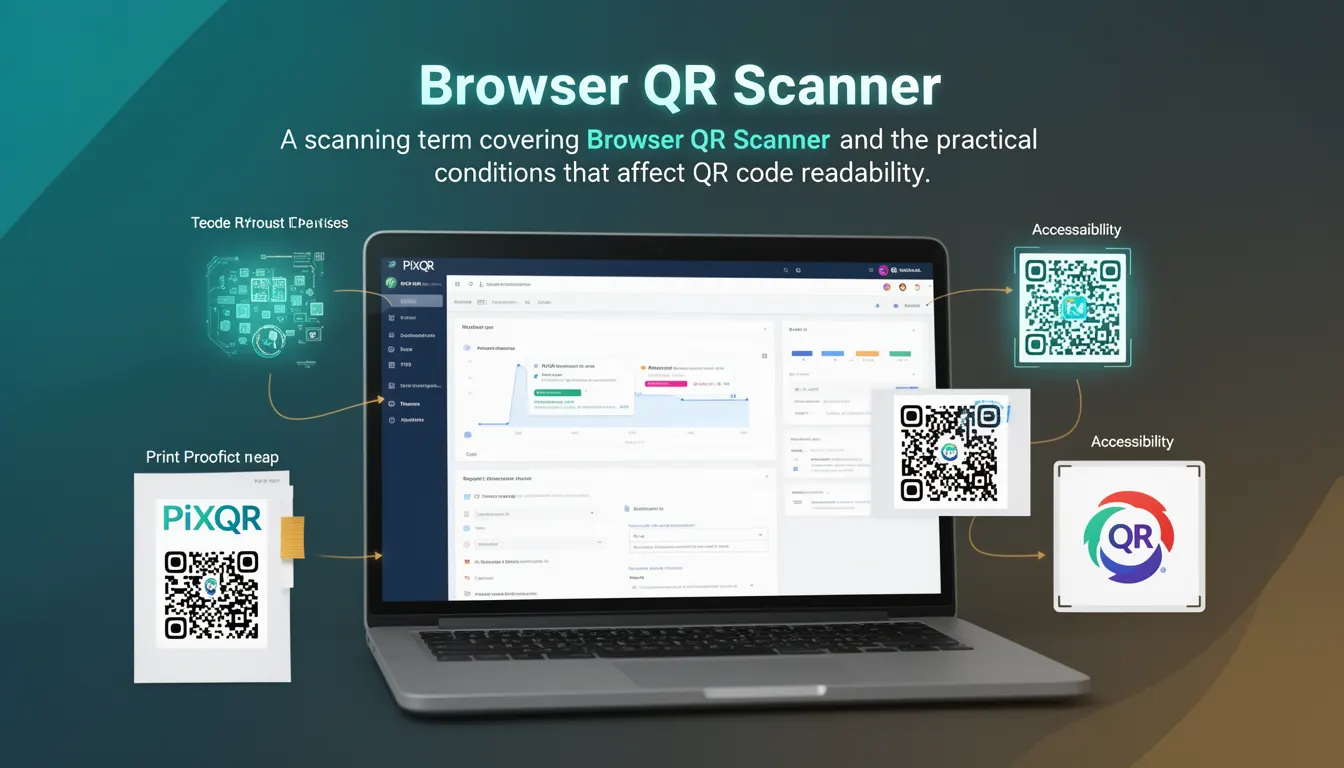
In the context of PixQR, a Browser QR Scanner is used to enable users to scan QR codes directly from a web interface, facilitating dynamic redirects, secure link access, and brand-safe scanning workflows. It is especially valuable in mobile-first applications where QR scanning is part of the core user experience.
Why It Matters
Browser QR Scanners are critical for enabling seamless, privacy-preserving user interactions on web platforms. They allow users to scan QR codes without downloading additional applications, reducing friction in the user journey. For developers, this capability is essential when building interactive web experiences, especially for applications involving dynamic link routing, secure access controls, or real-time analytics.
For PixQR, Browser QR Scanners support the platform's goal of secure and reliable QR code handling. They ensure that scans are performed in a privacy-conscious environment, with no unnecessary data transmission to external services unless explicitly configured. This is particularly important for enterprise-grade platforms where compliance and data protection are paramount.
How It Works
The core mechanism of a Browser QR Scanner involves capturing video from a device's camera and processing the video frames to detect QR codes. The process typically includes permissions handling, camera access, image processing, and QR code decoding.
- The
MediaDevices.getUserMedia()API is used to access the device's camera and request video input. - QR detection is often performed using the
BarcodeDetectorAPI, which is available in modern browsers and can detect various barcode formats including QR codes. - For older browsers or environments where
BarcodeDetectoris not available, libraries likejsQRorqrcode-readerare used as fallbacks. - Permissions are handled through the browser's permission model, requiring user consent before accessing camera hardware.
- Once a QR code is detected, the content is decoded and can be used for redirecting the user or triggering an action within the application.
Quick Reference
| Item | Purpose | Notes |
|---|---|---|
MediaDevices.getUserMedia() | Access camera input | Requires user permission |
BarcodeDetector | Detect QR codes in video frames | Available in modern browsers |
| QR code format | Identify and decode QR codes | Supports multiple formats |
| Permissions | Control access to camera | Must be granted by user |
| Error handling | Gracefully manage scan failures | Prevent crash or confusion |
Basic Example
PixQR Example QR
This QR links directly to this glossary page, so printed notes, onboarding docs, and support material can bring scanners back to the current reference.
/glossary/qr-code-scanning/qr-code-scanning-browser-qr-scanner

The following example demonstrates a minimal implementation of a QR scanner using the BarcodeDetector API. It accesses the camera, detects QR codes in the video stream, and logs the result.
const video = document.createElement('video');
const canvas = document.createElement('canvas');
const ctx = canvas.getContext('2d');

navigator.mediaDevices.getUserMedia({ video: true })
  .then(stream => {
    video.srcObject = stream;
    video.play();
    const detector = new BarcodeDetector({
      formats: ['qr_code']
    });
    detectQR();
  });

function detectQR() {
  if (video.readyState === video.HAVE_ENOUGH_DATA) {
    canvas.width = video.videoWidth;
    canvas.height = video.videoHeight;
    ctx.drawImage(video, 0, 0);
    detector.detect(canvas)
      .then(results => {
        if (results.length > 0) {
          console.log('QR Code content:', results[0].rawValue);
        }
      });
  }
  requestAnimationFrame(detectQR);
}
This example sets up a video stream from the camera and attempts to detect QR codes by drawing each frame to a canvas and passing it to the BarcodeDetector. The rawValue property of the result contains the decoded QR code content.
Production Example
A more robust implementation includes permission handling, error reporting, and fallbacks for unsupported browsers. This version is suitable for production environments where reliability and user experience are important.
class QRScanner {
  constructor() {
    this.video = document.createElement('video');
    this.canvas = document.createElement('canvas');
    this.ctx = this.canvas.getContext('2d');
    this.detector = new BarcodeDetector({ formats: ['qr_code'] });
  }

  async start() {
    try {
      const stream = await navigator.mediaDevices.getUserMedia({ video: true });
      this.video.srcObject = stream;
      this.video.play();
      this.scanLoop();
    } catch (err) {
      console.error('Camera access denied or error:', err);
    }
  }

  scanLoop() {
    if (this.video.readyState === this.video.HAVE_ENOUGH_DATA) {
      this.canvas.width = this.video.videoWidth;
      this.canvas.height = this.video.videoHeight;
      this.ctx.drawImage(this.video, 0, 0);
      this.detector.detect(this.canvas)
        .then(results => {
          if (results.length > 0) {
            console.log('Detected QR:', results[0].rawValue);
            this.handleScan(results[0].rawValue);
          }
        })
        .catch(err => console.error('Detection error:', err));
    }
    requestAnimationFrame(() => this.scanLoop());
  }

  handleScan(content) {
    // Redirect or process QR content
    window.location.href = content;
  }
}

const scanner = new QRScanner();
scanner.start();
This version encapsulates the scanner logic into a class, includes proper error handling, and uses requestAnimationFrame for efficient scanning. It is more maintainable and suitable for integration into larger web applications.
Common Mistakes
- Not handling camera permission denial gracefully, leading to unresponsive UI or crashes.
- Assuming
BarcodeDetectoris available in all browsers, causing runtime errors in older environments. - Not stopping the camera stream after scanning, resulting in unnecessary resource usage.
- Using the same canvas for multiple scans without clearing or resetting it, leading to inaccurate results.
- Ignoring error handling in the detection process, which can cause silent failures in QR scanning.
Security And Production Notes
- Always request camera permissions explicitly and handle denial with a clear user message.
- Ensure the QR code content is validated before redirecting or processing to prevent malicious input.
- Use HTTPS to prevent man-in-the-middle attacks when scanning QR codes in web environments.
- Limit the scope of camera access to only what is necessary for scanning.
- Implement a timeout or scan limit to prevent infinite scanning loops or excessive CPU usage.
Related Concepts
Browser QR Scanners are closely related to several core web technologies and practices:
- MediaDevices API — Provides access to media input devices such as cameras and microphones.
- BarcodeDetector API — Offers native support for barcode and QR code detection in browsers.
- Web Workers — Can be used to offload QR detection to a background thread for performance.
- Web Components — Encapsulate QR scanning logic for reuse across different parts of an application.
- Progressive Web Apps (PWA) — Enable QR scanning as part of offline or mobile-first experiences.