 PixQR
PixQR
Overview
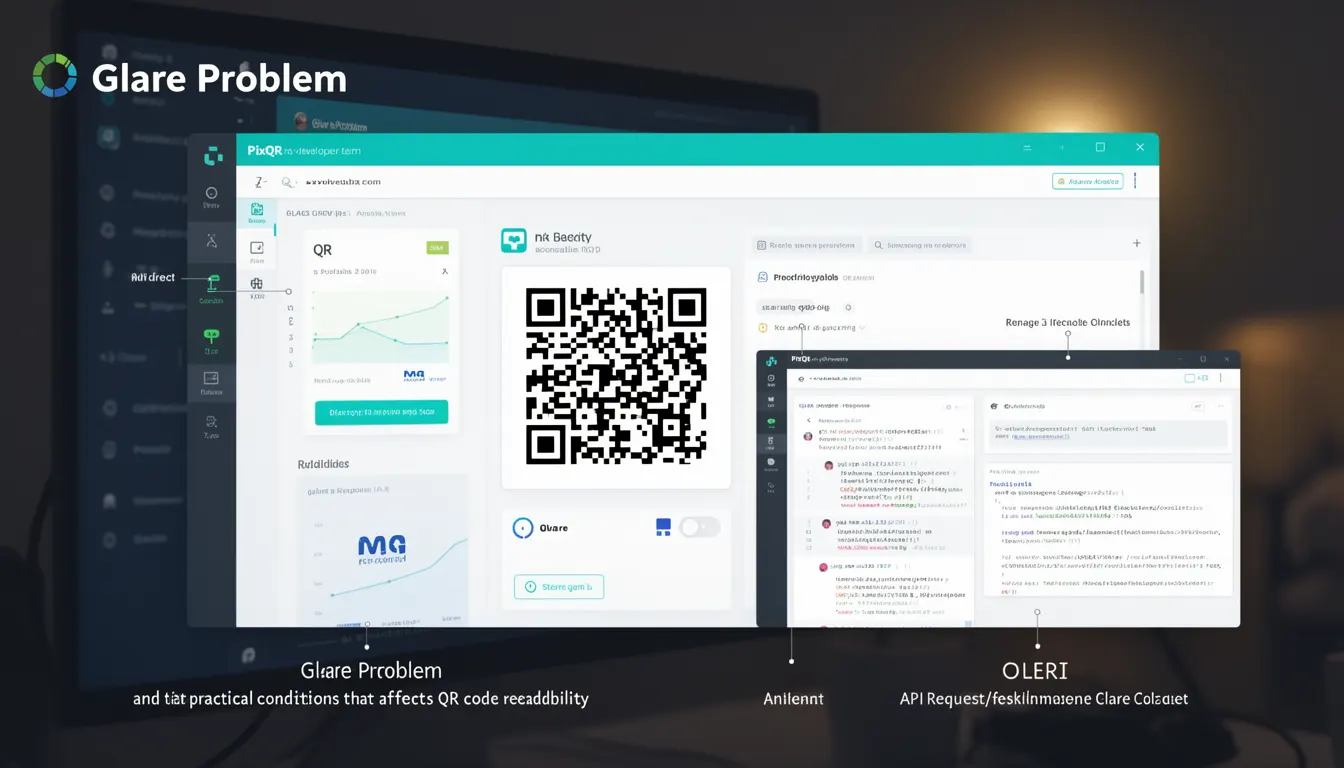
The term Glare Problem refers to a category of scanning issues that occur when QR codes become unreadable or difficult to scan due to excessive light reflection, glare, or visual interference. It is a scanning term used in QR code systems to describe conditions that affect the integrity and reliability of QR code recognition, particularly in environments with bright or uneven lighting.
For developers working with PixQR, understanding the Glare Problem is critical when designing QR codes for real-world deployment. This includes scenarios where QR codes are printed on glossy materials, exposed to direct sunlight, or placed near reflective surfaces. The problem manifests as inconsistent or failed scans, which can undermine user experience, tracking accuracy, and the effectiveness of dynamic redirects or link management systems.
Why It Matters
The Glare Problem has direct implications for user experience, operational reliability, and data integrity in QR code systems. When QR codes fail to scan due to glare, it leads to lost conversions, failed analytics tracking, and user frustration. For PixQR, which focuses on secure and reliable QR code generation, addressing glare issues ensures that dynamic redirects and brand-safe designs function as intended across a wide range of physical environments.
From a production standpoint, developers must consider how glare affects the visual design of QR codes, especially when integrating with print or digital display systems. Glare can cause scanning systems to misread QR code patterns, resulting in incorrect link redirections or failed authentication flows. In high-security or high-volume environments, such failures can compromise operational workflows and increase support costs.
How It Works
The Glare Problem occurs when QR code patterns are distorted or obscured by reflections, highlights, or ambient light. This distortion can be caused by:
- High-intensity light sources directly illuminating the QR code, causing overexposure or washout of the pattern.
- Reflective surfaces, such as glass or metal, creating mirror-like reflections that interfere with the scanner’s ability to detect the code.
- Print materials with glossy or shiny coatings that amplify light reflection, making the code difficult to distinguish from its background.
- Scanners with limited dynamic range or sensitivity that cannot differentiate between the code and surrounding glare.
- Environmental lighting that creates uneven illumination, resulting in contrast variations that disrupt the code's structure.
When a scanner encounters a glare-affected QR code, it typically attempts to decode the pattern but fails due to corrupted or misinterpreted data. The scanner may return an error, misread the data, or require multiple scans to succeed. PixQR's systems account for these conditions by offering design options that minimize glare sensitivity, such as optimized contrast, print material compatibility, and dynamic QR code generation with fallbacks.
Quick Reference
| Item | Purpose | Notes |
|---|---|---|
| Lighting Conditions | Identify problematic environments | Direct sunlight, glossy surfaces, reflective materials |
| Contrast Optimization | Improve readability under glare | Ensure sufficient black/white contrast |
| Material Selection | Avoid glare-prone coatings | Matte or semi-matte finishes recommended |
| Dynamic QR Code | Adjust code for environment | Use PixQR’s adaptive generation features |
| Scanning Validation | Confirm successful scans | Implement scan tracking with error handling |
Basic Example
PixQR Example QR
This QR links directly to this glossary page, so printed notes, onboarding docs, and support material can bring scanners back to the current reference.

This basic example demonstrates how to configure a QR code with glare-resistant design attributes using PixQR’s API. It sets the color scheme and print material to reduce the likelihood of glare-related scanning issues.
const qrConfig = {
  content: 'https://example.com',
  color: '#000000',
  background: '#FFFFFF',
  material: 'matte'
};

const qrCode = pixqr.generate(qrConfig);
The example sets a high-contrast black-and-white scheme and selects a matte material to reduce reflection. These choices help ensure that the QR code remains scannable even under challenging lighting conditions.
Production Example
In a production environment, developers may need to validate QR code usability across multiple physical contexts. This example shows how to configure a QR code with dynamic fallbacks and scan tracking to handle glare issues.
const dynamicQR = pixqr.generate({
  content: 'https://secure.example.com/login',
  color: '#000000',
  background: '#FFFFFF',
  material: 'matte',
  analytics: true,
  fallback: 'https://example.com/backup'
});

pixqr.trackScan(dynamicQR.id, (scanResult) => {
  if (scanResult.error) {
    console.warn('Scan failed due to glare or interference');
  }
});
This version includes analytics and a fallback URL, allowing developers to monitor scan reliability and adjust designs or environments when glare is detected. It also ensures that users are directed to a valid alternative if the primary QR code fails to scan.
Common Mistakes
- Using glossy or reflective print materials without testing under real-world lighting conditions.
- Choosing QR code colors that do not provide sufficient contrast in high-contrast environments.
- Ignoring environmental factors like direct sunlight or reflective surfaces during design.
- Not implementing scan tracking or validation to detect and log glare-related failures.
- Assuming that all QR code scanners behave identically under glare conditions.
Security And Production Notes
- Always test QR code designs under real-world lighting conditions to prevent glare-related failures.
- Use high-contrast color schemes to improve readability and scanner reliability.
- Choose print materials that are matte or semi-matte to reduce glare effects.
- Implement analytics to monitor scan success rates and identify potential glare issues.
- Design QR codes with fallbacks to ensure users are not left without access in case of scanning failure.
Related Concepts
Several concepts are closely related to the Glare Problem in QR code systems:
- Scanning Reliability: The ability of a QR code to be consistently read under various conditions, including glare.
- Print Material Compatibility: The suitability of physical materials for QR code durability and readability.
- Dynamic QR Code Generation: Systems that adapt QR code properties to optimize for specific environments.
- Scan Analytics: Tracking of scan success and failure to identify issues like glare or interference.
- Lighting Conditions: Environmental factors that affect QR code visibility and scanner accuracy.