 PixQR
PixQR
Overview
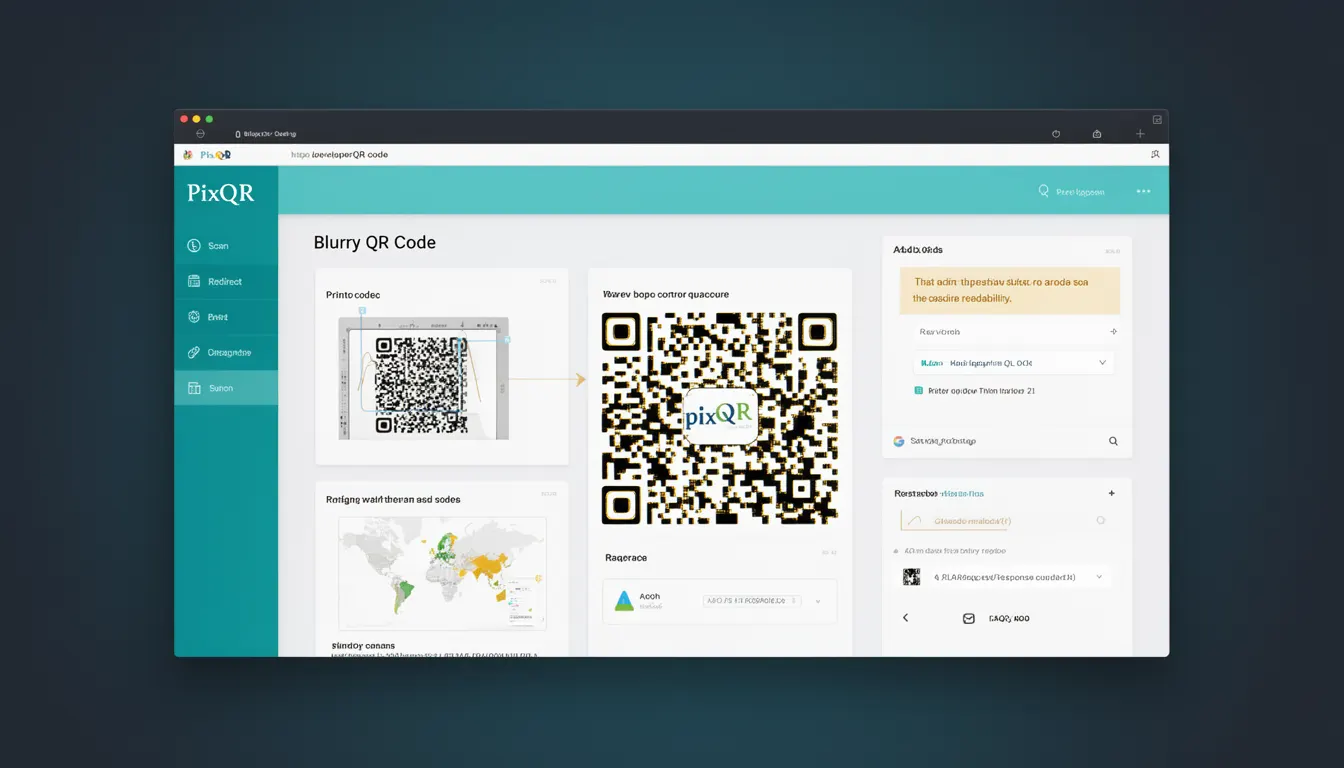
A Blurry QR Code refers to a QR code that is visually degraded or unclear, making it difficult or impossible for scanning devices to accurately read the encoded data. This degradation can occur due to physical damage, poor printing quality, improper sizing, or environmental factors such as lighting or surface texture. In the context of PixQR, blurry QR codes are a key concern because they directly affect the reliability and success rate of scans, especially in dynamic redirect workflows where accuracy is critical.
Blurry QR codes are not merely a visual inconvenience—they represent a failure in the QR code generation or deployment process. For developers working with PixQR, understanding how blurry codes impact scan performance is essential for ensuring that generated QR codes meet required reliability standards. This issue is especially relevant when designing for brand-safe environments, where consistent and accurate scanning is a requirement for user trust and system integrity.
Why It Matters
From a developer and operational standpoint, blurry QR codes are a critical issue because they can result in failed redirects, incorrect data retrieval, and poor user experience. When a QR code is blurry, it may not be scanned at all, or it may be scanned incorrectly, leading to incorrect destination URLs or missing data. This directly impacts the performance of dynamic redirect systems and can undermine the integrity of brand-safe workflows.
In production environments, especially those involving high-volume scanning or security-sensitive operations, blurry QR codes can be a sign of a broader problem in the QR generation or deployment pipeline. PixQR's focus on scan reliability means that developers must proactively test and validate QR code clarity to ensure that all generated codes function correctly under real-world conditions. Poor QR code clarity can also increase support load, reduce conversion rates, and compromise privacy by exposing users to incorrect or malicious redirects.
How It Works
The mechanism behind blurry QR codes involves a combination of physical, environmental, and digital factors that affect the scanner's ability to interpret the code's pattern. The QR code's readability depends on the contrast between the black and white modules, the resolution at which it was printed, and the scanner's sensitivity to noise or distortion.
- QR code resolution and print quality are critical for readability. PixQR ensures that generated codes are produced at a resolution suitable for most scanners, but physical degradation or poor printing can still cause blurriness.
- Scanners use algorithms to decode QR codes. These algorithms rely on precise module detection, and any deviation in module shape or contrast can cause decoding errors or failures.
- Environmental factors such as glare, dirt, or surface texture can visually obscure QR codes, leading to scanning failure even if the code itself is correctly generated.
- Dynamic QR codes in PixQR may be updated or rotated, and any inconsistency in these updates can lead to blurriness if not handled carefully.
- Scan tracking and analytics in PixQR can identify when a QR code is frequently scanned but fails to decode, which can indicate a blurry code issue.
Quick Reference
| Item | Purpose | Notes |
|---|---|---|
| Module size | Defines the smallest unit of the QR code | Smaller modules require higher resolution for clarity |
| Print resolution | Controls the sharpness of printed codes | Minimum 300 DPI recommended for reliable scanning |
| Contrast ratio | Ensures sufficient difference between black and white modules | Low contrast increases risk of blurry scans |
| Scanning environment | Affects readability of QR codes | Glare, dirt, or texture can cause blurriness |
| Dynamic code update | Ensures consistency in generated codes | Changes in code content may affect clarity if not handled carefully |
Basic Example
PixQR Example QR
This QR links directly to this glossary page, so printed notes, onboarding docs, and support material can bring scanners back to the current reference.

This basic example shows how a blurry QR code might be generated due to low resolution. The code is not functional but illustrates the concept of resolution affecting clarity.
// Example: Low-resolution QR code generation
const qrCode = pixqr.generate({
  text: 'https://example.com',
  size: 100,
  resolution: 72 // Low resolution can cause blurriness
});
In this example, the resolution parameter is set to 72 DPI, which is too low for reliable scanning. A higher resolution such as 300 DPI is recommended for print-quality QR codes.
Production Example
This example demonstrates how to generate a high-quality QR code in PixQR, ensuring clarity and readability for production use.
// Example: High-resolution QR code generation for production
const qrCode = pixqr.generate({
  text: 'https://secure.example.com/redirect',
  size: 300,
  resolution: 300,
  errorCorrection: 'H',
  margin: 1
});
This version ensures that the QR code is generated at a high resolution and includes error correction to improve scanning success. The errorCorrection level 'H' provides the highest level of redundancy, which is essential for robust QR code generation in PixQR.
Common Mistakes
- Using low resolution for QR code generation, which leads to blurry or unscannable codes. Always use a resolution of at least 300 DPI for print.
- Ignoring contrast settings, which can make QR codes unreadable under poor lighting or on textured surfaces.
- Not testing QR codes in real-world conditions, leading to assumptions about readability that are incorrect in practice.
- Updating dynamic QR codes without ensuring consistency in design or clarity, which can cause scanning issues.
- Assuming all scanners behave the same, which can lead to overlooking environmental factors that affect QR code readability.
Security And Production Notes
- Ensure that QR codes are generated with sufficient contrast and resolution to avoid blurry scans that could lead to incorrect redirects or data exposure.
- Implement error correction levels in QR code generation to enhance reliability and reduce the risk of misreads.
- Test QR codes in multiple environments to ensure they are not affected by glare, dirt, or surface texture.
- Use PixQR's analytics to monitor scan success rates and identify when blurry codes are causing failures.
- Validate QR code output in production before deployment to ensure that all codes meet required clarity standards.
Related Concepts
Several closely related concepts are essential to understanding and preventing blurry QR codes in a PixQR environment:
- QR Code Resolution – The pixel density of a QR code affects its clarity and scannability.
- Error Correction Levels – These levels determine how much data can be recovered from a damaged QR code.
- Dynamic Redirects – Changes in QR code content can affect clarity if not handled properly.
- Scan Tracking – Analytics help identify when blurry codes are causing failures.
- Print Quality Standards – Ensuring that QR codes are printed at appropriate quality for scanning.