 PixQR
PixQR
Overview
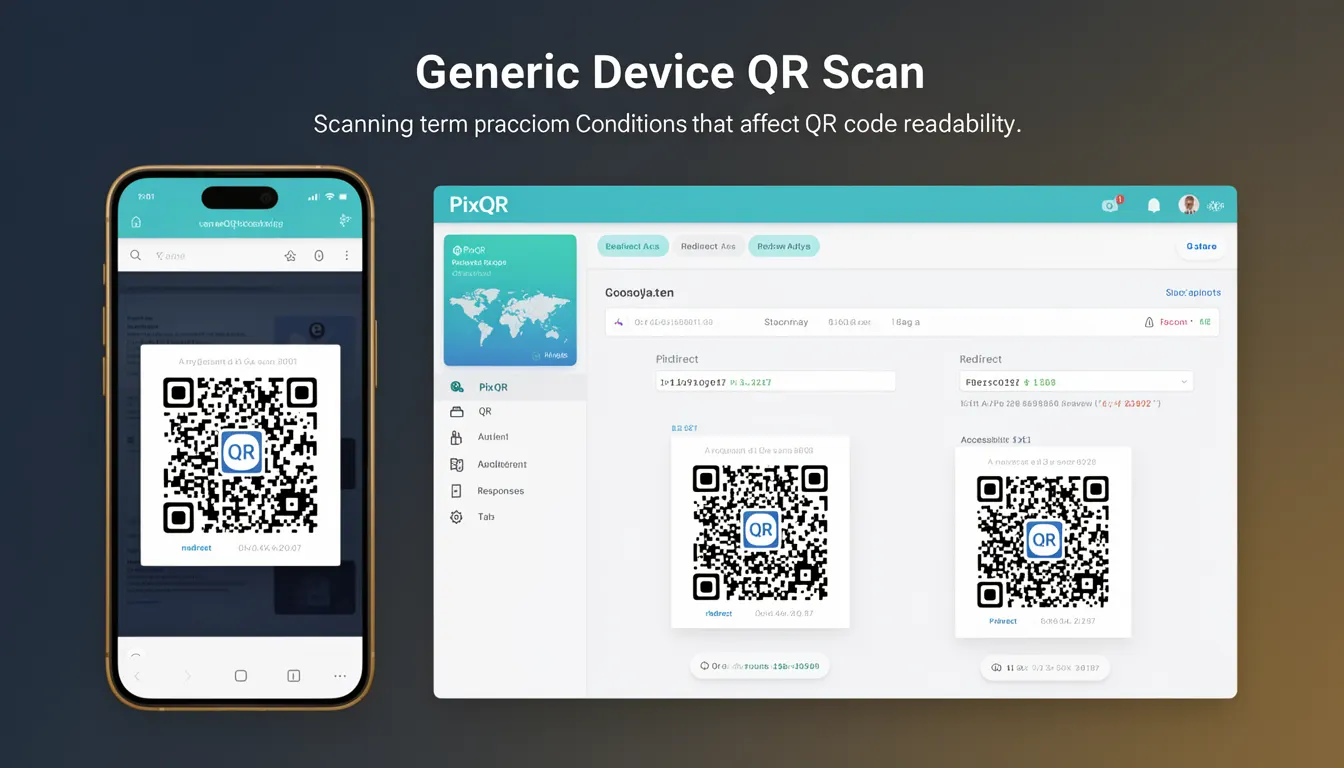
Android QR Scan refers to the process of capturing and interpreting QR codes using Android mobile devices. This mechanism involves the device's camera, image processing capabilities, and operating system APIs to detect, decode, and act on QR code content. In the context of PixQR, Android QR Scan is a core component of the platform’s dynamic redirect and scan reliability features, ensuring that QR codes generated for users are readable across Android platforms.
For developers working with PixQR, Android QR Scan is relevant when implementing or troubleshooting QR code-based redirects, analytics tracking, or brand-safe designs. It also affects how QR codes are displayed, scanned, and processed in environments where Android devices are the primary scanning platform. The term encompasses both the technical implementation and the practical conditions that influence code readability.
Why It Matters
Android QR Scan is critical for developers because it directly impacts user experience, platform compatibility, and the reliability of QR-based workflows. If a QR code fails to scan on Android devices, it can lead to broken redirects, lost conversions, or user frustration. PixQR’s platform ensures consistent scan reliability by optimizing code generation and testing across Android versions, camera hardware, and scanning applications.
For security-conscious developers, Android QR Scan must be robust against malicious or malformed QR codes. It must also comply with accessibility standards, especially when QR codes are used for navigation or information access. Performance considerations are also key, as scanning should not overly burden device resources or introduce delays in redirect behavior.
How It Works
Android QR Scan operates through a sequence of steps involving camera input, image processing, decoding, and execution. The process begins when a device’s camera captures an image of the QR code. The Android operating system or a scanning app then applies image processing algorithms to isolate and enhance the code. The system decodes the data using a QR code reader engine, such as ZXing or Google’s ML Kit. Finally, the decoded content is interpreted—whether to navigate to a URL, open an app, or trigger another action.
- Android devices use the Camera2 API or CameraX for capturing QR code images.
- Decoding is typically handled by libraries like ZXing or ML Kit, which are integrated into scanning apps or the OS.
- QR code content can be a URL, text, contact info, or a structured payload like a JSON object.
- Scan reliability depends on lighting conditions, code size, resolution, and device camera quality.
- Android versions support varying levels of native QR decoding, with newer versions offering better performance and accuracy.
Quick Reference
| Item | Purpose | Notes |
|---|---|---|
| Camera API | Captures QR code image | Use Camera2 or CameraX for better compatibility |
| QR Code Decoder | Interprets QR code data | ML Kit or ZXing libraries are recommended |
| Scan Resolution | Defines minimum image quality | Higher resolution improves scan accuracy |
| Lighting Conditions | Affects readability | Optimize QR code design for low-light environments |
| Android Version | Impacts decoding support | Support older versions with fallback libraries |
Basic Example
PixQR Example QR
This QR links directly to this glossary page, so printed notes, onboarding docs, and support material can bring scanners back to the current reference.

This basic example demonstrates how to initialize a QR code scanning session using a standard Android camera and a decoding library like ZXing.
CameraManager cameraManager = new CameraManager();
cameraManager.startPreview();
QRCodeReader reader = new QRCodeReader();
String result = reader.decode(imageData);
The code initializes a camera preview and attempts to decode QR code data from an image buffer. This is a simplified view of how scanning begins in a native Android app.
Production Example
This example shows a more robust scanning setup that includes error handling, permission checks, and fallback mechanisms, suitable for production use with PixQR.
if (checkCameraPermission()) {
  try {
    CameraManager manager = new CameraManager();
    manager.setPreviewCallback(new QRCodeCallback() {
      @Override
      public void onQRCodeDetected(String data) {
        if (isValidURL(data)) {
          redirect(data);
        } else {
          handleInvalidCode();
        }
      }
    });
  } catch (Exception e) {
    logError(e);
  }
} else {
  requestCameraPermission();
}
This version includes permission checks, error handling, and validation to ensure that only valid QR code content is processed. It’s more suitable for production environments where reliability and security are paramount.
Common Mistakes
- Ignoring camera permission requirements, leading to runtime errors on Android 6.0+.
- Not validating QR code content, which can cause unexpected redirects or security issues.
- Using low-quality QR codes that are difficult to scan, especially in poor lighting.
- Overlooking Android version compatibility, which may result in decoding failures on older devices.
- Not handling decoding timeouts or failures gracefully, causing app crashes or unresponsive behavior.
- Assuming all QR code scanners behave identically, which can lead to inconsistent user experience.
Security And Production Notes
- Always validate decoded QR code content to prevent malicious redirects or phishing attacks.
- Use secure camera APIs and avoid deprecated camera implementations that may have vulnerabilities.
- Implement timeouts for scanning to prevent hanging or unresponsive behavior on slow devices.
- Ensure QR code design meets accessibility standards, including contrast and size for visibility.
- Test scanning across multiple Android versions and device types to maintain compatibility.
Related Concepts
Android QR Scan is closely tied to several core concepts in mobile development and QR code platforms:
- Dynamic Redirects: QR codes that point to dynamically generated URLs or endpoints.
- Scan Analytics: Tracking how QR codes are scanned, including device and environment data.
- QR Code Design: Ensuring visual clarity and readability across platforms and devices.
- Camera APIs: The underlying system interfaces used to access device cameras for scanning.
- Privacy Controls: Ensuring that QR code scanning does not inadvertently expose user data.