 PixQR
PixQR
Overview
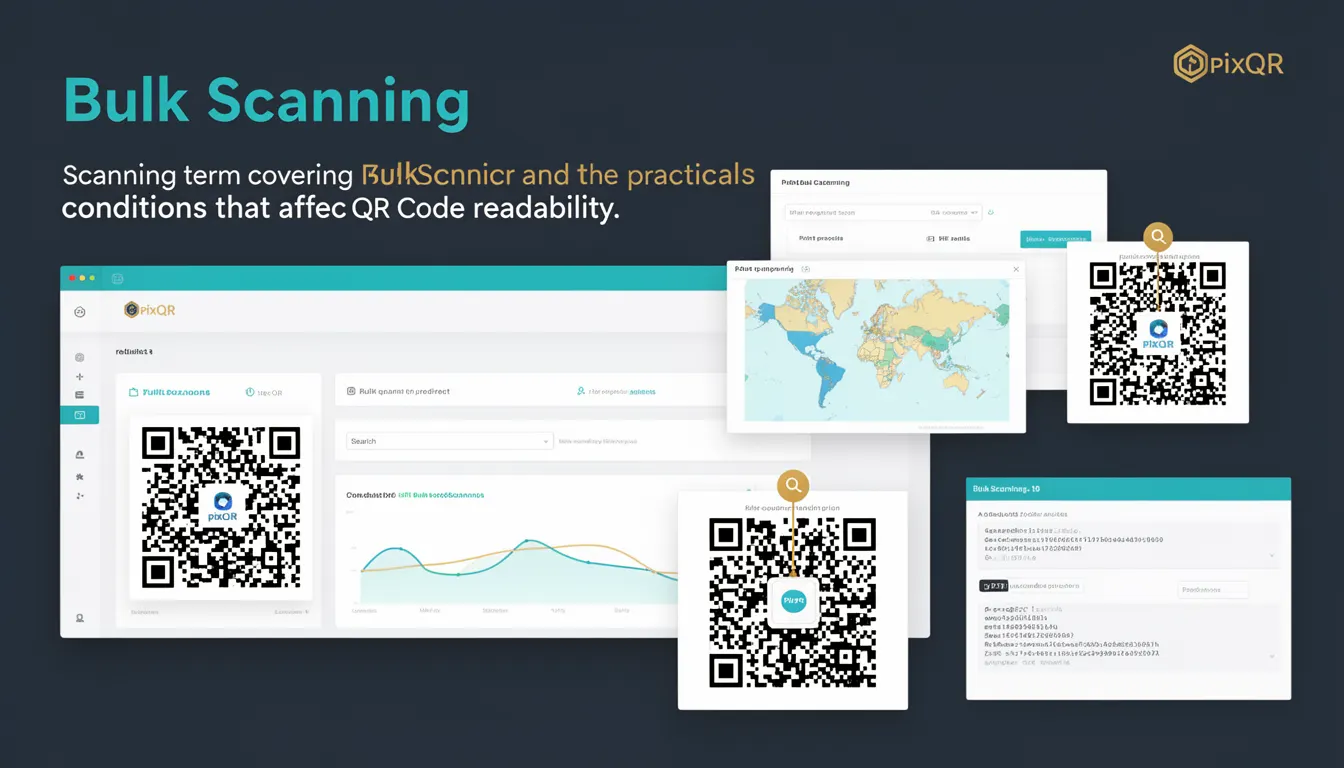
Bulk Scanning refers to the process of scanning multiple QR codes simultaneously or in rapid succession, typically through automated systems or batch processing workflows. In the context of PixQR, Bulk Scanning enables users to manage and analyze QR code performance across large volumes of generated codes, such as for marketing campaigns, inventory tracking, or event management.
While individual QR code scanning is a standard function, Bulk Scanning introduces complexity in terms of reliability, data handling, and system scalability. It requires robust infrastructure to support high-volume input, accurate parsing of scan data, and secure processing of results. For developers working with PixQR, understanding Bulk Scanning helps in designing systems that can scale efficiently while maintaining data integrity and security.
Why It Matters
For developers and site operators, Bulk Scanning is crucial when deploying QR codes at scale. It directly impacts how quickly and reliably scan data is collected, processed, and made available for analytics or operational workflows. In PixQR, Bulk Scanning ensures that users can efficiently manage large numbers of codes without sacrificing performance or accuracy.
From a security standpoint, Bulk Scanning introduces risks related to data validation, access control, and fraud detection. A poorly implemented system may expose sensitive data or allow unauthorized access to scan records. From a performance perspective, bulk operations must be designed to avoid overwhelming backend services or creating bottlenecks in real-time data ingestion. For accessibility and usability, Bulk Scanning must be supported by clear interfaces and feedback mechanisms to ensure operators can monitor progress and respond to anomalies.
How It Works
Bulk Scanning in PixQR operates through a combination of automated scanning tools, backend processing, and data aggregation. The system accepts inputs in batches, processes each QR code scan according to defined rules, and returns structured results for further use. The process involves several key components and operational states.
- Batch input handling: QR codes are submitted as a group, often through API endpoints or file uploads, allowing the system to process multiple scans concurrently.
- Scan data normalization: Each scan result is parsed and standardized to ensure consistent data formats across all inputs.
- Real-time or queued processing: Scans can be processed immediately or queued for asynchronous handling, depending on system load and configuration.
- Analytics and reporting integration: Processed scan data is made available through APIs or dashboards, enabling real-time insights or batch reporting.
- Security validation: Each scan is validated for authenticity, ensuring that the QR code content matches expected patterns and hasn't been tampered with.
Quick Reference
| Item | Purpose | Notes |
|---|---|---|
| Bulk scan API endpoint | Accepts batch QR code scan data | Supports JSON and CSV formats |
| Scan data validation | Ensures authenticity and consistency | Includes checksum and pattern verification |
| Processing mode | Determines real-time vs. queued handling | Configurable per user or campaign |
| Analytics aggregation | Groups scan data for reporting | Supports filtering by time, code, or campaign |
| Security flags | Flags suspicious or invalid scans | Triggers alerts or blacklists when detected |
Basic Example
PixQR Example QR
This QR links directly to this glossary page, so printed notes, onboarding docs, and support material can bring scanners back to the current reference.

This example demonstrates a basic API call to submit a batch of QR code scan data to PixQR’s Bulk Scanning endpoint.
POST /api/v1/bulk-scans
Content-Type: application/json

{
  "scans": [
    {
      "code_id": "qr-12345",
      "timestamp": "2025-04-01T10:00:00Z",
      "location": "Store A"
    },
    {
      "code_id": "qr-67890",
      "timestamp": "2025-04-01T10:05:00Z",
      "location": "Store B"
    }
  ]
}
The request includes an array of scan objects, each containing a unique code identifier, a timestamp, and optional metadata like location. This structure ensures that PixQR can accurately process and store the data.
Production Example
In a production environment, Bulk Scanning must handle validation, error reporting, and scalability. This example shows how to submit a batch with error handling and structured logging.
POST /api/v1/bulk-scans
Content-Type: application/json
Authorization: Bearer <access_token>

{
  "scans": [
    {
      "code_id": "qr-12345",
      "timestamp": "2025-04-01T10:00:00Z",
      "location": "Store A",
      "user_agent": "PixQR-Scanner/1.0"
    },
    {
      "code_id": "qr-67890",
      "timestamp": "2025-04-01T10:05:00Z",
      "location": "Store B",
      "user_agent": "PixQR-Scanner/1.0"
    }
  ],
  "campaign_id": "camp-001",
  "source": "inventory-tracking"
}
This version includes a campaign identifier and source field, enabling better tracking and reporting. It also includes user agent data for device identification, which helps in analyzing scan behavior and detecting anomalies.
Common Mistakes
- Submitting malformed JSON or incomplete scan objects, which causes processing failures or data loss.
- Ignoring scan result responses, leading to missed errors or inconsistent data state.
- Not validating timestamp formats, which can cause sorting and filtering issues in analytics.
- Using generic or unstructured location fields, reducing the usefulness of scan data for operational decisions.
- Overlooking rate-limiting or bulk submission limits, resulting in API throttling or rejected requests.
Security And Production Notes
- Always validate scan data against known QR code formats to prevent injection or malformed input attacks.
- Implement rate limiting on bulk submission endpoints to prevent abuse or system overload.
- Use secure authentication tokens and ensure all bulk operations are logged for auditability.
- Sanitize and normalize all metadata fields to prevent cross-site scripting or data integrity issues.
- Design error handling to distinguish between transient failures and permanent issues in scan data.
Related Concepts
Bulk Scanning connects closely with several key concepts in QR code management and data handling:
- Dynamic QR Codes: Bulk Scanning often works with dynamic QR codes that redirect to varying content, requiring consistent tracking and validation.
- Scan Analytics: Bulk data is used to generate reports, which depend on accurate aggregation and filtering capabilities.
- API Rate Limiting: Bulk operations must comply with API usage policies to prevent system overload or abuse.
- QR Code Validation: Ensures that scanned codes match expected formats and haven't been tampered with during the scanning process.
- Operational Workflows: Bulk Scanning is often part of larger workflows involving inventory, event tracking, or marketing automation.