 PixQR
PixQR
Overview
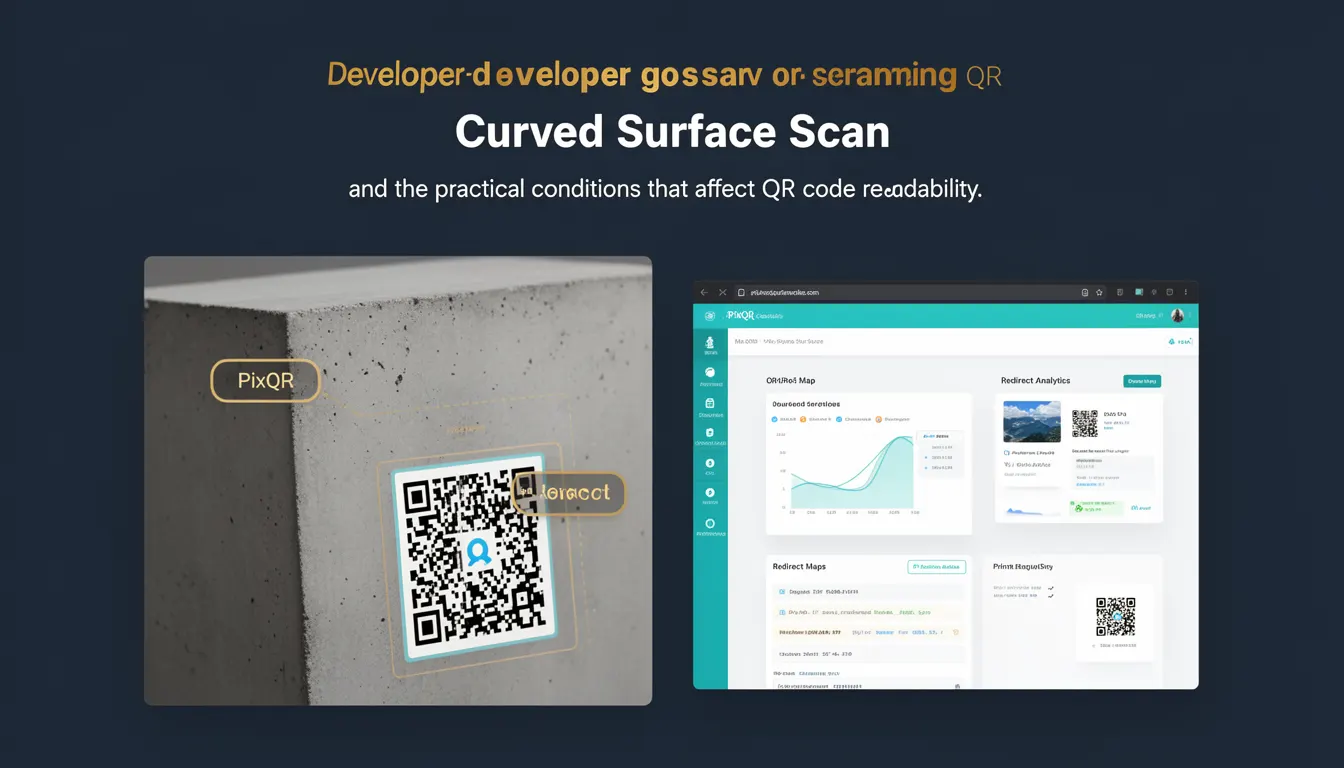
Curved Surface Scan refers to the ability of a QR code scanner to successfully read a QR code that has been printed or displayed on a curved or non-planar surface. This scanning capability is essential in scenarios where QR codes are not flat, such as on cylindrical objects, spherical items, or irregularly shaped products. It addresses a key challenge in QR code usability, particularly in real-world applications where physical constraints of the medium affect scan reliability.
For developers working with PixQR, Curved Surface Scan is a practical consideration when designing QR code outputs for physical products, promotional materials, or digital-to-print workflows. It directly impacts the usability of QR codes in production environments where the code may be subject to distortion or surface curvature.
Why It Matters
For developers and product teams, Curved Surface Scan is a critical factor in ensuring consistent QR code performance across a variety of physical media. In PixQR, this is especially relevant for users who generate QR codes for printed materials, packaging, or marketing items where the surface is not flat. Poor scan performance on curved surfaces can lead to user frustration, failed redirects, or misdirected traffic.
From a security perspective, reliable scanning ensures that QR code redirects are trustworthy and that users reach intended destinations. If a QR code fails to scan on a curved surface, it may be perceived as unreliable, leading to reduced adoption or increased fraud risks. For operational workflows, Curved Surface Scan impacts how QR codes are validated, tracked, and managed in systems that rely on accurate readbacks.
How It Works
Curved Surface Scan relies on advanced image processing algorithms and distortion correction techniques to decode QR codes that are not flat. These techniques account for visual distortion caused by the curvature of the surface, such as barrel or pincushion distortion. The scanning process includes:
- Image capture from a camera or uploaded file, which may introduce geometric distortion.
- Preprocessing steps to normalize the image and reduce noise.
- Geometric transformation to correct for surface curvature, often using perspective correction or lens distortion models.
- QR code decoding using standard scanning libraries, adapted to handle the corrected image.
- Validation and error correction to ensure the decoded content is accurate and safe.
In PixQR, this functionality is implemented through backend processing that adjusts image data before decoding. Developers can configure parameters to control how much distortion is acceptable or how aggressive the correction algorithm should be. The system supports both dynamic and static QR codes, with adjustments made based on the code’s intended use case and surface type.
Quick Reference
| Item | Purpose | Notes |
|---|---|---|
| Surface type parameter | Defines the curvature of the surface | Used in PixQR API for distortion correction |
| Distortion correction algorithm | Adjusts image data to compensate for surface curvature | Applied before QR decoding |
| Scan reliability metric | Measures success rate of curved surface scans | Used for quality assurance |
| Image preprocessing | Reduces noise and enhances contrast | Improves decoding accuracy |
| Dynamic QR support | Allows real-time adjustments for curved surfaces | Required for interactive or adaptive QR code use |
Basic Example
PixQR Example QR
This QR links directly to this glossary page, so printed notes, onboarding docs, and support material can bring scanners back to the current reference.
/glossary/qr-code-scanning/qr-code-scanning-curved-surface-scan

This example demonstrates how to configure a QR code for curved surface scanning in PixQR, focusing on the surface type parameter.
const qrConfig = {
  surfaceType: 'cylindrical',
  content: 'https://example.com',
  size: 200
};

const qrCode = pixqr.generate(qrConfig);
The surfaceType parameter is set to cylindrical, indicating that the QR code will be placed on a curved surface. PixQR adjusts the code's structure to improve scan reliability under this condition.
Production Example
This more comprehensive example shows how to integrate Curved Surface Scan into a production workflow, including validation and error handling.
const pixqr = require('pixqr-sdk');

const generateCurvedQR = async (productData) => {
  try {
    const qrConfig = {
      surfaceType: productData.surfaceType || 'flat',
      content: productData.redirectUrl,
      size: 256,
      errorCorrection: 'high'
    };

    const qrCode = await pixqr.generate(qrConfig);
    return {
      success: true,
      qrCode: qrCode,
      validation: 'curved-surface-ready'
    };
  } catch (error) {
    return {
      success: false,
      error: error.message
    };
  }
};

// Usage
generateCurvedQR({
  surfaceType: 'spherical',
  redirectUrl: 'https://store.example.com/product/123'
});
This version includes error handling and uses the surfaceType parameter to indicate the intended physical surface. It ensures that the QR code is generated with appropriate distortion correction for spherical surfaces, making it suitable for use in production environments where reliability is key.
Common Mistakes
- Not specifying the
surfaceTypeparameter, leading to flat-surface defaults and poor performance on curved media. - Using a QR code without sufficient error correction for curved surfaces, resulting in decoding failures.
- Ignoring distortion correction in image preprocessing, which reduces scan accuracy.
- Assuming all QR scanners support curved surface decoding, which is not always true for legacy or low-end devices.
- Overlooking the impact of lighting and surface material on scan quality when using curved QR codes.
- Not validating QR code outputs for curved surfaces in testing environments, leading to field failures.
Security And Production Notes
- Always validate the content of a QR code after curved surface decoding to ensure no malicious redirects are introduced.
- Use error correction levels like
highorquartilefor curved surfaces to improve resilience to distortion. - Test QR codes on actual curved surfaces in production environments to confirm scan reliability.
- Ensure that the
surfaceTypeparameter is properly sanitized to prevent injection attacks. - Implement fallback mechanisms for cases where curved surface scanning fails, such as redirecting to a web form or static page.
Related Concepts
Several related concepts are crucial for understanding and implementing Curved Surface Scan effectively:
- QR Code Geometry: The mathematical properties of QR codes that determine how they are structured and how they can be distorted.
- Image Distortion Correction: Techniques used to correct visual artifacts caused by camera or surface curvature.
- Dynamic QR Codes: QR codes that can be updated or redirected after generation, requiring robust scanning support.
- Scan Reliability Metrics: Measurements used to assess how well a QR code performs under various physical conditions.
- Surface Material Impact: How the texture, reflectivity, or color of a surface affects QR code readability.