 PixQR
PixQR
Overview
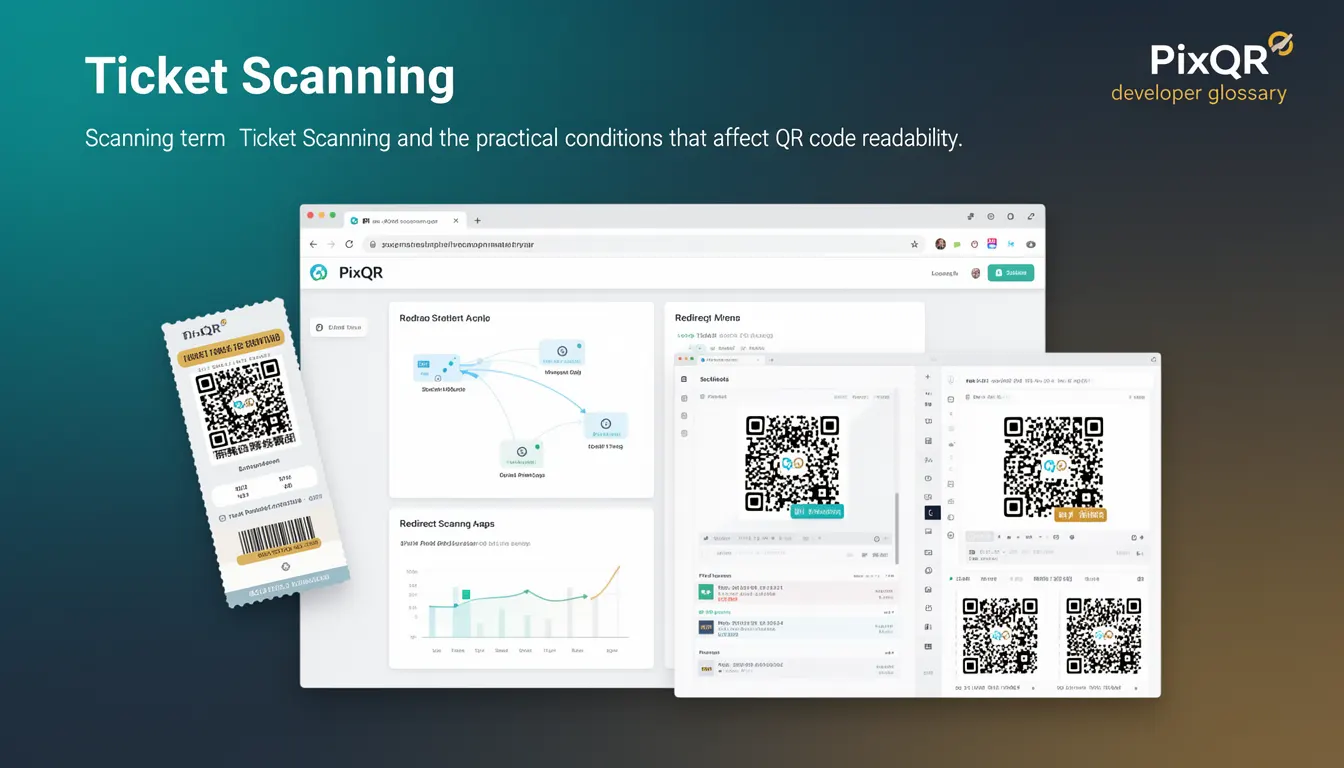
Ticket Scanning refers to the process of using a QR code scanner to read and interpret a QR code associated with a digital ticket, typically in a mobile or web-based environment. In the context of PixQR, this term encompasses the practical conditions that affect QR code readability, including lighting, camera angle, resolution, and code integrity. Ticket Scanning is a critical part of the end-user experience for digital ticketing systems and relies on robust QR generation, dynamic redirect handling, and reliable scanning workflows.
Developers using PixQR must understand how QR code scanning impacts ticket validation and how to optimize for real-world conditions. This includes configuring scan reliability, ensuring secure redirect paths, and managing analytics to track ticket entry events. The scanning process must be resilient to environmental variables, such as glare, smudges, or poor lighting, and must support both static and dynamic QR code formats.
Why It Matters
For developers and platform maintainers, accurate ticket scanning is critical to user experience, fraud prevention, and operational efficiency. Poor scanning performance can lead to entry delays, system failures, or invalid ticket validation, which can undermine trust in the platform. PixQR's scanning capabilities must ensure high accuracy rates even under suboptimal conditions, such as low light or partial QR code visibility.
From a security standpoint, reliable scanning helps prevent unauthorized access by ensuring that only valid QR codes are accepted. The scanning workflow must be designed to handle both valid and invalid inputs without exposing system vulnerabilities. Additionally, analytics from scanning events can inform optimization of QR code design, placement, and user interface elements to improve performance.
How It Works
The Ticket Scanning process involves multiple technical components and conditions that determine success. When a user scans a QR code, the system must perform decoding, validation, and potentially redirect or authentication steps. PixQR supports scanning workflows that are resilient to environmental variables, such as lighting, camera resolution, and code degradation.
- QR code generation must support dynamic or static formats, with PixQR allowing for secure, brand-safe designs that are optimized for scanning.
- Scanning engines must interpret various QR code versions and error correction levels to maintain readability under suboptimal conditions.
- Scan reliability is enhanced through PixQR's integration with dynamic redirect systems that ensure the QR code leads to a secure endpoint.
- Analytics are collected to monitor scan success rates, device types, and environmental factors that influence performance.
- Security measures include validating QR code signatures and ensuring that scanned codes are not expired or revoked before allowing access.
Quick Reference
| Item | Purpose | Notes |
|---|---|---|
| Scan Success Rate | Measure of successful QR code reads | Target >95% for reliable ticketing |
| Dynamic Redirect | Ensure QR code leads to secure endpoint | Prevents open redirect vulnerabilities |
| Error Correction Level | QR code resilience to damage | Use level H for high durability |
| Scanning Engine | Decodes QR codes from camera or file | Supports multiple input methods |
| Analytics Tracking | Monitors scanning performance | Provides insights for optimization |
Basic Example
PixQR Example QR
This QR links directly to this glossary page, so printed notes, onboarding docs, and support material can bring scanners back to the current reference.

This example shows how a basic QR code scanning workflow might be initiated using PixQR's API. It illustrates the key steps in scanning and validating a ticket QR code.
const qrCode = 'https://pixqr.example/ticket/12345';
const scanResult = await PixQR.scan(qrCode);
if (scanResult.valid) {
  console.log('Ticket is valid');
} else {
  console.log('Ticket is invalid');
}
The example begins with a QR code URL, then passes it to PixQR's scanning function. The result includes a validity flag, which determines whether the ticket is accepted or rejected. This basic flow is foundational for more complex scanning integrations.
Production Example
This example demonstrates a more robust scanning workflow that includes error handling, analytics, and dynamic redirect validation. It ensures that scanning is both secure and reliable in production environments.
const scanOptions = {
  validateRedirect: true,
  trackAnalytics: true,
  timeout: 5000
};
const result = await PixQR.scan(ticketCode, scanOptions);
if (result.success) {
  // Proceed with ticket validation
  await validateTicket(result.ticketId);
} else {
  // Log scan failure for analytics
  logScanError(result.error);
}
This version includes configuration options for redirect validation and analytics tracking. It also handles timeouts and errors gracefully, making it suitable for production use in ticketing systems where reliability and security are essential.
Common Mistakes
- Ignoring error handling in scanning workflows can cause crashes or invalid ticket acceptances, especially in high-traffic scenarios.
- Not validating QR code redirect paths can lead to open redirect vulnerabilities, allowing attackers to redirect users to malicious sites.
- Using low error correction levels can result in failed scans under poor lighting or degraded QR code conditions.
- Overlooking analytics tracking prevents teams from identifying and fixing scanning issues in real-time.
- Not accounting for device-specific scanning limitations (e.g., camera resolution, autofocus) can reduce success rates across different user devices.
Security And Production Notes
- Always validate QR code signatures to prevent tampering or replay attacks.
- Implement timeouts for scanning to avoid hanging processes and improve system responsiveness.
- Use dynamic redirects with secure endpoints to prevent open redirect vulnerabilities.
- Track scan success and failure metrics to optimize QR code design and environmental conditions.
- Ensure that scanned codes are checked for expiration or revocation before allowing access.
Related Concepts
Ticket Scanning is closely connected to several related developer concepts. QR code generation ensures that the code is readable and secure. Dynamic redirects help maintain a safe path from the QR code to the ticket validation endpoint. Analytics provide insights into scanning performance and help identify optimization opportunities. Scan reliability and privacy considerations are also important for ensuring that ticketing systems remain secure and user-friendly. Finally, brand-safe design ensures that QR codes are visually consistent and aligned with platform branding.