 PixQR
PixQR
Overview
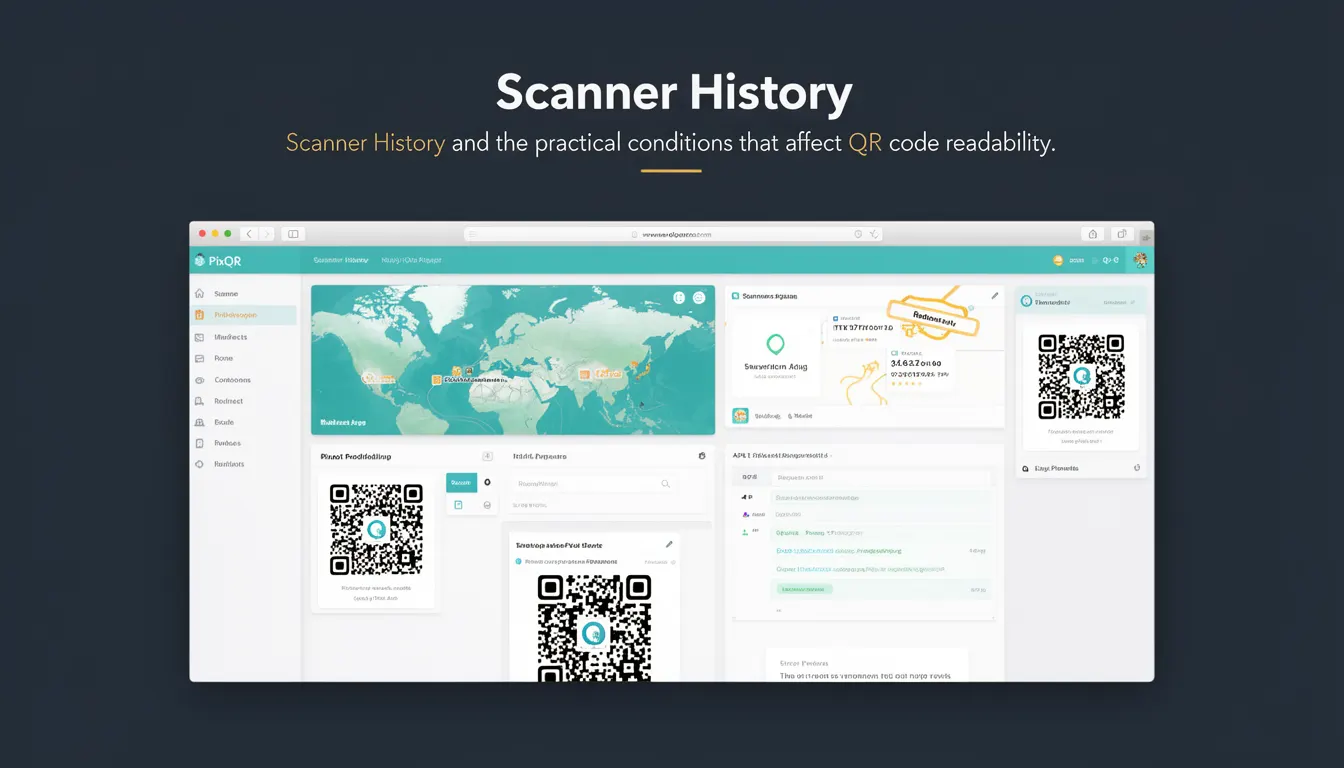
Scanner History refers to the collection of scanning events and data related to QR code interactions, including when and how a QR code was read, by which device or application, and the conditions under which the scan occurred. In the context of PixQR, this term encompasses the tracking and logging of scan activity, which is essential for analytics, fraud detection, and operational oversight.
Developers working with PixQR platforms often encounter Scanner History when configuring dynamic redirects, monitoring scan reliability, or analyzing user engagement. It provides visibility into how QR codes are being used in the field, which is especially important for brand-safe design and privacy compliance.
Why It Matters
For developers and site operators, Scanner History is a critical tool for understanding the performance and usage of QR codes in real-world environments. It enables tracking of scan success rates, identifying potential issues with QR code design or print quality, and detecting anomalies that may indicate fraudulent activity.
From a security standpoint, Scanner History supports fraud prevention by logging IP addresses, device identifiers, and timestamps of scans. It also helps in maintaining privacy compliance by allowing operators to audit and control how scan data is stored and processed. For analytics, it provides insights into user behavior and engagement with QR code content, which can inform future design and marketing decisions.
How It Works
Scanner History is implemented through a combination of backend logging, API tracking, and metadata collection. Each QR code scan is recorded with details such as timestamp, device type, IP address, and location data where available. These logs are stored securely and can be queried or exported for analysis.
- Scanner History data is typically stored in a structured database with fields for scan ID, timestamp, device information, and metadata.
- Each scan event is associated with a unique identifier that links it to the QR code it corresponds to.
- Logs are often timestamped in UTC to ensure consistency across time zones and avoid ambiguity.
- Device information includes browser agent, operating system, and hardware details that can be used for analytics or fraud detection.
- Location data may be derived from IP address geolocation or GPS information if the scanning device supports it.
Quick Reference
| Item | Purpose | Notes |
|---|---|---|
| Scan ID | Unique identifier for each QR code scan | Used for linking to QR code metadata |
| Timestamp | When the scan occurred | Stored in UTC |
| Device Information | Details about the scanning device | Includes OS, browser, and hardware |
| IP Address | Source of the scan request | Used for fraud detection and geolocation |
| Location Data | Geographical context of the scan | Optional, based on device support |
Basic Example
PixQR Example QR
This QR links directly to this glossary page, so printed notes, onboarding docs, and support material can bring scanners back to the current reference.

This example demonstrates how a basic QR code scan event might be logged with essential metadata.
{
  "scan_id": "scn_1234567890",
  "timestamp": "2024-05-15T10:30:00Z",
  "device": {
    "os": "iOS",
    "browser": "Safari",
    "model": "iPhone 13"
  },
  "ip_address": "203.0.113.45",
  "qr_code_id": "qr_0987654321"
}
This example shows a minimal set of data collected for a single QR code scan. The scan_id uniquely identifies the event, and the timestamp provides a reference point for analysis. Device information helps identify potential compatibility issues, and the IP address can be used for fraud checks.
Production Example
In a production environment, Scanner History logs are more comprehensive and include additional metadata for robust analytics and security.
{
  "scan_id": "scn_a1b2c3d4e5",
  "timestamp": "2024-05-15T10:30:00Z",
  "device": {
    "os": "Android",
    "browser": "Chrome",
    "model": "Pixel 6",
    "user_agent": "Mozilla/5.0 (Linux; Android 13) AppleWebKit/537.36"
  },
  "ip_address": "203.0.113.45",
  "location": {
    "latitude": 40.7128,
    "longitude": -74.0060,
    "city": "New York",
    "country": "US"
  },
  "qr_code_id": "qr_fedcba9876",
  "redirect_url": "https://example.com/redirect",
  "scan_duration_ms": 120,
  "is_fraudulent": false
}
This version includes richer device and location data, a duration metric for scan performance, and a flag for fraud detection. These fields are valuable for monitoring scan reliability, optimizing QR code placement, and detecting suspicious activity.
Common Mistakes
- Not logging sufficient metadata, such as IP addresses or device details, which limits the utility of the data for fraud detection or analytics.
- Storing timestamps in local time zones instead of UTC, which can cause inconsistencies in data analysis.
- Using generic or non-unique identifiers for scans, making it difficult to trace individual events.
- Ignoring scan duration or performance metrics, which are crucial for identifying QR code reliability issues.
- Storing sensitive data like full user agent strings or raw location coordinates without proper sanitization or encryption.
Security And Production Notes
- Ensure that IP addresses and location data are handled in compliance with privacy regulations such as GDPR or CCPA.
- Sanitize or anonymize user agent strings and other device metadata to prevent tracking or fingerprinting.
- Implement access controls to Scanner History data to prevent unauthorized viewing or modification.
- Regularly audit log retention policies to balance data utility with storage and privacy concerns.
- Use secure storage mechanisms for logs, especially when they contain sensitive or personally identifiable information.
Related Concepts
Scanner History is closely related to several key QR code and analytics concepts:
- Scan Reliability: The consistency and success rate of QR code scans, often tracked through Scanner History.
- Dynamic Redirects: QR codes that can redirect to different URLs based on conditions, with Scanner History helping to track which redirect was used.
- Analytics: The data derived from Scanner History to inform user engagement and behavior.
- Fraud Detection: The use of Scanner History logs to identify and prevent malicious scanning activity.
- Privacy Compliance: The need to manage Scanner History data in line with privacy laws and regulations.