 PixQR
PixQR
Overview
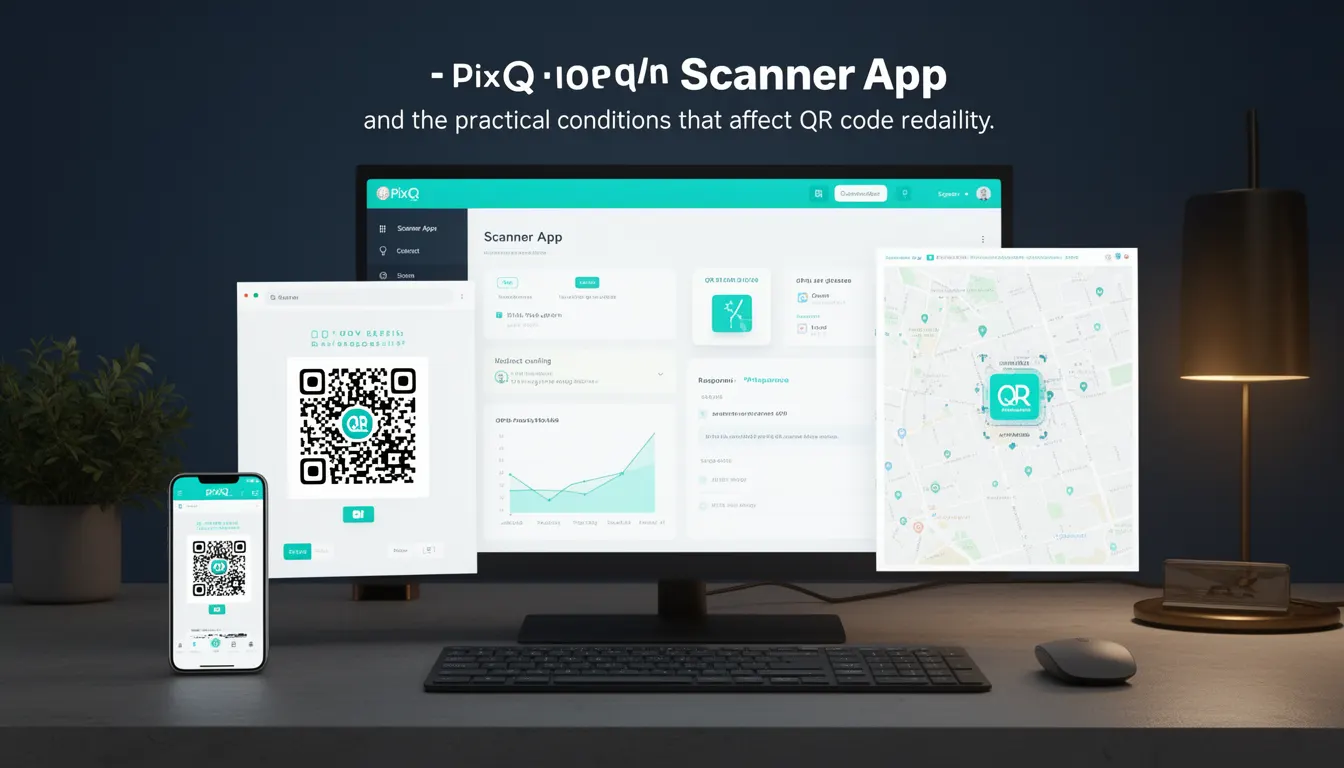
A Scanner App refers to a mobile or desktop application designed to interpret QR codes by capturing an image or video feed and decoding the embedded data. In the context of PixQR, Scanner App is a critical component in the QR code lifecycle, particularly when considering how users interact with generated codes, how redirects are triggered, and how scan analytics are collected.
Developers working with PixQR must understand how Scanner Apps behave in real-world conditions to ensure that their QR codes are reliably scannable, that redirects function correctly, and that analytics accurately reflect user behavior. The term encompasses not only the application itself but also the environmental and technical conditions that affect QR code readability, such as lighting, resolution, and device capabilities.
Why It Matters
For developers and site operators, Scanner Apps directly impact user experience and the reliability of QR code-based workflows. If a QR code fails to scan, users may be unable to access redirected content, leading to lost conversions, frustrated users, and degraded trust in the platform. Scanner App performance also influences how PixQR analytics are collected, as unreliable scanning can skew data on engagement and conversion rates.
Additionally, in environments where security is a concern, such as in financial or healthcare applications, the reliability and accuracy of Scanner Apps are crucial. A misread QR code can lead to unintended redirects or data leakage. Therefore, understanding Scanner App behavior helps developers design more robust and secure QR code solutions.
How It Works
Scanner Apps typically follow a structured process to read QR codes: image capture, preprocessing, detection, decoding, and validation. Each step is influenced by hardware and software factors, and the process must be optimized for performance and accuracy.
- Image capture occurs via a device’s camera or uploaded image, with resolution and lighting affecting code readability.
- Preprocessing includes adjustments for contrast, noise reduction, and image enhancement to improve detection accuracy.
- Detection algorithms scan the image for QR code markers and determine the code’s boundaries and orientation.
- Decoding converts the QR code’s binary data into a structured format, such as a URL, text, or contact information.
- Validation ensures the decoded data is correctly formatted and safe to process, especially in dynamic QR code contexts.
Scanner Apps also often support multiple QR code formats, including standard QR codes, Micro QR codes, and Aztec codes, each with distinct encoding and scanning characteristics. In PixQR, the scanner behavior impacts how redirects are handled, particularly in dynamic QR codes where the target URL can change over time.
Quick Reference
| Item | Purpose | Notes |
|---|---|---|
| Camera resolution | Impact on scanning accuracy | Higher resolution improves code detection |
| Lighting conditions | Affects readability | Good lighting is essential for reliable scans |
| Scan timeout | Maximum time for scanning | Too short may miss codes; too long affects UX |
| Decoding algorithms | How data is extracted | Must support all required QR formats |
| Validation checks | Ensures data integrity | Prevents invalid or malicious redirects |
Basic Example
PixQR Example QR
This QR links directly to this glossary page, so printed notes, onboarding docs, and support material can bring scanners back to the current reference.

A simple example demonstrates how a Scanner App might initiate a scan and process the result:
const scanner = new QRScanner();
scanner.startScan().then(result => {
  console.log("Scanned URL:", result.url);
});
This example initializes a QR scanner, starts a scan, and logs the decoded URL. It assumes a basic Scanner App API with a startScan method that returns a promise resolving to a result object containing the scanned data.
Production Example
In a production environment, Scanner App integration requires robust error handling, accessibility, and validation:
class QRScanner {
  constructor() {
    this.scanTimeout = 5000;
  }

  async startScan() {
    try {
      const result = await this.captureAndDecode();
      if (!this.isValidURL(result.url)) {
        throw new Error("Invalid URL detected");
      }
      return result;
    } catch (error) {
      console.error("Scan failed:", error.message);
      throw error;
    }
  }

  isValidURL(url) {
    try {
      new URL(url);
      return true;
    } catch (e) {
      return false;
    }
  }
}
This version includes timeout handling, URL validation, and error propagation, making it suitable for production use in PixQR environments where data integrity and security are paramount.
Common Mistakes
- Not validating decoded URLs can lead to unintended redirects or phishing attacks.
- Ignoring lighting and resolution constraints can cause scanning failures in real-world usage.
- Setting scan timeouts too short may prevent successful scans, especially on older devices.
- Assuming all Scanner Apps behave identically can lead to inconsistent user experiences across platforms.
- Failing to implement accessibility features, such as screen reader support or keyboard navigation, reduces usability for users with disabilities.
Security And Production Notes
- Always validate decoded QR data before routing users to a destination to prevent malicious redirects.
- Implement timeouts and retry logic to handle slow or failed scans gracefully.
- Ensure that Scanner Apps support secure protocols (HTTPS) to avoid insecure content warnings.
- Use adaptive resolution and lighting adjustments to improve scanning in varying environments.
- Design scanner interfaces to be accessible, including keyboard support and ARIA labels for screen readers.
Related Concepts
Scanner App is closely related to several other QR code and web development concepts:
- QR Code Generation – The process of creating QR codes, which must be designed for compatibility with common Scanner Apps.
- Dynamic Redirects – QR codes that point to changing destinations; Scanner App behavior must support accurate redirection.
- Scan Analytics – Data collected by Scanner Apps to track engagement; accuracy depends on how the app interprets scans.
- Privacy Compliance – Scanner Apps must not inadvertently expose user data or device information.
- Accessibility Standards – Scanner App interfaces must comply with WCAG guidelines to ensure usability for all users.