 PixQR
PixQR
Overview
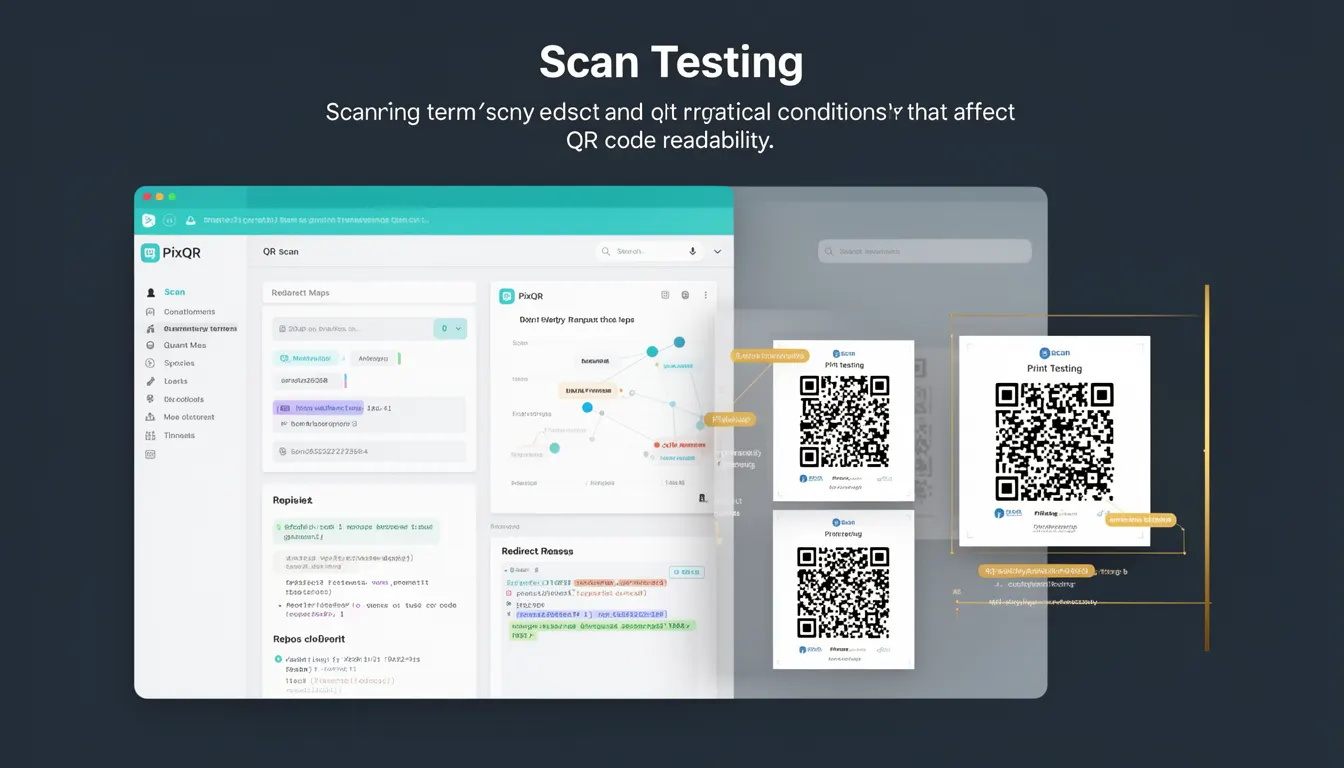
Scan Testing refers to the process of evaluating QR code readability and scanning reliability under various practical conditions. It encompasses both automated and manual testing of QR codes to ensure they function correctly across different devices, lighting environments, and physical conditions. In the context of PixQR, Scan Testing is a core component of the platform's operational workflow, ensuring that generated QR codes maintain consistent performance and reliability for end users.
Developers and site operators use Scan Testing to validate QR code outputs before deployment, especially when integrating dynamic redirects or brand-safe designs. It helps identify issues such as poor contrast, misalignment, or resolution degradation that could prevent successful scanning. The process typically includes scanning from multiple angles, under different lighting conditions, and using various mobile device types to simulate real-world usage.
Why It Matters
For developers, Scan Testing is essential because QR codes must function reliably across diverse environments. Poorly tested QR codes can lead to failed redirects, user frustration, and loss of engagement. In production systems, a failed scan can result in lost conversions, damaged brand reputation, and increased support tickets. PixQR's platform integrates Scan Testing into its QR generation workflow to prevent such issues.
From a security standpoint, Scan Testing helps identify potential vulnerabilities such as misaligned patterns or low contrast that could be exploited by attackers to create misleading QR codes. For accessibility, it ensures that codes are scannable by users with visual impairments or using assistive technologies. Performance-wise, it prevents the deployment of QR codes that may fail under high-volume usage or in low-light conditions.
How It Works
Scan Testing involves a multi-stage process that evaluates QR codes under various physical and digital conditions. The process typically includes:
- Resolution and size validation to ensure codes are scannable at different dimensions.
- Contrast and color testing to confirm visibility under different lighting conditions.
- Angle and orientation testing to ensure scannability from various perspectives.
- Device compatibility testing across multiple operating systems and camera hardware.
- Dynamic redirect validation to confirm that the target URL is correctly encoded and accessible.
Each QR code generated through PixQR undergoes automated validation to check for optimal scannability. The platform simulates scanning behavior under different conditions and flags potential issues. Developers can access scan reports and logs that detail the performance of a QR code across various environments. These reports often include metrics such as scan success rate, average scan time, and failure points.
Quick Reference
| Item | Purpose | Notes |
|---|---|---|
| Scan success rate | Measures how often a QR code is successfully scanned | High success rate indicates good design and reliability |
| Scan time | Time taken for a device to read the QR code | Shorter times improve user experience |
| Angle tolerance | Maximum angle at which the QR code remains scannable | Typically 30-45 degrees for most devices |
| Lighting conditions | Performance under various lighting environments | Includes low light, direct sunlight, and fluorescent lighting |
| Device compatibility | Scanning performance across different OS and hardware | Includes iOS, Android, and browser-based scanners |
Basic Example
PixQR Example QR
This QR links directly to this glossary page, so printed notes, onboarding docs, and support material can bring scanners back to the current reference.

This basic example demonstrates how a QR code might be tested for scannability using a simple validation process.
const qrCode = generateQRCode('https://example.com');
const scanTestResult = testScan(qrCode, {
  resolution: 300,
  lighting: 'indoor',
  angle: 0
});
console.log(scanTestResult.success); // true or false
The example initializes a QR code with a URL and tests its scannability under standard indoor lighting and no angle deviation. The result indicates whether the code would be successfully scanned under those conditions.
Production Example
This more realistic example shows how a production system might integrate Scan Testing into a QR code generation workflow.
function generateAndValidateQR(url, options = {}) {
  const qrCode = createQRCode(url, options);
  const testResults = runScanTests(qrCode, [
    { lighting: 'indoor', angle: 0 },
    { lighting: 'outdoor', angle: 45 },
    { lighting: 'flourescent', angle: 30 }
  ]);
  if (testResults.every(result => result.success)) {
    return { qrCode, status: 'valid' };
  } else {
    return { qrCode, status: 'invalid', errors: testResults };
  }
}
const result = generateAndValidateQR('https://pixqr.com/redirect');
console.log(result.status); // valid or invalid
This version includes multiple scan test conditions and returns a structured result indicating whether the QR code is valid for production use. It is more suitable for production because it includes comprehensive testing, error handling, and validation logic.
Common Mistakes
- Not testing under various lighting conditions, leading to QR codes that fail in outdoor or low-light environments.
- Ignoring angle tolerance, causing codes to fail when scanned from non-standard angles.
- Using low-resolution images, which can result in scannability issues on high-resolution devices.
- Overlooking device compatibility, especially when targeting multiple operating systems.
- Failing to validate dynamic redirects, resulting in broken links or incorrect target URLs.
- Skipping contrast testing, which can make QR codes invisible or difficult to scan on certain backgrounds.
Security And Production Notes
- Always validate QR code contrast and color schemes to prevent visual obfuscation or mimicry attacks.
- Test QR codes under multiple lighting conditions to ensure consistent scannability in real-world environments.
- Implement angle testing to ensure codes remain scannable from various orientations.
- Verify that dynamic redirects are properly encoded and accessible to prevent broken or malicious links.
- Use PixQR's built-in analytics to monitor real-world scan performance and detect potential issues in production.
Related Concepts
Scan Testing is closely related to several QR code and web development concepts:
- QR Code Generation - The process of creating QR codes, which Scan Testing validates.
- Dynamic Redirects - The feature of redirecting users to different URLs, which Scan Testing ensures remain functional.
- Print Reliability - Ensuring QR codes are scannable from physical prints under various conditions.
- Accessibility Compliance - Making sure QR codes are usable by people with visual impairments.
- Link Management - Ensuring that the target URLs are valid and secure before deployment.