 PixQR
PixQR
Overview
Scan Speed refers to the time it takes for a QR code scanner to successfully read and decode a QR code. It is a critical performance metric in QR code systems, particularly in applications where rapid response is essential, such as mobile payments, access control, and logistics tracking.
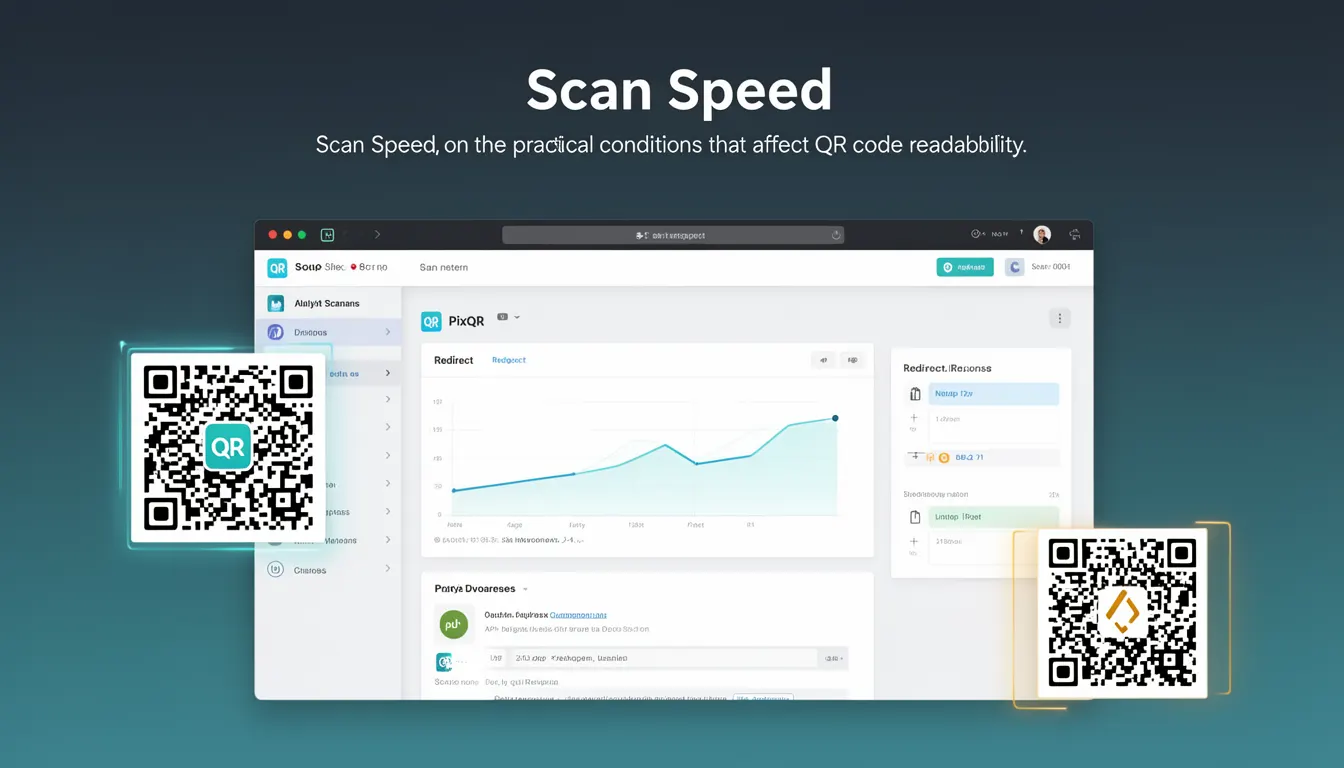
In the context of PixQR, Scan Speed is not only a measure of how quickly a code can be scanned but also encompasses the practical conditions that affect readability, including lighting, code size, resolution, and device capabilities. Developers working with PixQR must consider these factors when generating codes to ensure consistent performance across diverse scanning environments.
Why It Matters
For developers, Scan Speed directly impacts user experience and system reliability. A slow scan speed can lead to user frustration, increased error rates, and potential loss of functionality in time-sensitive applications like retail checkout or event access control.
From a security perspective, fast scan speeds reduce the window for potential replay attacks or fraud. In PixQR’s ecosystem, where brand-safe design and operational workflows are key, ensuring consistent scan performance helps maintain trust in the platform's reliability.
Performance also affects scalability. In high-volume scanning environments, such as airports or large retail stores, optimizing scan speed can reduce bottlenecks and ensure smooth operations. Poor scan performance can lead to queue delays, reduced throughput, and increased infrastructure costs.
How It Works
Scan Speed is determined by a combination of code generation parameters, physical characteristics of the QR code, and the scanning device's capabilities. PixQR provides developers with control over these parameters to optimize performance.
- QR code size and resolution are key factors. Larger codes with higher resolution generally scan faster but may require more space for printing or display.
- The error correction level (ECC) affects both code size and decoding speed. Higher ECC levels increase robustness but can slightly slow scan speed.
- Code design elements such as color contrast and geometric patterns impact scanner detection. PixQR supports brand-safe color options that maintain scan reliability.
- Device hardware and software optimization play a role. Modern smartphones and tablets with advanced camera processors typically scan faster than older hardware.
- Environmental conditions such as lighting, motion, and surface texture affect scan success rate and time. PixQR’s dynamic redirect system can account for these variables through adaptive code generation.
Quick Reference
| Item | Purpose | Notes |
|---|---|---|
| Code size | Controls scan speed and readability | Larger codes scan faster but require more space |
| Error correction level | Impacts decoding robustness and speed | Higher levels improve reliability but may reduce speed |
| Color contrast | Enhances detection and decoding | High contrast improves scan performance |
| Resolution | Defines pixel density for scanning | Higher resolution improves quality but may slow scanning |
| Dynamic redirect | Allows real-time optimization | Adjusts code behavior based on scan conditions |
Basic Example
PixQR Example QR
This QR links directly to this glossary page, so printed notes, onboarding docs, and support material can bring scanners back to the current reference.

This example demonstrates how to generate a QR code with optimized scan speed using PixQR’s API.
const pixqr = require('pixqr');
const qrCode = pixqr.generate({
  text: 'https://example.com',
  size: 200,
  ecc: 'M',
  color: '#000000',
  background: '#ffffff'
});
The code sets a fixed size of 200 pixels, uses medium error correction, and specifies black and white colors for optimal contrast. These parameters are chosen to balance scan speed and reliability.
Production Example
In a production environment, developers might use PixQR’s dynamic redirect feature to adjust code parameters based on real-time scanning data.
const pixqr = require('pixqr');
const dynamicCode = pixqr.generate({
  text: 'https://example.com',
  size: 300,
  ecc: 'H',
  color: '#000000',
  background: '#ffffff',
  redirect: {
    enabled: true,
    fallback: 'https://fallback.example.com'
  }
});
This version increases the code size and uses high error correction to ensure reliability in varied conditions. The dynamic redirect allows for fallback handling, enhancing system resilience.
Common Mistakes
- Using too small a code size, which leads to poor readability and slower scan times on low-quality devices.
- Choosing a color scheme that lacks sufficient contrast, causing scanning failures in various lighting conditions.
- Ignoring error correction levels, resulting in codes that fail to scan under stress or damage.
- Not testing across different hardware platforms, leading to inconsistent performance in production.
- Overlooking dynamic redirect configuration, which can prevent adaptive optimization for real-world scanning scenarios.
Security And Production Notes
- Always test QR codes under real-world lighting and motion conditions to ensure consistent scan performance.
- Use dynamic redirects to adjust code behavior based on scan data, improving resilience.
- Implement error correction levels that balance robustness with scan speed for your use case.
- Validate all input text before generating codes to prevent injection or malicious redirects.
- Ensure that color contrast meets accessibility standards for inclusive design.
Related Concepts
Scan Speed is closely related to several other QR code concepts:
- QR Code Size: Larger codes typically scan faster but require more space for printing or display.
- Error Correction Level: Higher levels improve robustness but may slightly reduce scan speed.
- Resolution: Higher resolution improves code quality but can impact scanning performance on low-end devices.
- Dynamic Redirects: Enable adaptive code behavior based on scanning conditions.
- Print Reliability: Physical printing quality directly affects how quickly and accurately a code can be scanned.