 PixQR
PixQR
Overview
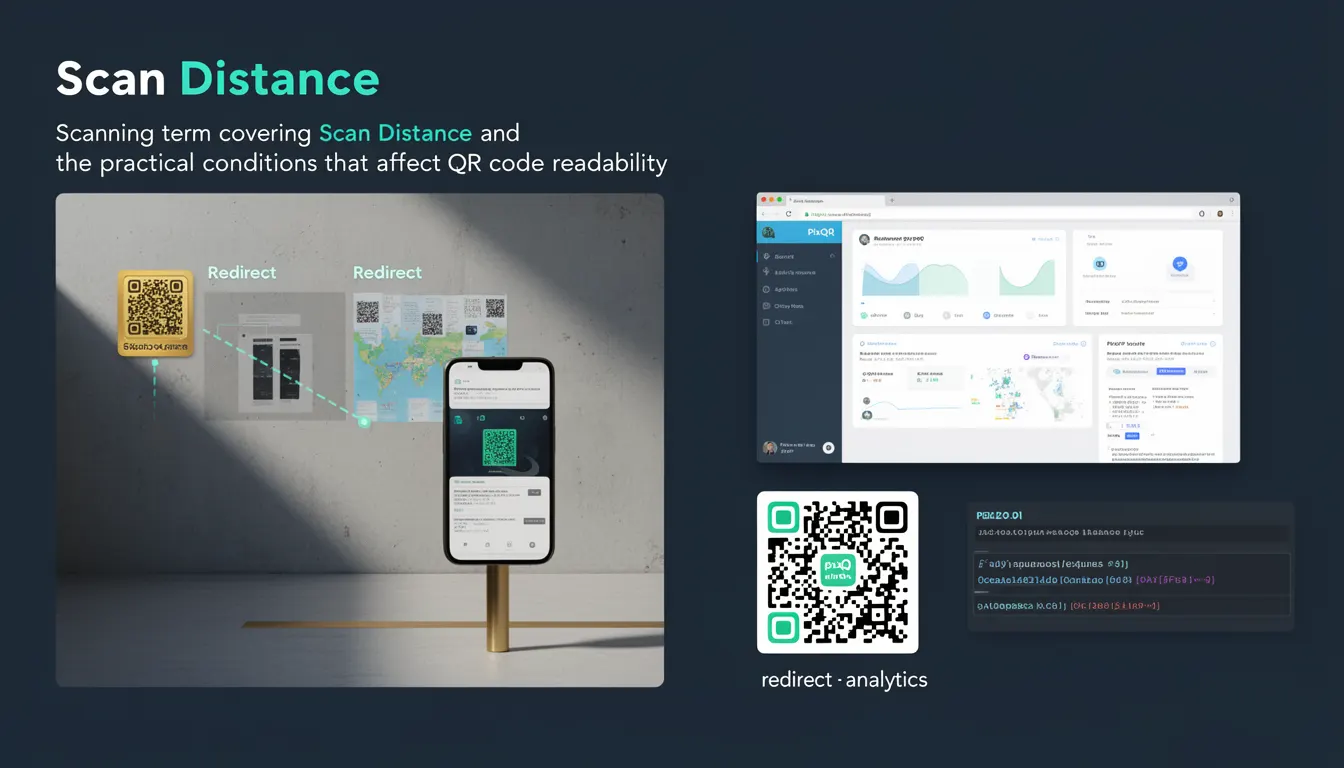
Scan distance refers to the physical distance between a QR code and the scanning device that determines whether the code can be successfully read. It is a core scanning parameter that directly affects QR code readability and system reliability, especially in production environments where consistent performance is critical.
For developers working with PixQR, understanding scan distance is essential when configuring QR code generation, setting redirect behaviors, and ensuring reliable scanning across devices and environments. It also impacts how QR codes are designed for print or digital display, particularly in scenarios where physical placement is fixed or constrained.
Why It Matters
Scan distance directly impacts the success rate of QR code reads, which is critical for applications involving redirects, user onboarding, or automated workflows. In PixQR, a misconfigured scan distance can lead to failed scans, broken user experiences, or even security issues if redirects are not properly enforced.
From a performance perspective, scan distance influences the quality of the scanning process, affecting both the scanning speed and accuracy. For example, a QR code placed too far from a scanning device may require higher resolution or error correction levels to be readable. In environments with varying lighting or physical constraints, developers must account for scan distance to maintain system reliability and reduce support overhead.
How It Works
Scan distance is a physical and digital parameter that affects how a QR scanner interprets the code. It is influenced by several technical factors, including:
- Resolution of the scanning device: Higher-resolution cameras can read QR codes at greater distances by capturing more detail.
- QR code size and scale: Larger codes can be read from farther away, assuming the device can capture sufficient detail.
- Error correction level (ECC): Higher ECC levels (such as M or H) improve readability at longer distances or in degraded conditions.
- Lighting and contrast: Poor lighting or low contrast can reduce effective scan distance, even if the physical distance is acceptable.
- Scanning algorithm and device sensitivity: Different scanners may have varying tolerances for distance, angle, and environmental factors.
When generating QR codes for PixQR, developers must consider scan distance in the context of intended use cases. For example, a QR code printed on a poster might need to be readable from 3 meters away, while a digital screen may only require a few centimeters. PixQR supports dynamic adjustments to QR code parameters based on scan distance requirements, allowing developers to optimize for various deployment scenarios.
Quick Reference
| Item | Purpose | Notes |
|---|---|---|
| Scan distance | Determines physical distance for readable QR code | Should be defined for all QR code use cases |
| Error correction level | Improves readability at longer distances | Set to H or Q for long-distance scans |
| Code size | Controls how much physical space the QR code occupies | Must scale with intended scan distance |
| Device resolution | Impacts ability to read QR codes at distance | Higher resolution allows longer scan distances |
| Environmental factors | Affects how well QR codes are read | Lighting, contrast, and angle all matter |
Basic Example
PixQR Example QR
This QR links directly to this glossary page, so printed notes, onboarding docs, and support material can bring scanners back to the current reference.

This example demonstrates how to configure a QR code with a scan distance of 1 meter using PixQR's API, ensuring that the code is readable from that distance.
const qrCode = pixqr.generate({
  text: "https://example.com",
  scanDistance: 1,
  ecc: "H"
});
The scanDistance property tells PixQR to optimize the code for reading at 1 meter. The ecc (error correction) level is set to H to improve reliability at that distance.
Production Example
This more robust example includes validation, configuration for multiple scan distances, and error handling to ensure that QR codes are generated for various real-world scenarios.
function generateQRCodeForDistance(url, distance) {
  if (distance < 0.1 || distance > 5) {
    throw new Error("Scan distance must be between 0.1m and 5m");
  }

  const ecc = distance > 2 ? "H" : "M";

  return pixqr.generate({
    text: url,
    scanDistance: distance,
    ecc: ecc,
    size: Math.max(200, distance * 100)
  });
}

const qr = generateQRCodeForDistance("https://example.com", 1.5);
This version is production-ready because it validates input, dynamically adjusts error correction, and scales QR code size based on distance. It also handles edge cases and ensures compatibility with real-world scanning environments.
Common Mistakes
- Ignoring scan distance during QR code generation: Developers often assume that a QR code will be readable from any distance, leading to failed scans in production.
- Using default ECC levels for long-distance scans: Default settings (L or M) may not be sufficient for codes intended to be read from 2+ meters away.
- Not accounting for device resolution: A QR code designed for a high-resolution camera may not work well on older or lower-resolution devices.
- Overlooking environmental conditions: Lighting or contrast issues can cause a code to be unreadable even if the physical distance is correct.
- Hardcoding scan distance without validation: Production code that assumes a fixed distance without input validation can break in unexpected scenarios.
Security And Production Notes
- Ensure scan distance aligns with intended redirect behavior: A QR code that is too large or too small may be misread, potentially leading to incorrect redirects.
- Validate input scan distances: Use range checks to prevent invalid or extreme values that could cause rendering or scanning issues.
- Consider device compatibility: QR codes must be designed for the range of devices that will scan them, especially in enterprise or public environments.
- Test across multiple scan distances: Real-world testing ensures that codes are readable in various conditions and devices.
- Use appropriate error correction levels: Higher ECC levels (H or Q) are recommended for codes that may be scanned at longer distances or in degraded conditions.
Related Concepts
Scan distance is closely related to several core QR code and scanning concepts:
- QR code size: Larger codes can be read from farther away, directly correlating with scan distance.
- Error correction level: Higher ECC levels improve readability at longer distances.
- Scanning device capabilities: The physical resolution and sensitivity of the scanner affect effective scan distance.
- Environmental factors: Lighting, contrast, and surface texture can reduce effective scan distance.
- Dynamic redirect behavior: Scan distance can influence how redirects are handled, especially in PixQR's analytics and tracking systems.