 PixQR
PixQR
Overview
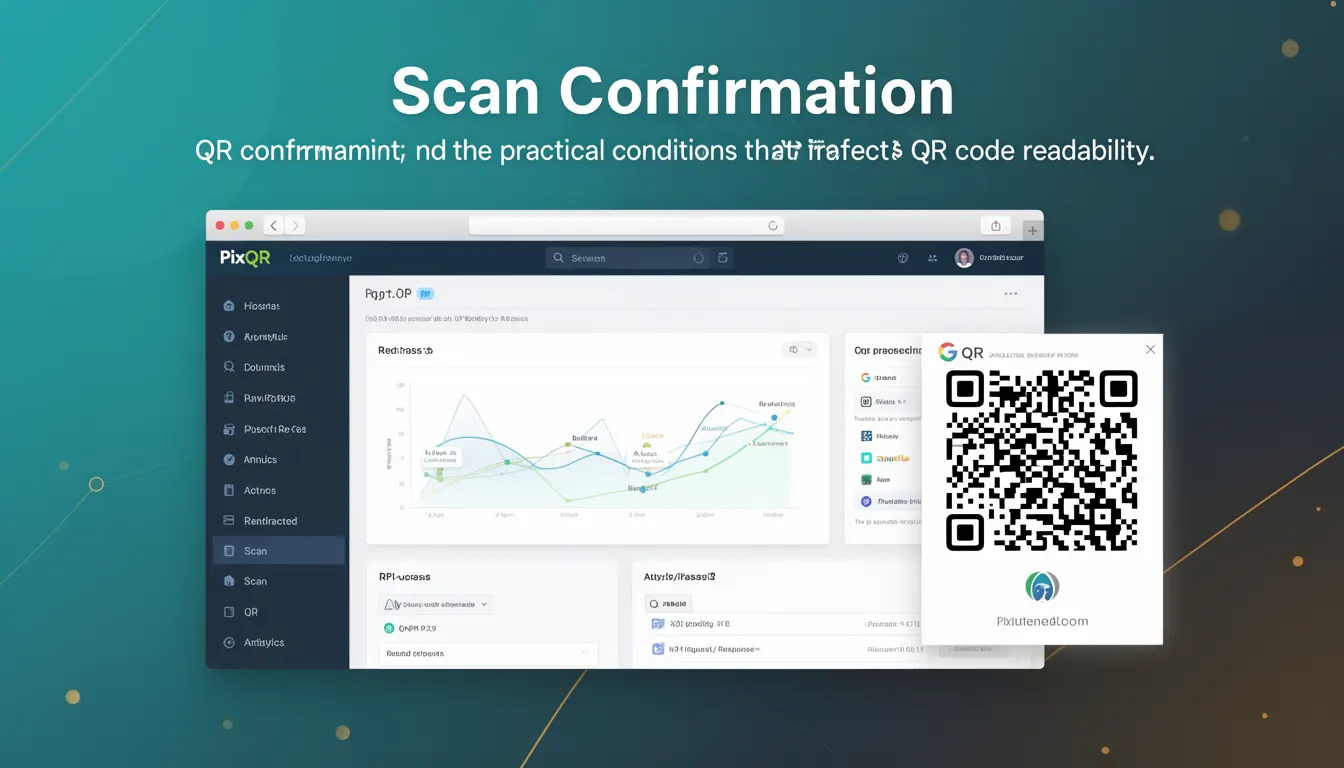
Scan Confirmation refers to the process by which a QR code scanner verifies that a code has been successfully read and interpreted. It ensures that the data extracted from a QR code matches the intended destination, reducing the risk of misreads or malicious redirects. In the context of PixQR, Scan Confirmation is a critical component of secure QR code workflows, especially when managing dynamic redirects and ensuring brand-safe content delivery.
For developers, Scan Confirmation is not just a feature—it is a mechanism that helps validate user intent and system integrity. It is used during QR code generation, scanning, and post-scanning analytics to ensure that a user's interaction with a QR code results in a predictable and safe outcome. In production environments, Scan Confirmation helps maintain trust in the QR code ecosystem by reducing accidental or malicious redirections, and by providing visibility into how users interact with QR codes.
Why It Matters
From a developer's perspective, Scan Confirmation is essential for maintaining user trust and system reliability. When a user scans a QR code, they expect to be redirected to a valid, intended destination. Without confirmation, the system might redirect to a phishing site, an unintended page, or a broken link, all of which can compromise user experience and security.
In the context of PixQR, Scan Confirmation is particularly important for dynamic QR code redirects. It ensures that the URL or content associated with a QR code is valid and safe before a user is redirected. This is especially relevant when managing large-scale QR code deployments, where a misconfigured redirect could affect thousands of users. Additionally, Scan Confirmation helps with analytics by confirming that a scan event was successful and that the destination was reached, providing accurate data for performance monitoring and fraud detection.
How It Works
Scan Confirmation in PixQR operates through a combination of backend validation, user feedback mechanisms, and analytics tracking. When a QR code is scanned, the system performs a series of checks to ensure the validity of the target URL or content. This process involves verifying that the redirect destination is safe, accessible, and compliant with brand policies.
- Upon a successful scan, the system logs a confirmation event to track the interaction.
- Dynamic redirects are validated against a whitelist or policy engine to prevent malicious URLs from being triggered.
- Scan Confirmation may include a visual or auditory feedback mechanism to notify the user that the QR code was read correctly.
- Analytics systems record the confirmation event to monitor user behavior and detect anomalies in QR code usage.
- For advanced use cases, Scan Confirmation can integrate with third-party fraud detection services to flag suspicious scans or redirects.
At the API level, Scan Confirmation is often implemented through a combination of HTTP status codes, redirect headers, and event logging. The system may return a 200 OK status upon successful confirmation or a 302 redirect if the destination is valid but requires further handling. The confirmation event is typically logged in a secure database for audit and reporting purposes.
Quick Reference
| Item | Purpose | Notes |
|---|---|---|
| Scan confirmation event | Logs successful QR code scan | Tracked for analytics and fraud prevention |
| Redirect validation | Ensures destination is safe | Prevents malicious or broken redirects |
| Visual feedback | Notifies user of scan success | Enhances UX and scan reliability |
| API status codes | Indicates scan outcome | Used for integration with external systems |
| Analytics logging | Tracks user interaction | Supports performance and security monitoring |
Basic Example
PixQR Example QR
This QR links directly to this glossary page, so printed notes, onboarding docs, and support material can bring scanners back to the current reference.
/glossary/qr-code-scanning/qr-code-scanning-scan-confirmation

This basic example demonstrates how a QR code scan confirmation might be logged in a PixQR system. It uses a simplified structure to illustrate the core concept without including complex logic.
function handleScanConfirmation(qrCodeId, destinationUrl) {
  if (validateRedirect(destinationUrl)) {
    logScanEvent(qrCodeId, 'SUCCESS', destinationUrl);
    return { status: 'confirmed', url: destinationUrl };
  } else {
    logScanEvent(qrCodeId, 'FAILED', destinationUrl);
    return { status: 'error', message: 'Invalid redirect' };
  }
}
The function checks if the redirect destination is valid using validateRedirect. If valid, it logs the scan event with a success status and returns the destination URL. Otherwise, it logs a failure and returns an error message.
Production Example
This production example shows a more robust implementation of Scan Confirmation that includes error handling, logging, and validation. It reflects how PixQR might integrate Scan Confirmation into a real-world system.
class QRScanHandler {
  constructor() {
    this.scanLog = [];
  }

  confirmScan(qrCodeId, scannedUrl, timestamp) {
    const isValid = this.validateUrl(scannedUrl);
    const logEntry = {
      id: qrCodeId,
      url: scannedUrl,
      timestamp: timestamp,
      status: isValid ? 'confirmed' : 'rejected'
    };

    if (isValid) {
      this.logScanEvent(logEntry);
      return { success: true, destination: scannedUrl };
    } else {
      this.logScanEvent(logEntry);
      return { success: false, error: 'Redirect URL failed validation' };
    }
  }

  validateUrl(url) {
    try {
      const parsed = new URL(url);
      return parsed.protocol === 'http:' || parsed.protocol === 'https:';
    } catch (e) {
      return false;
    }
  }

  logScanEvent(entry) {
    this.scanLog.push(entry);
    // In production, this would send to a secure analytics backend
  }
}
This version includes URL validation, timestamping, and a structured logging mechanism. It is suitable for production use because it handles errors gracefully, logs events securely, and integrates well with backend analytics and security systems.
Common Mistakes
- Skipping URL validation during scan confirmation can lead to malicious redirects, compromising user security.
- Not logging scan events can prevent troubleshooting and fraud detection, especially in large deployments.
- Using generic success messages without distinguishing between confirmed and rejected scans can obscure system behavior.
- Ignoring timestamping can make it difficult to analyze scan trends or detect anomalies in user behavior.
- Implementing confirmation only on the frontend can be bypassed by malicious actors, leading to insecure redirects.
- Not accounting for edge cases like malformed URLs or non-HTTP protocols can cause system failures or unexpected behavior.
Security And Production Notes
- Always validate redirect URLs against a trusted list or policy engine to prevent malicious redirections.
- Ensure that scan confirmation events are logged securely and cannot be tampered with.
- Implement rate limiting on scan confirmations to prevent abuse or DoS attacks.
- Use HTTPS for all redirect destinations to maintain secure communication between the user and the target site.
- Integrate Scan Confirmation with existing fraud detection tools to flag suspicious activity.
Related Concepts
Scan Confirmation is closely related to several other QR code and security concepts:
- Dynamic Redirects: These are URLs that change based on parameters or user behavior. Scan Confirmation ensures that these dynamic destinations are safe before redirecting.
- QR Code Validation: Before a QR code is scanned, it must be validated to ensure it contains correct data. Scan Confirmation verifies that the data is interpreted correctly after scanning.
- Analytics Tracking: Scan Confirmation events are often used to track user behavior and system performance.
- Brand Safety: Ensures that QR code redirects align with brand policies and do not lead to inappropriate or harmful content.
- Scan Reliability: Ensures that QR codes are readable and functional under various conditions, including lighting, angle, and print quality.