 PixQR
PixQR
Overview
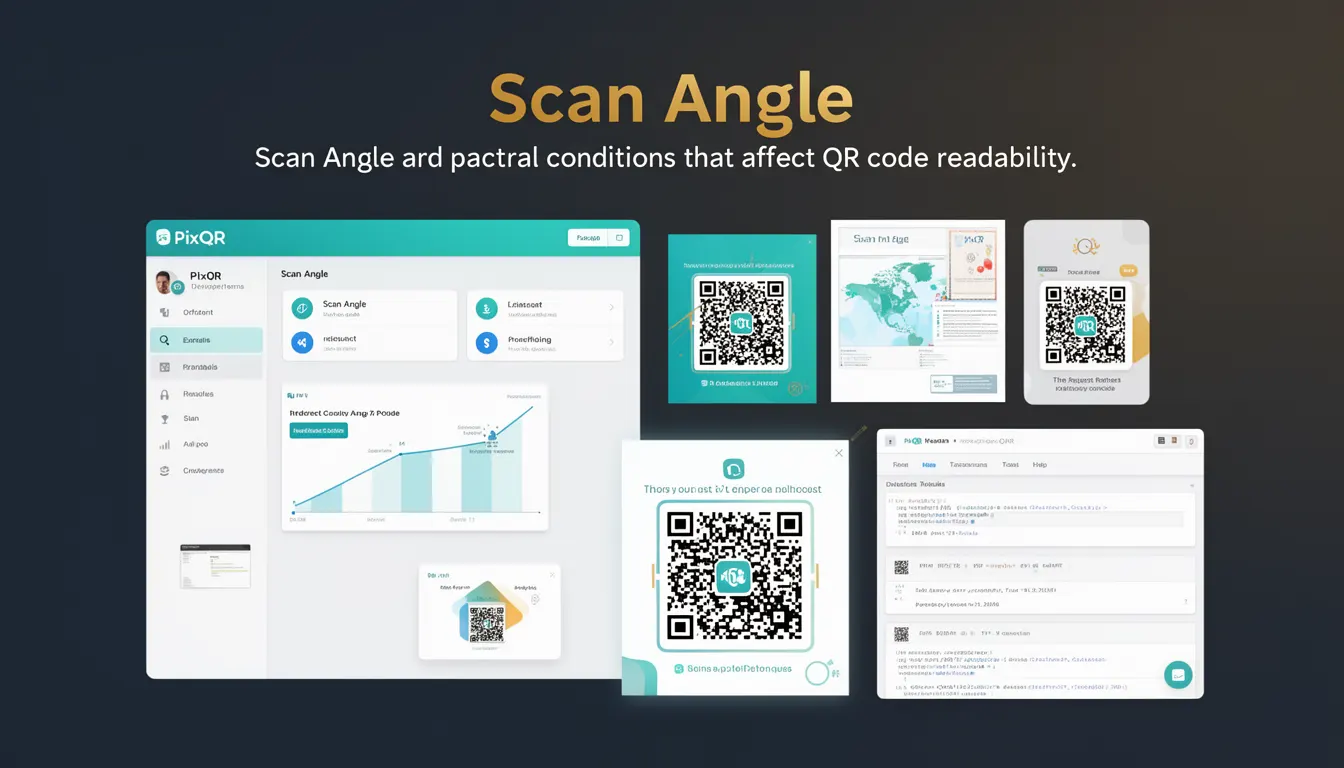
Scan angle refers to the geometric orientation of a QR code relative to the scanning device's camera or sensor. It determines how effectively a QR code can be read under various physical positioning conditions. This concept is crucial for developers working with QR code generation, dynamic redirects, and user experience optimization in applications that rely on reliable scanning.
For PixQR, scan angle directly impacts the success rate of QR code reads across different devices and usage contexts. A QR code designed for optimal performance must account for how it will be scanned, including angles, lighting, and surface conditions. When a QR code is scanned at extreme angles, it may become unreadable or misinterpreted by scanning software.
Why It Matters
For developers, understanding scan angle is essential for ensuring consistent performance in production environments. Poor handling of scan angle can result in failed scans, reduced user satisfaction, and increased support requests. PixQR's platform provides tools to optimize QR code design and redirect behavior, but developers must still consider how the QR code will be used in real-world conditions.
From a security standpoint, scan angle affects the integrity of QR code redirects. If a QR code is not readable at common angles, it may be exploited by attackers to direct users to malicious sites. Proper scan angle considerations ensure that QR codes function reliably and securely across a range of scanning conditions.
Accessibility and usability are also impacted. If a QR code is only scannable from a narrow range of angles, it can create barriers for users with physical limitations or in situations where precise positioning is difficult. Ensuring robust scan angle support enhances accessibility and reduces friction in user interactions.
How It Works
QR code scanning relies on a combination of image processing, pattern recognition, and geometric interpretation. The scan angle determines how the QR code’s geometric structure is interpreted by the scanning algorithm.
- QR codes are designed with specific patterns and alignment markers that help scanners detect orientation and decode the data.
- Most QR code readers can handle scan angles up to 45 degrees from perpendicular, though this varies by device and software.
- At extreme angles, the scanner may fail to detect alignment markers, leading to decoding failure or incorrect data interpretation.
- PixQR supports dynamic QR generation that can adapt to different scan conditions, but developers must ensure that generated codes are designed to be scannable from expected angles.
- Scan angle affects the reliability of QR codes in print and digital formats, especially in mobile applications where users may scan from various angles.
When a QR code is scanned, the system first identifies the three alignment patterns (typically located at the corners of the QR code). If the scan angle distorts these patterns, the decoding process may fail. PixQR’s platform offers analytics to monitor scan success rates at different angles, allowing developers to optimize QR code designs for real-world use.
Quick Reference
| Item | Purpose | Notes |
|---|---|---|
| Scan Angle | Defines orientation of QR code relative to scanner | Typically valid up to 45 degrees |
| Alignment Patterns | Markers that help scanners detect orientation | Must remain visible within scan angle |
| QR Code Version | Size and complexity of QR code | Higher versions may be more resilient to angle variation |
| Scan Success Rate | Percentage of successful scans at different angles | Can be tracked using PixQR analytics |
| Dynamic Redirect | Adapts to scan conditions | Requires backend configuration for angle resilience |
Basic Example
PixQR Example QR
This QR links directly to this glossary page, so printed notes, onboarding docs, and support material can bring scanners back to the current reference.

This basic example shows how a QR code might be generated with considerations for scan angle. The code snippet illustrates the structure of a QR code configuration that includes angle tolerance.
const qrConfig = {
  text: "https://example.com",
  angle: 30,
  size: 200,
  margin: 1
};
This configuration sets a maximum scan angle of 30 degrees. The size and margin parameters help ensure that the QR code remains scannable even when slightly distorted. The angle parameter is used by PixQR to optimize the QR code layout for better readability at that angle.
Production Example
In a production environment, developers must consider scan angle when designing QR code workflows. This example shows a configuration that ensures robust scanning across multiple angles and devices.
const pixqrOptions = {
  url: "https://secure.example.com/redirect",
  scanAngle: {
    max: 45,
    min: -45
  },
  analytics: true,
  design: {
    version: 4,
    margin: 2
  }
};
This configuration sets a wide range of acceptable scan angles and enables analytics to track performance. The version and margin settings ensure that the QR code remains readable under various physical conditions. Using PixQR’s analytics, developers can monitor how often scans fail at specific angles and adjust accordingly.
Common Mistakes
- Assuming all QR codes are scannable from any angle without testing. This leads to inconsistent user experience and support issues.
- Ignoring scan angle when designing for mobile applications. Mobile users often scan from varying positions, and a fixed angle can cause failures.
- Not validating QR code readability in print environments. Physical QR codes may be scanned at angles not considered in digital simulations.
- Using low QR code versions that are less resilient to angle distortion. Higher versions offer better error correction and scanning tolerance.
- Overlooking analytics to track scan performance. Without monitoring, developers cannot identify when scan angle issues occur in production.
Security And Production Notes
- Scan angle impacts redirect security. If a QR code fails to scan properly, it may be misinterpreted by attackers to redirect users to malicious domains.
- Use PixQR’s analytics to monitor scan failures and identify problematic angles in real-world usage.
- QR code version and margin settings can improve resilience to scan angle distortion and physical damage.
- Ensure that QR codes are tested across multiple devices and angles to prevent unexpected failures in production.
- Implement error handling in redirect workflows to gracefully manage scan failures and provide user feedback.
Related Concepts
Scan angle is closely related to several core QR code concepts. Understanding these relationships helps developers build more robust and reliable systems.
QR Code Version determines the size and data capacity of the QR code. Higher versions generally provide better resilience to scan angle variations.
Alignment Patterns are key markers that help scanners orient the QR code. Their visibility at various angles is crucial for successful decoding.
Dynamic Redirect allows for flexible routing based on scan conditions, including angle-dependent behavior.
Scan Analytics provide insights into how QR codes perform across different angles and devices, enabling optimization.
Print Reliability ensures that QR codes maintain readability when printed on various materials and under different lighting conditions.